Перейти к содержимому
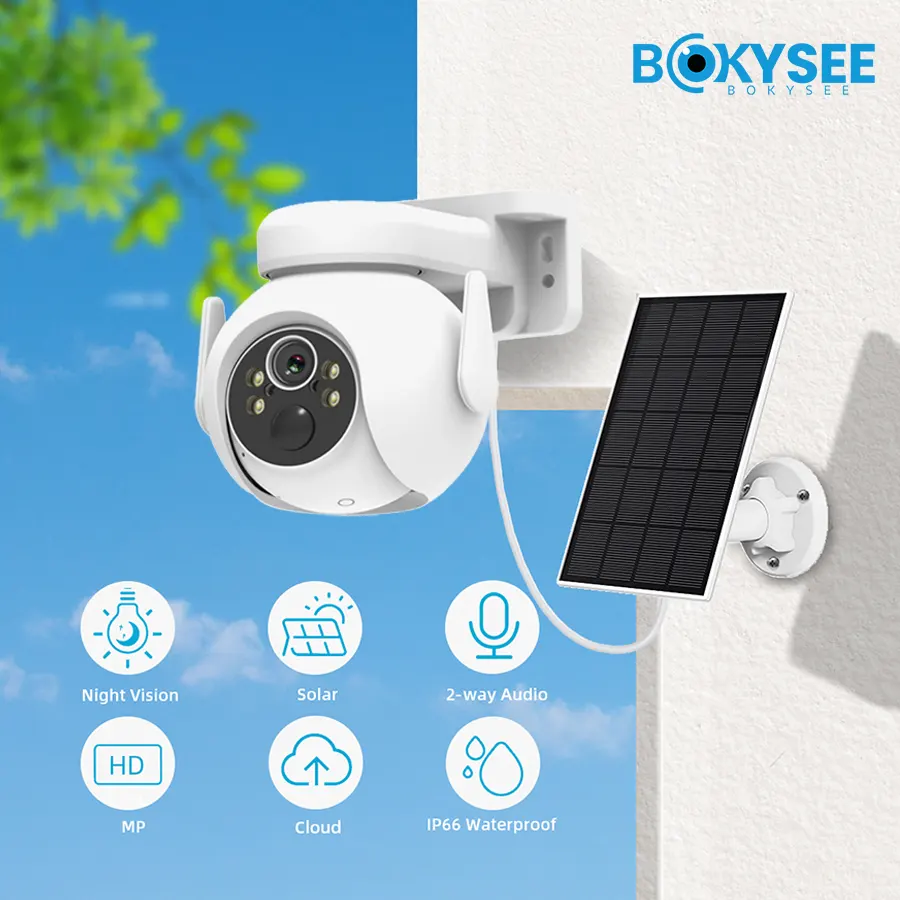
Solar security camera planning starts with matching the camera’s energy use to its panel and battery. An undersized system may work in sunny weather but lose power during cloudy periods. Camera specifications, recording settings, and local sunlight all affect the result.
A practical plan covers daily energy use, solar charging, battery backup, and video storage. Recording mode, network access, and footage retention should be confirmed before equipment is selected.
How Solar Security Camera Systems Work
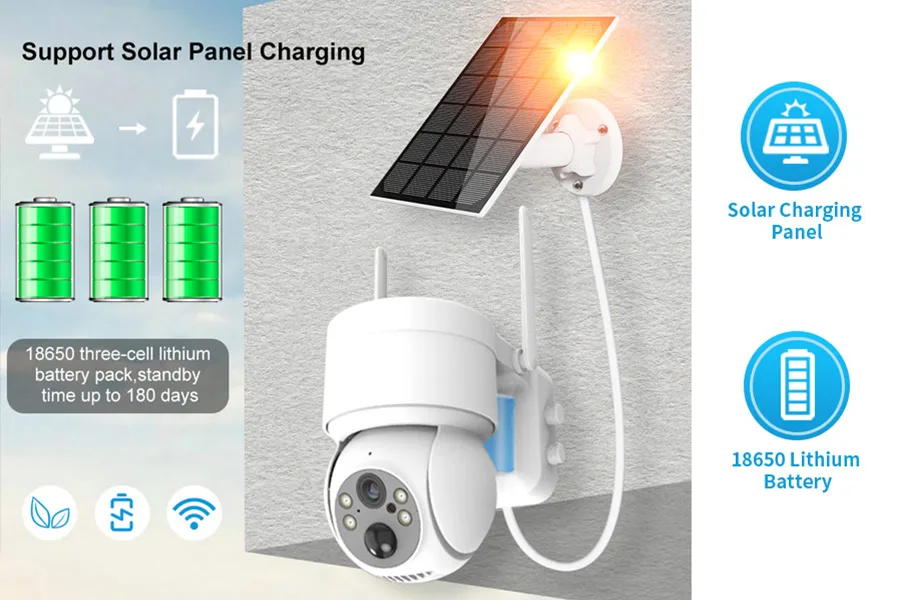
A solar panel charges a battery during the day, and the battery powers the camera and its recording through the night and the bad weather.
Solar Panels, Batteries and Camera Power
The three parts form a closed loop: the panel harvests солнечная энергия, the battery stores it, and the camera draws it down for imaging, recording, and the wireless link. Sizing each part for the other two is the whole job of planning, because a mismatch in any direction wastes money or cuts runtime.
Standalone Solar Cameras vs. Separate Solar Systems
Some cameras build the panel and battery into one unit, while others use a separate panel and battery box wired to the camera. The all-in-one design is simpler to install, while the separate design can be sized up for a hungrier camera or a darker site. The choice depends on how much energy the camera needs and how exposed the site is.
Continuous Recording vs. Event-Based Recording
The recording mode sets the energy budget more than any other setting. Continuous recording keeps the camera active around the clock, while motion-triggered recording lets it sleep between events. Most solar cameras are designed for event-based recording, and forcing continuous capture is the fastest way to outrun the panel, so the mode is chosen before the panel is sized.
How to Calculate Solar Power Requirements

Start from the daily energy use, then size the panel to replace it, with margin for the worst month of the year.
Estimating Daily Camera Energy Consumption
The first number is watt-hours per day: how much the camera draws across a full day of recording, alerts, and idle time. The specification sheet gives a power draw, and multiplying it by the active hours plus the idle hours produces a daily figure. This is the demand the panel and battery must both cover, and it is the anchor every later decision hangs from.
Choosing Solar Panel Wattage
The panel must harvest at least the daily consumption in a realistic number of sun hours. A panel that only just matches a sunny day falls behind the moment the weather turns, so the wattage should leave headroom. The exact peak-sun calculation for a location is covered in our guide to how much sunlight a solar camera needs, and it is the step most planners skip.
Accounting for Peak Sun Hours and Seasonal Changes
A location does not get the same sun all year, and the panel output drops in winter with shorter days and a lower sun angle. The system should be sized for the worst month it will face, not the best, because that is when a camera either keeps working or goes dark. The seasonal swing is the hidden variable in most underbuilt systems.
Allowing for Power Losses and Conversion Efficiency
No panel delivers its full rated output to the battery: wiring, the charge controller, and the battery itself each lose a little. A planning margin of twenty or thirty percent over the raw calculation absorbs those losses and the gap between a clean panel and a dusty one. The system keeps its reserve through the season.
How to Size Batteries for Solar Cameras
The battery is the reserve tank: it must hold enough energy to carry the camera through the nights and the cloudy stretch.
Calculating Daily Battery Energy Needs
The battery must store enough to run the camera from dusk to dawn, when the panel produces nothing, plus the idle power the camera draws even when it is not recording. That nightly draw is the base the battery is sized to cover. It is a fixed number once the camera and its settings are chosen, so it is worth getting right before ordering any hardware.
Planning Backup Days for Cloudy Weather
The backup period should reflect local weather and the site’s tolerance for downtime. For example, three backup days means enough usable battery energy to cover three full days without solar charging. Recovery time is determined by the energy depleted and the charging power available after the camera’s daily needs are met.
Understanding Battery Capacity and Depth of Discharge
Battery capacity is quoted in watt-hours or amp-hours, and only part of it should be used each cycle. Draining a lithium battery too deep shortens its life, so the usable capacity is a fraction of the label. Sizing against the usable capacity, not the headline number, keeps the battery healthy for years instead of months.
Battery Performance in Hot and Cold Conditions
Cold reduces the usable capacity a battery can deliver, and heat ages it faster, so the site climate changes the effective size. A battery that is marginal in summer can fail in winter, which is why the calculation uses the cold-weather capacity rather than the ideal one. The climate is part of the specification, not a footnote.
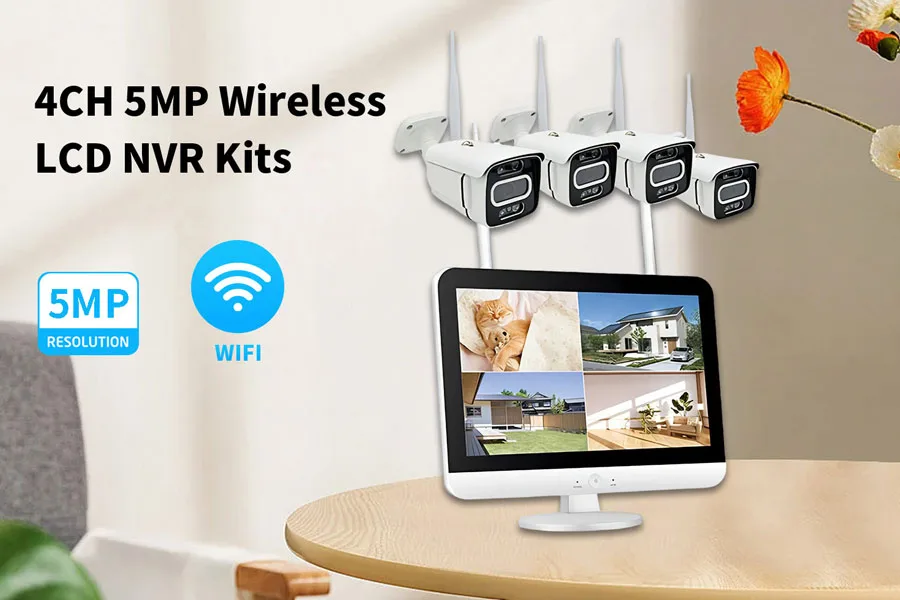
Sourcing solar cameras for off-grid projects? Bokysee supplies solar battery cameras and 4G NVR kits sized for the site, with bulk pricing for OEM and ODM buyers.
Explore OEM/ODM Solutions →Planning Connectivity and Video Storage
Power is only half the plan: the camera also needs a path to the internet and a place to keep its footage.
Wi-Fi, 4G/LTE and Other Connectivity Options
The connection decides where the camera can be placed and how much energy the radio draws. Wi-Fi suits sites near a network, while 4G/LTE removes the need for local infrastructure and works anywhere with coverage. A cellular link draws more power and carries a data cost, so it belongs in the energy budget alongside the camera itself.
SD Card and NVR Storage Requirements
A solar camera usually records to a microSD card inside the unit, which keeps the footage local and the energy draw low. Larger sites may add an NVR that several cameras record to, and the storage is sized to the retention the site needs. Recording settings are chosen together with the power plan, because they drive both energy and storage at the same time.
How Recording Settings Affect Energy Consumption
Resolution, frame rate, and clip length each move the energy draw, and lowering them extends runtime just as much as a bigger battery would. Matching the settings to what the site actually needs, rather than leaving defaults, is the cheapest way to stretch a solar system, and it also lightens the storage load.
Remote Monitoring and Data Usage
Remote viewing sends footage over the network, and on a 4G link that traffic counts against the data plan. Alerts and short clips are light, but constant live streaming is not, so the plan should match how the site will actually be watched. Checking the monthly data allowance against the expected clip volume avoids an overage charge.
Solar Security Camera Deployment Checklist
Run the checklist before mounting anything, and the first installation is the one that keeps working.
Evaluating Sunlight and Installation Location
Walk the site and confirm the mounting spot gets direct sun for most of the day, with no new shade from buildings or trees. A spot that looks clear in spring can be shaded by summer growth, so the check should account for the whole year rather than the day of the survey.
Positioning Panels to Reduce Shading
Angle the panel toward the midday sun for the hemisphere and keep it clear of dirt and debris. Even partial shading on a corner of a panel can cut output sharply, so the position matters as much as the panel size. A well-placed but dirty panel underperforms a smaller clean one.
Planning Maintenance and Battery Replacement
The panel needs cleaning, and the battery is a wearing part with a limited life. Planning those visits up front, rather than after the camera goes dark, keeps the site covered and spreads the cost predictably. A battery swap on a schedule is cheap; a battery that dies by surprise takes the camera down with it.
Testing Runtime Before Full Deployment
Deploy one unit and watch it through a week that includes cloud and cold before rolling out the rest. A single camera in real conditions reveals a sizing mistake cheaply, where a full rollout hides it until every unit fails together. The recovery from that is far more expensive than the pilot.
The full system-design math, including panel and battery sizing for a complete off-grid setup, is laid out in our guide to designing an off-grid solar security system.
Frequently Asked Questions About Solar Security Camera Planning
How much solar power does a security camera need?
It depends on the camera draw, the recording mode, and the site sun hours. The panel must replace the camera daily energy use with headroom for cloudy days and system losses, and the answer comes from the watt-hour calculation rather than a fixed wattage.
How long can a solar security camera run without sunlight?
Estimated runtime is usable battery energy in watt-hours divided by daily energy use in watt-hours. Recording activity, temperature, and battery condition can change the result. Backup duration should be calculated for the selected system rather than assumed to be one to three days.
Can solar security cameras record continuously?
They can, but continuous recording uses far more energy than motion-triggered capture, so the panel and battery must be much larger. Most solar cameras are designed around event-based recording.
What size battery is needed for a solar security camera?
The battery must cover the nightly draw plus the planned backup days, sized against the usable rather than the label capacity. The exact size follows from the daily energy use and the local weather, not from a one-size-fits-all chart.
How much storage does a solar security camera need?
A microSD card is the common choice for a single camera, with the size set by the recording mode and retention. Sites with several cameras can use an NVR instead of cards in each unit, and the storage is sized together with the power plan.
How do I keep a solar camera working through cloudy weather?
Size the battery for backup days, keep the panel clean and unshaded, and ease the recording settings during long overcast spells. Those three together carry the camera through the grayest stretch, and they are planned in advance rather than improvised mid-storm.
Заключительные мысли
A solar security camera is a power system, and the planning matches any off-grid install. Size the panel to the daily draw, size the battery to the bad weather, and tune the recording to both. Skip the calculation and the camera works beautifully until the first cloudy week, then it goes dark when the site needs it most.
Model the panel, the battery, and the recording schedule together, then test one unit in the real conditions before committing the rest. Бокизее makes solar cameras and 4G NVR kits for off-grid sites, with OEM and ODM options for branded projects.







 Russian
  English
  Spanish