Skip to content
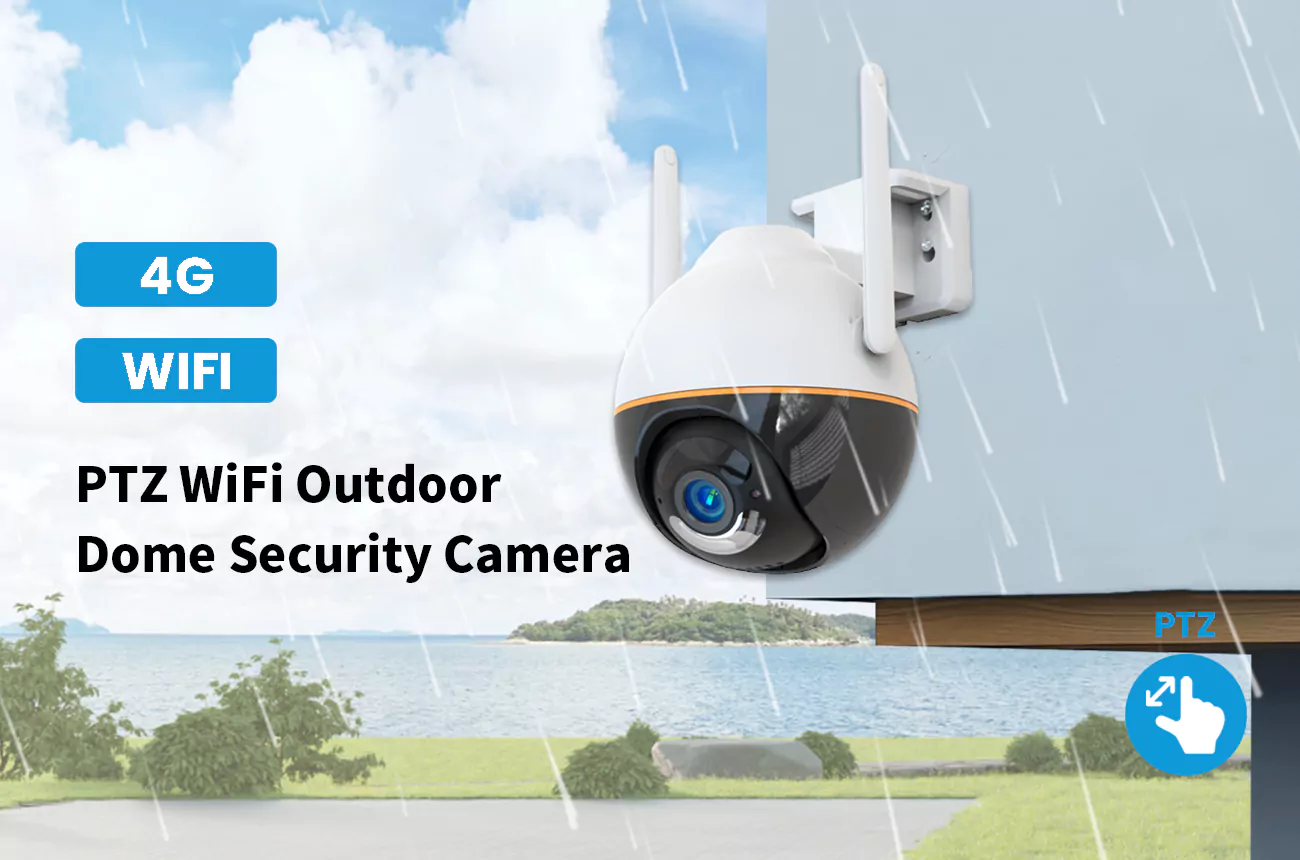
Retail store security cameras help deter theft, document checkout activity, and provide footage for reviewing incidents. Effective coverage connects entrances, registers, aisles, and stockrooms with camera types suited to each area.
For installers and distributors, a closed-circuit television system plan brings together image quality, placement, recording capacity, and remote access requirements to support accurate project quotes.
Why Retail Stores Need a Security Camera System
Stores use cameras for three jobs at once: stopping theft, protecting staff, and settling disputes.
Reducing Shoplifting and Inventory Loss
Shoplifting is the obvious reason, and visible cameras are the cheapest deterrent a store can install. A would-be thief who sees a camera is more likely to move on, which means the equipment pays for itself without ever recording an incident. The footage that is captured also turns shrinkage disputes with suppliers into resolvable facts.
Beyond the floor, cameras tie into loss-prevention routines the owner may not have had before. These include a daily check of the registers, a monthly walk of the aisles, and a record of who entered the stockroom. Each of those habits becomes measurable once the video is there to support it.
Monitoring Checkout and Cash Handling
The register is where honest mistakes and deliberate theft both concentrate. A camera aimed at the checkout area records every transaction, so a short drawer or a disputed refund can be checked against the video. For a business owner who cannot be on the floor all day, that view is the closest thing to being there.
Improving Store Operations and Incident Review
Beyond loss, the same system shows how the store actually runs: where customers queue, which aisles get traffic, and whether staff follow the closing routine. Reviewing that footage helps a manager fix layout and staffing, so the surveillance pays off in operations, not only in security.
Where to Install Security Cameras in a Retail Store
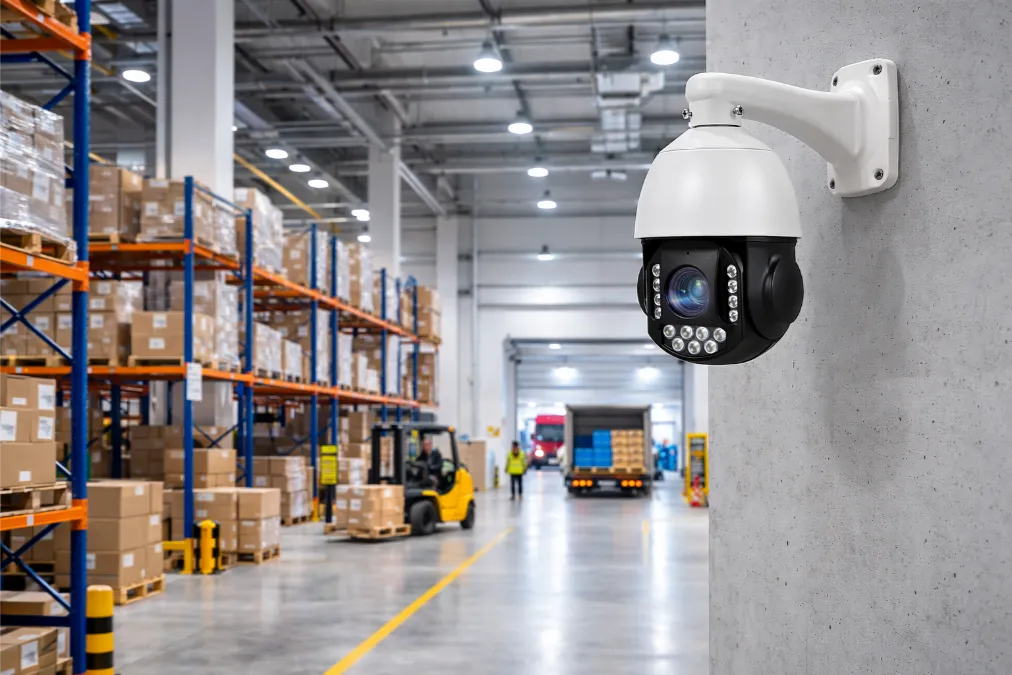
Coverage should follow the money and the doors, not just the widest part of the room.
Store Entrances and Exits
Every door needs a camera that captures faces clearly as people enter and leave. Entry footage is the backbone of an investigation, because it ties a person to a time and a direction of travel. Mount the camera high enough to avoid being blocked, but close enough to get a recognizable face rather than a hat brim.
Checkout Counters and Point-of-Sale Areas
The register area deserves a dedicated view that reads the counter, the drawer, and the customer at once. A slightly angled position that includes both the clerk hands and the goods being bagged is more useful than a straight overhead shot. This is also where a camera with audio can settle arguments over what was said.
Aisles, Shelves and High-Value Merchandise
High-value displays and blind corners get their own coverage, because a wide store view cannot read a label or a face at the far end. Aiming cameras down key aisles and across expensive merchandise creates the detail needed to identify a shoplifter after the fact.
Stockrooms and Loading Areas
Back-of-house theft is quieter than floor theft and often bigger, because staff and delivery drivers move through it daily. Stockroom and loading dock cameras record who took what and when, and they protect the store against collusion between employees and outsiders.
Types of Security Cameras for Retail Stores
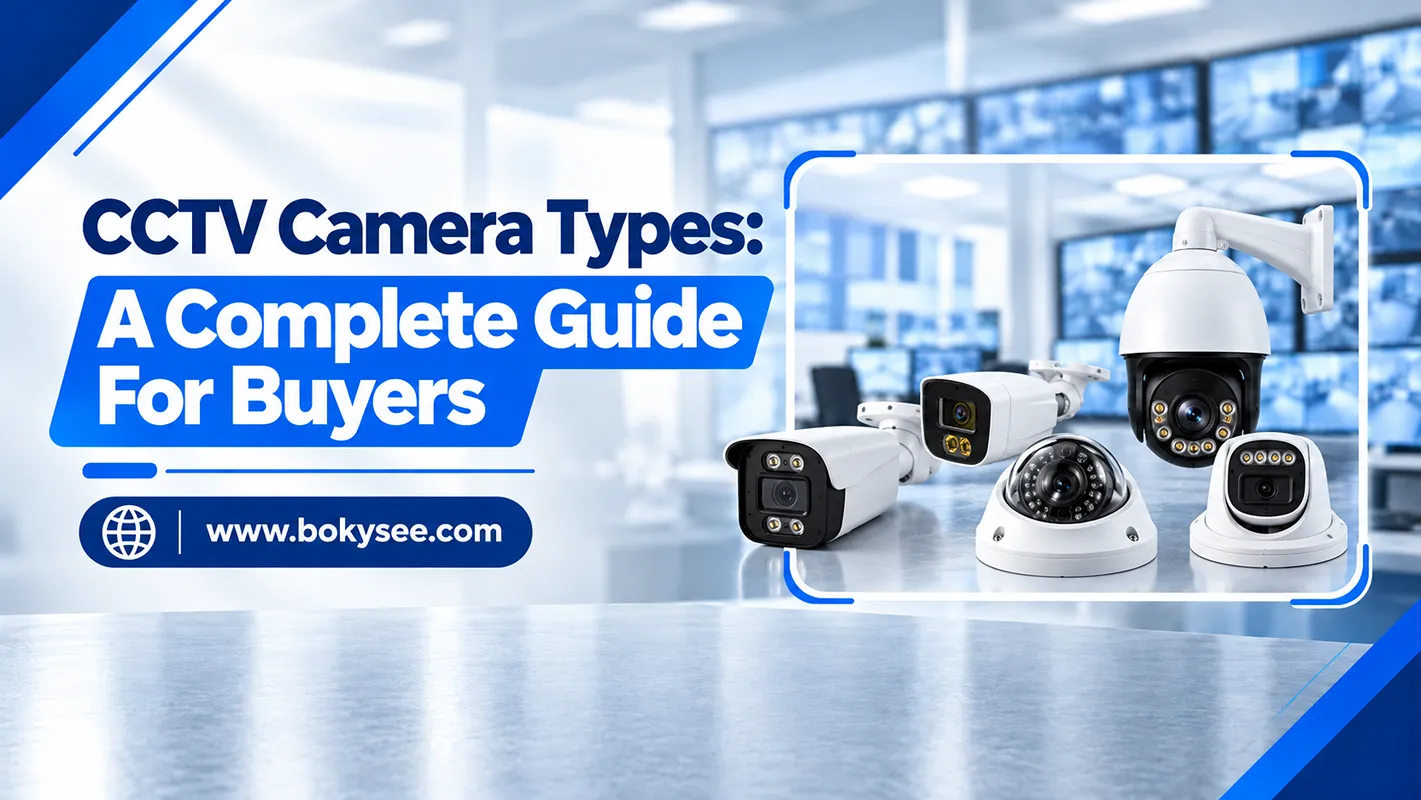
Most stores combine a dome for the floor, a bullet for the doors, and a PTZ for the wide open space.
Dome Cameras for Indoor Coverage
Dome cameras are the retail standard indoors. The housing hides which way the lens is pointing, and the vandal-resistant versions shrug off a broom or a thrown object. They blend into the ceiling, cover a wide angle, and are easy to mount above aisles and counters, which is why they show up in nearly every store plan.
Bullet Cameras for Entrances and Outdoor Areas
Bullet cameras are shaped for a long, straight view, which makes them the natural choice for entrances, loading docks, and outside walls. Their weather-sealed housings handle rain and dust, and the visible barrel shape is itself a deterrent to anyone approaching the door. Pointing one straight down the entry path captures a clean face-on view that a dome on the ceiling would miss.
PTZ Cameras for Large Retail Spaces
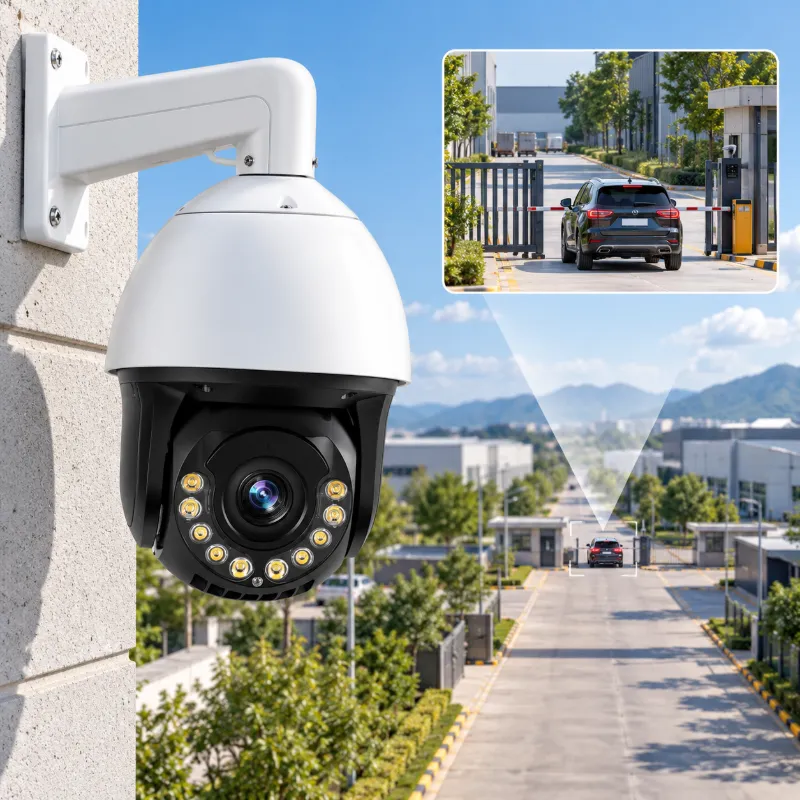
PTZ cameras let operators adjust the viewing direction and optical zoom during live monitoring. In larger stores, they provide broad views of open sales floors and closer views of selected displays or activity. Preset positions help staff move quickly between key areas during routine monitoring and incident response.
Cameras with People and Vehicle Detection
AI detection separates a person or vehicle from ordinary movement, which cuts the false alerts that make staff ignore the system. For a store that gets deliveries at night or foot traffic near a door, detection that ignores stray cats and passing shadows keeps notifications meaningful. The system stays armed instead of being muted out of annoyance.
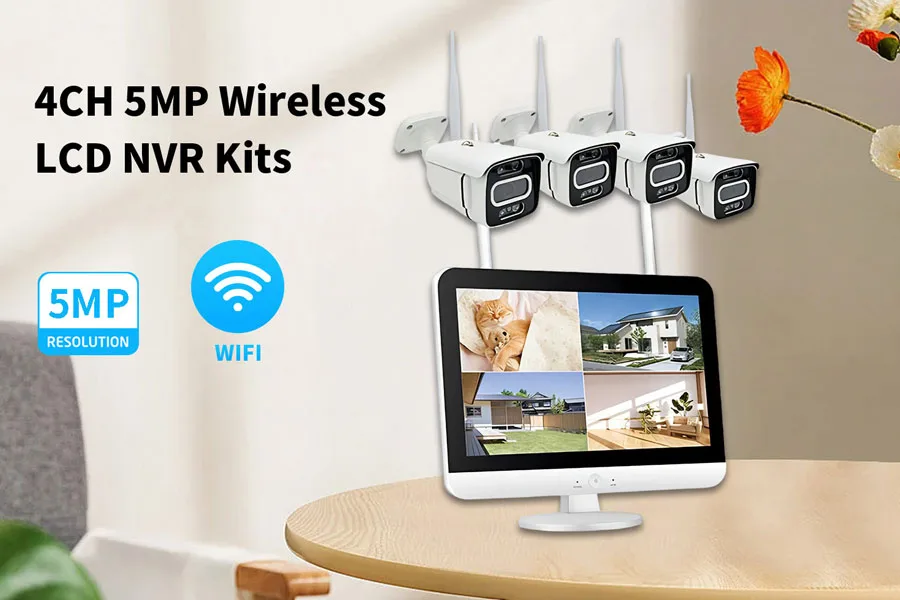
Building retail surveillance for a single shop or a chain? Bokysee manufactures dome, bullet, PTZ, and AI detection cameras for OEM and ODM projects, with bulk pricing for distributors.
Explore OEM/ODM Solutions →Key Features to Consider When Buying Retail Cameras
The feature list matters only where it changes what the owner can actually do with the footage.
Resolution and Identification Details
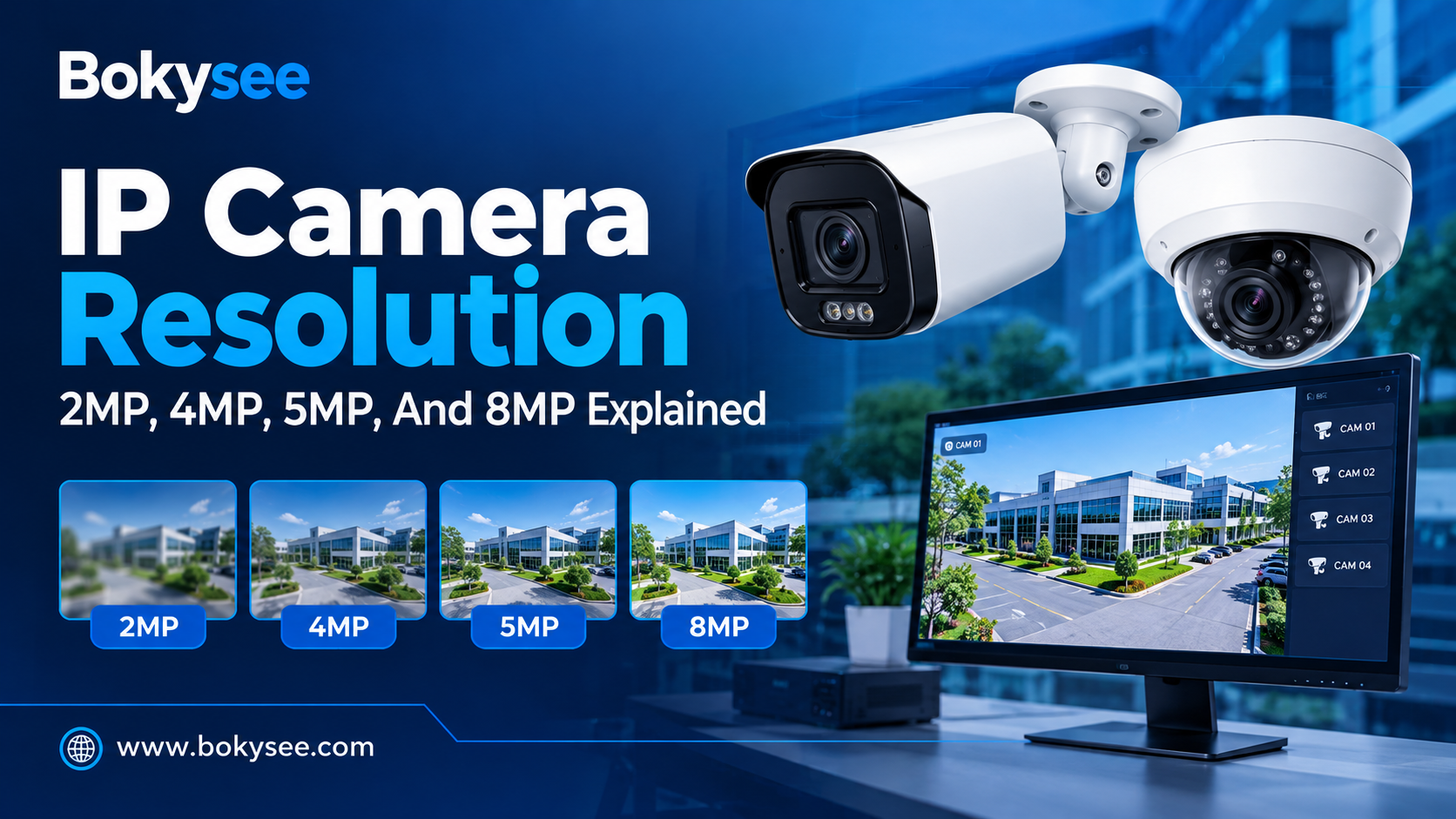
Resolution decides whether the footage identifies a face or only suggests a shape. For a register or an entrance, enough pixels to read features and label text is the target. The guidance on matching megapixels to distance is covered in our article on best megapixels for security cameras.
Low-Light Performance and Night Recording
Retail rarely goes fully dark, but after-hours lighting is dimmer than the daytime floor. Cameras with strong low-light performance or full-color night vision keep recording useful detail overnight, when a break-in or an employee incident is most likely to happen. Full-color night vision goes a step further and keeps color detail after dark, which matters when a stolen item color is the identifying clue.
Recording Capacity and Video Retention
How long the store keeps footage is a policy question as much as a hardware one. A week is common, while stores that face frequent claims may hold thirty days. The recorder and storage must be sized to the retention window, not to the default that ships with the box.
Remote Monitoring and System Integration
Owners of one store or several want to check the live view from a phone and pull a clip without driving to the site. A system that records locally and offers remote playback through an app covers both, without forcing the whole archive into a subscription. The ability to share a clip with a manager or the police in minutes, rather than scheduling a site visit, is worth more than any single camera feature.
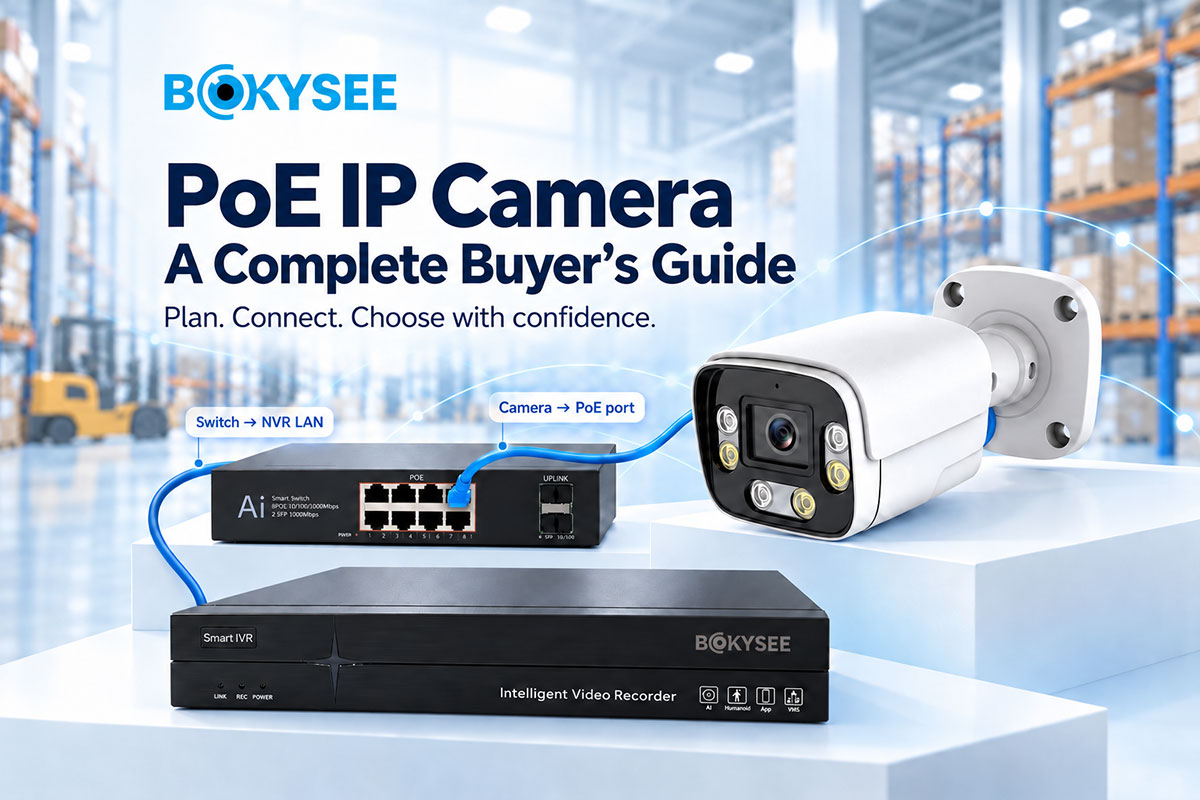
For a single-site build, the choice between an IP system and a wireless setup changes the wiring and the cost. Our comparison of PoE versus WiFi cameras for installers walks through that decision.
Planning a Retail Surveillance System

Plan coverage before buying, then add the cameras the layout actually needs.
Estimating Camera Quantity and Coverage
Start by counting doors, registers, and high-value zones, then add cameras to close the gaps between them. A practical rule is one camera per entrance and per register, plus enough coverage that a person walking the store perimeter stays in view of at least one lens. Walk the floor with a floor plan, mark every blind corner, and arrive at a number the store can justify rather than a figure taken from a catalog.
Choosing Between IP and Existing CCTV Infrastructure
A store with working coax cable can keep that wiring and upgrade the cameras and recorder, while a new build or a renovation usually goes straight to IP. Matching the system to what is already in the walls saves the largest single line in the installation budget.
Planning Storage, Network Capacity and Installation Costs
Every camera feeds the network and the recorder, so the plan must account for both, along with the labor to run cable and mount the units. Missing the network or storage in the initial quote is the most common way a retail project runs over budget.
A useful budget order is cameras first, then the recorder and drives, then cabling and switches, and finally installation labor. Separating the items this way shows the owner exactly where the money goes and makes it easier to trim the spec without cutting coverage.
Scaling Surveillance Across Multiple Locations
A chain needs one way to view every store, not a different system at each address. Choosing equipment that centralizes remote access from the start means the tenth store plugs into the same dashboard the first one did, instead of forcing a migration later. Standardizing the camera model and the recorder also makes spare parts and training simpler, which a growing chain appreciates far more than a mixed bag of hardware.
Frequently Asked Questions About Retail Store Security Cameras
How many security cameras does a retail store need?
Most stores place one camera at each entrance and each register, plus enough dome cameras to cover aisles and high-value displays. A small shop may need four to six units, while a larger store can reach a dozen or more, depending on the layout and blind corners.
What type of camera is best for a retail store?
Dome cameras are the standard for indoor sales floors, bullet cameras suit entrances and outdoor areas, and PTZ cameras cover large open spaces. Many stores combine all three for complete coverage.
What resolution is best for retail security cameras?
Enough to identify a face at the viewing distance is the goal, commonly 4MP or higher for entrances and registers. The exact choice depends on distance and lighting, and matching resolution to the area keeps storage manageable.
How long should retail stores keep surveillance footage?
A week to thirty days is typical, with longer retention for stores that face frequent disputes or insurance claims. The recorder and storage are sized to the retention window the store actually needs, and the window should be set before buying.
Can retail security cameras integrate with an existing NVR?
Yes. IP cameras connect to a compatible NVR, and cameras that follow the ONVIF standard work across brands, which lets a store add units to an existing recorder instead of replacing the whole system.
Can security cameras be installed near checkout counters?
Yes, and the register is one of the most important positions to cover. Cameras aimed at the counter record transactions and resolve drawer shortages and customer disputes.
Final Thoughts
Retail store security cameras earn their keep through deterrence, evidence, and better operations, not through the number of lenses on the ceiling. Cover the doors and registers first, then extend coverage to aisles, stockrooms, and the loading area.
Plan the layout before buying, match the resolution to the distance, and make sure remote access and retention are part of the spec. Bokysee builds dome, bullet, PTZ, and AI detection cameras for retail deployments, with OEM and ODM options for branded stores. Get a retail quote matched to your layout.





 English
  Spanish
  Russian