Skip to content
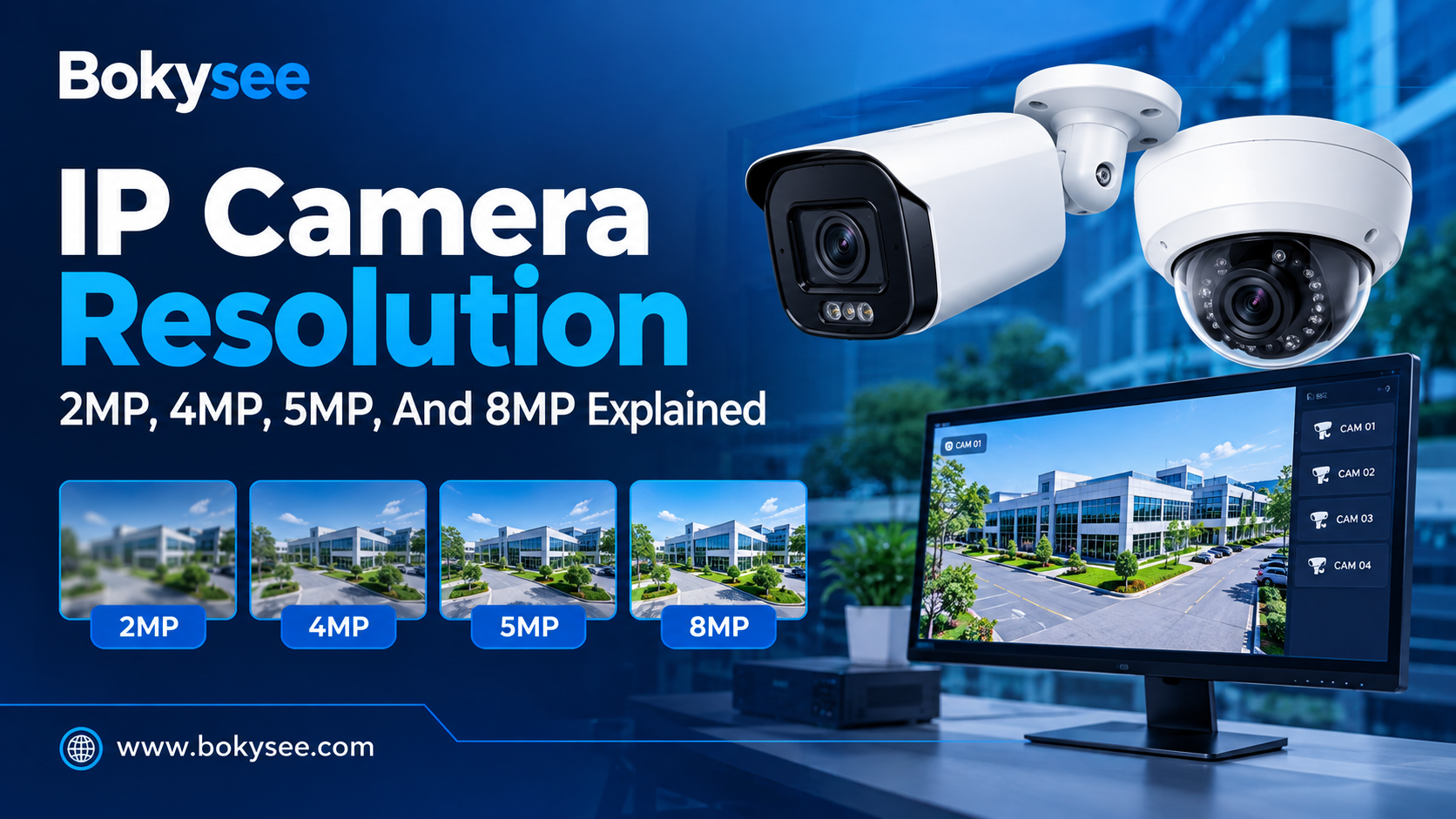
Quick Summary: Which IP Camera Resolution Is Best?
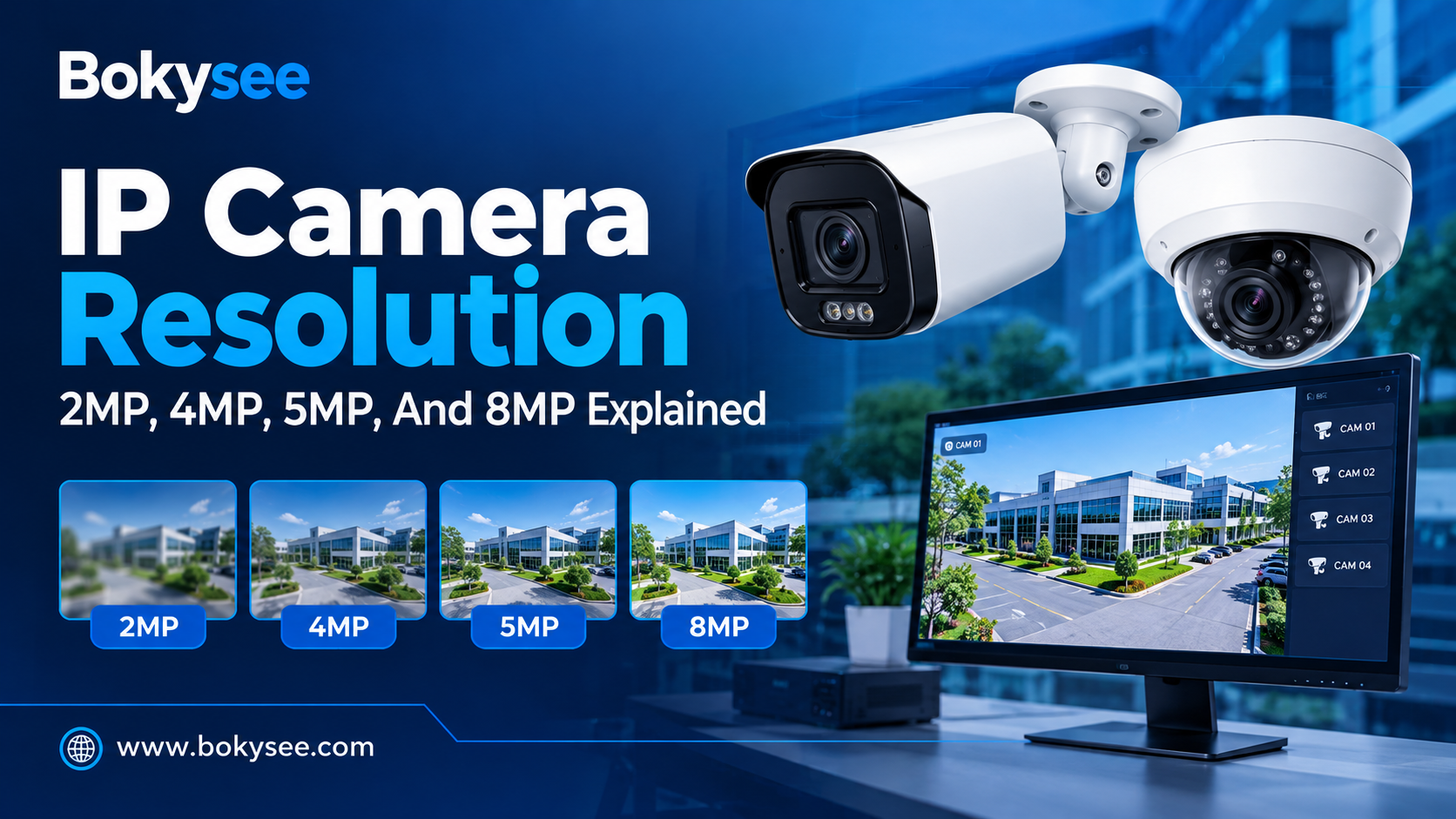
The best IP camera resolution depends on your security needs, viewing distance, and budget. A 2MP camera works well for basic monitoring, while 4MP offers a good balance of image quality and cost. A 5MP camera captures more detail, and an 8MP (4K) camera is ideal for applications that need clearer images.
| Resolution | Best For | Main Advantage |
|---|---|---|
| 2MP (1080P) | Homes, small rooms, hallways | Affordable, lower storage needs |
| 4MP (1440P) | Shops, offices, entrances | Good balance of detail and cost |
| 5MP | Retail stores, outdoor areas | More image detail |
| 8MP (4K) | Warehouses, parking lots, large projects | High resolution and better digital zoom flexibility |
Our recommendation: For most everyday security projects, 4MP or 5MP is a practical choice. Choose 8MP when you need more detail, but remember that lens quality, lighting, and camera placement are just as important as resolution.
The resolution of an IP camera impacts the ability to detect facial recognition, objects, and other such details from the video captured by a security camera. Resolution is the measure of the number of pixels in an image.
The different options that exist are 2MP, 4MP, 5MP, and 8MP cameras. Different cameras have different resolutions and costs of the system. Higher resolutions will provide better image quality, but this will require more bandwidth and storage space.
In these guide, we will cover the differences between these two resolutions and their impacts on image quality, storage of recordings, and performance in surveillance activities. We will also help consumers in choosing the right IP camera for residential, commercial, office, factory, parking lot, or any other security application.
What Does IP Camera Resolution Mean?
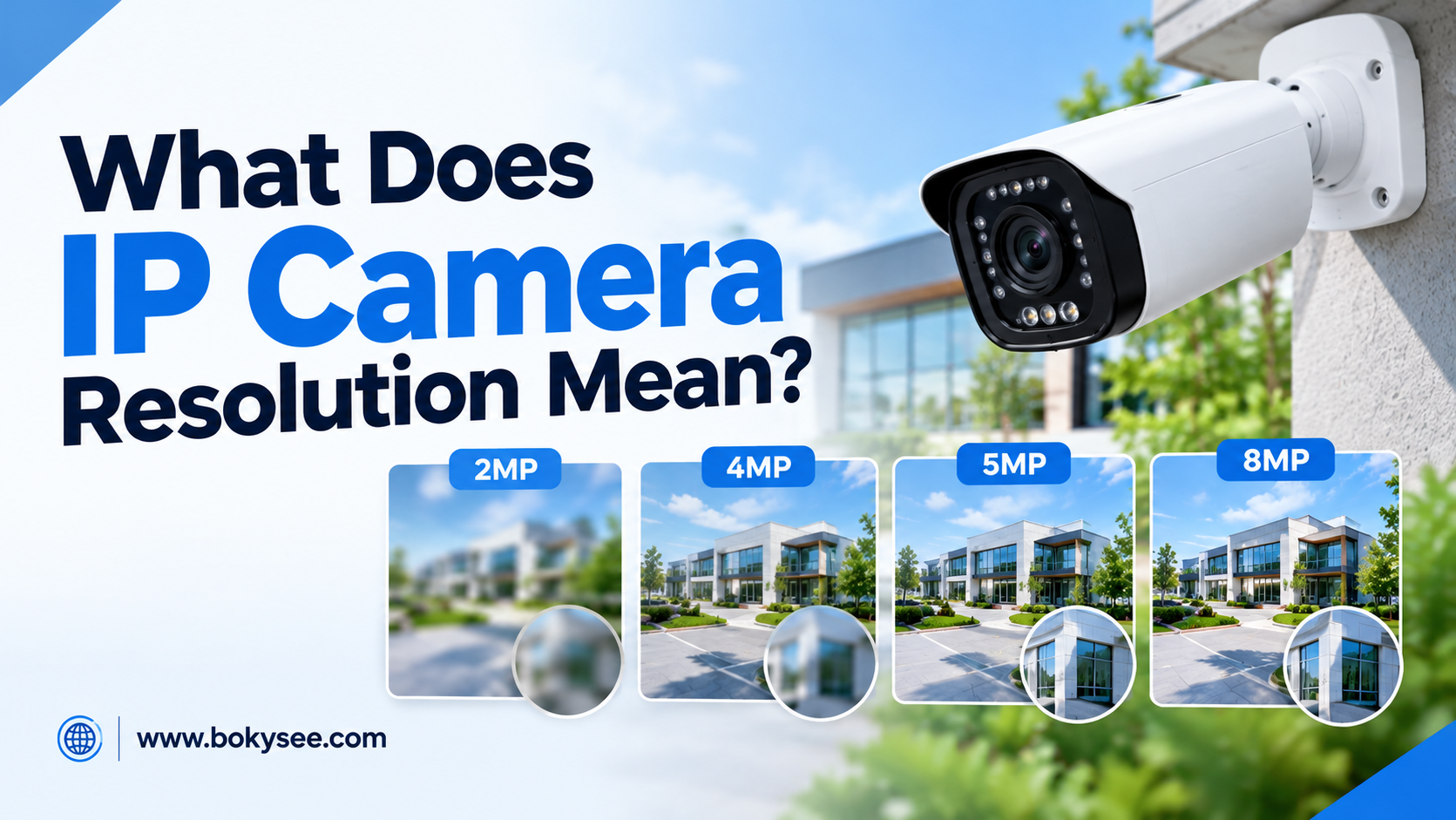
An IP camera resolution represents how many pixels are used for producing an image. This metric gives buyers some idea of how much detail can be captured by a particular camera.
But resolution is not the sole element defining the camera’s performance. The quality of lens, lighting, camera construction, and its positioning may play important roles too.
What Are Megapixels in an IP Camera?
The pixel is a picture element which is a component part of an image made digitally. Megapixels mean about one million pixels. An IP camera with more megapixels is capable of receiving more image data when other conditions are good enough.
A 2MP camera usually shoots full HD video, while 4MP and 5MP cameras provide more pixels. 8MP cameras are able to receive even more image data and to shoot 4K UHD videos. The numbers mentioned above denote only image resolution but not the quality of an image. A good 4MP camera may give better video quality than a bad 8MP camera.
Common IP Camera Resolution Dimensions
IP camera resolution is often described using horizontal and vertical pixel counts. The following table shows common examples. Actual dimensions may vary by model, aspect ratio, and recording settings.
| Camera resolution | Common image dimensions | Approximate pixel count |
| 2MP | 1920 × 1080 | 2.07 million |
| 4MP | 2560 × 1440 | 3.69 million |
| 5MP | 2592 × 1944 | 5.04 million |
| 8MP | 3840 × 2160 | 8.29 million |
Is Higher Resolution Always Better?
Higher resolutions mean more details being captured, especially where the subject occupies sufficient space in the frame. They also allow more room for editing during the reviewing process. Nevertheless, higher resolution can’t make up for any problems arising from bad focusing, bad lighting, or inappropriate lenses.
Both subject distance and field of view matter just as much. The same high-resolution camera that is covering a large area might reveal fewer details in the face of a person who is further away compared to another lower resolution camera capturing images at closer proximity.
2MP Vs 4MP Vs 5MP Vs 8MP
These aspects can be affected by the differentiating features of 2MP, 4MP, 5MP, and 8MP cameras. The choice will depend on the size of the space under surveillance and the distance to the objects that are to be observed.
2MP IP Camera: Affordable Full HD Surveillance
The resolution of an ordinary 2MP IP camera is 1920 × 1080. Such cameras can be used for simple indoor surveillance, corridors, smaller rooms, and general security needs. The low data rate might assist in saving on storage space and bandwidth.
Thus, 2MP cameras represent a good option for those who have budget limitations. Nevertheless, these cameras might be not sufficient in cases of distant objects or broad coverage of the territory by the camera.
It is recommended to check how detailed the picture is before purchasing such equipment.
4MP Security Camera: A Balance Between Detail and Cost
A 4MP Security Camera usually provides 2560 × 1440 resolution. It records more pixels compared to 2MP and can deliver extra information in case the proper lens, light, and position are used. Therefore, it may be applied to offices, stores, small businesses, and entrances to buildings.
The 4MP is a great balance between quality and the needed resources. It might need more bandwidth and storage capacity compared to a 2MP Camera, but it depends on factors like bitrate, frame rate, and compression ratio.
The users should compare both by themselves using actual footage and total cost of the system.
5MP IP Camera: More Detail for Selected Applications
Typical 5MP IP cameras will have an image size of 2592 by 1944 pixels. This implies that the 5MP camera has higher total pixels than a regular 4MP camera, and it is best suited for use in retail areas, outdoor areas, and where additional data from the image is required.
It is important to note that not all 5MP cameras will be configured to offer images of the same dimension or with the same aspect ratio.
There are some cameras whose images are relatively taller and this can be advantageous in some viewing conditions.
8MP Security Camera: High-Detail 4K Surveillance
An 8MP security camera often records in 3840 x 2160 pixels for 4K UHD. This kind of security camera will be able to record high-quality videos of entrances, loading docks, bigger commercial facilities, and other such places.
However, the extra pixels on an 8MP security camera can give you greater options when it comes to cropping. But it must be kept in mind that cropping of video does not add any details that were missed by the camera.
An 8MP security camera requires good lighting, focus, and lens performance.
Quick Comparison of 2MP, 4MP, 5MP and 8MP Cameras
This table summarizes the typical differences between common IP camera resolutions. It provides a starting point for comparing products, rather than a guarantee of performance.
| Comparison factor | 2MP | 4MP | 5MP | 8MP |
| Common resolution | 1080p | 1440p | 5MP format | 4K UHD |
| Detail potential | Basic | Higher | Higher | Highest of these options |
| Storage demand | Generally lowest | Higher | Higher | Generally highest |
| Bandwidth demand | Generally lowest | Higher | Higher | Generally highest |
| Typical positioning | Budget | Mid-range | Detail-focused | High-detail |
How Resolution Affects Image Quality?
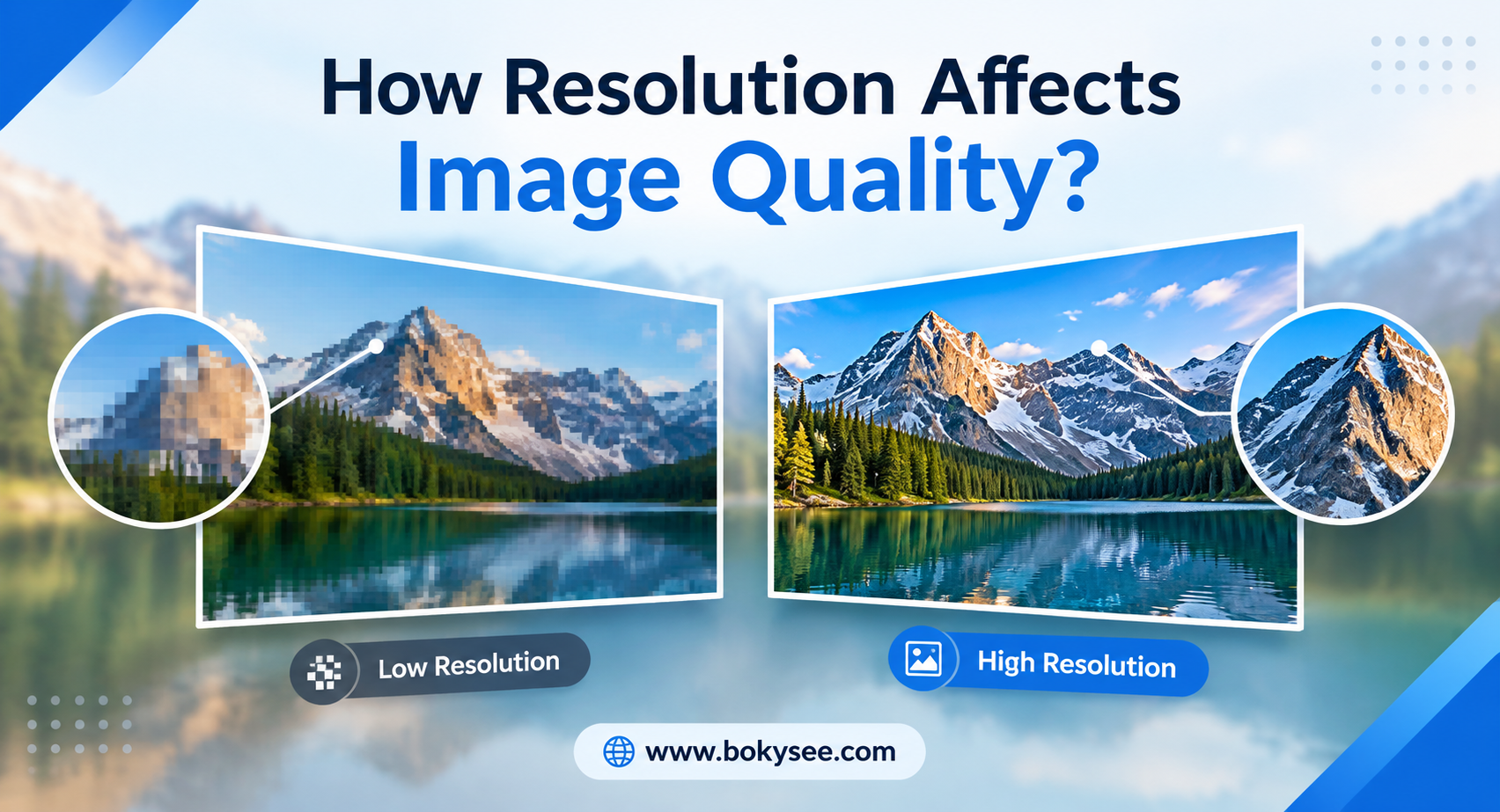
Camera resolution will impact the details that are available for real-time viewing and recording. The actual output will depend on how the scene is captured by the camera and then recorded.
1. Image Detail and Identification
Higher resolution enables the viewers to scrutinize faces, clothing, vehicles, and objects with greater precision. This will aid in investigations when a camera provides a valuable view of the individual. But recognition is also dependent on distance, perspective, movement, focus, and lighting.
Even if the individual’s face occupies a few pixels, it can still be challenging to recognize in footage shot by an 8 megapixel camera. If a camera is installed close to the entrance, it can capture better details compared to one that is farther away.
2. Field of View and Digital Zoom
The field of view is a measurement of how much a camera can see. When lenses capture wide areas, there are fewer pixels per individual or object. The narrower field of view will mean greater details within a smaller target.
Digital zooming is simply enlarging the portion of an already recorded video. Digital zooming can never increase the detail that is not captured. High resolution means that there is increased flexibility in cropping a video.
The focal length of the lens and positioning of the camera still matters. One should focus on what the camera captures at the necessary distance.
3. Light Performance and Image Sensor Quality
The low light performance will depend upon the camera’s image sensor, lens, exposure control, image processing, and ambient lighting. Some cameras will be able to provide good video in daylight but will fail in providing good night time video. More megapixels do not necessarily mean better night-time performance.
Infrared lighting will be useful for taking images in darkness whereas night vision in full-color may be possible with appropriate lighting in some cases. Longer exposure will make an image brighter but moving objects might appear blurry. The customer will need to evaluate the performance of the camera by looking at the night-time video samples.
4. Frame Rate, Compression and Real-World Image Quality
Resolution refers to the image size, and frame rate refers to the number of images taken by the camera per second. High frame rates can enable better tracking of moving objects, although they may result in higher data storage needs. The two compression techniques used in videos include H.264 and H.265 compression.
High compression ratios may eliminate details and artifacts in the footage. It is important for customers to test the performance of the device using the desired resolution, frame rate, and compression ratio.
How Resolution Affects Bandwidth And Storage?
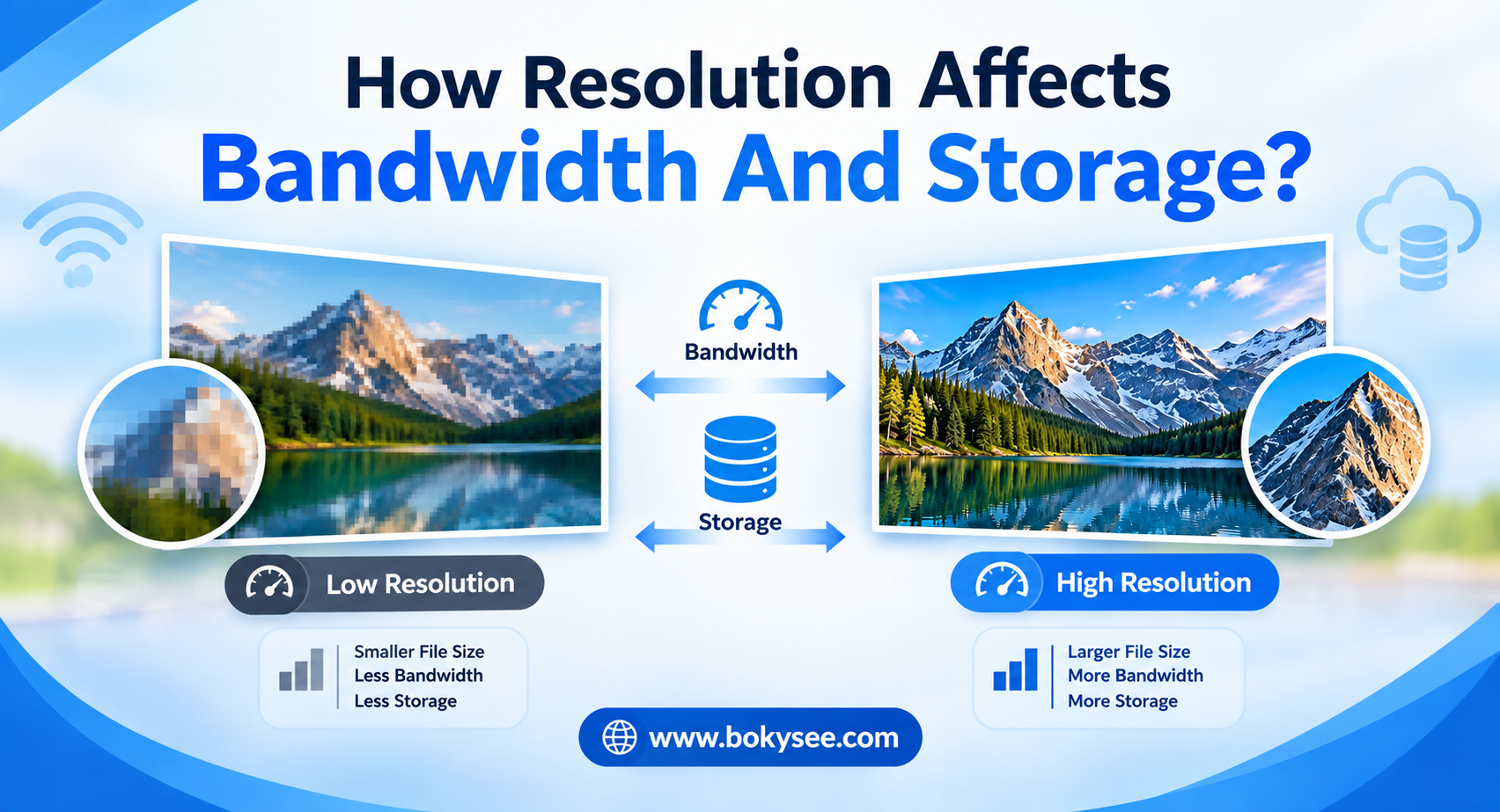
Camera resolution is important because it impacts on network traffic and recording capabilities. Users need to evaluate the two before installing their IP cameras, network switches and recording systems.
A system that provides good pictures but is unable to record for the necessary time period is irrelevant.
How Camera Resolution Affects Network Bandwidth
Network bandwidth is simply the amount of data that can be transferred via a network within a certain timeframe. The bitrate of a camera dictates the quantity of video data transferred by the device.
Higher-resolution cameras may require increased bandwidth particularly if they are recording videos at higher frame rates and/or with reduced compression.
But, the bitrate will not necessarily increase by a certain percentage with every resolution upgrade. Scene activity, image complexity, the codec used, as well as the quality settings, among other factors influence data usage.
Also, multiple cameras would utilize bandwidth on the network; thus, the installer needs to factor in the total amount of bandwidth that will be utilized.
Storage Requirements for 2MP, 4MP, 5MP and 8MP Cameras
Storage demands for NVR systems are determined by the bitrate of the cameras, recording timetable, number of cameras used, and necessary storage period.
A storage period may be 7 days, 15 days, or 30 days. Consumers need to determine how much storage is necessary for all their cameras during that period considering practical requirements.
An NVR system has to support the necessary drive capacity and recording streams. A variable bitrate could result in daily storage requirement changes because busier scenes produce more data than quieter ones.
Example of CCTV Recording Storage
Think about an IP camera that records continuously using an average bit rate of 4 Mbps. In a day, there are 86,400 seconds, and one byte contains 8 bits. The daily storage requirement is:
Storage per day = Bitrate × 86,400 ÷ 8
With 4 Mbps, there will be roughly 43.2GB in decimal units on a daily basis, prior to any overhead costs. This calculation is based on the assumption that the bitrate is kept the same all through the day.
There may be variations depending on the changing bitrates, audio, operating overhead, and recording gaps. For multiple cameras, the calculation is done by multiplying the required storage per day by the number of cameras and duration of storage.
Choosing an NVR for Higher-Resolution Cameras
Before buying an NVR, one should make sure that it meets the highest resolution support and the total incoming bandwidth. One should be aware of whether the channels are able to record at such resolution and frame rate.
Another important thing to look at is the playback and decoding limit, especially if there are multiple high-resolution streams playing together.
Which IP Camera Resolution Is Best For Each Application?
Depending on the area size, distance from the camera, lighting conditions, and necessary details to be obtained, it is important to choose the best resolution for a security camera. The examples below may help a purchaser make a list of good candidates.
1. Homes and Small Residential Properties
2MP camera will be ideal for use in the indoor rooms, small corridors, and general surveillance of the home where basic imaging is adequate.
4MP camera will offer some extra details at the entry points and areas adjacent to the garage.
In case of a long driveway or distance to the gate, the high resolution will be beneficial, although the lens and view distance will still matter.
2. Retail Stores and Small Businesses
It is recommended that shops and checkout points and shelves and entryways use either a 4 or 5 megapixel camera since the purchaser will require greater detail.
Camera placement is crucial because even if it has high resolution, an improperly placed camera might fail to produce a proper picture of people’s face and business.
3. Warehouses, Factories and Large Commercial Areas
Either a 5MP or 8MP camera can be used for monitoring the loading docks, vital entry points, and specific wide areas.
Nevertheless, it is not possible to achieve both a wide field of view and details from a large area using just one camera.
Using several cameras having adequate viewing angles can be more beneficial than a single camera having high resolution.
4. Parking Lots, Gates and Outdoor Surveillance
A 8MP camera would prove handy where details matter when it comes to entry points or vehicle entry points or outdoors.
But distance, lighting, size of the object, and lenses make a difference. Outdoor cameras must also have proper environmental protection ratings.
All parking lots don’t require 8MP cameras, some might need lower resolution cameras.
5. Offices, Schools and General Monitoring
It is also possible that a 2 megapixel or 4 megapixel camera may be appropriate for hallways, reception rooms, classroom spaces, and general surveillance needs. Increased resolution may be necessary at entrances and other places where increased scrutiny is required.
The buyer needs to consider the privacy requirements, availability of recording, and use of the camera. A selection of the resolution by proper monitoring needs can minimize wastage.
How Buyers Should Select IP Camera Resolution?
The commercial purchaser and installer must carefully choose IP camera resolution based on an organized assessment of the need for image quality, system capability, and costs.
The following guidelines will assist in lowering the chances of choosing unsuitable cameras.
Step 1: Define the Required Level of Detail
To start with, consider whether it will be used for observing a general view or to identify faces, vehicles or objects.
Calculate the distance from the camera to the observed space. The viewing angle and the size of the observed space have to be taken into account.
This data is useful in understanding what 2MP, 4MP, 5MP, or 8MP resolution you need.
Step 2: Calculate Bandwidth and Storage Before Purchasing
Determine the estimated bitrate and frame rate of each camera.
Determine the required network capacity by multiplying the estimated data consumption by the total number of cameras.
Consider switch port availability, uplink capacity, NVR capacity, and recording capability.
Calculate storage needs based on the required duration of retention.
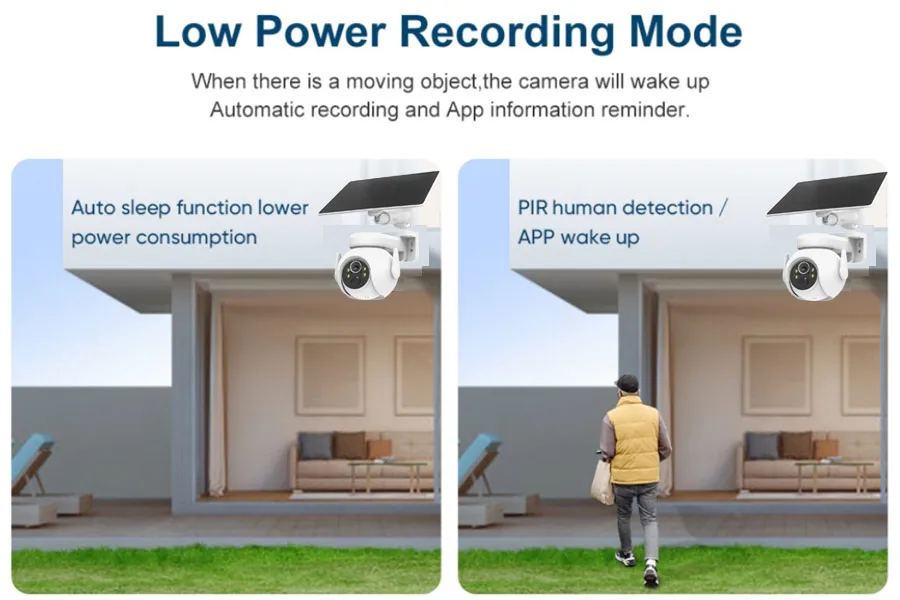
Motion recording can reduce storage requirements, but this varies based on usage and setup.
Do not depend solely on megapixel counts; rather, consider manufacturer specs and estimates.
Step 3: Compare Total System Cost, Not Just Camera Price
The price of the camera is just one component of the overall project budget.
Other components include the need for more storage, better networking capabilities, or an improved NVR due to higher resolution cameras.
Cost of installation, cost of maintenance, and the possibility of expansion will impact the cost of ownership.
Compare full system packages which have the same number of cameras, record times, and image quality settings.
Step 4: Check Compatibility and Essential Camera Specifications
Ensure that you have checked on maximum resolution, maximum supported frame rate, available lens choices, sensor parameters, and H.264 or H.265 capability.
Ensure that the camera is compatible with Power over Ethernet (PoE) technology in case it uses network cables to deliver power and transmit data.
Where there is need for integration with other equipment, check whether the camera supports ONVIF protocol.
Step 5: Test Sample Footage Before Finalizing the Purchase
Request footage from the camera for daytime and night time use. When testing the camera, try to use a similar environment and distance.
Try to match up the angle of view, frame rate, and recording settings in order to make the comparison.
Look for facial recognition, movement, darkness, and detail. This will allow consumers to judge the quality of an image rather than basing their decision on megapixels.
Related Camera Guides
Explore our related guides on IP camera resolution, PoE IP cameras, and IP camera types to understand camera features and choose the right security solution for your application.
How to Charge Solar Security Cameras on Cloudy Days
Do Security Cameras Work During Power Outage?
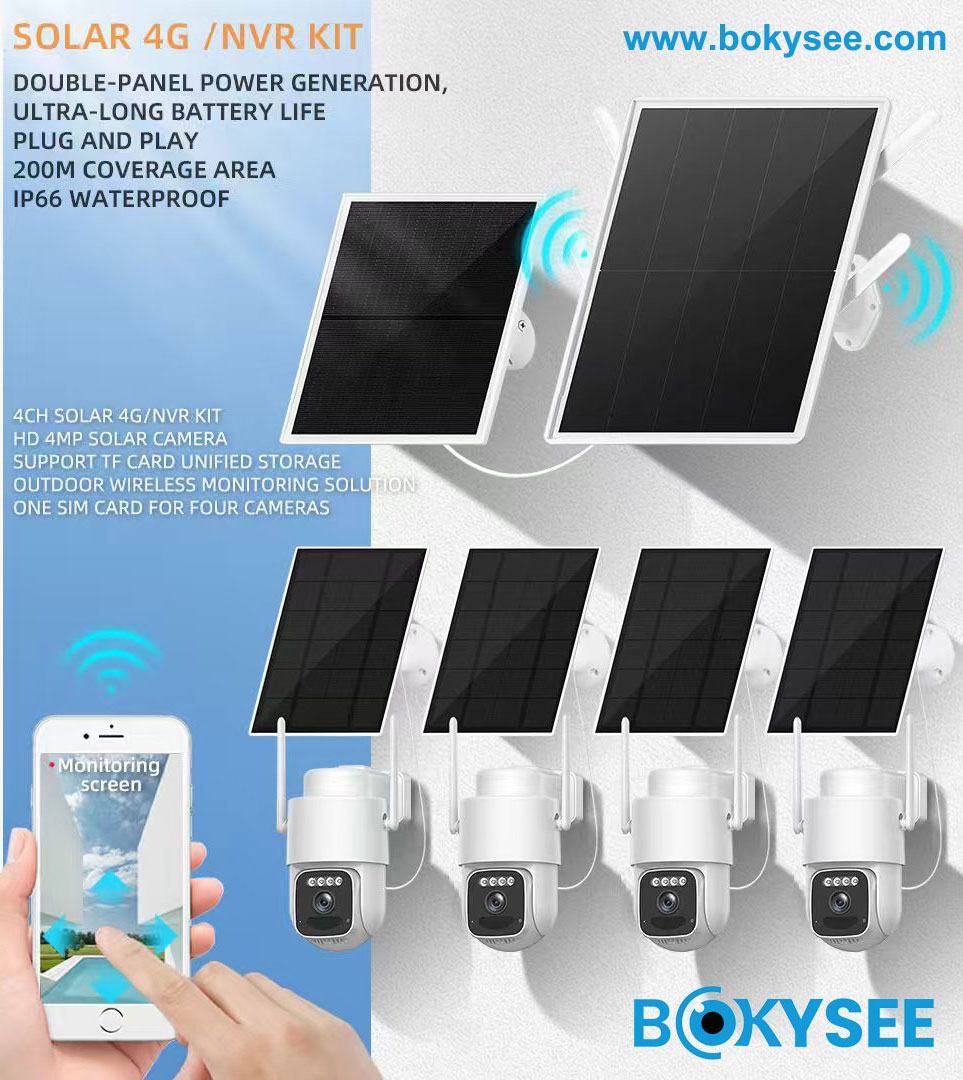
Do 4G Security Cameras Need a SIM Card?
Why Is My Security Camera Blurry and How to Fix
Best Places to Install Outdoor Security Cameras
How Long Do Solar Security Cameras Last?
IP Security Camera Sensor Size Explained: 1/2.7 vs 1/2.8 vs 1/1.8 for Low-Light Surveillance
How Many IP Security Cameras Can an NVR Handle?
PoE vs WiFi vs 4G Solar Security Cameras: Which System Is Best for Your Project?
How to Install Pole Mounted Solar Powered Security Cameras
BOKYSEE IP Camera Solutions for Your Security Projects
Looking for reliable IP cameras for your business or security projects? At BOKYSEE, we manufacture a wide range of IP cameras and NVR systems for CCTV distributors, wholesalers, and professional installers.
- 4MP IP Cameras: A cost-effective option for homes, offices, shops, and everyday security installations.
- 5MP IP Cameras: A practical choice for commercial buildings, retail stores, and outdoor monitoring.
- 8MP 4K IP Cameras: Designed for projects requiring higher image detail, such as warehouses, parking areas, and industrial sites.
- PoE NVR Systems: Pair your IP cameras with compatible NVRs for centralized video recording and management.
As a CCTV camera manufacturer in China, BOKYSEE also offers OEM/ODM services, including custom logos, packaging, and product configurations to support your local market.
Need help choosing the right IP cameras? Contact BOKYSEE for product recommendations, sample testing, and wholesale quotations.
Conclusion
The following step is a comparison of IP cameras that fit the project with the viewing and recording needs of the particular site.
2MP cameras suffice for basic monitoring functions and are able to cut down on expenses. A 4MP security camera allows a level of details for numerous residences and business premises. A 5MP camera is a good choice for selected projects which require such resolution format. An 8MP one is capable of producing 4K Ultra HD recordings. Every resolution is not perfect for each project.
It is important to define your security objectives, compare samples of videos and calculate the total price of the system.
Below these factors have influence on the end result like lighting conditions, quality of lenses, distance of object, bandwidth of your network connection, compatibility with NVR devices and storage capacity.
Frequently Asked Questions About IP Camera Resolution
1. Is 4MP enough for a security camera?
Yes. A 4MP IP camera is a good choice for most homes, offices, shops, and small commercial projects. It provides clearer images than 2MP without requiring as much storage as higher-resolution cameras in comparable settings.
2. Is an 8MP IP camera better than a 5MP camera?
An 8MP camera captures more pixels and offers greater digital zoom flexibility. However, a good 5MP camera may perform better in low light if it has a better image sensor and lens.
3. Which IP camera resolution is best for outdoor security?
For general outdoor monitoring, 4MP or 5MP is often enough. For larger areas or locations where more detail is needed, 8MP can be a better option.
4. Does higher IP camera resolution use more storage?
Generally, yes. Higher-resolution cameras often require more storage and bandwidth. Actual usage also depends on the video bitrate, frame rate, and compression settings.
5. What is the best IP camera resolution for CCTV installers?
For many standard installations, 4MP and 5MP cameras offer a good balance of image quality and cost. For projects requiring higher image detail, consider 8MP cameras and a compatible NVR.






 English
  Spanish
  Russian