Skip to content
A PoE camera that drops offline does not automatically need replacing. The fault may sit in the power budget, cable, network settings, video stream or recorder. Swapping hardware before separating those layers can turn a short service call into repeated site visits.
This guide is for CCTV installers, system integrators, distributors and OEM buyers working on warehouses, shops, offices and other commercial sites. It explains what to check, which numbers matter and what evidence to collect before handover or a bulk order.
Quick answer: Start with power and a known-good short cable. Then verify network reachability, camera credentials and stream compatibility. Check NVR throughput and storage separately. For night-only faults, reproduce the problem with illumination active and a moving target in the scene. Change one variable at a time and confirm the result in recorded footage.
Commercial disclosure: This guide is provided by Bokysee and includes links to its surveillance products. Technical examples are planning illustrations, not customer case studies or measured model performance. Technical references checked: 19 October 2026.
| Symptom | Start here |
| No startup or repeated reboot | PoE port, total power budget and cable |
| Powered camera, no NVR connection | IP settings, credentials and supported stream |
| Live picture, missing recordings | Recording schedule, disk condition and recorder limits |
| Sharp daytime image, poor night evidence | Exposure, lighting, reflections and target detail |
Why Does a PoE Camera Lose Power or Reboot at Night?
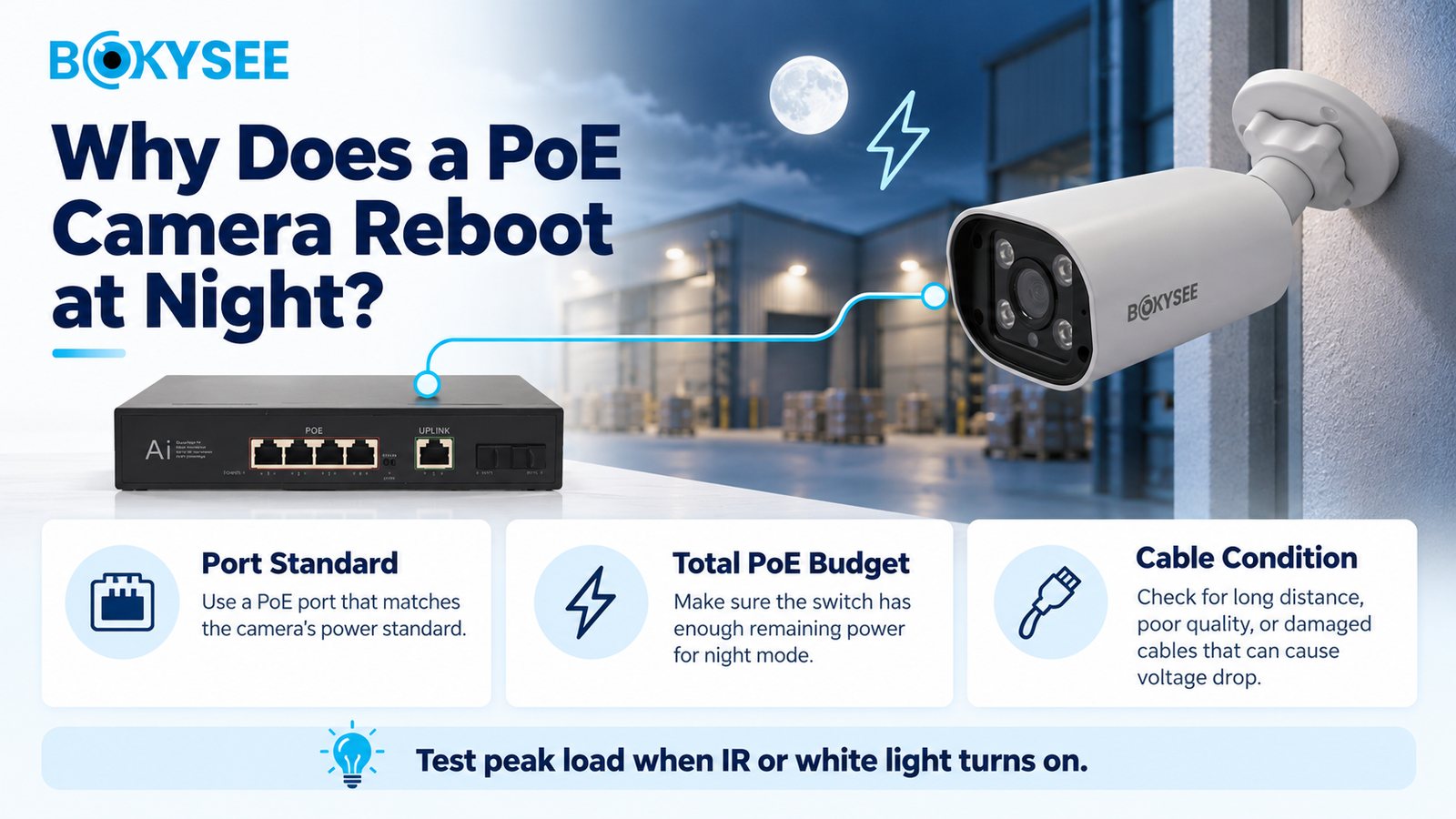
First establish whether the camera actually restarts. Check uptime or startup events where available. A lost picture with unchanged uptime points toward a connection or streaming problem rather than a confirmed power interruption.
Nightfall is a useful clue. IR LEDs, white-light illumination, heaters or motor activity can increase demand. Scheduled reboots, temperature changes and firmware faults can also produce night-time symptoms, so do not diagnose insufficient power from the clock alone.
Connect the camera to a known-good compatible PoE source using a short tested cable. Reproduce the original trigger. If it works on the bench but fails on the installed run, inspect terminations, couplers, moisture and cable resistance before condemning the camera.
Keep the test controlled. Try one known-good camera on the suspect installed cable, then try the suspect camera on a known-good short link. If the fault follows the cable, investigate that channel. If it follows the camera across compatible power sources, collect device logs and escalate with the test record. If several cameras fail together, check shared power, uplinks and recorder events before treating them as separate hardware failures.
A reboot that disappears when illumination is disabled is useful evidence, but not a permanent fix. The system still has to meet the agreed night-time monitoring requirement. Re-enable the required features after correcting the cause, and repeat the test under the original conditions.
Check the Port and Total Budget Separately
| IEEE PoE type | Maximum PSE output | Power available at the highest-class PD |
| 802.3af Type 1 | 15.4 W | About 13 W |
| 802.3at Type 2 | 30 W | 25.5 W |
| 802.3bt Type 3 | 60 W | 51 W |
| 802.3bt Type 4 | 90 W | 71.3 W |
PSE means the power source; PD means the powered device. Cable losses explain the difference. Match the exact camera requirement to the port's type and class, then check the switch's total usable budget. Source: Ethernet Alliance PoE technical brief.
Suppose 16 ports each reserve 15.4 W. Allocated demand is 246.4 W. To keep 20% of the total budget unused, calculate 246.4 ÷ 0.8 = 308 W. Simply adding 20% gives 295.7 W; that is a different reserve policy. Use the switch's actual allocation rules and operating conditions.
Managed switches may report denied power, overdraw or port faults. Cisco's show power inline is one platform-specific example; other switches use different commands or dashboards. Cisco's troubleshooting guide explains the distinction between port capability and available allocation. Passive PoE is not automatically compatible with IEEE PoE devices.
How Do You Fix a PoE Camera That Is Offline?
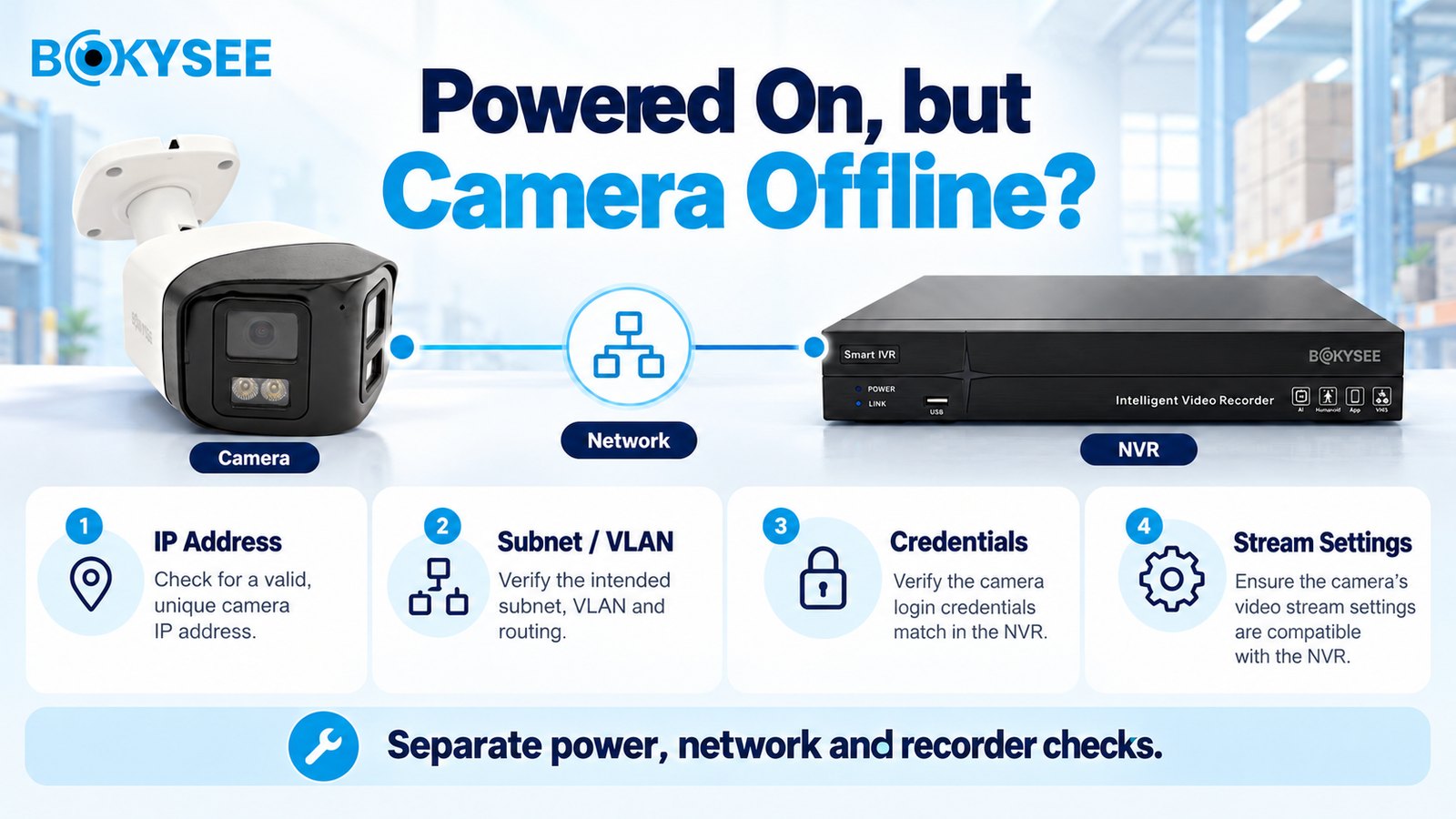
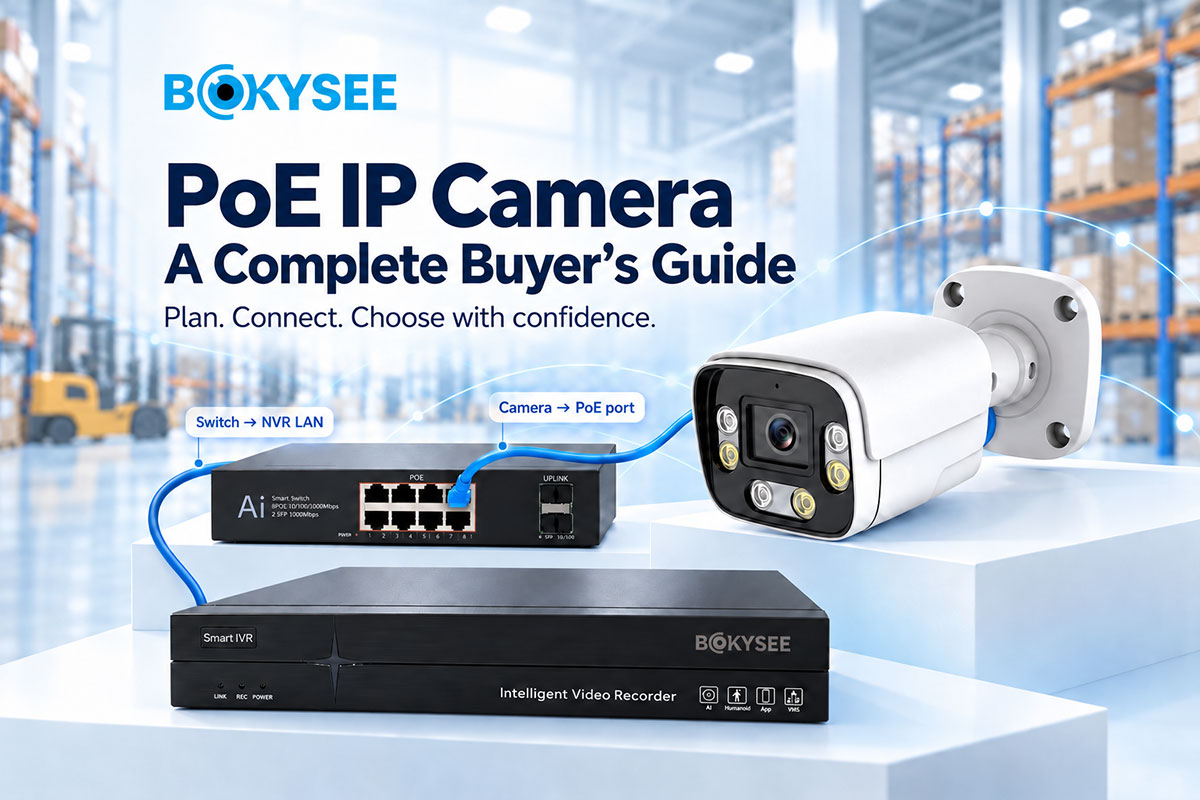
A link LED is a starting point, not proof of a working recording path. Identify where the camera connects: an external switch or the recorder's built-in PoE ports. Some NVRs place integrated PoE cameras on a separate internal network. Do not assign addresses blindly or bridge recorder interfaces without checking the manual.
Work through these checks:
-
Confirm a unique camera IP address and the intended subnet mask. Check for duplicate addresses and unexpected DHCP changes.
-
Verify the switch port's VLAN and any routing or access rules between camera and recorder.
-
Test from an authorized computer on the appropriate network. On Windows,
ping -n 20 CAMERA_IPchecks ICMP reachability when permitted; it does not measure video delay, and a blocked ping is not conclusive. -
Open the camera through its supported management method. Confirm activation and the credentials required by the recorder.
-
Check the configured management service, codec, resolution and stream settings. A discovery result does not prove recording compatibility.
For third-party integration, check exact model and firmware conformance rather than relying on an “ONVIF supported” label. Profile T addresses advanced video streaming; Profile G addresses edge storage and retrieval. Neither means every analytics or audio function works identically across brands. See ONVIF's profile definitions and Bokysee's ONVIF IP camera compatibility checklist.
If local recording works but remote viewing fails, investigate the approved remote-access service, routing, DNS and firewall policy. Opening inbound ports or disabling protection should not be the default repair. Axis's network troubleshooting guide provides another manufacturer reference for separating connection problems.
Why Does Live Video Lag or NVR Recording Fail?
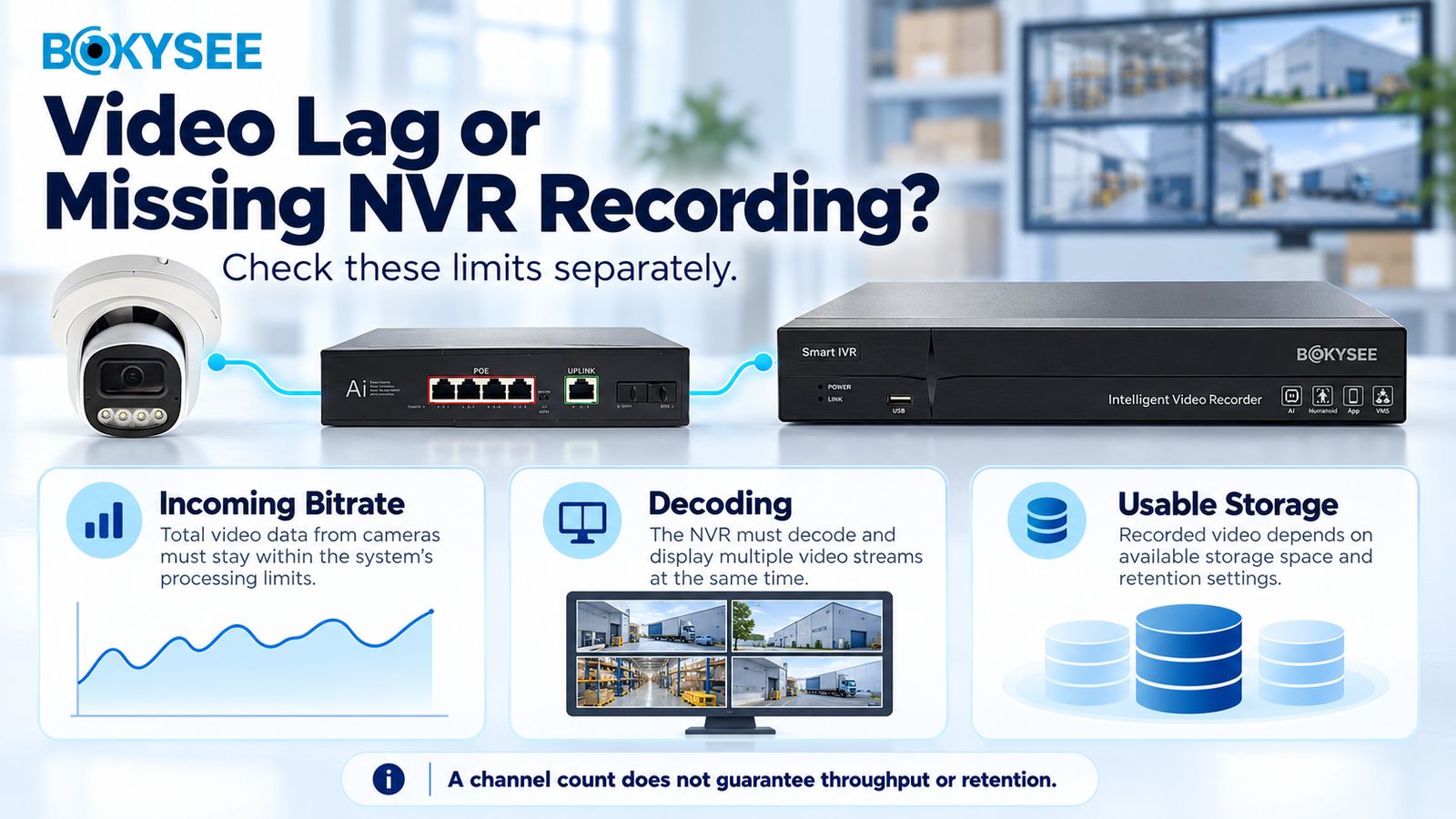
Recorders have several limits. Channel count tells you how many cameras can be added. Incoming bandwidth limits recorded traffic. Decoding capacity controls the combinations displayed or played back. Disk capacity determines retention. These figures are related, but one cannot replace another.
Calculate the Recording Load
With 16 cameras averaging an assumed 4 Mb/s each, incoming video is 64 Mb/s. A 25% planning allowance produces 80 Mb/s before extra streams and other relevant traffic. Check uplink load, port errors and actual peak bitrate; do not assume a quiet daytime average covers a busy night scene.
For continuous recording:
Storage in decimal TB = cameras × average Mb/s × days × 0.0108.
At those settings, 30 days requires 16 × 4 × 30 × 0.0108 = 20.736 TB of video payload. A 20% storage allowance gives 24.883 TB. Specify usable capacity after RAID, formatting and other deductions. The allowance is a planning choice, not proof that every installation will retain exactly 30 days.
For comparison, 32 cameras averaging 8 Mb/s need 82.944 TB for 30 days before allowance. Neither “4MP” nor “4K” fixes a camera's bitrate. Codec, frame rate, motion, noise and quality settings all matter. If the bitrate already describes an H.265 stream, do not apply a second compression discount. Axis's bitrate-control guidance explains why scene-dependent bitrate matters.
If live view works but recording stops, inspect disk health, write status, schedule, event linkage, time settings and NVR logs. Do not initialize a disk containing required footage as a first troubleshooting step.
If the recorder captures properly but its multi-screen display stutters, test a lower-resolution viewing substream. Confirm playback and exported main-stream evidence before reducing recording quality. Bokysee's NVR capacity guide covers the wider selection checks.
How Do You Fix Blurry Night Video and IR Reflection?
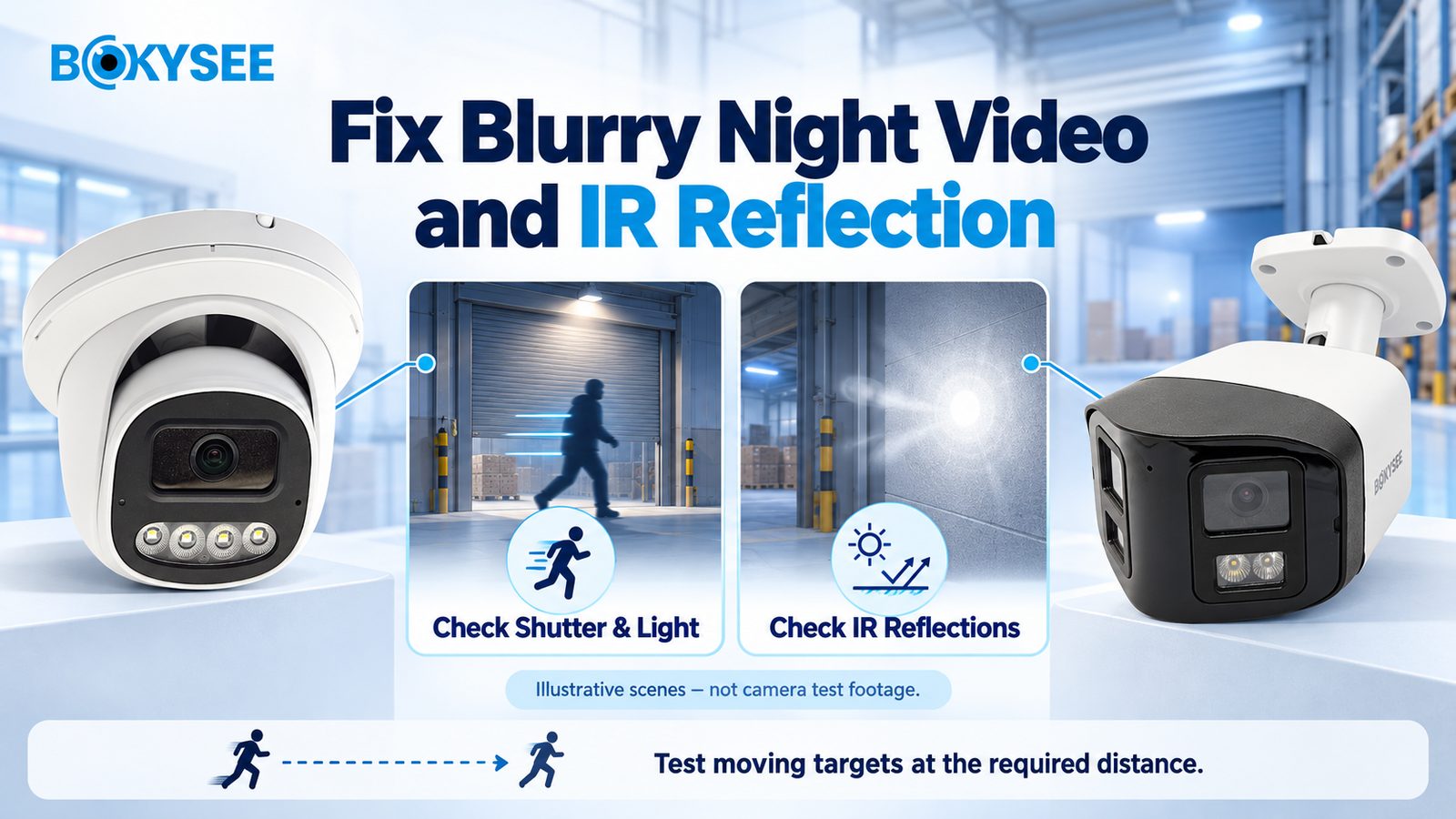
A bright picture is not necessarily useful evidence. Walk a target through the required area after dark, then inspect playback. A static scene can look sharp while a moving face becomes unreadable.
A shorter exposure can reduce motion blur, but it captures less light. Balance shutter, illumination and acceptable noise instead of increasing gain indefinitely. Inspect nearby walls, glass, soffits, dirt and water droplets when night images look washed out. These can reflect IR back toward the lens. Follow the manufacturer's cleaning and installation instructions. Axis's image-quality guide explains these exposure and reflection mechanisms.
Check Detail at the Target Plane
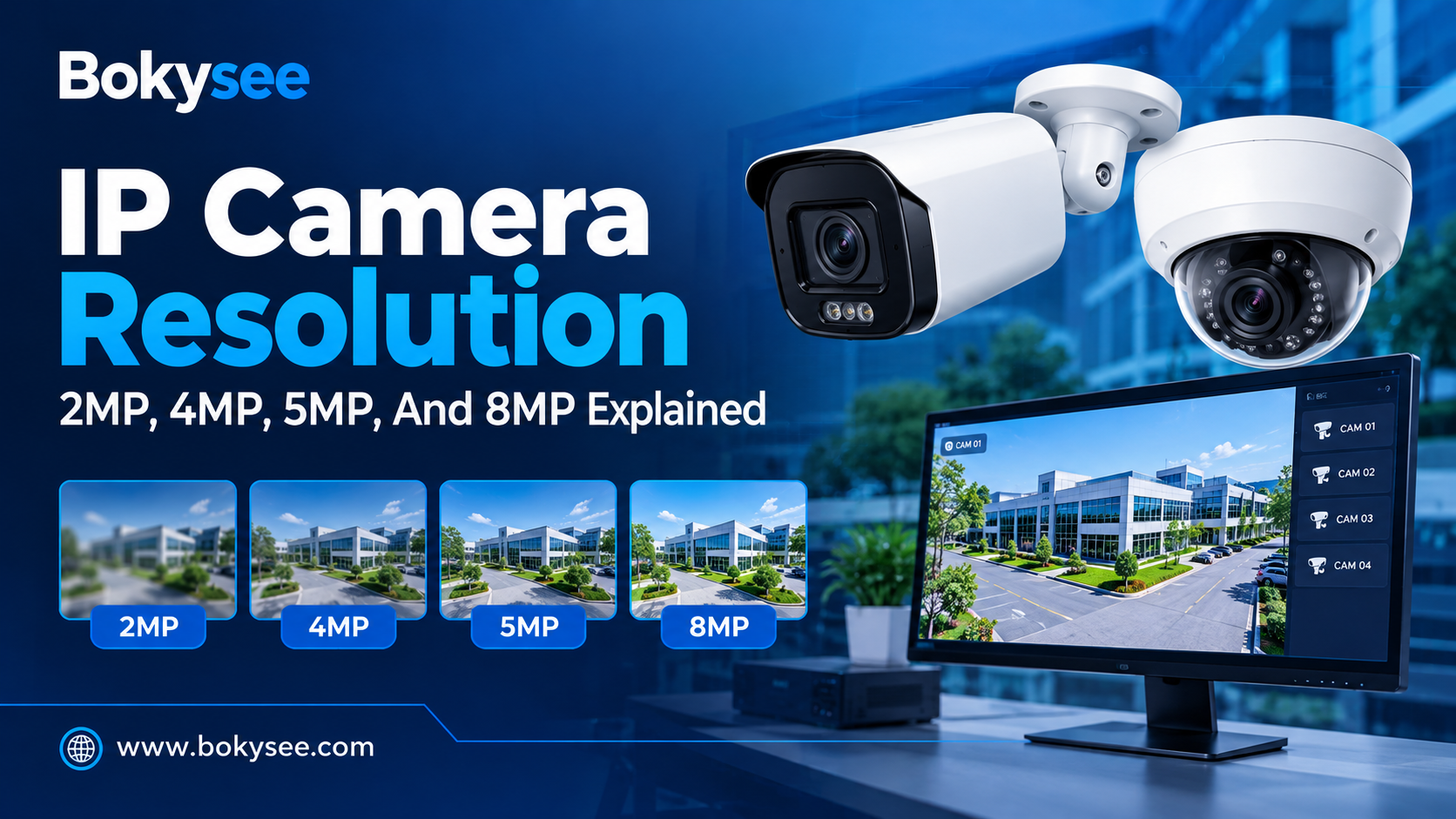
Use PPM = horizontal pixels ÷ scene width in meters. A 1920-pixel image covering an 8 m-wide target plane gives 240 pixels/m. A 3840-pixel image covering that same width gives 480 pixels/m.
The familiar IEC 62676-4:2014 DORI model uses approximately 25 pixels/m for detection, 63 for observation, 125 for recognition and 250 for identification. Treat these as planning guidelines, not guaranteed results or a substitute for newer applicable requirements. See Axis's pixel-density explanation.
A narrower view may improve useful detail without increasing resolution. Verify optics, focus, angle and movement in the actual scene. Advertised IR range is not identification range, and full-color night vision has no universal lux threshold across all products and test methods. Generated illustrations in this guide are explanatory graphics, not camera test footage.
What Should Installers and OEM Buyers Test Before Handover?
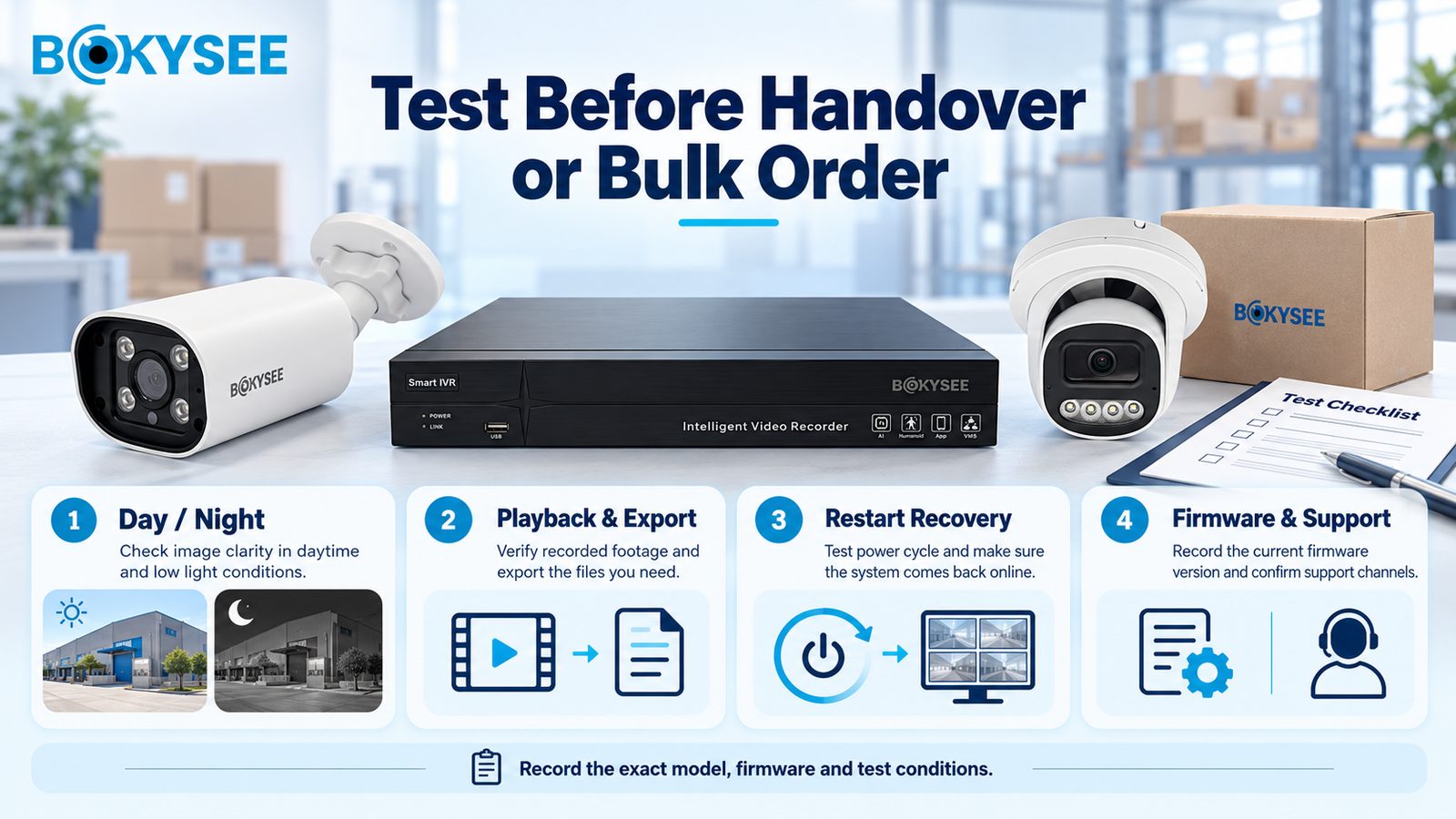
Use one repeatable acceptance record per camera and recorder combination. For OEM procurement, this becomes the sample approval baseline. For installers, it documents what the customer actually received.
| Check | Evidence to keep |
| Day/night performance | Recorded moving-target clips at the agreed distance |
| Power and connection | Port allocation, cable results and interruption logs |
| Recording and export | Schedule, playback sample, timestamps and usable storage |
| Required integration | Codec, audio, events and PTZ results where applicable |
| Restart recovery | Camera/NVR reconnection and recording after an approved restart |
| Maintenance | Exact firmware, backup location and update responsibilities |
Define the observation period and acceptance criteria before testing. A 24-hour check can be an initial screen, but it cannot establish long-term failure rate or verify 30-day retention by itself. Keep sensitive credentials outside shared reports.
Record the before-and-after settings and the reason for each change. A lower bitrate that hides congestion may also remove the detail the customer needs. Likewise, a camera that reconnects after a reboot has not demonstrated that its underlying fault is resolved. Agree on a repeatable test, keep the clips and logs, and close the issue against that evidence.
For bulk orders, agree on change notification, approved firmware, defect handling, warranty coverage and support escalation in writing. Private-label packaging does not automatically include software ownership or unrestricted firmware customization.
Planning a CCTV project or OEM range? Send Bokysee your camera count, site conditions, night-time targets, recording period, existing NVR and target market. Include the fault timing or sample test results if you are replacing an unstable system. Ask for a model shortlist, current datasheets and sample-testing terms before confirming the order.
Explore Bokysee IP cameras and video recorders, or contact the team with your project brief. Confirm the exact product configuration and commercial terms in the quotation.
PoE Camera Troubleshooting FAQ
Can a PoE camera record without internet?
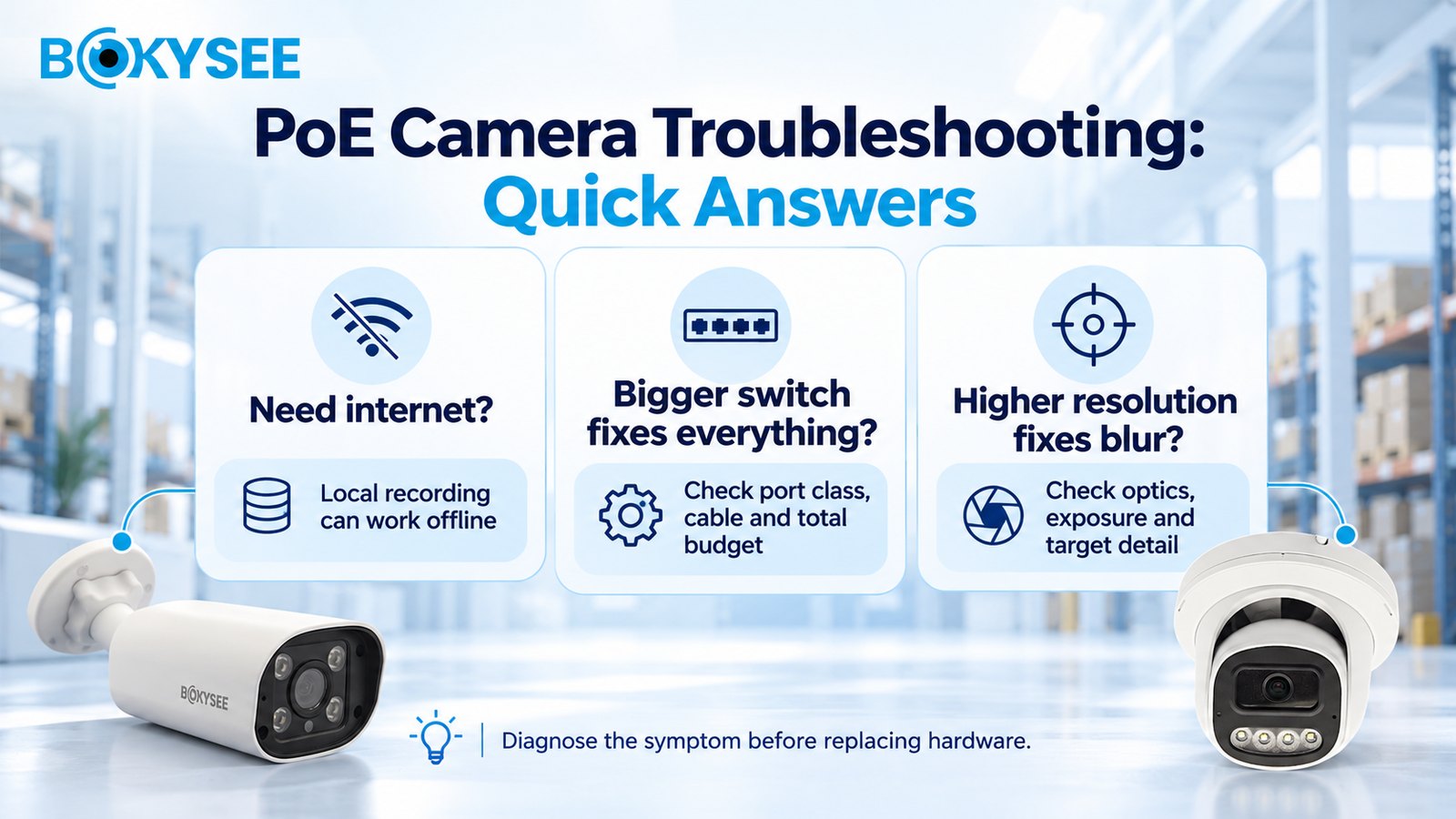
Yes. A compatible camera and NVR can record on a local network without internet access. Remote viewing, cloud services and some activation features depend on the selected system. Test the intended operating mode before handover.
Will a bigger PoE switch stop camera reboots?
Only if insufficient compatible power is the cause. Check port type, allocation, cable condition, scheduled restarts and temperature. More total wattage cannot correct a damaged link or unsupported power standard.
Does changing to Cat6 fix every PoE problem?
No. Cable construction, terminations, length and resistance matter alongside category. Test the installed channel; do not assume a new category label repairs damaged connectors or an exhausted power budget. Fluke Networks describes the additional resistance checks relevant to PoE.
Why is the camera online but its AI event missing from the NVR?
Basic video and advanced event integration are separate capabilities. Check the required profile, firmware and supported event mapping on both devices. Test the actual event and recording action rather than accepting live view as a complete compatibility result.
What should I send technical support?
Provide model and firmware, topology, power-source details, cable length, stream settings, fault times and relevant logs. Include a short clip where useful. Redact credentials and public-access details. A clear test record helps distinguish configuration, infrastructure and device faults.
Final Thoughts
Good PoE camera troubleshooting starts with a clear diagnosis. Confirm whether the fault affects power, network access, recording or image quality, then test one variable at a time. A larger switch, higher resolution or a quick reboot will not solve every problem.
For installers, the goal is reliable recorded evidence under the agreed site conditions. For distributors and OEM buyers, it is a repeatable camera-and-NVR combination with documented firmware, acceptance criteria and support responsibilities. Test night operation, playback, export and restart recovery before handover or bulk approval.
Planning a new installation or replacing an unstable system? Send Bokysee your project requirements, including camera quantity, cable distances, night-lighting conditions, recording period and existing NVR details. Use that brief to request suitable models, current datasheets and sample-testing terms before ordering.





 English
  Spanish
  Russian