 Перейти к содержимому
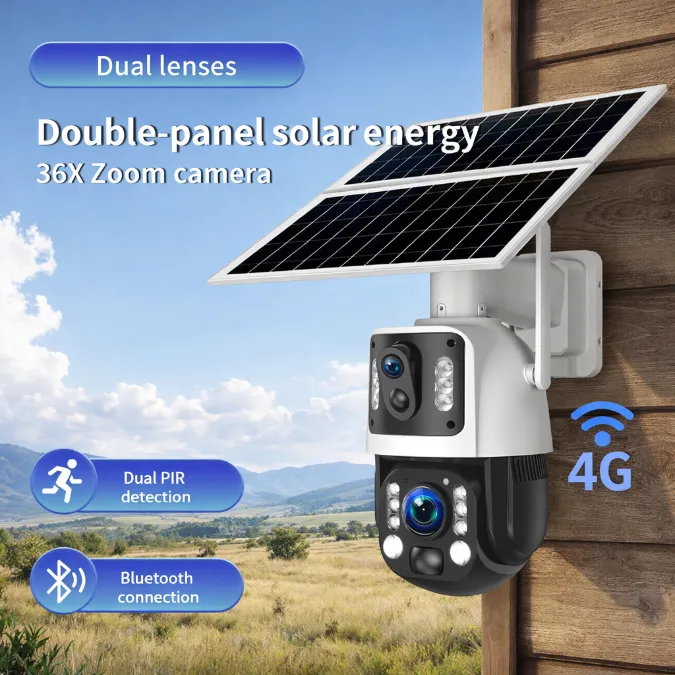
A 4G security camera is built for places where Wi-Fi cannot reach: rural properties, construction sites, crop fields, and remote warehouses. Instead of leaning on a router, it sends video over the cellular network, the same infrastructure your phone uses.
So the short answer is yes: a 4G security camera needs a SIM card with an active data plan to connect to the internet. Without a SIM, the camera’s cellular modem has nothing to authenticate with the network, and remote viewing stops working.
But the SIM is only one piece of the puzzle. The card size, the carrier, the LTE bands your camera supports, and the data plan behind that SIM all decide whether the system actually works in the field. This guide walks through each of those points, so you can set up a 4G camera once and trust it to stay online.
Do 4G Security Cameras Need a SIM Card?
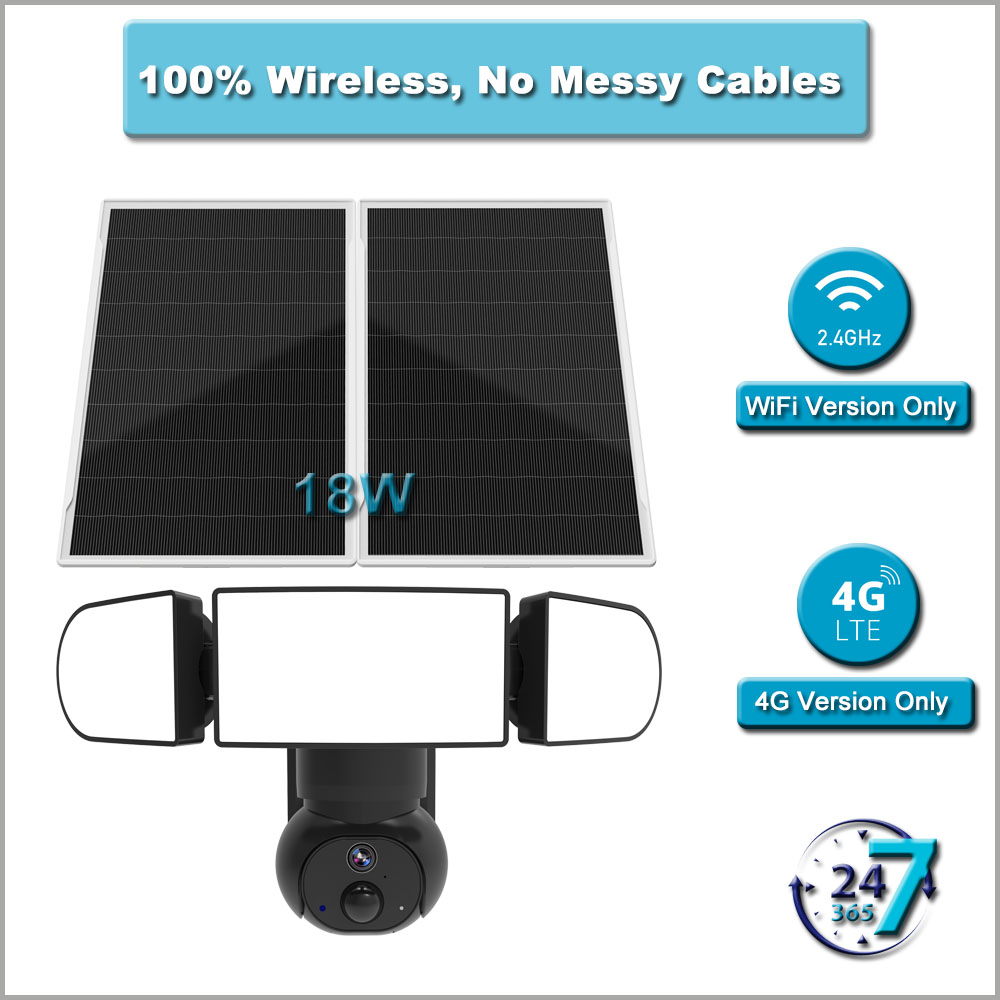
The SIM card is what a cellular network uses to identify your camera; without one, the modem has no data service.
Why 4G Cameras Need a SIM Card
A SIM card does three jobs in a 4G camera. First, it identifies the device to the carrier’s network: the network reads the card and decides whether to grant a data connection. Second, it ties the camera to a billing account, so the carrier knows which plan to charge for the traffic. Third, it stores small configuration details such as the carrier profile that the modem uses to register.
In practice, this works exactly like a phone. Pull the SIM out of your phone and you can still use the phone itself, take photos, and run apps offline, but there is no internet. A 4G camera behaves the same way: local recording to an SD card keeps running without a SIM, yet live view, motion alerts, and cloud uploads all depend on that cellular data link.
Can a 4G Security Camera Work Without Wi-Fi?
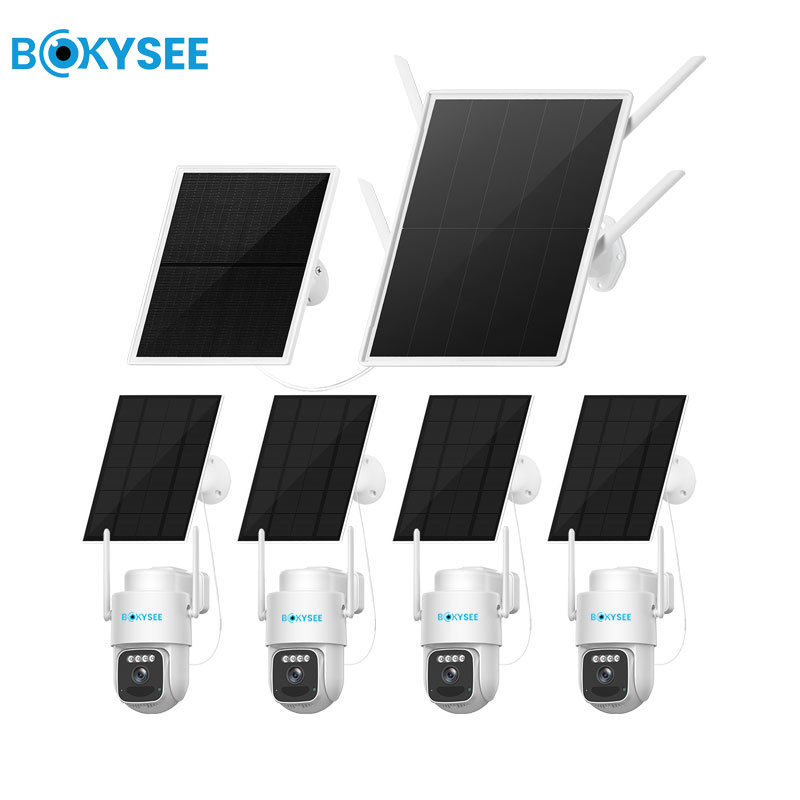
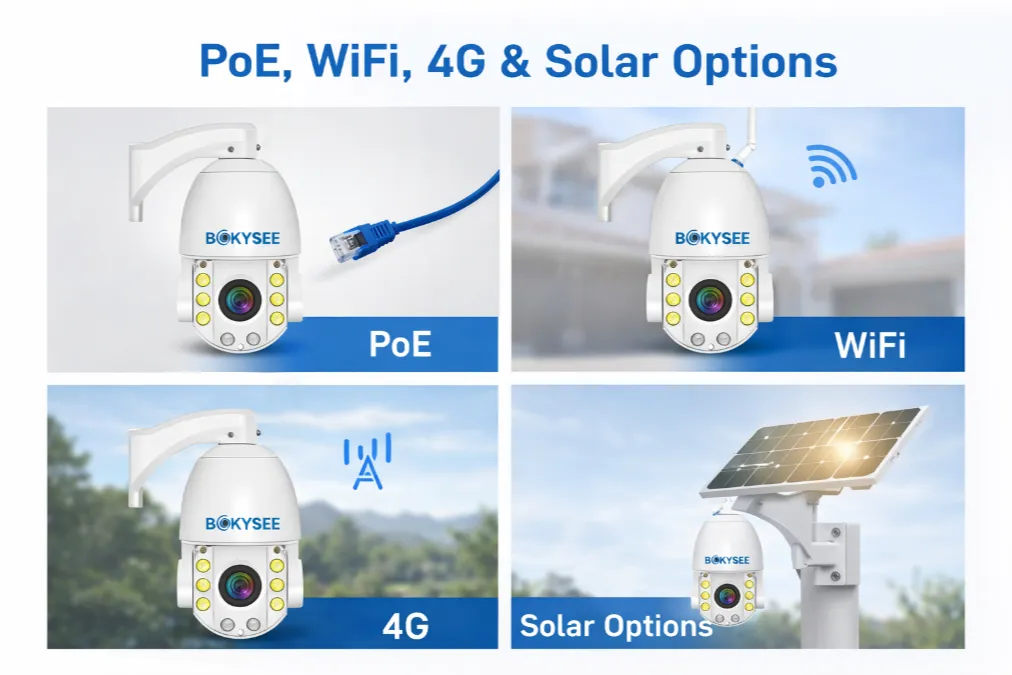
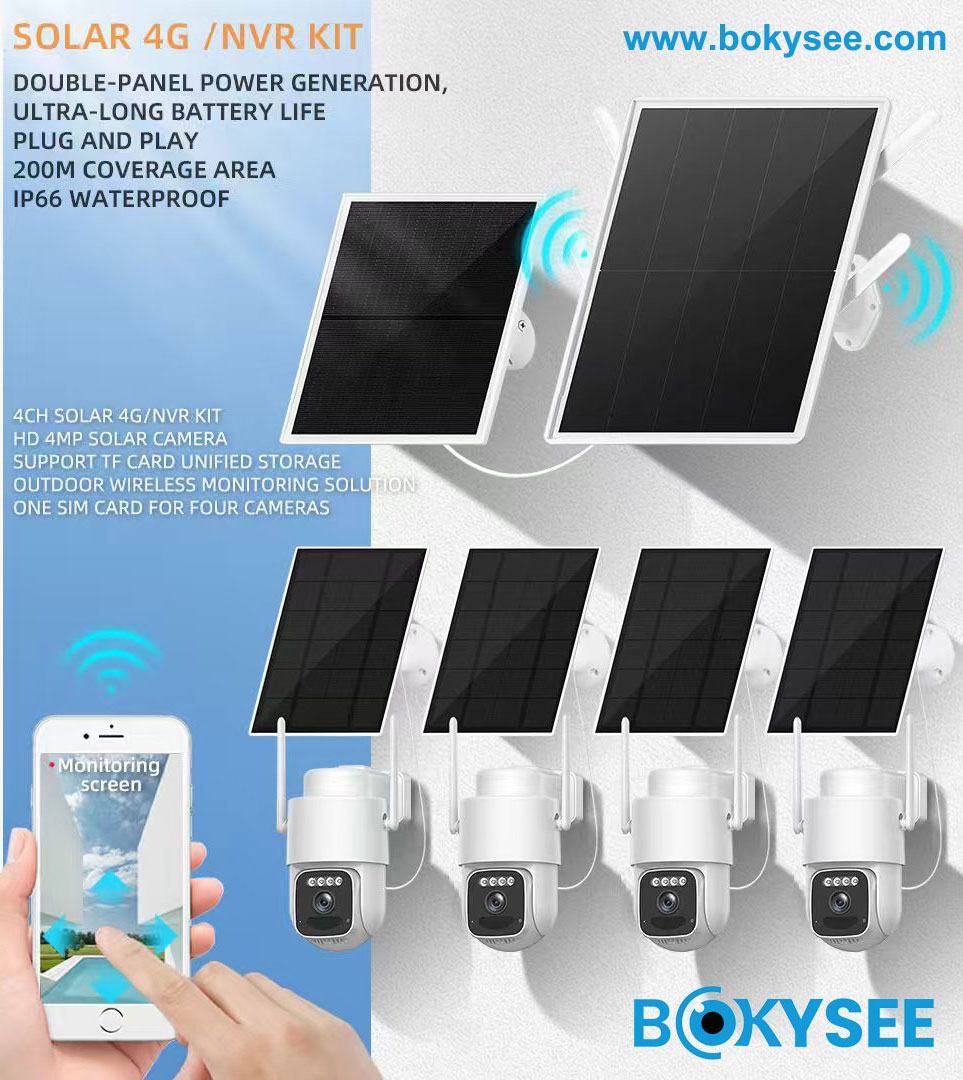
Yes, and that is the whole point of the design. A true 4G camera does not need Wi-Fi at all, because its modem talks directly to the cell tower. Many models, including the hybrid units we build at Bokysee, also carry a Wi-Fi radio, so the same camera can join a local network when one exists and fall back to 4G when it does not. Our Камеры видеонаблюдения 4G follow exactly this design, with the SIM slot seated beside the antenna connector inside a weather-sealed housing.
What the camera cannot do is skip connectivity entirely and still behave like a remote monitoring tool. If your site has no Wi-Fi and no cellular SIM installed, the camera becomes a standalone recorder. For a deeper look at that scenario, see our article on off-grid security without Wi-Fi.
The same independence works in your favor when the grid goes down: a battery-powered 4G camera keeps alerting through a blackout, as our breakdown of how security cameras behave during a power outage explains.
What Type of SIM Card Does a 4G Security Camera Need?
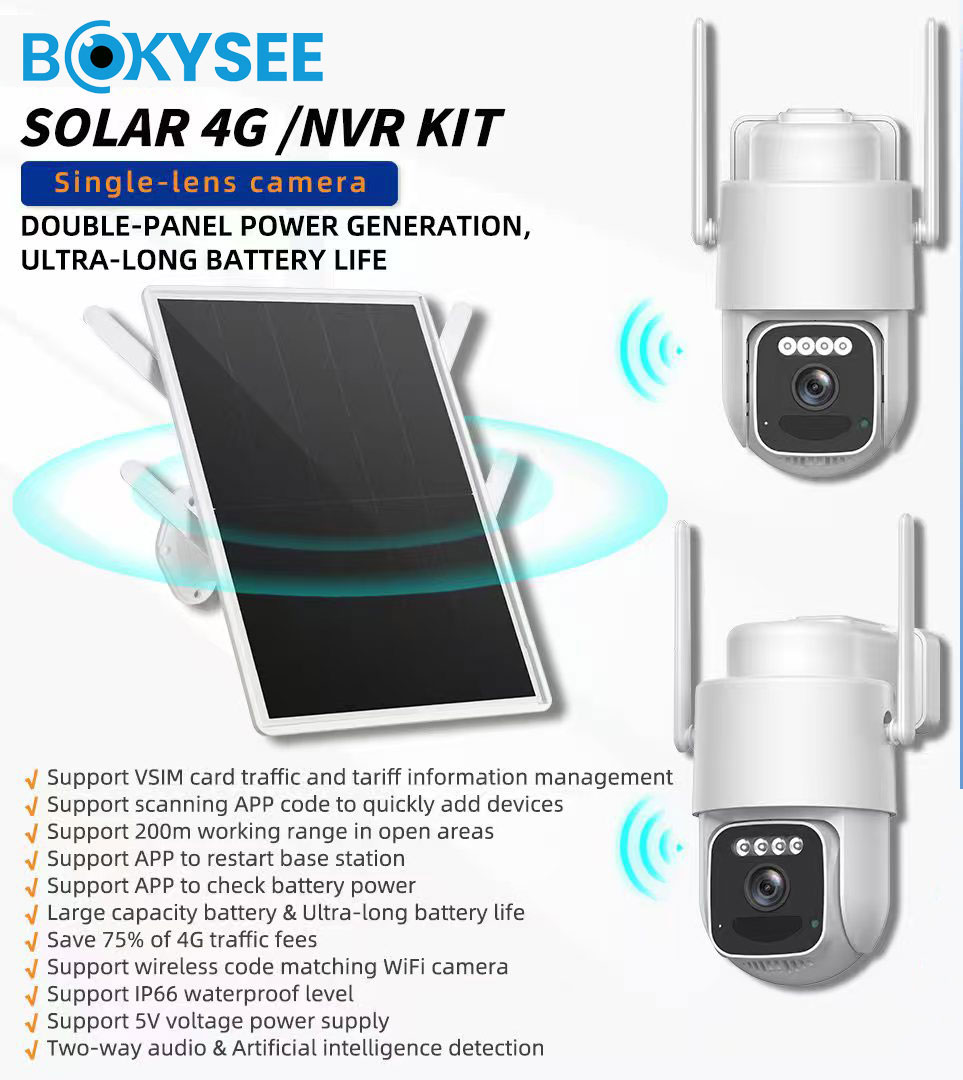
A SIM that fits the slot is not enough — the camera’s modem must also support the carrier’s LTE bands.
What SIM Size Does the Camera Use?
Most 4G security cameras ship with a standard full-size SIM slot, and the SIM card that comes in the box is usually a triple-cut card — one card with perforated outlines that snaps down to any of the three sizes below. Check the camera’s manual before inserting anything, because forcing a Nano card into a full-size slot with an adapter is a common way to end up with poor contact.
| SIM Type | Dimensions | Where You See It |
|---|---|---|
| Standard (2FF) | 25 × 15 mm | Most 4G camera modules and industrial modems |
| Micro (3FF) | 15 × 12 mm | Some compact camera designs |
| Nano (4FF) | 12.3 × 8.8 mm | Phones and newer cellular devices |
Can You Use a Regular Phone SIM?
Technically, yes — if the card is the right size and the carrier’s bands match the modem, a phone SIM will register in a 4G camera. Many installers test new deployments this way before the project SIM arrives. The camera does not care whether the plan was sold for a phone or a sensor; it only sees a data connection.
The catch is cost and policy rather than technology. Phone plans are priced for moderate phone usage, not for a device that streams surveillance video every day, and some consumer plans state in their terms that they are for personal handsets only. Data-only SIMs and machine-to-machine (M2M) plans are usually cheaper per gigabyte and come with management features — traffic caps, pooled data across many cards, and alerts — that a phone plan simply does not offer.
Check Carrier, Network, and Frequency Compatibility
This is the step that catches the most buyers. A 4G modem only works on frequency bands it was built for. In North America, the commonly used LTE bands include 2, 4, 5, 12, 13, 66, and 71; in Europe you will see bands 1, 3, 7, 8, 20, and 28. A camera designed for the European market may have no radio support for band 12 or 71, which rural towers in the United States often rely on — the result is a camera that shows full signal in the city and nothing at the actual site.
Before buying, ask the supplier for the camera’s band list and compare it against the bands your local carriers actually broadcast at your site. Also confirm the camera supports 4G LTE rather than 3G only: major carriers in the United States shut down their 3G networks during 2022, as recorded in 3G network retirement history and a 3G-only camera is now a paperweight on those networks. An unlocked modem that accepts SIMs from any carrier gives you the freedom to switch providers when coverage or pricing changes.
How Much Mobile Data Does a 4G Security Camera Use?
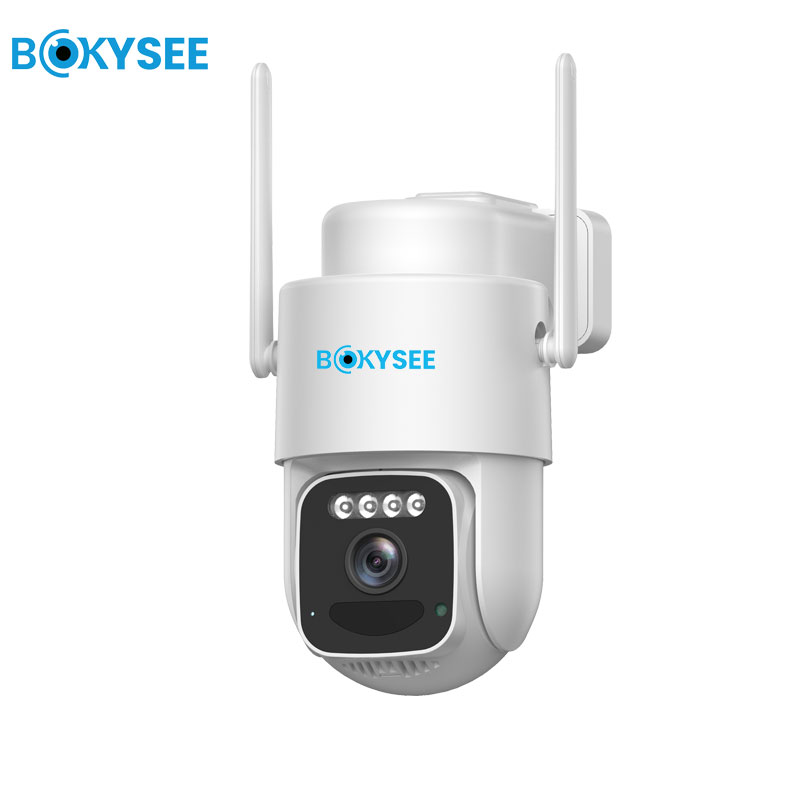
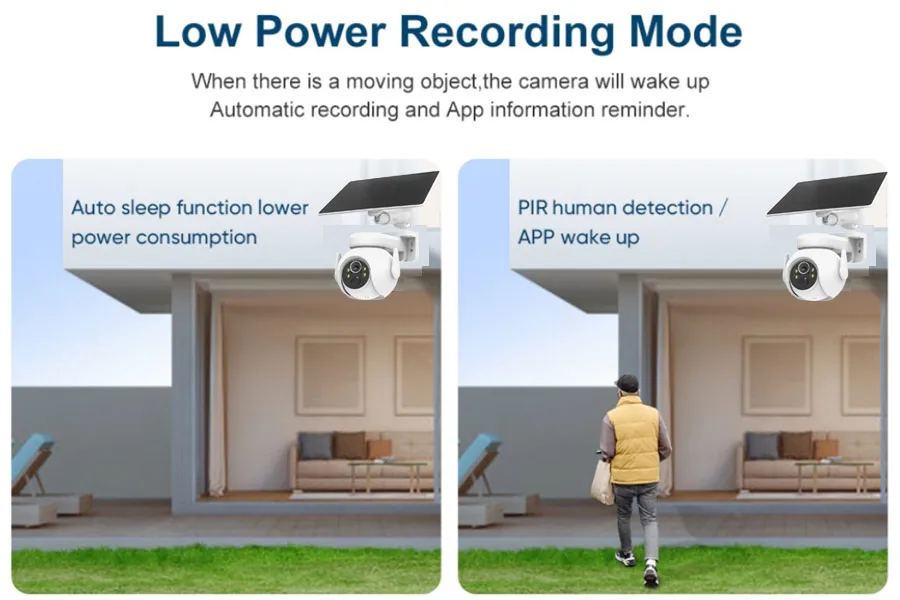
Event-based recording is why most 4G cameras stay under a few gigabytes a month.
Data consumption depends on four factors: resolution, bitrate, how often the camera uploads, and whether it streams continuously or only on events. A camera set to record a 15-second clip each time motion is detected might trigger 40 times a day on a quiet site — that is roughly ten minutes of video per day, not ten hours, and the monthly total stays modest. The same camera streaming live view around the clock would multiply its usage by a factor of thirty or more.
| Разрешение | Typical Bitrate | Event-Based Recording (per month) | Continuous Live View (per day) |
|---|---|---|---|
| 480p / 720p | 0.3–0.5 Mbps | approx. 3–8 GB | approx. 3–5 GB |
| 1080p | 1–1.5 Mbps | approx. 10–30 GB | approx. 10–16 GB |
| 2K / 4MP | 2–2.5 Mbps | approx. 30–60 GB | approx. 20–27 GB |
These figures are estimates — every camera compresses video differently, and H.265 encoders can cut the numbers in the table by 30 to 50 percent compared with older H.264 units. The point of the table is scale, not precision: event-based use fits comfortably inside a small data plan, while continuous streaming needs a serious budget. For a longer breakdown with ways to trim usage, read our 4G camera data usage guide.

Looking for cellular cameras that fit your market’s carriers? Bokysee manufactures 4G security cameras with multi-band LTE modems, triple-cut SIM support, and flexible recording modes that keep data plans affordable — with OEM and ODM service for your brand.
Explore OEM/ODM Solutions →How Do You Choose a SIM Card and Data Plan?
Match the plan to how the camera actually records — buying by habit instead of usage is what inflates the bill.
Once you know the card size and the bands, choosing a plan becomes a matter of matching numbers. A workable process looks like this:
- Estimate monthly usage first. Run the camera for a week on a small prepaid plan, check the app’s traffic statistics, then multiply by four. One week of real data beats any guesswork.
- Prefer data-only or M2M plans for permanent installs. They cost less per gigabyte than phone plans and allow device use in their terms.
- Verify coverage at the exact mounting spot. Carrier coverage maps show regional averages; a metal shed wall can change everything. Test with a phone on the same network before committing.
- Check what happens when the cap is hit. Some plans throttle speed, others cut data entirely — for a security camera, a plan that slows down but stays online is safer than one that goes dark.
- For multi-camera projects, use pooled data. M2M providers let many SIMs share one monthly allowance, so a busy camera borrows from a quiet one instead of triggering overage fees.
One more practical note: pick a plan with automatic renewal or a healthy validity window. Security cameras fail silently when a prepaid SIM expires — the camera keeps recording locally while the owner believes they still have remote access, sometimes for weeks.
What Should You Do If a 4G Camera Cannot Connect?
Most dead 4G cameras come down to an inactive SIM, a wrong APN, or weak signal at the mounting spot.
When a camera refuses to come online, work through the causes in order of how often they are the real culprit:
- SIM not activated or out of credit. Insert the card in a phone and confirm data works before blaming the camera.
- Wrong APN setting. The Access Point Name tells the modem how to reach the carrier’s data network. Most cameras auto-detect it; when they do not, enter the APN string from the carrier manually.
- Band mismatch. The SIM registers on a network the modem cannot use. Cross-check the carrier’s LTE bands against the camera’s spec sheet.
- Weak signal at the site. Signal strength below roughly −110 dBm RSRP is unreliable for video upload. Move the camera, add an external antenna, or consider a directional LTE antenna pointed at the tower.
- Data cap reached or plan expired mid-cycle. Check the carrier’s portal — throttled or suspended service looks identical to a camera fault from the app side.
- Card seating. Power the camera down, reseat the SIM, and confirm it is not inserted upside down or loose inside an adapter.
If all of these check out and the camera still shows offline, test with a different SIM from another carrier. That single test separates a hardware fault from a network problem faster than any other step — and it is the question our support team asks first when distributors report a connectivity issue.
Frequently Asked Questions About 4G Security Camera SIM Cards
Can I use a regular phone SIM card in a 4G security camera?
Yes, if the card size and the carrier’s LTE bands match the camera’s modem. The camera will register and transfer data normally. Keep in mind that phone plans often cost more per gigabyte than data-only plans, and some consumer plans restrict use to handsets, so a phone SIM is best for testing rather than long-term deployment.
Can I use a prepaid SIM card for a 4G security camera?
Yes. Prepaid SIMs are a popular choice for 4G cameras because you control the spend and can stop at any time. Confirm that the prepaid plan allows data-only devices and supports automatic renewal, because a camera goes silent whenever the balance or validity period runs out.
Can a 4G security camera use any mobile network?
No. A camera only connects to networks that broadcast LTE bands its modem supports and that accept the SIM’s carrier. Cameras with unlocked, multi-band modems work across more carriers, which matters when you need the freedom to switch providers for coverage or price.
What happens if a 4G camera loses cellular signal?
The camera keeps recording to its SD card or local NVR, so no footage is lost at the site itself. Live view, push alerts, and cloud uploads pause until the signal returns, at which point event clips recorded offline typically sync to the server.
Can I move the SIM card between different 4G cameras?
Usually, yes, as long as both cameras use the same SIM size, support the carrier’s bands, and accept the same APN settings. Some carriers bind a SIM to one device identifier for security, in which case a quick call or portal setting releases the card for the new camera.
Does a 4G security camera work when the mobile network is down?
Local recording continues as long as the camera has power, so an outage does not create a blind spot on the property. Remote access, notifications, and cloud backup stop until the network recovers, which is why sites with critical needs often pair a 4G camera with a secondary connection.
Заключительные мысли
A 4G security camera needs a SIM card the way a phone needs one — it is the credential that opens the cellular data connection everything else depends on. Get the card size right, confirm the LTE bands match your local carriers, and size the data plan to how the camera actually records rather than to a worst-case guess.
The SIM is rarely where things go wrong, though. Band mismatches, expired prepaid balances, and weak signal at the mounting spot account for most of the support tickets we see. A half hour spent testing coverage with a phone before installation saves a return trip to a remote site later.
If you are specifying cellular cameras for projects or distribution, Бокизее builds 4G models with broad band coverage and OEM-friendly firmware — and our team can help you match camera hardware to the carriers in your target market.






 Russian
  English
  Spanish