
Understanding exactly how much data does a 4g camera use determines whether your remote security deployment scales efficiently or bleeds capital through unexpected carrier overage fees. Leaving cellular bandwidth unmanaged transforms a cost-effective solar surveillance network into an immediate operational liability.
This analysis benchmarks cellular consumption patterns against actual field requirements. We evaluate the massive 90 GB monthly drain of continuous streaming and the 50 percent bandwidth reduction delivered by H.265 compression to help you secure a predictable operating budget.
Factors Affecting Data Consumption
Video resolution and recording habits dictate your cellular costs. Smart configurations keep usage under 2GB, while continuous streaming burns through gigabytes daily.
Video Quality and Bitrate Settings
High-definition cameras capture exceptional detail, but that clarity demands heavy bandwidth. You must balance the need for sharp images against your cellular plan limits.
- Bitrate and Definition: Pushing higher bitrates for HD streams consumes heavily. A standard 2MP HD feed requires about 0.9GB per hour, whereas standard definition uses a fraction of that data.
- Resolution and Frame Rate: Scaling up your pixel count and capturing more frames per second generates massive files. The camera pushes harder on the network to transmit this dense footage.
- Compression Formats: Modern H.265 video encoding shrinks file sizes efficiently. You lower the data burden on the network without compromising the final image quality.
Operational Modes and Usage Patterns
How your camera operates in the field impacts your monthly data total more than any hardware spec. You control the dial based on your actual monitoring needs.
- Standby Mode: Cameras waiting for a trigger sip data slowly. They only pull about 5MB daily to send a network heartbeat, ensuring your app connects instantly when needed.
- Continuous Streaming: Keeping a live view open or playing back long stretches of local video drains data fast. A full 24-hour streaming session easily exceeds 10GB.
- Motion-Activated Recording: Restricting data uploads to actual physical events acts as the ultimate cost control. In low-traffic areas, this setup keeps monthly cellular usage well under 2GB.
High Definition (4K) vs. Standard Definition (720p)
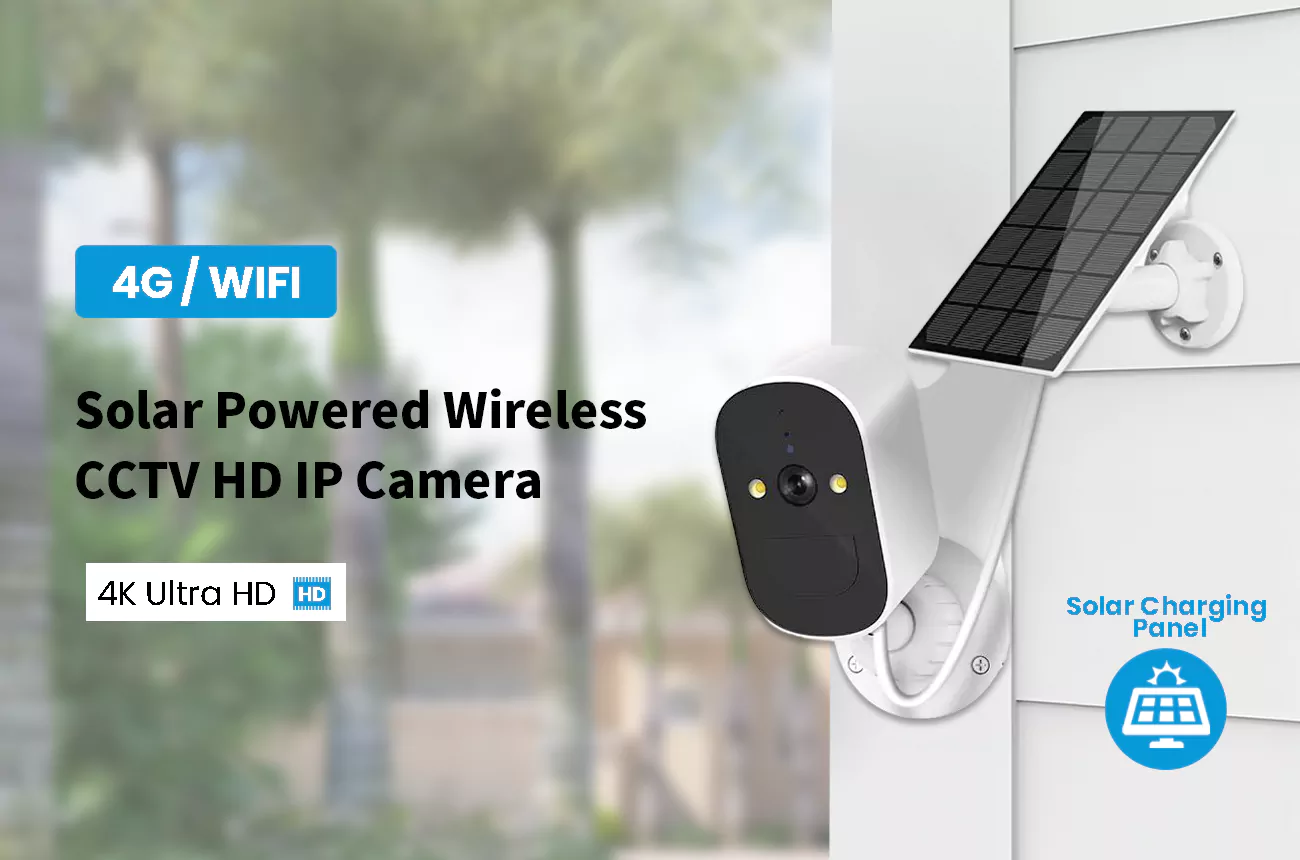
4K cameras consume up to 12 times more bandwidth than 720p models, forcing a choice between basic data plans and expensive enterprise cellular contracts.
Data Consumption Differences Between 4K and 720p
Pixel density dictates bandwidth consumption. 4K security cameras process 3 to 6 GB of data every hour during continuous recording. They use 6 to 12 times more data than 720p alternatives.
Standard 720p cameras operate efficiently at just 0.5 to 1 GB per hour. This low bandwidth requirement sets the baseline for low-power and solar 4G hardware, allowing remote devices to stay online without exhausting cellular limits.
To manage the massive files generated by 4K, manufacturers rely on modern H.265 compression technology. This advanced codec cuts data usage by up to 50 percent, helping 4K cameras drop their monthly continuous data requirement to roughly 1,080 GB.
Data Plan Requirements for 4K and 720p Cameras
Your resolution choice directly impacts operational costs. Motion-triggered 720p setups require small 3 to 5 GB monthly data plans to handle just 1 to 2 minutes of daily recording.
Continuous 4K recording generates massive file sizes due to high pixel density. Deploying these high-resolution cameras demands enterprise-level or completely unlimited cellular data plans to keep them operational over mobile networks.
Heading into 2026, buyers find small data plans perfectly adequate for standard motion-triggered security. While manufacturers heavily promote higher resolutions, 4K remains largely impractical for basic cellular deployments.
Maximize ROI with Factory-Direct CCTV Solutions
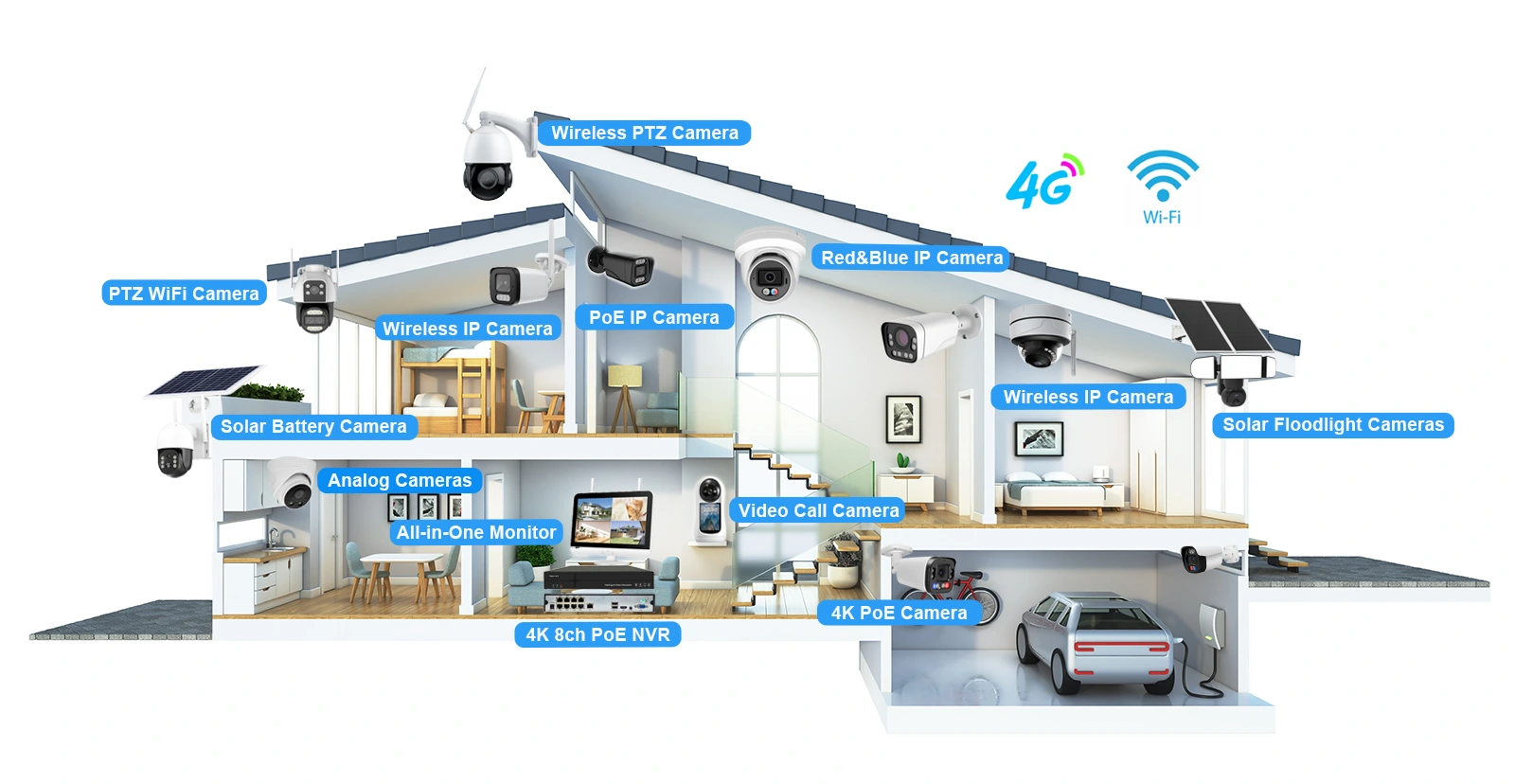
H.265 vs. H.264: Why Compression Technology Matters
H.265 cuts cellular data consumption by up to 50% compared to H.264, making it essential for high-resolution 4G security cameras to avoid costly overage fees.
Bitrate Efficiency and Data Savings
H.265 (HEVC) directly reduces cellular data consumption by requiring up to 50% lower bitrates than H.264 for equivalent video quality. This efficiency determines whether a remote camera stays within its monthly data limits or racks up overage charges.
- 1080p Streaming (30fps): H.264 uses roughly 2.8 GB per hour (5-8 Mbps), while H.265 drops consumption to 1.8 GB per hour (3-5 Mbps).
- 4K Resolution: Bandwidth savings scale upward with video quality, delivering 35-50% data reductions.
- 720p Resolution: Generates 15-25% data savings, extending continuous recording capabilities on standard 4G plans.
Technical Mechanics and Camera Setup
The performance gap comes down to how each codec processes video. H.265 utilizes large 64×64 Coding Tree Units (CTUs) instead of the older 16×16 blocks found in H.264. This structural difference allows H.265 to compress static surveillance scenes highly efficiently, producing fewer visual artifacts even at lower bitrates.
Because encoding H.265 demands significantly more CPU power, H.264 remains a practical fallback option for low-power camera hardware or compatibility with older network setups. For modern deployments, network operators configure 1080p and 4K security feeds to use H.265 or H.265+ as the default standard. This specific setup maximizes bandwidth savings and actively prevents cellular overage fees on high-resolution surveillance streams.
Motion Triggered Recording vs. 24/7 Streaming
Motion-triggered recording slashes 4G data usage from 90 GB down to just 1.5–9 GB per month. Avoid continuous streaming on cellular networks to prevent rapid data depletion.
Data Consumption Differences Between Modes
The operational mode you select dictates your monthly cellular data consumption. The difference between continuous and event-based video capture is massive, directly impacting network load and carrier costs.
- Motion-Triggered Recording: Limits video capture to specific physical events, keeping data usage between 1.5 GB and 9 GB per month for standard resolutions.
- Continuous 24/7 Streaming: Pushes monthly data consumption to a staggering 18 GB to 90 GB when operating at 720p or 1080p resolutions.
- Configuration Impact: Switching a 1080p camera from continuous streaming to motion mode cuts data usage from nearly 100 GB down to roughly 15 GB or less.
This drastic reduction in data transfer lowers your monthly operating costs and guarantees your camera stays online without hitting strict carrier data caps.
Managing Cellular Limits with Motion Modes
Cellular cameras maximize efficiency by remaining in a low-power sleep state most of the time. They only wake up to transmit video when onboard sensors detect physical movement.
Modern hardware pairs this sleep functionality with AI motion detection to filter out false alerts, like moving branches or shifting shadows. This intelligent filtering prevents up to 80% of unnecessary data transmission, ensuring you only pay to upload relevant security events.
Industry guidelines recommend avoiding 24/7 streaming entirely on 4G networks. You should only deploy continuous cellular streams if your deployment includes unrestricted, high-capacity cellular data plans.
How Remote Viewing Impacts Data Usage
Remote viewing transforms a 4G camera from a low-data standby device into a heavy bandwidth consumer, jumping from 5MB daily to nearly 1GB per hour in HD.
Comparing Standby and Active Streaming Data
When you are not looking at the app, your 4G camera sits in standby mode. It sips a minimal amount of data, sending tiny heartbeat signals to keep the cloud connection alive at roughly 5MB per day. The moment you open the app for remote viewing, the device instantly shifts into a high-bandwidth video stream.
- Standard Definition (SD): Streaming at 1Mbps pulls roughly 0.25 to 0.45GB per hour.
- High Definition (HD): Streaming at 2Mbps pushes usage up to 0.9GB per hour, causing massive spikes if you leave the feed running.
Tips to Lower Data Consumption During Remote Access
You do not need to burn through your cellular plan just to check on your site. A few direct adjustments to your viewing habits and camera settings will lower your bandwidth load.
- Switch to SD mode: Dropping the app viewing mode from HD to SD instantly cuts your video bitrate and data usage by 50 percent.
- Limit live sessions: Keep your check-ins brief. Rely on motion-triggered alerts rather than watching a constant live feed.
- Enable H.265 compression: Turn this on in your camera settings to shrink video file sizes far better than standard H.264 encoding.
- Restrict multi-camera views: If you manage a multi-camera setup, view exactly one camera feed at a time to prevent bandwidth overload on your cellular plan.
Setting Up Data Alerts and Limits
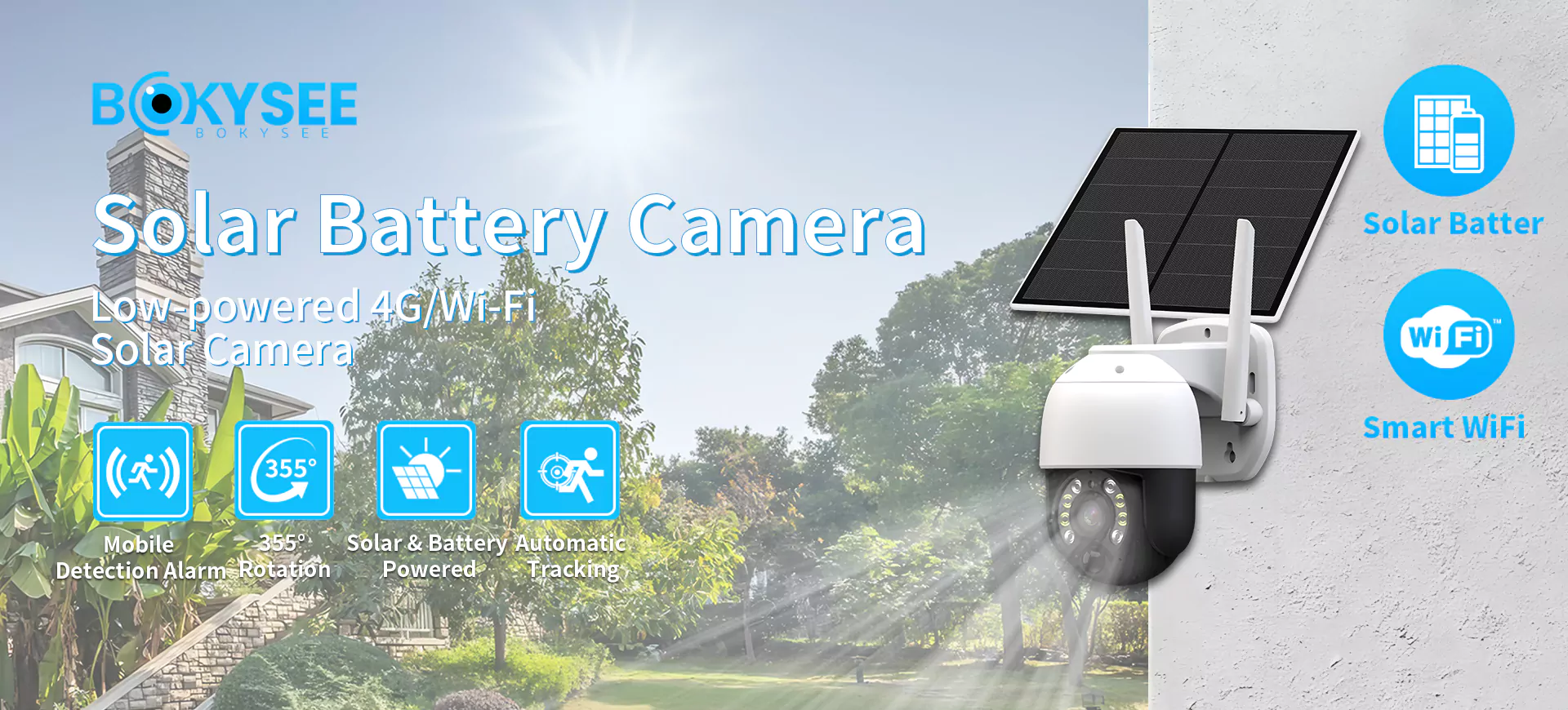
Most 4G camera applications let you configure real-time limits. Setting data thresholds based on your expected monthly usage prevents unexpected cellular overage charges.
Configuring Alert Thresholds
Modern 4G camera applications include built-in tools to track cellular data consumption. You can use these dashboards to set hard limits based on your expected 2026 usage patterns, preventing billing surprises when your hardware operates in remote areas.
- Standard motion-triggered usage: Set alerts at 5 to 8 GB monthly for typical deployments at 720p or 1080p.
- Moderate continuous usage: Apply a 20 to 30 GB alert threshold.
- High-usage deployments: Configure alerts at 60 to 75 GB for heavy streaming environments.
Adjusting Settings to Avoid Overages
If your cameras frequently hit their data limits, you need to optimize the transmission settings. Adjusting how the camera captures and stores video drops cellular bandwidth requirements significantly.
- Lower video resolution: Drop from 1080p to 720p or 480p to decrease individual file sizes.
- Enable H.265 compression: This codec processes video more efficiently, reducing 4G data consumption compared to older H.264 encoding.
- Restrict recording triggers: Switch from continuous capture to motion-triggered events to lower your overall monthly data requirements.
- Utilize local storage: Save video locally to a microSD card to eliminate the continuous data overhead caused by cloud server uploads.
Choosing the Right Data Plan for Your Project
Match your data plan to actual usage tiers—from 5GB for motion-only setups to unlimited for continuous streaming—and optimize settings to avoid overage costs.
Match Your Usage Tier to a Data Plan
We categorize data needs into three distinct tiers based on camera activity. Selecting the exact tier prevents both overpaying for unused bandwidth and getting hit with surprise overage fees.
- Low-usage setups: Cameras operating in sleep mode with motion-only recording typically consume 1 to 4 GB monthly. A 5 to 10 GB plan comfortably covers this activity.
- Medium-usage systems: Hardware capturing daily 1-to-2 minute events requires a larger buffer for occasional live views. Equip these deployments with 10 to 20 GB plans.
- High-usage projects: Sites relying on continuous HD streaming or frequent live monitoring demand unlimited data plans to maintain connectivity and prevent unexpected limits.
Strategies to Stay Within Your Data Limits
Aggressive camera settings burn through data allocations quickly. You need strict operational parameters to keep consumption predictable. Implement these bandwidth-saving tactics to maximize your cellular capacity without sacrificing security coverage.
- Switch to substream: Set your camera to substream or smooth mode for routine monitoring. This extends 1 GB of data up to 10 hours, compared to just 45 minutes on a mainstream resolution feed.
- Lower motion sensitivity: Dial back the motion sensor settings to reduce false triggers from wind or minor movements. This adjustment keeps overall monthly usage well under 9 GB.
- Utilize local storage: Schedule active recording hours and rely on local SD card storage for daily playback. Review the physical footage locally before you initiate any bandwidth-heavy cloud uploads.
Practical Tips to Minimize Bandwidth Usage
Optimize camera settings and storage habits to cut 4G data consumption by up to 80%, avoiding unexpected overage charges while maintaining core security functions.
| Optimization Technique | Action Required | Expected Data Reduction |
|---|---|---|
| Resolution Adjustment | Drop from 1080p HD to SD | ~50% bandwidth savings per hour |
| Video Compression | Switch from H.264 to H.265 | 30-50% smaller file sizes |
| Recording Mode | Switch from continuous to motion-triggered | Up to 80-90% monthly usage drop |
Adjusting Camera Settings for Data Efficiency
You control exactly how much data your 4G camera processes. Tweaking a few core video settings yields massive reductions in daily bandwidth without compromising the actual surveillance value.
- Lower the resolution: Step down from 4K or 2K to 1080p or Standard Definition (SD). Switching a live stream from HD to SD instantly halves the required bandwidth.
- Drop the frame rate: Reduce your video frame rate to 10 or 15 FPS. This rate captures sufficient motion detail to identify subjects while drastically cutting the overall data volume.
- Enable H.265 compression: Swap the default H.264 codec for H.265. This advanced format delivers higher compression ratios, shrinking file sizes by up to 50% and easing the network load without losing visual clarity.
Modifying Storage and Viewing Habits
Hardware settings only solve part of the equation. Changing how you store footage and interact with the camera app prevents unnecessary cellular data drain.
- Activate motion detection: Configure activity zones so the camera only records and uploads during actual movement. This skips the constant data streaming required for 24/7 continuous recording.
- Store footage locally: Insert a microSD card for local storage. This eliminates the massive upload data required to send full video files continuously to cloud servers.
- Restrict live viewing: Limit how long you watch the live feed and use the substream for quick checks. Substream viewing uses around 0.2GB per hour, a fraction of the data compared to heavier mainstream streaming.
- Configure app alerts: Set custom data thresholds inside your camera app. Tracking real-time usage helps you stay within your cellular plan limits and alerts you before unexpected overages hit your bill.
Frequently Asked Questions
How much data does a 4G camera use per month?
A 4G security camera typically uses between 500 MB and 9 GB per month. Standard motion-triggered setups consume about 1 to 4 GB monthly. Running the camera continuously at 1080p drastically increases data needs, jumping to 45 to 90 GB per month. For basic motion detection that records just a few minutes daily at 1080p, expect about 4.5 to 9 GB of monthly usage.
What factors affect data usage?
Video resolution and bitrate drive your data consumption. Recording in 1080p HD uses three to five times more data than standard 480p. High-quality live streaming pulls heavy data compared to compressed streams. Other drivers include how often motion triggers activate the camera, whether you record continuously or on a schedule, and the background data required to maintain cloud connections.
How can I reduce data consumption?
Adjust your settings to rely on motion-triggered recording instead of continuous video feeds. Switch your live view from HD to standard definition to cut hourly consumption by more than half. You can also lower motion detection sensitivity to prevent false triggers. Enable H.265 video compression if your camera offers it, and keep your live streaming sessions short.
Can it upload only on alarms?
Yes, most 4G cameras support alarm-only uploads. The camera remains in a low-power standby state and only connects to the cellular network to upload clips when it detects motion. This efficient setup keeps average data usage between 1 and 4 GB per month, making it perfectly suited for solar-powered models and remote locations with limited data plans.
How do I choose a 4G plan?
Estimate your monthly needs based on your recording habits. A 3 to 5 GB plan easily supports a single camera using motion triggers. If you require continuous recording or frequent live viewing, you need a plan offering 50 GB or more. Buy data-only IoT or M2M SIM cards to avoid paying for voice features you do not need, and verify that the carrier provides a strong 4G LTE signal at your exact installation site.
Does it support local storage?
Yes, most 4G cameras accept microSD cards for local storage. Saving your video files directly to the camera stops the device from uploading every clip to the cloud, which prevents massive data drain. When you rely on local storage, the camera only uses cellular data when you manually open the mobile app to stream those saved clips remotely.
Final Thoughts
While unmanaged continuous streaming and 4K resolutions look appealing on paper, they quickly destroy project margins through massive cellular overages. Standardizing your deployment on motion-triggered, H.265-enabled hardware is the only reliable way to protect your operating budget. This precise control over bandwidth keeps remote sites secure without unpredictable monthly carrier bills.
Stop guessing on your monthly data costs and start deploying optimized hardware. We recommend requesting a sample unit to test our advanced compression and motion-detection efficiency in your exact field conditions. Contact our commercial team to review our wholesale catalog and secure data-efficient cameras for your next major project.



 English
  Spanish
  Russian