Ir al contenido
Sourcing a 4g solar security camera for international projects is a direct risk to project margins if regional carrier band compatibility is ignored. A hardware mismatch means the unit is dead on arrival, leading to costly deployment failures and warranty claims. This isn’t a simple configuration error; it’s a fundamental incompatibility that can halt an entire installation before it begins.
This analysis provides the technical architecture for reliable global deployments. We specify the essential LTE coverage bands for North America versus Europe, the material requirements for IP67-rated SIM tray seals, and the firmware logic required to manage deep-sleep power consumption. The data outlines the non-negotiable specifications to prevent common field failures.
Regional Carrier Band Spectrum Allocations
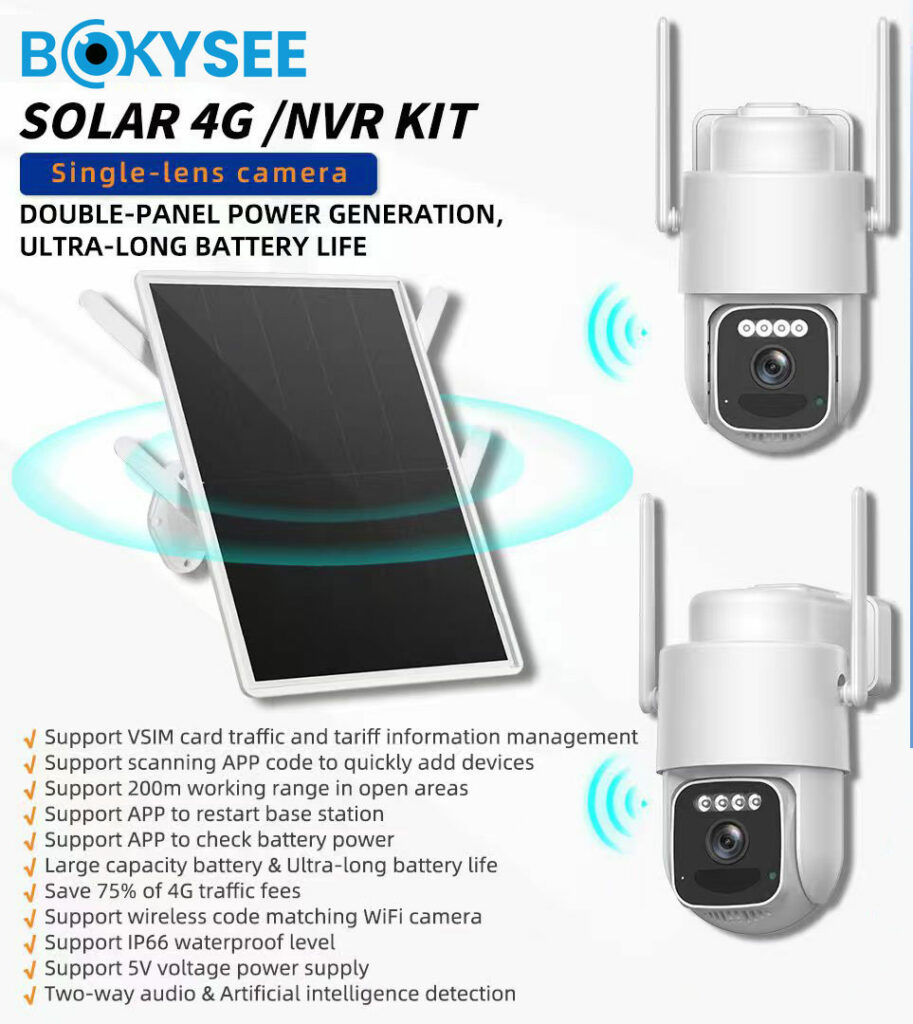
A 4G camera’s reliability depends entirely on its support for local carrier bands. Mismatched bands mean no connection, especially in the remote off-grid sites these cameras serve.
Cellular carriers use different frequency bands for different purposes. Low-frequency bands provide wide-area coverage ideal for rural and remote deployments, while mid and high-frequency bands offer higher capacity for denser areas. A camera must support the right bands for its intended region to work properly.
North America and Europe/UK Profiles
| Región | Primary Coverage Bands (Low-Frequency) | Primary Capacity Bands (Mid/High-Frequency) |
|---|---|---|
| América del norte | B12, B13, B17 (700 MHz), B71 (600 MHz), B5 (850 MHz) | B2 (1900), B4 (AWS), B66 (AWS-3), B41 (TDD 2.5 GHz) |
| Europe & UK | B20 (800 MHz), B28 (700 MHz) | B1 (2100), B3 (1800), B7 (2600) |
Profiles for Asia, Australia, and Other Regions
| Región | Primary Coverage Bands (Low-Frequency) | Primary Capacity Bands (Mid/High-Frequency) |
|---|---|---|
| Asia & Australia | B28 (700 MHz), B5 (850 MHz), B8 (900 MHz) | B1 (2100), B3 (1800), B40 (TDD 2.3 GHz), B41 (TDD 2.5 GHz) |
| South America | B28 (700 MHz), B5 (850 MHz) | B2 (1900), B4 (AWS), B7 (2600) |
| Africa & Middle East | B8 (900 MHz), B20 (800 MHz) | B3 (1800), B7 (2600), B38/B40 (TDD) |
Industrial SIM Tray Waterproof Seals
A SIM tray seal uses a durable rubber gasket to block water and dust. Its main job is ensuring the SIM slot doesn’t compromise the camera’s overall IP rating.
Design and Function in Outdoor Cameras
The seal’s primary job is to form a physical barrier against water, dust, and corrosive particles. This protects the SIM card contacts and the sensitive electronics inside the camera from damage. A failure here leads to intermittent connectivity or a dead device.
Most designs use a perimeter rubber gasket or an overmolded silicone ring. This ring fits snugly into a precision-machined groove, either on the camera’s housing or on the SIM tray itself. When the tray is inserted, the seal compresses to block any contaminants. The SIM slot seal must fully support the camera’s overall Ingress Protection (IP) rating, which is typically IP67. If the seal fails, the entire IP rating is meaningless.
Material Requirements and Durability
Silicone and liquid silicone rubber (LSR) are the standard choices here. They offer an excellent operating temperature range, stay flexible in the cold, and resist most environmental factors. For any outdoor electronic device, the seal material has to withstand long-term exposure to UV radiation and ozone without cracking or becoming brittle. A cheap material will degrade quickly, creating a leak path.
A low compression set is also a critical property. This means the material maintains its shape and sealing force even after being compressed for years out in the field. A material with a high compression set will flatten out permanently and lose its ability to seal, especially after repeated temperature cycles cause the housing materials to expand and contract.
Grow Your Business with OEM Security Cameras
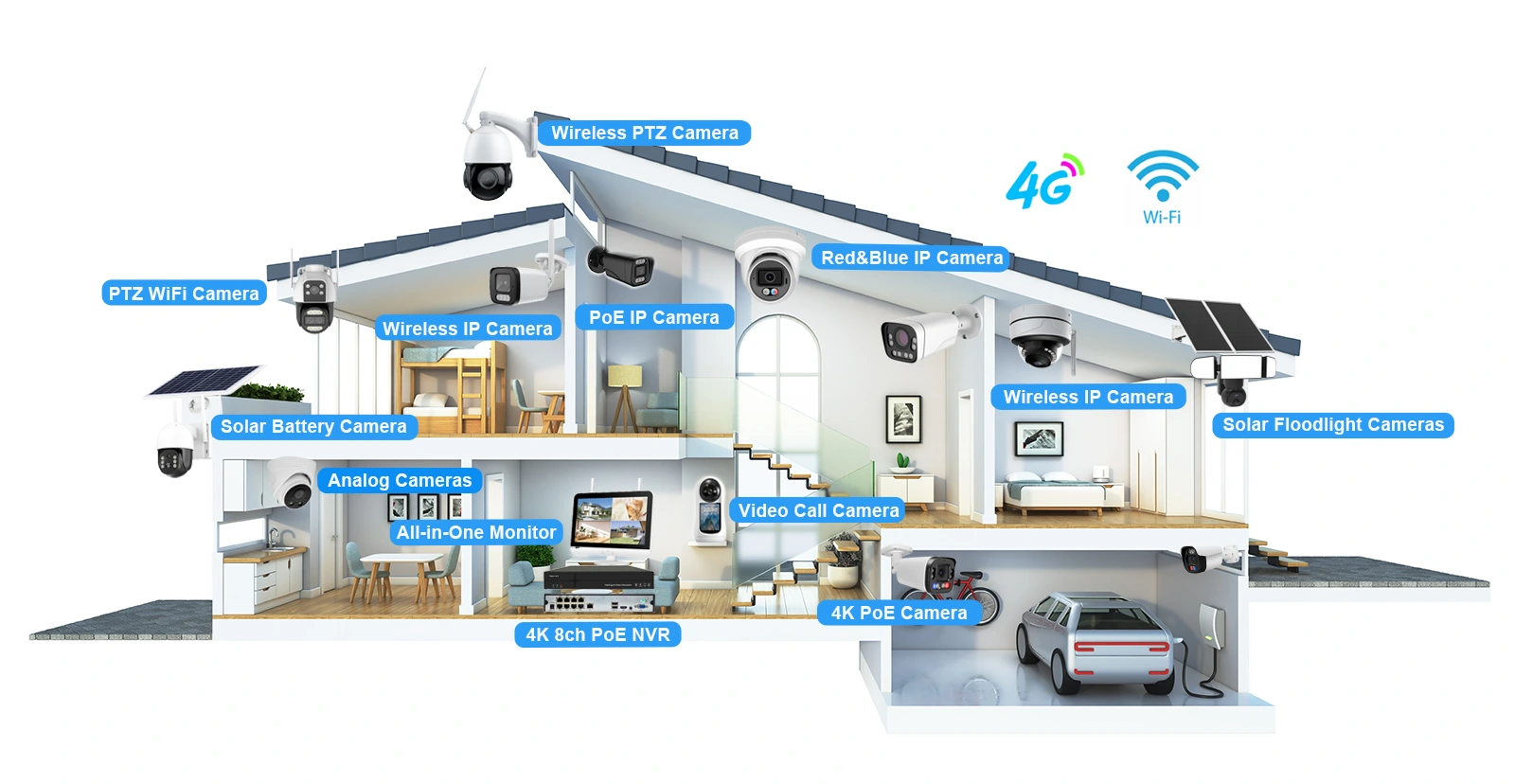
Automatic Low-Signal Reconnection Protocol Loops
Reconnection loops from weak signals or bad setup drain batteries and cause missed alerts. Pre-deployment checks on SIM, power, and signal quality prevent this common field failure.
Common Triggers and Operational Effects
These connection loops aren’t random failures. They are typically triggered by a poor cellular signal, incorrect SIM or APN settings, carrier-side blocking, or an unstable power supply. Instead of failing cleanly and going offline, a camera caught in this state will repeatedly cycle between online and offline. The constant modem activity rapidly drains the battery, leads to missed motion alerts, and causes significant delays when trying to access live video.
Mitigation and Best Practices
Fixing this problem starts before the camera is ever mounted on the pole. Following a few key steps during setup can prevent most reconnection issues.
- Before deployment, verify the camera is using a carrier-approved data SIM with the correct APN settings. This is a common point of failure.
- Improve signal quality by mounting the camera higher, keeping it away from large metal obstructions, and adjusting the antenna orientation for the best reception.
- Make sure the solar power system provides a stable voltage within the camera’s required range. Power dips can mimic a network failure and trigger a reconnection loop.
- During setup, test the connection for long-duration stability. Connection loops often appear only after a period of sustained weak-signal conditions, not during a quick initial check.
Sub-Stream vs Main-Stream Data Consumption Control
Use sub-stream for routine live viewing to control 4G data costs. Reserve the data-heavy main-stream for critical tasks like pulling evidence-grade footage from local storage.
Main-Stream for High-Detail Scenarios
The main-stream is reserved for tasks where video detail is non-negotiable, like reviewing incident footage from an SD card or exporting high-quality video for evidence. This stream consumes a significant amount of data, burning through approximately 0.9 GB per hour. Its high consumption makes it impractical and costly for casual check-ins or prolonged live viewing over a 4G connection.
Sub-Stream for Routine Monitoring and Cost Control
The sub-stream is the default for routine live viewing on mobile apps. It strikes a practical balance between usable video quality and efficient data use. By reducing cellular data consumption by about 50%, the sub-stream makes it possible to operate cameras on smaller, more affordable data plans. This strategy is key for managing operational costs for deployments planned through 2026.
Deep Power Sleep Configuration Adjustments
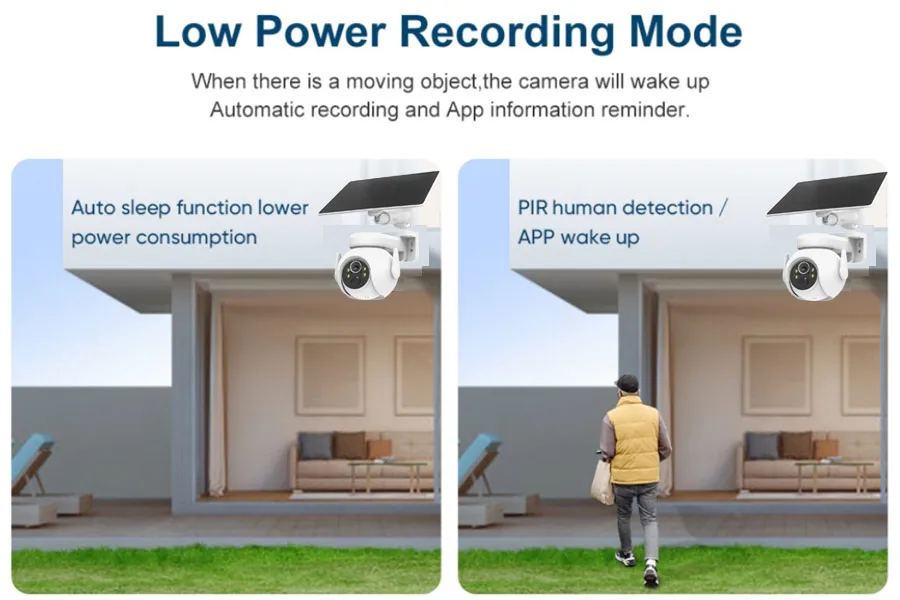
Tuning a Cámara solar 4G‘s deep sleep settings is a direct trade-off. You balance longer battery life against how quickly and reliably the camera detects and records events.
Adjusting Wake Triggers and Recording Actions
How a camera decides to wake up is the single biggest factor in its power consumption. The primary trigger is the Passive Infrared (PIR) sensor. If it’s too sensitive in a busy area, the camera will wake constantly, draining the battery for no good reason. If it’s not sensitive enough, it might miss an actual event. Modern systems also use on-device AI to filter out non-human motion, which drastically cuts down on pointless wake-ups from trees or animals.
Key adjustments focus on reducing these false triggers and controlling what happens immediately after a real one.
- PIR Sensitivity: In high-traffic areas like construction sites, set sensitivity to low or medium. For quiet perimeters, medium or high is fine. Some systems allow you to schedule when the PIR is active, such as only after business hours.
- Recording Clip Length: Keep post-trigger recordings short. A 10 to 15-second clip is standard for battery-powered devices. Setting it to 60 seconds will burn through power much faster.
- Re-trigger Interval: This “cool-down” period prevents the camera from creating dozens of back-to-back clips of the same event. A longer interval saves power in busy scenes.
- Night Vision Mode: Standard infrared (IR) night vision uses far less power than white-light LEDs. For power savings, use IR-only or a smart mode that only turns on the white light when a person is detected.
Managing Connectivity and System Sleep Logic
The 4G modem is a huge power draw. Leaving it on continuously for instant alerts is an option, but it comes at a steep cost to battery life. Most off-grid solar deployments need the modem to be powered down completely during sleep. The system then wakes the modem only when it needs to send an alert or when a user requests a live view. This on-demand approach is the foundation of long-term power autonomy.
The firmware’s internal timers also play a critical role in how quickly the system returns to its low-power state after an action.
- Connection Policy: Choose “on-demand” connection to power off the modem during deep sleep. The “always-online” setting should only be used for high-risk sites where you have a surplus of solar power.
- Heartbeat Frequency: The camera periodically “checks in” with the server to show it’s online. Spacing these heartbeats out to every 30 or 60 minutes, instead of every 5, reduces the number of times the modem has to wake up.
- Auto-Sleep Timeout: This setting determines how long the camera stays fully active after a recording or live view session ends. A short timeout of 15 to 30 seconds ensures it gets back to sleep quickly, conserving energy.
Cloud Integration and VMS Access Needs
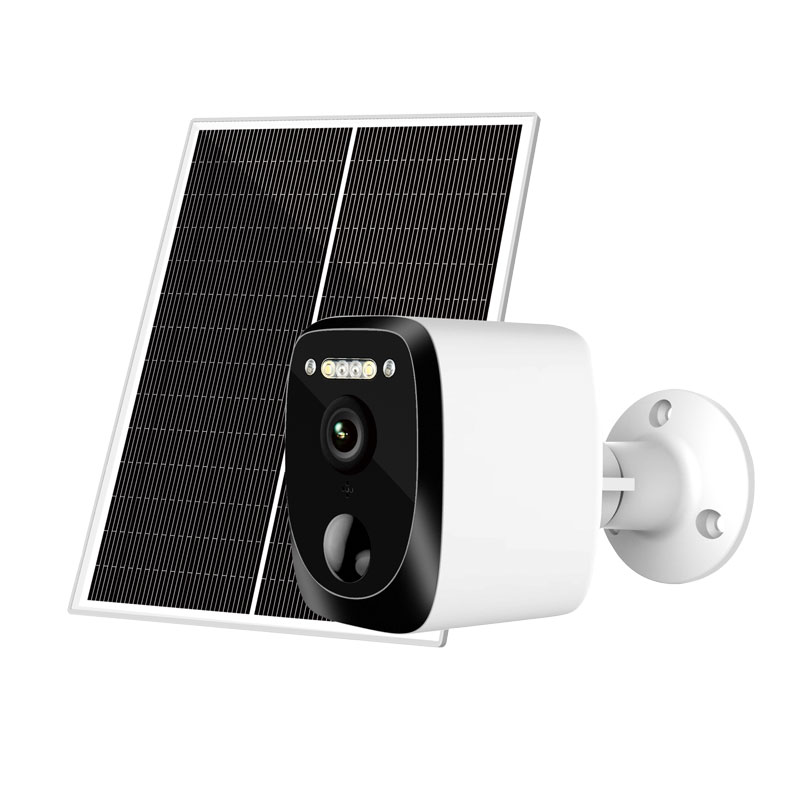
4G solar cameras connect to cloud platforms for remote storage and fleet management, while VMS integration provides centralized control for multi-site professional security operations.
Cloud Platform for Remote Management and Storage
For 4G solar cameras, cloud platforms are not just for storage; they are the primary tool for remote management. Because these devices are off-grid, a cloud service is essential for checking device health—things like battery level, solar charging performance, and 4G signal strength. It also allows operators to change settings like video resolution or motion sensitivity without a costly site visit. Firmware updates are pushed over-the-air, which is critical for maintaining security and performance on hard-to-reach assets.
Cloud storage in this context is built around cellular data limits. Instead of continuous recording, the system typically uploads only critical event clips triggered by motion or AI-based detection. This provides an off-site backup for important footage, protecting it from camera theft or SD card failure, while keeping data costs under control. Access is usually handled through a vendor’s app, where a user binds the camera to an account and subscribes to a storage plan.
VMS Connectivity for Centralized Operations
Integrating 4G solar cameras into a Video Management System (VMS) allows enterprises to manage them alongside their existing fixed IP cameras. Many professional-grade solar cameras support standards like RTSP and ONVIF, but direct connection is often tricky. Cellular networks use NAT (Network Address Translation), which prevents an external VMS from easily reaching the camera.
To solve this, a common approach is a hybrid cloud-VMS model. The camera maintains a connection to the manufacturer’s cloud, and the VMS then pulls video streams or receives event data from the cloud platform via an API or connector. This simplifies the networking challenges. For deployments like mobile surveillance trailers, a small on-site NVR records multiple cameras locally and uses a single 4G router for backhaul, appearing as one unified site within the central VMS.
European CE and RoHS Testing Steps
Getting a 4G solar camera on the EU market requires a strict process covering radio performance (CE/RED), electrical safety, and hazardous material limits (RoHS) for the entire system.
CE Certification Process for Radio Equipment
The CE process for a 4G solar camera is a formal conformity assessment, not just a simple check. It begins by defining the product exactly as it will be sold in the EU—camera, solar panel, battery, cables, and the specific 4G module inside. The manufacturer must identify all applicable directives, which always includes the Radio Equipment Directive (RED), EMC, and Low Voltage Directive (LVD) for safety.
Next, a complete technical file is assembled. This includes schematics, a bill of materials (BOM), mechanical drawings, user manuals, and a risk assessment. Fully functional product samples are sent to a qualified lab for testing. The lab runs a series of mandatory tests on the complete system.
- Safety Testing (LVD or under RED): This focuses on the battery, solar charge controller, and any power adapters. The lab checks for protection against electric shock, fire hazards from overheating, and mechanical stability. For lithium batteries, thermal runaway and short-circuit protection are critical.
- EMC Testing: The lab measures electromagnetic emissions to ensure the camera doesn’t interfere with other devices. It also tests the camera’s immunity to external interference. The solar panel and its long cable are treated as part of the system, as they can act as antennas for noise.
- Radio (RF) Testing (under RED): Even with a pre-certified 4G module, the final camera product must be tested. The lab verifies that the camera’s enclosure, antenna, and internal layout don’t negatively affect the module’s transmit power, frequency stability, or create spurious emissions in European LTE bands.
If the camera fails any test, the design must be modified and re-tested. Once all tests pass, the manufacturer signs an EU Declaration of Conformity (DoC), formally stating the product complies with all relevant directives. Only then can the CE mark be legally affixed to the camera, its packaging, and manual.
RoHS Compliance for Materials and Components
RoHS (Restriction of Hazardous Substances) compliance is a mandatory part of the CE marking process. It applies to every single electrical and electronic component in the 4G solar camera system. This includes the PCBs, solder, cables, connectors, LEDs, the 4G module, and the battery management system (BMS).
The process involves collecting compliance certificates and material declarations from all component suppliers. For high-risk or undocumented parts, samples are sent to a lab for chemical analysis. Labs often use XRF screening as a first pass to detect restricted substances like lead, cadmium, mercury, and certain flame retardants. If the screening finds anything suspicious, more precise wet chemistry tests are used for confirmation.
Any non-compliant material, like a cable with excess lead or a plastic part with banned phthalates, must be replaced with a compliant alternative. All documentation proving RoHS compliance is added to the product’s technical file. The RoHS Directive is then officially listed on the EU Declaration of Conformity alongside RED and other directives.
Preguntas frecuentes
What makes a 4G solar camera reliable for remote locations?
A reliable 4G solar camera depends on three main things: strong cellular connectivity, enough solar power and battery storage, and tough outdoor hardware. The best systems are designed for the actual 4G coverage at the site, the camera’s daily power use, and the local weather. A system should have a solar panel and battery large enough to last through cloudy days and a weatherproof housing (IP66 or higher) to protect it from rain and dust.
How are SIM card slots protected from moisture and dust?
Protection starts with the camera’s design, which usually includes an IP65 or higher weatherproof rating and a SIM slot located inside a compartment sealed with a rubber gasket. During installation, it’s important to make sure this gasket is clean and the cover is tightened evenly. Pointing the camera so the access panel faces down helps keep rain and dirt away from the seal. For very harsh conditions, installers might add extra protection like dielectric grease on the contacts.
What does a 4G camera do when it loses network signal?
When a 4G camera loses its signal, you can’t access it remotely for live viewing or get instant alerts. But, it typically continues to work locally. It will still detect motion and record video onto its internal microSD card. Once the cellular connection is restored, the camera will come back online, and you can review the footage saved during the outage.
How can I track the cellular data usage of a 4G camera?
The most accurate way to monitor data is through your cellular provider’s account dashboard or app, which shows how much data the SIM card has used. To keep usage low, set the camera to record only when it detects motion, rather than recording 24/7. Limiting how often you check the live video feed also saves a lot of data, as streaming is the biggest data consumer. A typical setup with moderate activity often uses 2 to 9 GB of data per month.
Do 4G solar cameras have international certifications like FCC or CE?
Certifications are not universal; they are specific to the country or region where the camera is sold. For example, a camera sold in the United States must have FCC certification. A camera sold in Europe needs a CE mark. Reputable manufacturers get the specific certifications required for the markets they sell in. You should always check the product’s specifications to confirm it has the right compliance for your location.
How much power does a 4G camera use in deep sleep mode?
In deep sleep mode, when the camera is idle and not recording or streaming, its power draw is very low, usually between 0.5 and 5 milliamps (mA). This ultra-low consumption is essential for a solar-powered camera because it allows the battery to last through several days of cloudy or rainy weather. The camera wakes up from this state only when its motion sensor is triggered.
Reflexiones finales
While generic cameras seem cheaper, they fail on critical details like carrier band support and IP-rated seals. The industrial deployment architecture outlined here is the only way to protect your projects from connection failures and costly site visits. Your reputation depends on hardware that works across borders, straight out of the box.
Don’t risk your capital on unverified hardware. The next step is to get a sample unit to validate the build quality and connection stability with your local carriers. Contact our engineering team to discuss your regional requirements or OEM branding options.






 Spanish
  English
  Russian