Skip to content
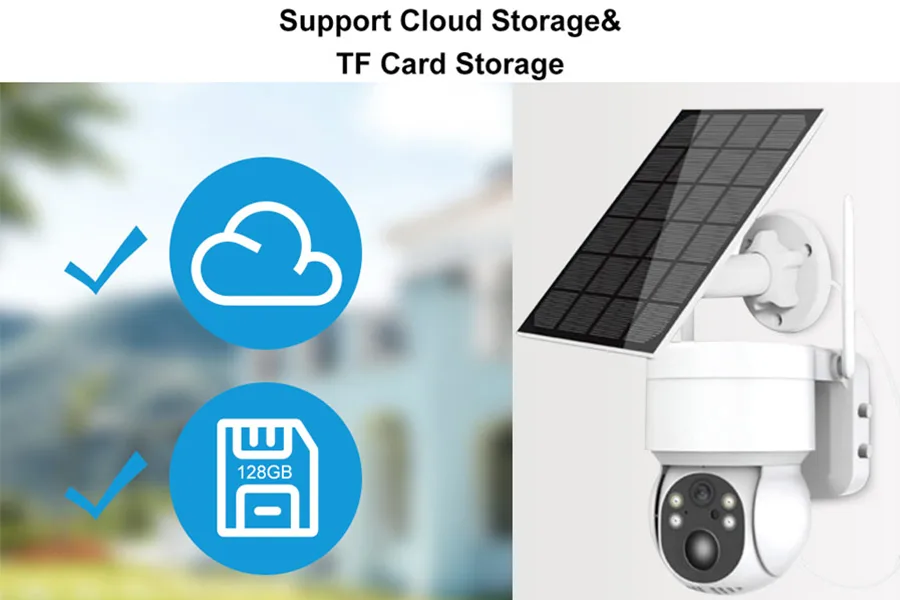
Cloud storage for security cameras keeps recorded footage on a provider’s servers for remote playback and download. Available options include event recording, continuous recording, and cloud backup alongside local storage.
For distributors and installers, the main considerations are device compatibility, recording coverage, retention, and the total subscription cost. Comparing these requirements helps match the service to both the installation and the customer’s budget.
How Cloud Storage for Security Cameras Works
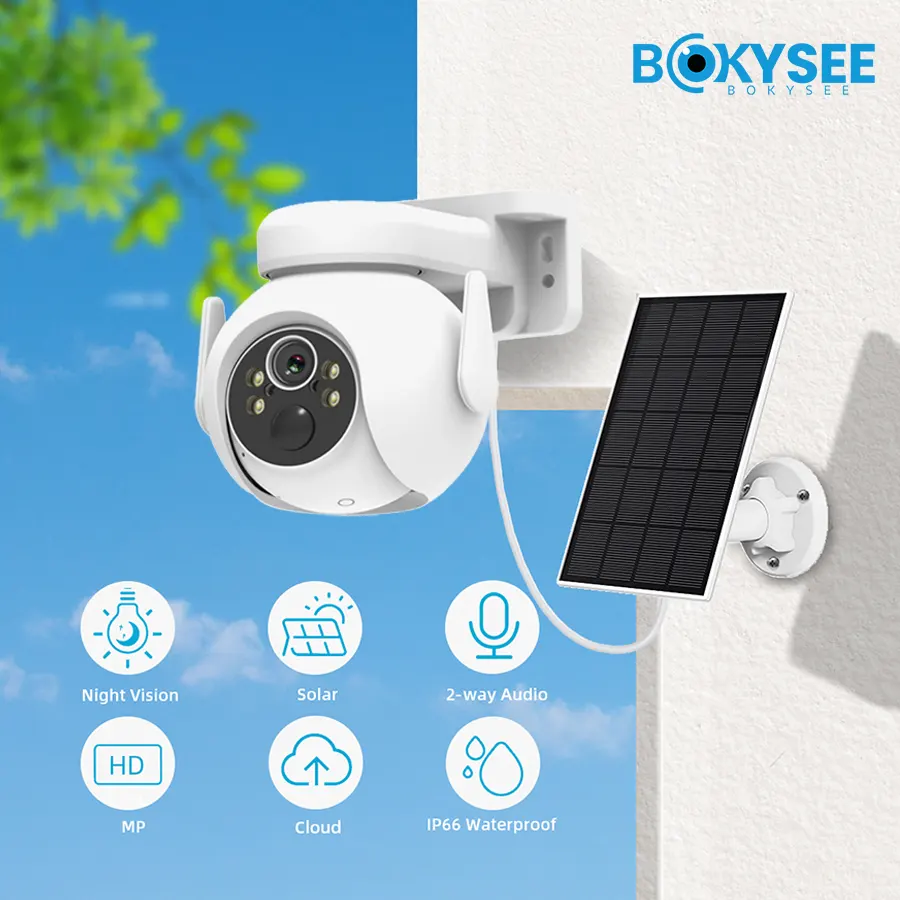
The camera records first, then uploads clips or continuous video to a provider server over the internet.
How Cameras Upload Footage to the Cloud
A camera captures video to a temporary buffer and then pushes it to a provider server over Wi-Fi, Ethernet, or a cellular connection. The upload happens in the background, so a short clip can reach the cloud storage server within seconds of the event that triggered it.
Because the footage must travel over the network, the upstream connection matters as much as the camera itself. A site with slow upload can fall behind, and the result is a gap between what the camera recorded and what the server actually received. Checking the upload speed before committing to a continuous plan prevents a disappointing rollout.
Cloud Recording vs. Live Remote Viewing
Live viewing and cloud recording are separate things, and the two are often confused. Live viewing streams the current image to a phone or browser without storing it, while cloud recording keeps a copy on a server for playback later. A camera can offer live view with no cloud plan at all, and it can also record to a local card while you watch it live.
Event-Based vs. Continuous Cloud Recording
Most cloud plans store only motion or event clips, because sending every frame around the clock is expensive in both bandwidth and fees. Continuous cloud recording exists for high-value sites, but it multiplies the upload requirement and the monthly cost. A warehouse with steady traffic may want continuous capture, while a storage room checked twice a day needs nothing more than event clips. Matching the recording mode to the actual risk is the first way to control spend.
Security Camera Cloud Storage Plans and Costs
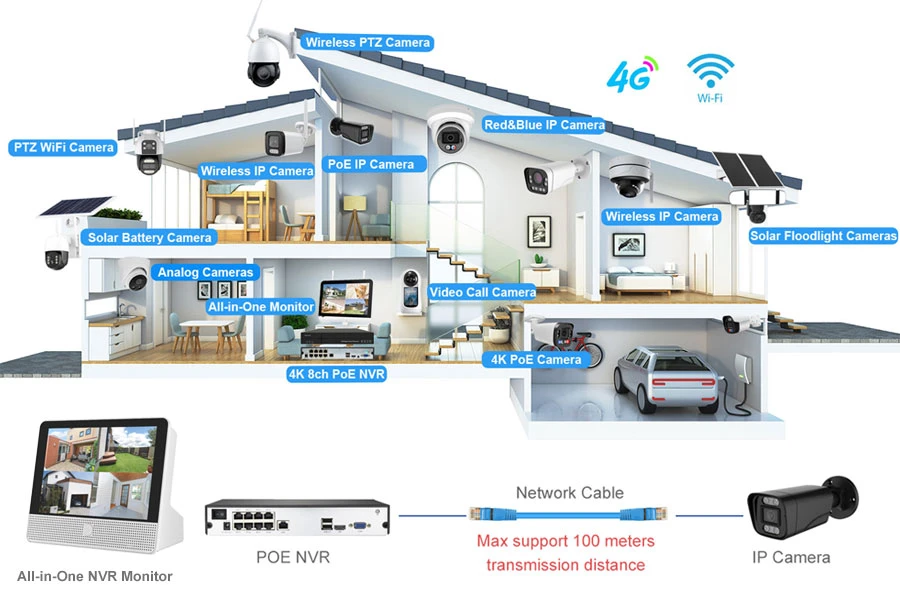
Cloud plans price per camera, per month, with tiers that change the retention, video quality, and feature set.
Free Cloud Storage vs. Paid Subscriptions
Free cloud storage may include a limited event history, restricted clip lengths, or selected recording features. A free trial provides temporary access to a paid service, so the two offers should be compared separately.
Paid subscriptions may extend retention, support additional cameras, or unlock recording and search functions. They still have defined limits. Business buyers should compare recording coverage, export access, user permissions, and support against the site’s requirements.
Monthly and Annual Subscription Pricing Models
Providers bill per camera, so the total is the number of units times the plan rate. Annual billing typically discounts the monthly price, and multi-camera business plans may offer a bundled rate. For a site with many cameras, the arithmetic makes the per-camera fee the single most important number to compare across vendors.
A useful shortcut is to price the site rather than the camera. Write down every unit that will upload, multiply by the plan rate, and carry the annual total into the quote. That single number surfaces the real cost of cloud faster than comparing feature lists.
Factors That Affect Cloud Storage Costs
Four things move the bill: how many cameras upload, how long footage is kept, the resolution and frame rate of the clips, and whether recording runs continuously or only on events. Cutting any one of them reduces the fee, which is why installers often tune the settings before they quote a customer.
| Plan Type | Typical Cost | Retention Window | Best For |
|---|---|---|---|
| Free tier | No cost | Short, limited events | Single home cameras |
| Paid event plan | A few dollars per camera | 7 to 30 days | Small shops and a few units |
| Continuous plan | Higher per camera | 30 to 90 days | High-value commercial sites |
What Affects Cloud Storage Requirements?
Cloud needs are driven by the same data math as local recording, but now every extra gigabyte also costs money every month.
Camera Resolution, Bitrate and Frame Rate
Higher resolution and frame rate produce larger files, and those files travel up the line and sit on the provider server. A 4K camera at a high bitrate can send several times the data of a 1080p unit, so the upload and the storage fee both rise. Choosing the resolution that actually supports identification, rather than the highest available, keeps the bill in check and often leaves image quality untouched.
Recording Duration and Retention Period
Retention is the length of time footage stays before it is deleted. A 7-day window costs far less than a 30-day or 90-day window, because the provider stores far less data. Businesses should set retention from what they genuinely need for review and compliance, not from the plan default.
Number of Cameras and Daily Recording Volume
Every added camera is another uploader and another fee. On event-based plans the daily volume stays low, but continuous recording turns a dozen cameras into a steady stream of data. Estimating the daily gigabyte total before signing a plan is the best guard against a bill that surprises the customer later, and it only takes a few minutes of arithmetic.

Sourcing WiFi, 4G, and NVR systems for distribution or projects? Bokysee manufactures cloud-capable security cameras and hybrid recorders with OEM and ODM support for your brand.
Explore OEM/ODM Solutions →Benefits and Limitations of Cloud Storage
Cloud storage trades a monthly fee for remote access and an off-site copy, at the price of bandwidth and a third party holding the data.
Remote Access and Off-Site Footage Backup
The core benefit is access. Owners and installers can review and share footage from anywhere, and the off-site copy survives a stolen or damaged recorder. That second point is the strongest argument for cloud on sites where evidence must survive a break-in. For an installer managing many client sites, checking any camera from a phone also shortens support calls and avoids a truck roll for a simple review request.
Internet Bandwidth and Upload Requirements
The dependency runs both ways. Cloud recording needs a stable upload path, and on a cellular connection the monthly data allowance can be exhausted quickly. A quick upload test on the actual connection, rather than the advertised plan speed, gives the truest read on whether continuous cloud recording will work. Where the connection is weak or metered, cloud-only recording creates more problems than it solves, and a local card or recorder becomes the safer base.
Privacy, Data Security and Service Dependence
Footage on a provider server is subject to that provider pricing, terms, and security. Some regions also impose data residency rules on surveillance video. Ask where the provider stores the data and whether it can be exported in bulk, because both answers change what the footage is worth to a business. A buyer who needs full control, or who operates where cloud terms are restrictive, is usually better served by local recording with cloud used only for selected clips.
How to Choose a Cloud Storage Plan
Pick the plan from the site needs: a single unit, a multi-site business, or a hybrid that keeps local recording as the base.
Storage Needs for Small Installations
A home or small shop with one or two cameras can often use a modest event-based plan and a short retention window. The goal is access and a backup copy, not a full archive. The cheapest tier that covers the number of cameras is usually enough, and the plan can be upgraded later if the need changes.
Cloud Storage for Commercial Surveillance
Multi-camera commercial sites should calculate the total monthly cost across every unit before committing, because a per-camera fee that looks small becomes a large line item at scale. Business plans with a bundled rate and longer retention are worth comparing against a hybrid approach before the contract is signed.
For a franchise or a chain, one dashboard that spans every location can justify the fee on its own, because it removes the need to visit each site to pull footage. The value there is operational as much as it is evidential.
Hybrid Cloud and Local Recording Options
Many commercial systems record locally to an NVR or SD card and push only important clips to the cloud. This keeps the evidence on site, adds an off-site copy for the clips that matter, and avoids paying to store every frame. Sizing the local side of that setup is covered in our article on NVR storage planning, and the upload math for cellular systems is explained in our guide to how much data a 4G camera uses.
Frequently Asked Questions About Security Camera Cloud Storage
How much does security camera cloud storage cost?
It varies by provider, but most plans bill a few dollars per camera per month, with the total rising for longer retention, higher resolution, and continuous recording. Multi-camera business plans often come at a discounted bundled rate, and some providers also charge for extras like smart search or extended history.
Do all security cameras require a cloud subscription?
No. Many cameras record to a microSD card or to an NVR with no subscription at all, and cloud is optional. Subscription-free cameras cost once for the hardware and keep the footage on site.
How long is security camera footage stored in the cloud?
Retention is set by the plan, commonly from 7 to 90 days, and the footage is then deleted to make room for new video. Longer retention costs more because the provider stores more data.
Can cloud security cameras record without internet?
No. Cloud recording needs an active upload connection, so footage cannot reach the server during an outage. Cameras with local storage keep recording through the outage, which is why hybrid setups are common on unreliable connections.
What is hybrid cloud storage for security cameras?
Hybrid storage records the full stream locally to an SD card or NVR and uploads only selected clips or events to the cloud. It keeps an on-site copy while adding an off-site backup for the footage that matters most.
Can cloud storage costs increase as a camera system grows?
Yes. Because plans bill per camera, every unit you add raises the monthly total, and switching to continuous or higher-resolution recording raises it further. Reviewing the whole-site cost before expanding, or before changing settings, avoids an unexpected bill.
Final Thoughts
Cloud storage for security cameras buys access and an off-site copy, but it charges a recurring fee and depends on the upload path. Small sites can get by with an event plan, while commercial systems usually do better with a hybrid that keeps local recording as the base.
Work out the per-camera cost, the retention you actually need, and the bandwidth the site can deliver before you commit. Bokysee makes cloud-capable cameras and hybrid recorders to order for OEM and ODM customers. Ask about hybrid recording for your next project.





 English
  Spanish
  Russian