 Skip to content

Blurry security camera footage does not always mean the camera needs to be replaced. A dirty lens, incorrect focus, night-time image processing, recording compression, or moisture inside the housing can all make a clear camera look soft.
The quickest way to find the cause is to start with the image pattern, then check the lens, focus, recording settings, and housing before considering replacement.
Why Is My Security Camera Footage Blurry?
Blur usually comes from five areas: focus, lens contamination, condensation, camera settings, or hardware problems.
Focus drift leads the list. Many cameras use an adjustable lens held by a lock ring or screw, and months of wind vibration slowly rotate the barrel a fraction of a turn — enough to soften the whole frame. A camera focused on a nearby wall can also look soft on a gate farther away, especially when the lens has a limited focus range. Refocusing at the distance that matters most can often restore detail.
Lens contamination comes next: a spider web anchored two centimeters from the glass, an oily film from nearby kitchen exhaust, dust held by morning dew. Each of these turns crisp detail into haze while the camera itself works perfectly.
Condensation is the sneaky one. A camera is a sealed warm box with a cold piece of glass on the front; when the seal ages, night cools the glass below the dew point and the fog forms on the inside of the lens, where no cloth can reach it.
Settings and compression soften recordings without touching the optics: a low bitrate ceiling, a recorder re-encoding every stream, or a phone app quietly showing the low-resolution substream. And finally, hardware aging — a sensor years into 24/7 operation, or a lens with fungus etched into its coating — produces blur that no setting can repair.
How Can You Tell What Is Causing the Blur?

When the blur appears tells you as much as how it looks: night-only, playback-only, and after-rain are different problems.
Three questions separate the causes in minutes. First: is the live view also blurry, or only the recordings? Sharp live view plus soft recordings points at bitrate and compression, not the lens. Second: is the blur constant or conditional — night-only, after-rain, or worse in one corner? Conditions point at infrared behavior, seals, or a local smudge. Third: is it one camera or all of them? Every camera softening at once is a system-level cause, like an app defaulting to substreams or a congested network.
| Symptom Pattern | Most Likely Cause |
|---|---|
| Sharp all day, blurry only at night | infrared range limits and noise-reduction smearing |
| Live view sharp, recordings soft | recorder bitrate or compression settings |
| Blur appeared right after rain | water film on the lens or a failing seal |
| Near objects sharp, distant objects soft | focus set too close, or beyond the lens working range |
| One corner soft, the rest sharp | smudge at the lens edge or sensor misalignment |
| Every camera blurry at once | app showing substreams, or a congested network |
Run the three questions against the table before touching anything. A diagnosis that matches the pattern saves an hour of adjusting focus on a camera whose real problem is a five-dollar seal.
How Do You Fix the Focus on a Security Camera?
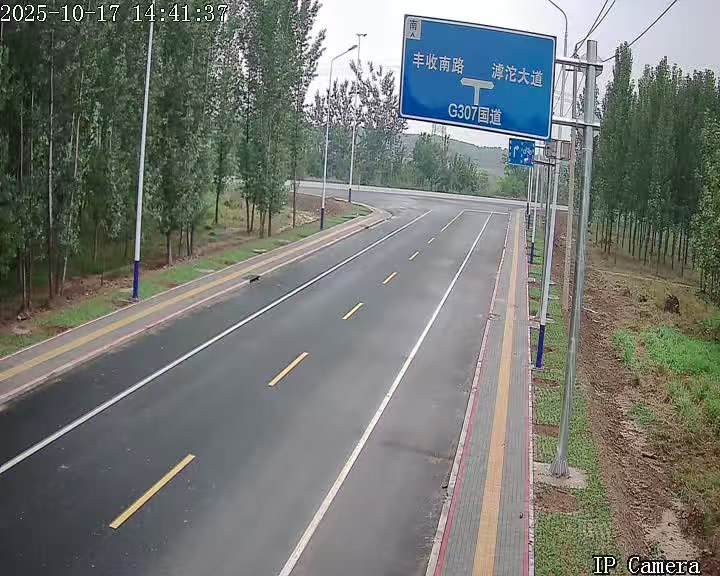
Most failing cameras just have a loose lock ring; the lens drifted a quarter turn and nobody was told.
On cameras with a adjustable lens, the procedure takes ten minutes: open the housing or remove the lens cover, loosen the lock ring without unscrewing the lens, pull up the live view on a phone, zoom into a target at the distance that matters most — usually the gate or walkway — and rotate the lens barrel slowly until that target is at maximum sharpness. Tighten the lock ring while holding the barrel, and confirm the image did not shift. Focus at the priority distance, not at the wall nearest the camera.
Motorized-zoom cameras skip the ladder entirely: focus is a slider in the app or the recorder interface. Set the zoom first, focus second, then save the position to a preset if the camera supports one, so a power cycle does not discard the adjustment.
Fixed-focus cameras — the small bullet and dome units with no external adjustment — cannot be refocused. If one of those is soft and the lens is clean and dry, the working range of the optics simply does not match the scene, and the fix is a camera with a suitable focal length rather than another cleaning session.
A few habits make refocusing stick. Put the reference target — a printed page of text or a license-plate-sized sign — at the distance that matters, not against the wall under the camera; text reveals softness that a plain surface hides. Focus in daylight, then check the image again after dark, because some lenses shift slightly as temperatures change. And when two people are available, one at the camera and one watching the live view beats running up and down the ladder all morning.
Can Dirt, Moisture, or Fog Make a Camera Blurry?
A camera is a sealed box with a cold piece of glass on the front; physics makes that a fog machine.
External dirt is the cheapest fix in this entire article. Kill the power, wipe the lens glass with a microfiber cloth and a drop of lens cleaner, and check the housing for the spider web that rebuilt itself overnight. Clean the lens cover and inspect the camera body for webs, dust, or residue that may sit directly in front of the lens.
Internal fog is different. Wipe the outside and the blur stays, because the water is behind the glass. If fog appears inside the housing, allow the camera to dry in a controlled environment and inspect the housing, gasket, and cable entry for signs of water ingress. Recurring condensation should be treated as a sealing problem and may require professional service or camera replacement.
Do not ignore recurring condensation. Standing water inside a housing leaves mineral traces on the lens and sensor, and corrodes connections — turning a gasket replacement into a camera replacement if it is left for a season.
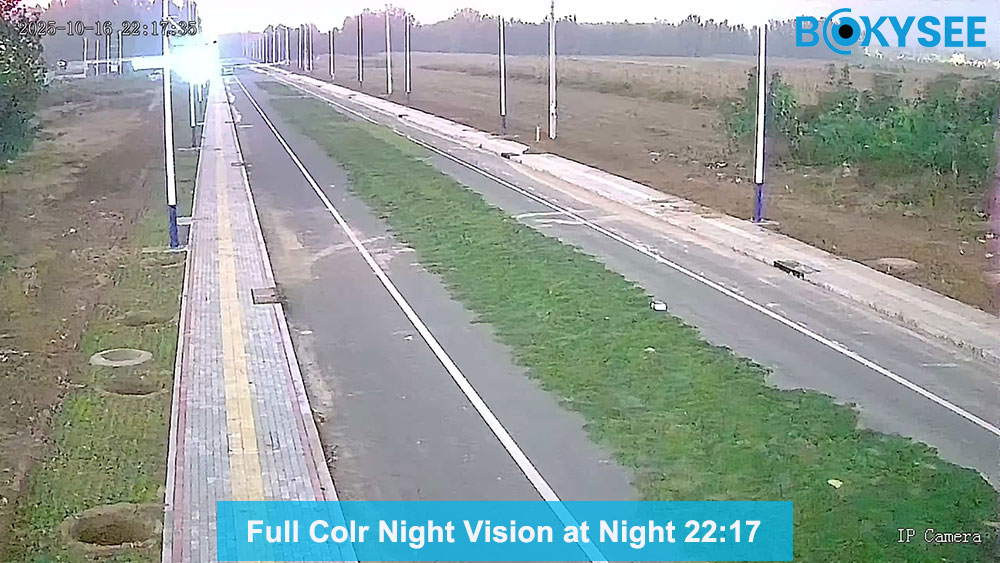
Blurry footage costs evidence, and most causes are fixable — but when the hardware is the limit, the camera is. Bokysee builds cameras with factory-calibrated lenses, sealed housings, and tuned image firmware, with OEM and ODM support for partners who care about image quality as much as specs.
Explore OEM/ODM Solutions →Can Camera Settings Improve Blurry Footage?
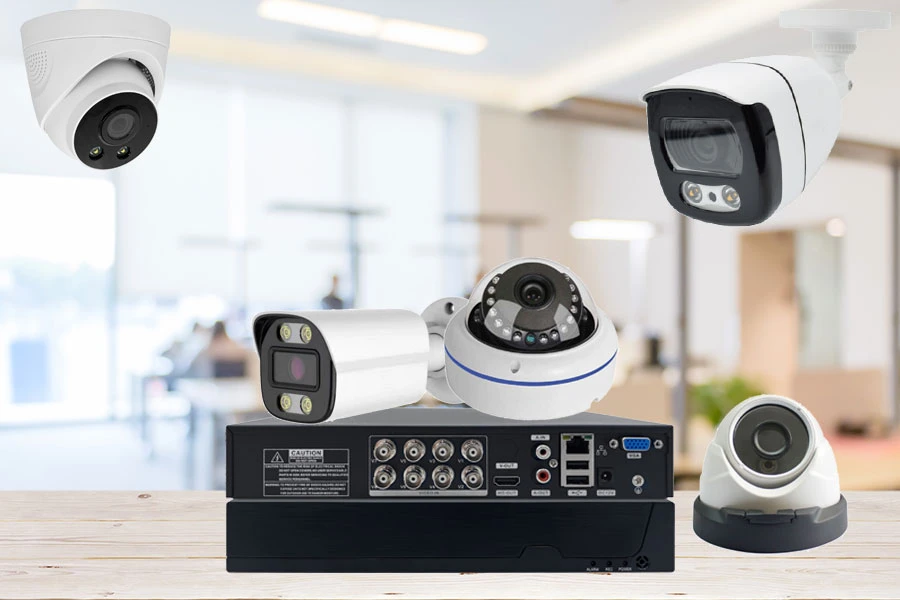
Some blurry footage comes from recording or streaming settings rather than the camera lens itself. Check the selected stream and bitrate before adjusting the optics.
Check which stream you are actually watching first. Phones default to the substream — a low-resolution copy meant for smooth remote viewing — so a “blurry” app view often just means the app never switched to the main stream. The distinction between the two streams, and how to configure each, is covered in main stream versus sub stream.
On recorders, raise the bitrate ceiling for the affected channel and prefer the highest-quality encoding profile the hardware supports. Modern H.265 encoding, standardized by the International Telecommunication Union, holds detail at roughly half the bitrate of older H.264 — which means sharp recordings without buying bigger hard drives.
Night settings deserve their own pass. Maximum noise reduction trades detail for a clean-looking image, smearing faces into watercolor — turn it down a notch and accept some grain. Wide dynamic range helps against headlights and porch lights. And if the camera sits behind a window, move it outside: infrared light reflects straight off glass, and no setting recovers what bounce destroys.
When Should You Replace or Repair a Blurry Security Camera?

Repair what costs an afternoon; replace what costs your confidence in the footage.
The repair list is short and cheap: re-focus and tighten the lock ring, clean the glass, replace a seal, swap a gasket or gland. These fix the majority of blur cases for the price of a cloth and an afternoon.
Replacement earns its cost when the camera shows its age in ways that cleaning cannot touch: fungus blooms inside the lens, a sensor with dead patches or permanent color casts, a housing that has been opened and re-fogged one too many times, or a model so old that its maximum resolution and encoding simply cannot produce a useful image of a face at the distances on your property. Camera lifespan varies with climate and housing quality — the factors are laid out in how long security cameras last.
When replacement is necessary, match the camera and lens to the actual viewing distance rather than focusing on resolution alone. For multi-camera projects, a matched CCTV kit can also simplify compatibility between cameras and recording equipment.
Frequently Asked Questions About Blurry Security Cameras
Why is my security camera blurry at night?
Night blur comes from physics and firmware: infrared light falls off with distance, the sensor gains up noise to compensate, and noise-reduction firmware smooths the noise into smear. Objects near the camera stay sharp while the yard fades. More IR range, a lower noise-reduction setting, or a supplemental light all help.
Why are distant objects unclear even when nearby objects look sharp?
The lens is focused for close range, or the scene sits beyond the lens working range where detail runs out of pixels. Wide lenses cover more area but concentrate fewer pixels on faraway subjects. Refocus at the priority distance; if the target is genuinely far, the honest fix is a longer lens or a higher-resolution sensor.
Can condensation inside a camera cause permanent damage?
Left alone, yes. Standing water leaves mineral film on the lens and sensor, and moisture corrodes connectors and circuit boards over months. A one-time fog event dries out harmlessly; recurring fog means the seal has failed, and the gasket should be replaced before the water does real damage.
Why does a security camera become blurry after rain?
Rain leaves a water film or beads on the lens glass, and wind-driven rain can push past a tired seal and fog the inside. Wipe the glass first; if the blur survives a dry day, the water is inside the housing. Check the front gasket, the cable gland, and the drain hole at the bottom of the mount.
Can digital zoom make security footage look worse?
Digital zoom enlarges the captured image rather than adding new optical detail, so image quality can decrease as the zoom level increases. For clearer detail at longer distances, optical zoom and an appropriate focal length are more effective options.
Why is only one camera blurry while the others are clear?
If only one camera is blurry while the others remain clear, start with that unit’s lens, focus, housing, and local settings. A single-camera problem is less likely to come from a system-wide recording or network setting, but the camera’s individual configuration should still be checked.
Final Thoughts
A blurry security camera does not always need to be replaced. Check the lens, focus, housing, stream, and recording settings first, then replace the unit when the hardware can no longer deliver the image quality the application requires. For wholesale, OEM, ODM, and CCTV project needs, Bokysee offers security camera solutions for different installation and market requirements.em.








 English
  Spanish
  Russian