 Skip to content
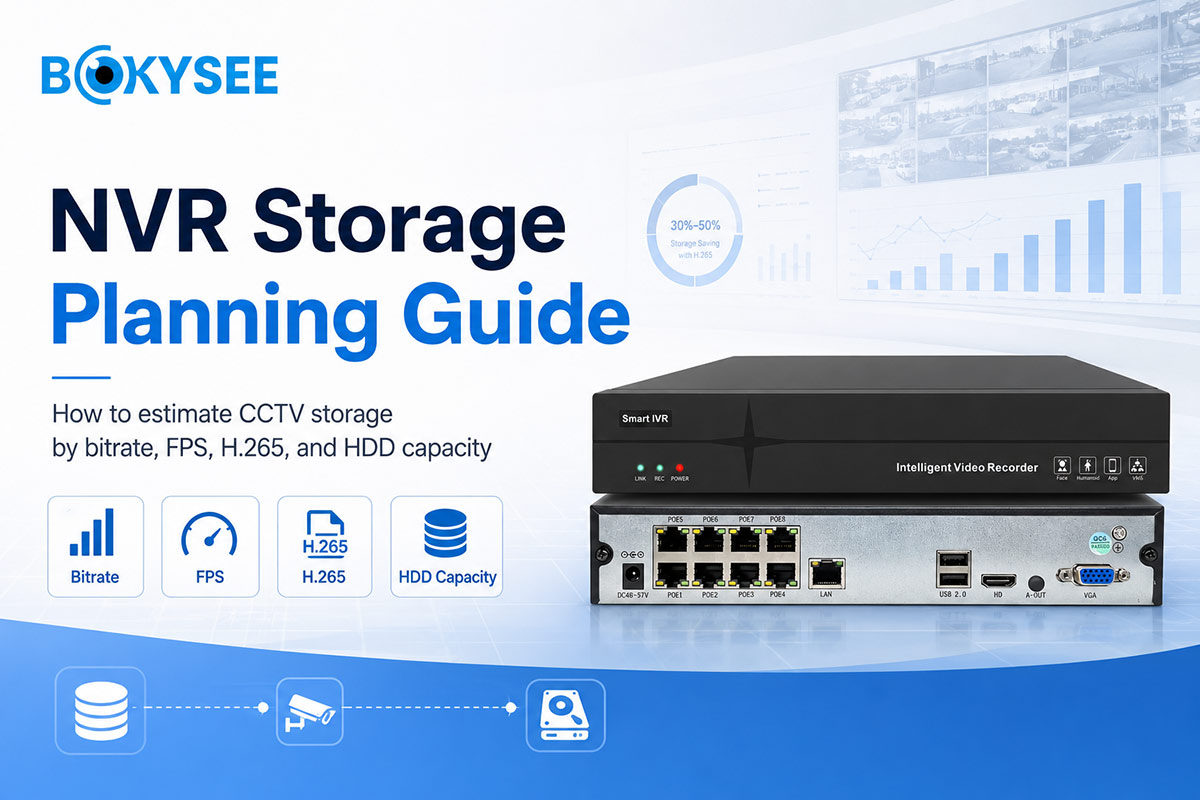
For many CCTV projects, buyers spend a lot of time choosing cameras but less time planning storage.
This is a common mistake.
A security camera system is not only about live view. It also needs reliable recording, smooth playback, and enough storage days. If the NVR storage is not planned correctly, the buyer may face missing video, short recording time, high HDD cost, or customer complaints after installation.
That is why NVR storage planning is important for installers, system integrators, distributors, and project buyers.
To plan storage correctly, buyers need to understand several basic factors: CCTV bitrate, resolution, FPS, compression format such as H.265, camera quantity, recording mode, and required recording days.
This guide explains these points in simple English and helps buyers estimate HDD capacity for NVR systems before requesting a quotation.
Why NVR Storage Planning Matters for CCTV Project Buyers
For a CCTV project, recording time is often one of the first questions from the end user.
They may ask:
How many days can the system record?
Can I check video from last week?
Will the NVR overwrite old footage too soon?
Can the system record 24/7?
Will higher resolution require more storage?
If the installer cannot answer these questions clearly, the project may look unprofessional.
Poor storage planning can create real problems:
| Storage Problem | Project Impact |
|---|---|
| HDD capacity too small | Recording days are shorter than expected |
| Bitrate too high | Storage cost increases quickly |
| FPS too high for no reason | More storage is used without clear project value |
| Wrong compression setting | HDD usage becomes inefficient |
| No extra storage margin | Future expansion becomes difficult |
| Poor NVR selection | System may not support required channels or resolution |
For B2B buyers, good CCTV storage calculation helps control project cost and reduce after-sales pressure.
It also helps suppliers recommend the right NVR, HDD size, and camera settings.
Key Factors That Affect NVR Storage Capacity
NVR storage capacity is not decided by one factor.
It is affected by the full system design.
The main factors include:
| Factor | Why It Matters |
|---|---|
| Number of cameras | More cameras need more storage |
| Resolution | Higher resolution usually needs more bitrate |
| Bitrate | Directly affects video file size |
| FPS | Higher frame rate increases storage demand |
| Compression | H.265 usually saves more storage than H.264 |
| Recording mode | 24/7 recording uses more storage than motion recording |
| Recording days | More days require larger HDD capacity |
| Scene complexity | Busy scenes may need higher bitrate |
| Audio recording | Audio can add storage usage |
| Extra storage margin | Helps prevent under-planning |
For example, an 8-channel system with 4MP cameras and 15 days of recording will need a different HDD plan from a 32-channel warehouse system with 8MP cameras and 30 days of recording.
This is why NVR storage planning should be done before the quotation is finalized.
A camera list without storage requirements is incomplete.
CCTV Bitrate and H.265: How They Influence Storage Cost
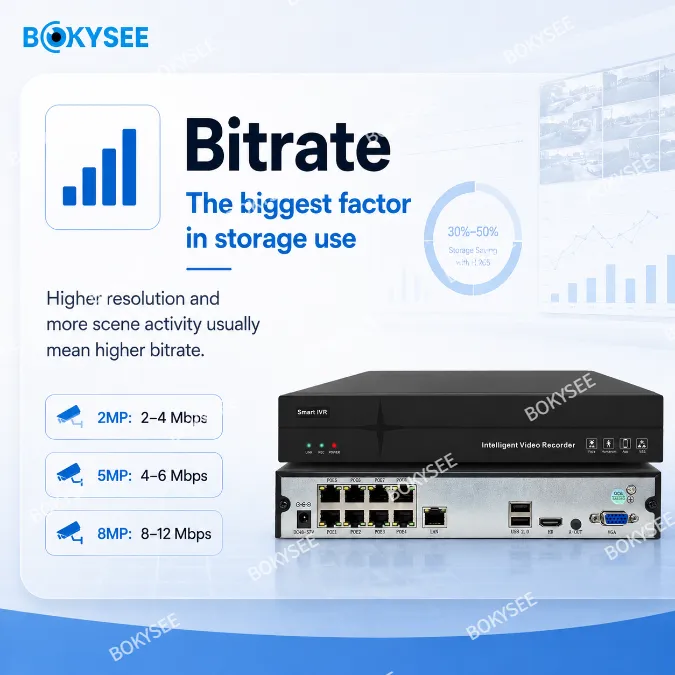
CCTV bitrate is one of the most important factors in storage planning.
Bitrate means how much video data is generated every second. A higher bitrate usually means better image detail, but it also means larger video files and more HDD usage.
For buyers, bitrate affects two things:
- Image quality
- Storage cost
If the bitrate is too low, the image may lose detail.
If the bitrate is too high, storage cost increases quickly.
This is why a practical balance is needed.
Why H.265 CCTV Storage Is Important
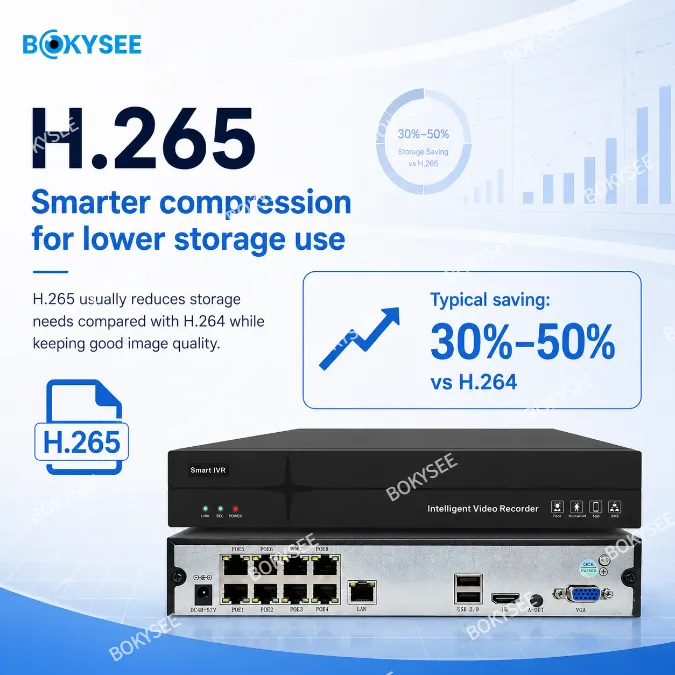
H.265 is a video compression format often used in modern IP camera systems. Compared with older compression formats, H.265 can help reduce storage usage while keeping useful image quality when properly configured.
For project buyers, H.265 CCTV storage can help:
- Reduce HDD capacity pressure
- Lower storage cost
- Support longer recording days
- Improve bandwidth efficiency
- Make higher-resolution systems more practical
However, buyers should check whether the NVR and cameras both support H.265.
If the camera supports H.265 but the NVR does not, the system may need to use H.264 instead. This can increase storage usage.
For installers, codec compatibility should always be confirmed before bulk order.
FPS, Resolution, and Recording Mode: What Installers Should Balance
Storage planning is not only about HDD size.
Installers also need to balance FPS, resolution, and recording mode.
FPS Security Camera Settings
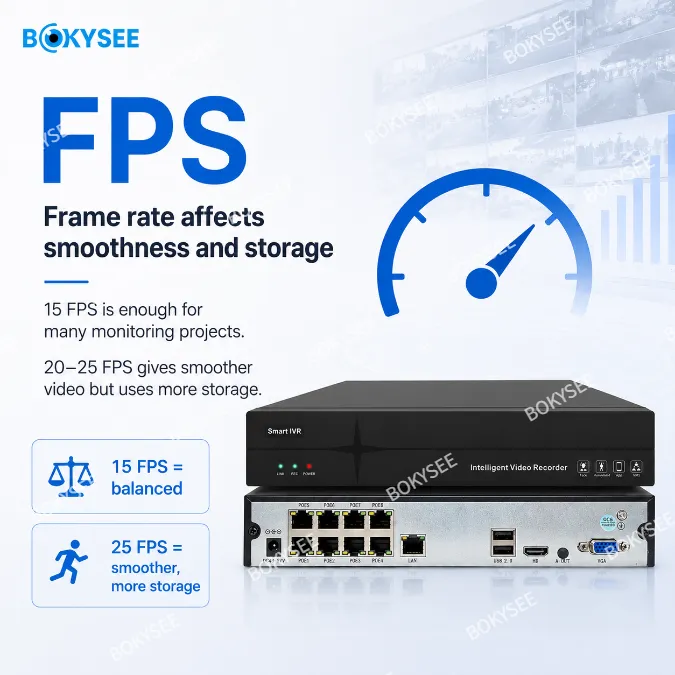
FPS means frames per second.
A higher FPS makes video movement smoother, but it also uses more storage. For many CCTV projects, the highest FPS is not always necessary.
For example:
| Project Scene | Common FPS Logic |
|---|---|
| Warehouse aisle | Moderate FPS is usually enough |
| Office corridor | Moderate FPS is often acceptable |
| Parking entrance | Higher FPS may help capture movement |
| Cashier area | Higher detail and smoother recording may be useful |
| Perimeter monitoring | Balance between motion clarity and storage cost |
For B2B buyers, FPS security camera settings should match the project purpose.
If the project only needs general monitoring, very high FPS may not bring enough extra value. If the project needs to capture faster movement, higher FPS may be justified.
Resolution
Higher resolution can provide more image detail, but it also increases storage demand.
Common CCTV project resolutions include:
- 2MP for basic monitoring
- 4MP or 5MP for balanced project use
- 8MP for higher detail requirements
An 8MP camera may look attractive, but it needs more storage and bandwidth than a 4MP camera. Buyers should choose resolution based on monitoring distance, required detail, and budget.
Recording Mode
Recording mode has a major impact on storage.
Common options include:
| Recording Mode | Storage Impact |
|---|---|
| 24/7 continuous recording | Highest storage demand |
| Motion recording | Saves storage, but depends on motion events |
| Schedule recording | Flexible for business hours or after-hours |
| Event recording | Useful for alarm-based systems |
For warehouses, parking lots, and commercial projects, some buyers prefer 24/7 recording for important areas. For low-risk zones, motion recording may be enough.
The best solution is often a mixed recording plan.
How to Estimate HDD Capacity for NVR Security Systems
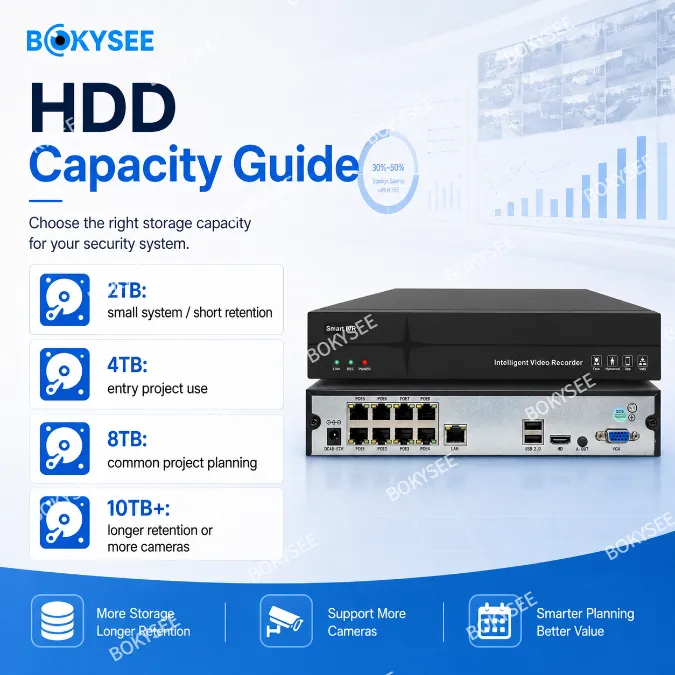
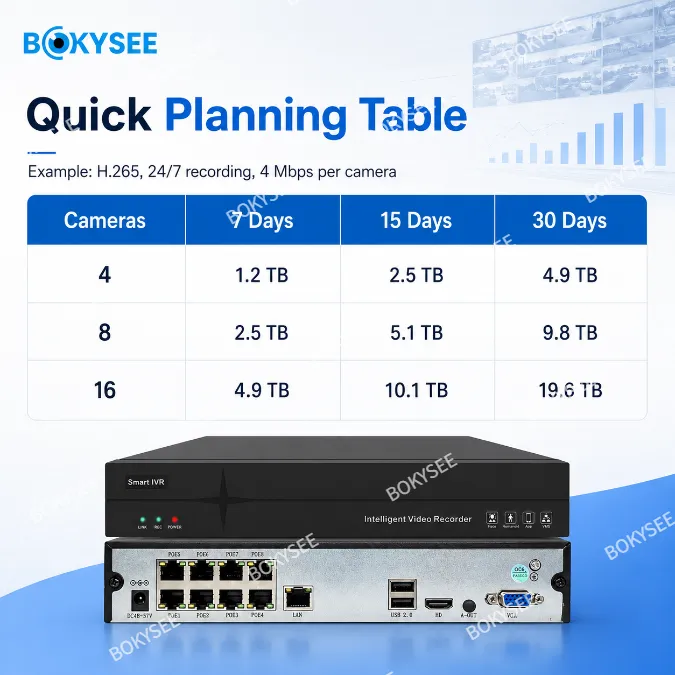
To estimate HDD capacity for NVR, buyers need to prepare basic project information first.
The core logic is:
Camera quantity × bitrate × recording time × recording days = estimated storage demand
A simplified planning example:
| Project Detail | Example Input |
|---|---|
| Number of cameras | 16 cameras |
| Resolution | 4MP |
| Compression | H.265 |
| Recording mode | 24/7 |
| Required recording days | 15 days |
| NVR channels | 16CH |
| Storage margin | Recommended |
This information allows the supplier to recommend a suitable NVR and HDD capacity.
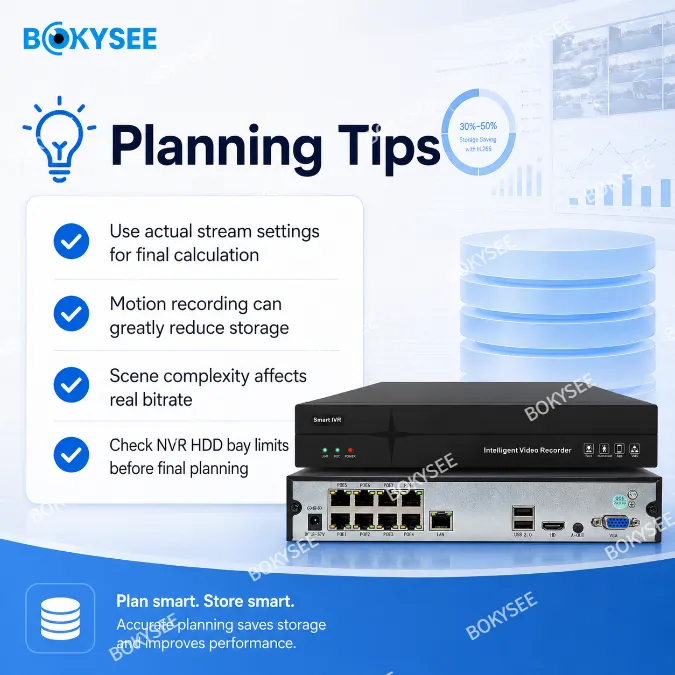
For practical projects, buyers should not plan storage too tightly. A margin is recommended because real scenes may vary. Busy scenes, higher bitrate settings, audio, and future camera expansion may all increase storage usage.
What Buyers Should Confirm
Before choosing the HDD size, buyers should confirm:
- How many cameras will record
- Required recording days
- Resolution of each camera
- Bitrate setting
- H.265 or H.264 compression
- Continuous or motion recording
- Whether audio is recorded
- Whether future expansion is needed
A good NVR storage calculator can help estimate storage, but final planning should still consider real project conditions.
For installers, the safest approach is to confirm with the supplier before placing the final order.
NVR Storage Planning Checklist Before Requesting a Quotation
Before asking for an NVR quotation, buyers should prepare a clear storage checklist.
This helps the CCTV camera supplier recommend the right NVR and HDD plan faster.
NVR Storage Planning Checklist
| Information Needed | Buyer Input |
|---|---|
| Project type | Shop, warehouse, villa, office, parking lot |
| Number of cameras | 4CH, 8CH, 16CH, 32CH, custom |
| Camera resolution | 2MP, 4MP, 5MP, 8MP |
| Compression format | H.265 or H.264 |
| Required recording days | 7 days, 15 days, 30 days, custom |
| Recording mode | 24/7, motion, schedule, event |
| Audio recording | Yes or no |
| Remote viewing | Yes or no |
| Existing NVR | Yes or no |
| Future expansion | Extra channels needed or not |
| Target budget | Entry, standard, advanced |
For a PoE IP camera system, storage planning should also match the NVR channel number and PoE power capacity.
For example, if a buyer needs 16 PoE cameras but may expand to 24 cameras later, choosing a larger NVR from the beginning may be more practical.
For installers and security system integrators, clear storage planning improves project professionalism and reduces customer disputes.
Bokysee can support buyers with NVR selection, IP camera matching, storage planning, and complete CCTV project solution recommendations.
Frequently Asked Questions About NVR Storage Planning
1. How many days can an NVR record?
It depends on camera quantity, resolution, bitrate, FPS, compression format, HDD size, and recording mode. Higher resolution and higher bitrate use more storage.
2. Does H.265 reduce CCTV storage usage?
Yes. H.265 can help reduce storage usage compared with older compression formats when both the camera and NVR support it.
3. Is higher FPS always better for CCTV recording?
Not always. Higher FPS makes movement smoother but uses more storage. Installers should choose FPS based on the monitoring scene and project needs.
4. What HDD capacity should I choose for an NVR?
The HDD capacity should match camera quantity, recording days, resolution, bitrate, and recording mode. Buyers should also leave some storage margin for real use.
5. Can Bokysee help calculate NVR storage for a project?
Yes. Buyers can send camera quantity, resolution, recording days, and project type. Bokysee can help recommend suitable NVR and HDD options.
Final Thoughts
NVR storage planning is a key part of CCTV project design.
If storage is planned correctly, buyers can control cost, meet recording requirements, and reduce after-sales problems. If storage is under-planned, the system may overwrite video too quickly or fail to meet customer expectations.
For installers, distributors, and project buyers, the best approach is to plan storage before confirming the final quotation.
Check the CCTV bitrate, H.265 support, FPS, resolution, recording mode, HDD capacity, NVR channels, and future expansion needs.
If you are planning a CCTV project and need help with NVR storage planning, send Bokysee your camera list, required recording days, resolution, and installation scene.
Bokysee can help recommend suitable IP cameras, PoE IP camera systems, NVRs, HDD capacity options, and complete CCTV project solutions for your market.









 English
  Spanish
  Russian