Skip to content
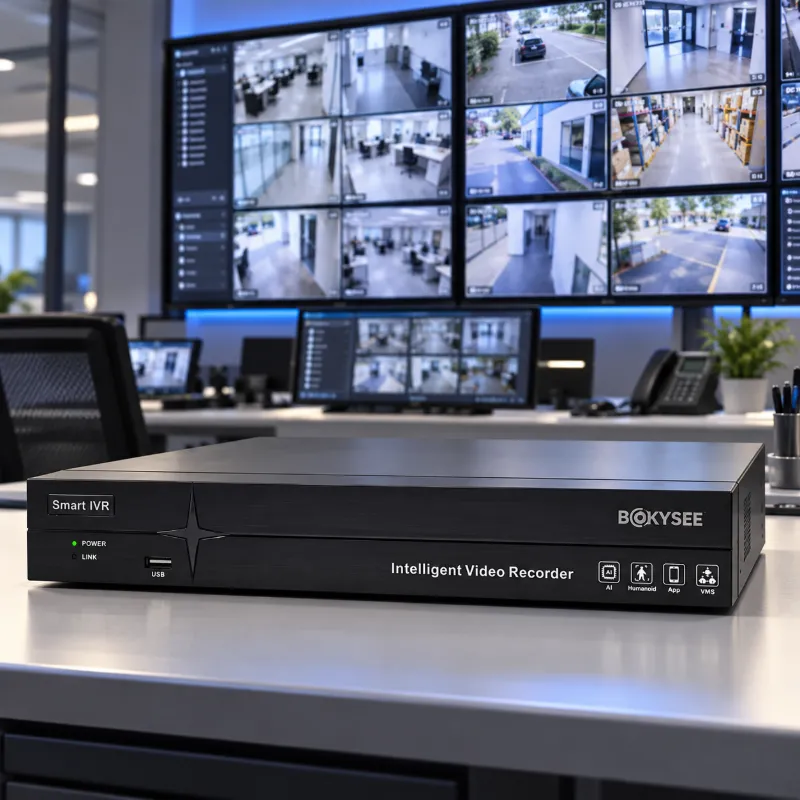
Local storage security cameras save footage to a microSD card, an onsite recorder, or another supported local device. Compatible systems provide local recording without a cloud subscription, while remote access and optional services may have separate requirements or charges.
For installers, distributors, and project buyers, the main considerations are recording capacity, retention, camera compatibility, and playback access. The right configuration supports the required coverage and keeps storage costs clear from the start.
How Local Storage Security Cameras Work
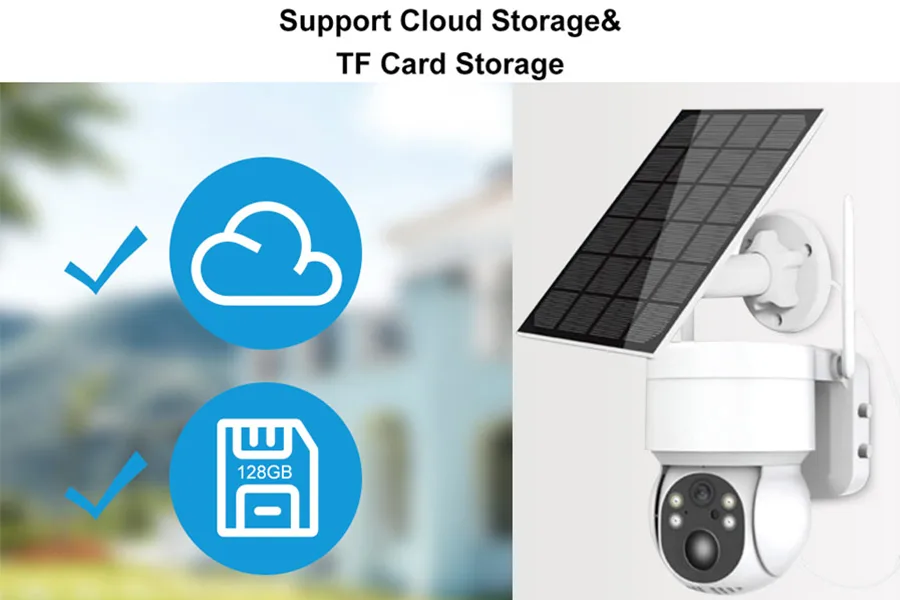
Local recording stores footage on hardware you control, from a card inside the camera to a drive in a recorder.
Recording Footage to an SD Card
A standalone camera writes footage to a removable microSD card, usually in a loop that overwrites the oldest files when the card fills. Capacities typically run from 32 GB to 512 GB, which holds days or weeks of motion-triggered clips rather than months of continuous video.
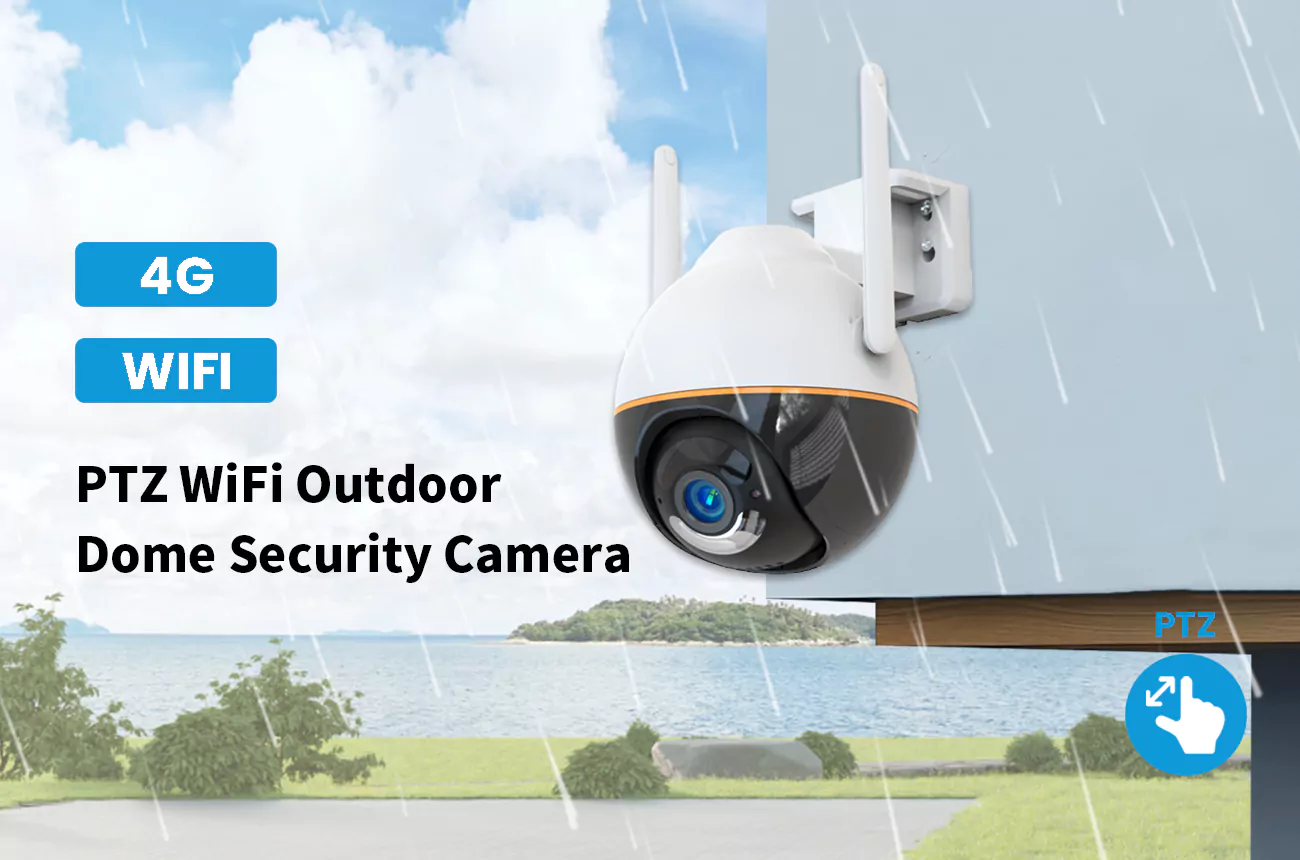
SD cards suit single cameras on a gate, a shop entrance, or a remote site where running cable back to a recorder is impractical. WiFi, battery-powered, and 4G cameras all record to a card by default, which is why the card is the storage type most buyers encounter first.
The trade-off is capacity and endurance: a card is a wearing part, and when it fills or is removed, the footage it held goes with it. Choosing a card rated for continuous video recording makes a measurable difference in how long the card lasts.
Saving Video to an NVR or DVR
For several cameras, recording moves to a dedicated recorder. A network video recorder (NVR) records IP cameras over the network, while a digital video recorder (DVR) records analog cameras over coaxial cable. Both write to one or more hard drives, which is what allows weeks or months of retention across every camera on the system.
Recorders also centralize playback and search, so an installer can review footage from a dozen cameras in one interface instead of pulling cards from each unit. Choosing between the two formats is a decision of its own. Our article on choosing between a DVR and an NVR walks through the differences in recording quality, wiring, and camera compatibility.
Local Storage vs. Cloud Storage
Cloud storage keeps uploaded footage on a provider’s servers, while local storage saves it on site. Subscription models, retention periods, and additional charges are covered in our article on cloud storage for security cameras. Cloud recording adds an off-site copy, while hybrid systems combine local recording with cloud backup.
Types of Local Storage for Security Cameras
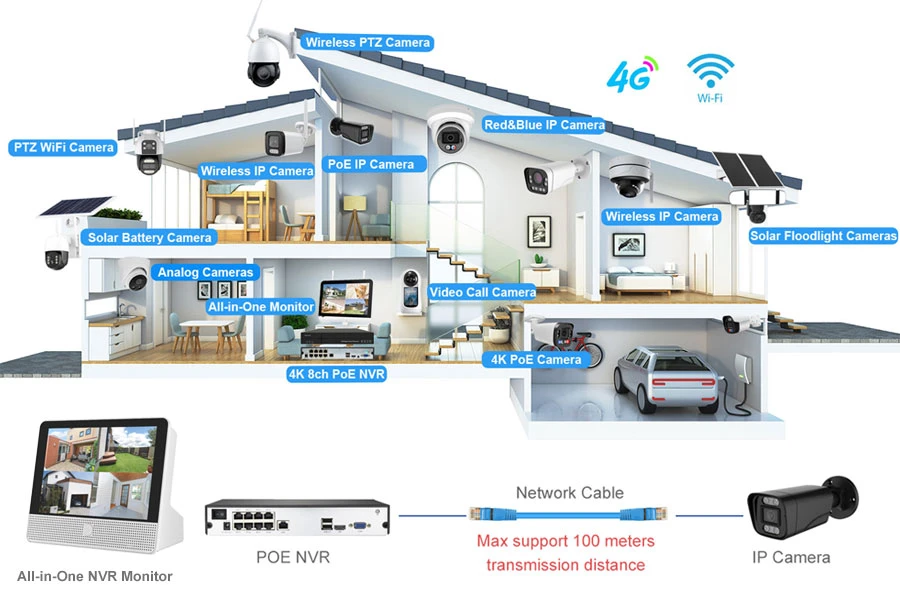
Three storage types cover most installations: microSD cards, hard drives, and solid-state drives.
MicroSD Cards for Standalone Cameras
A microSD card is the simplest option and the only one built into standalone WiFi, battery, and 4G cameras. It stores footage without any other hardware, which makes it ideal for one or two cameras and for sites that have no wiring closet. The card sits inside the housing, so it adds no cabling and no separate box to mount.
HDD and SSD Storage for Surveillance Systems
Hard drives offer the most capacity per dollar and handle the constant writing of multi-camera systems well, which is why recorders ship with them. Solid-state drives are faster and resist shock better, but they cost more per gigabyte, so they appear mostly in mobile or high-vibration installations. For a fixed site with a recorder bolted to a wall, a surveillance-rated hard drive is usually the right call. Those drives are built to tolerate the constant read and write cycles a camera system produces.
NVR Storage for Multi-Camera Installations
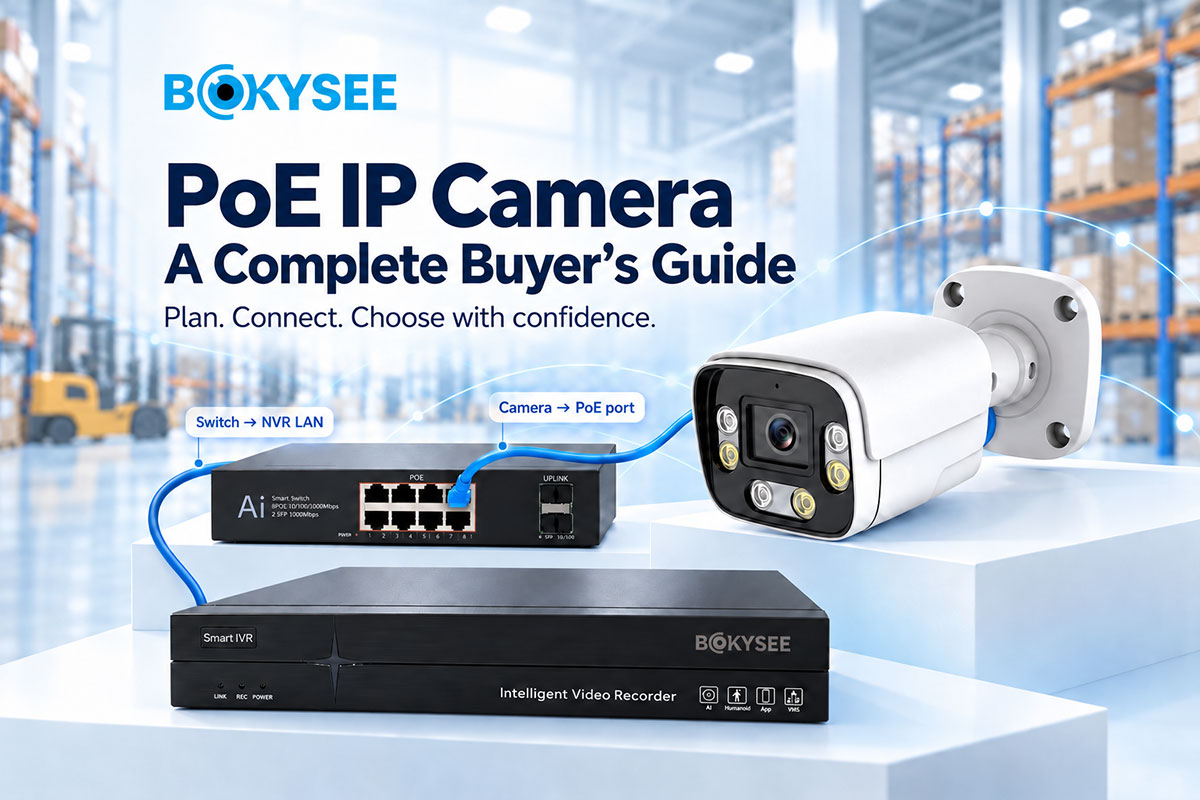
An NVR consolidates recording for every IP camera into one place, with drive bays that scale from a single disk to several terabytes across multiple bays. This is the standard choice for commercial projects that need continuous recording and long retention, because it keeps all footage searchable from one device instead of spread across individual cards.
| Storage Type | Best For | Typical Capacity | Main Trade-off |
|---|---|---|---|
| MicroSD card | Single standalone cameras | 32 to 512 GB | Limited capacity, card can be removed |
| Hard drive (HDD) | Multi-camera recorders | 1 to 10 TB and up | Larger and sensitive to shock |
| Solid-state drive (SSD) | Mobile or high-vibration sites | 256 GB to 2 TB | Higher cost per gigabyte |
Benefits and Limitations of Local Storage
Local storage removes recurring fees and keeps recording during outages, but the owner takes on capacity planning and physical security.
Avoiding Recurring Cloud Subscription Fees
The clearest benefit is cost. Cloud plans charge per camera every month, and the total climbs with each unit you add. Local storage is a one-time hardware purchase with no ongoing fee, so for a commercial site running a dozen cameras the difference over three years is significant. That saving is part of why installers and distributors keep local recording in their standard proposals.
Consider a twelve-camera site. A cloud plan at a few dollars per camera per month adds up to hundreds of dollars a year, every year, on top of the equipment itself. An NVR with a pair of large hard drives costs once and then records indefinitely. For fixed sites with several cameras, the local path almost always wins on total cost of ownership, which is why it stays the default in commercial proposals.
Accessing Footage Without a Stable Internet Connection
A local system keeps recording when the internet drops. Cameras write to their cards and recorders write to their drives whether or not the site has connectivity. A network outage or a data cap does not create gaps in the footage. Remote viewing still needs a connection, but recording does not, which matters a lot on farms, construction sites, and rural properties with unreliable service.
Storage Capacity, Theft and Device Failure Risks
Local storage is not risk-free. Capacity is fixed by the hardware you buy, a stolen camera or recorder takes its footage with it, and a failed drive can erase weeks of video. Redundant drives, tamper-resistant housings, and scheduled backups reduce these risks, and they are worth planning from the start rather than after an incident.
Owning the Footage and Controlling Who Can Access It
A further benefit is control. Footage stays on hardware the owner manages, which simplifies compliance and keeps sensitive video out of a third-party account that could change its pricing or policies. For businesses with legal or privacy requirements, local ownership makes it easier to document where footage is stored and who can reach it.
Sourcing NVRs, recorders, and CCTV kits for distribution or projects? Bokysee manufactures complete local storage systems with OEM and ODM support for your brand.
Explore OEM/ODM Solutions →How Much Storage Do Local Systems Need?
Required capacity follows three numbers: camera count, recording schedule, and retention days.
Continuous vs. Motion-Triggered Recording
Continuous recording uses far more space than motion-triggered capture. A camera that records only when it detects movement fills a card over weeks instead of days, and the same rule applies to the hard drives inside a recorder. Most sites get the coverage they need from motion-triggered recording plus a short pre-record buffer.
Estimating Retention for Different Setups
A rough estimate divides total drive capacity by the product of camera count, bitrate, and daily recording hours to find how many days the footage lasts. Compression codecs and frame-rate settings move that number a lot, so the full calculation is covered in our article on NVR storage planning.
Retention Guidelines by Site Type
Most sites settle on a retention window before buying, and the window drives the drive size. A small shop may keep a week of motion-triggered footage, a warehouse often keeps 30 days of continuous recording, and regulated facilities can run to 90 days or more. Setting the window first, then calculating capacity, prevents buying storage that is either too small or far larger than needed.
How to Choose a Local Storage Solution
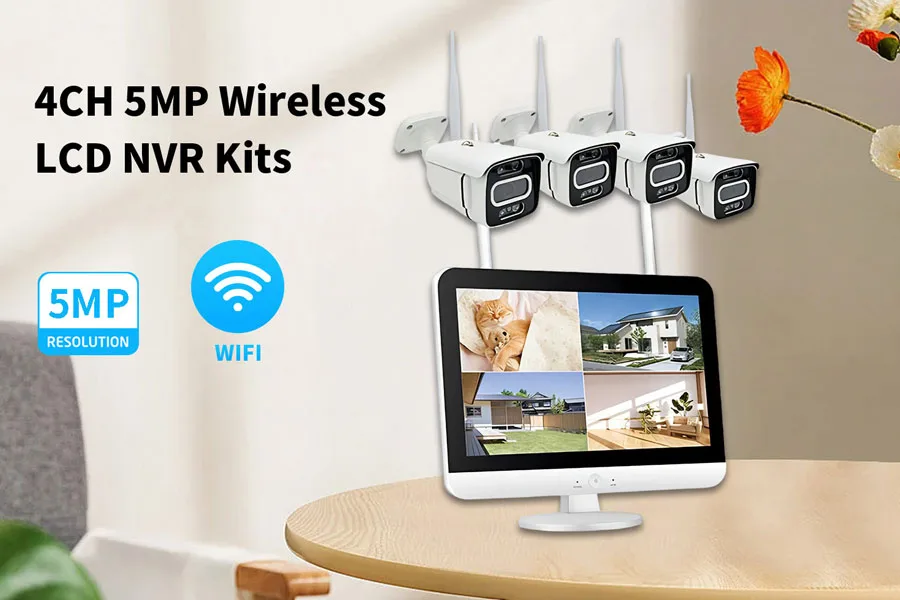
Match the storage to the site: one camera needs a card, a dozen cameras need a recorder.
Storage Options for Homes and Small Businesses
A home or small shop with one to four cameras can usually rely on SD cards inside each unit, with no separate recorder to install or maintain. Look for cards rated for continuous video recording and for cameras that overwrite gracefully when full, so the system keeps running without a manual reset.
NVR Storage for Commercial Projects
Warehouses, retail stores, and multi-site operations need the centralized recording and longer retention of an NVR. Drive capacity, redundancy, and remote access become the deciding factors, and the recorder should have enough channels and drive bays for the cameras you plan to add later. Undersized storage is the most common reason a system needs to be revisited within a year. Buyers who source complete kits from a manufacturer can request drives preconfigured to the target retention.
Questions to Ask Security Camera Suppliers
- Confirm the storage types each camera supports and the maximum card size.
- Check the recorder channel count, drive bays, and whether drives can be swapped.
- Ask whether the system supports motion-triggered recording and scheduled overwrite.
- Request the expected retention time at the planned resolution and frame rate.
Frequently Asked Questions About Local Storage Security Cameras
Can security cameras record without a subscription?
Yes. A camera with a microSD card, or a system with an NVR and hard drive, records entirely on its own hardware with no subscription. You pay once for the equipment instead of a recurring monthly fee.
Can security cameras record without Wi-Fi?
Yes. Recording happens inside the camera or recorder, so it continues without Wi-Fi or internet. Connectivity is only needed when you want to view footage or receive alerts remotely.
How long can a security camera record locally?
It depends on capacity and settings. A 128 GB card can hold days or weeks of motion-triggered clips, while a recorder with a multi-terabyte hard drive can store weeks or months of continuous footage.
Can local security camera footage be accessed remotely?
Yes. Local recording can still be viewed remotely if the camera or recorder connects to a network and an app or platform. The footage stays on your hardware, but you can play it back from anywhere with a connection.
What happens when local storage is full?
The system overwrites the oldest footage automatically, which keeps recording without any action. If you want to keep important clips, move them to another drive or set the recording to stop when full.
Is local storage safer than cloud storage?
It depends on the threat. Local storage keeps footage on site and avoids a provider holding your data, but a stolen camera or failed drive can lose the video. Cloud storage adds an off-site copy but depends on a third party and an internet connection.
Final Thoughts
Local storage security cameras keep recording on hardware you own, with no monthly fee and no dependence on an internet connection. SD cards suit single units, while NVRs and hard drives carry commercial systems that need long retention.
Match the storage to the number of cameras and the retention you need, then confirm the details with your supplier before ordering. Bokysee manufactures NVRs, recorders, and CCTV kits that record on site, with OEM and ODM customization. Request a local storage kit quote for your next project.





 English
  Spanish
  Russian