
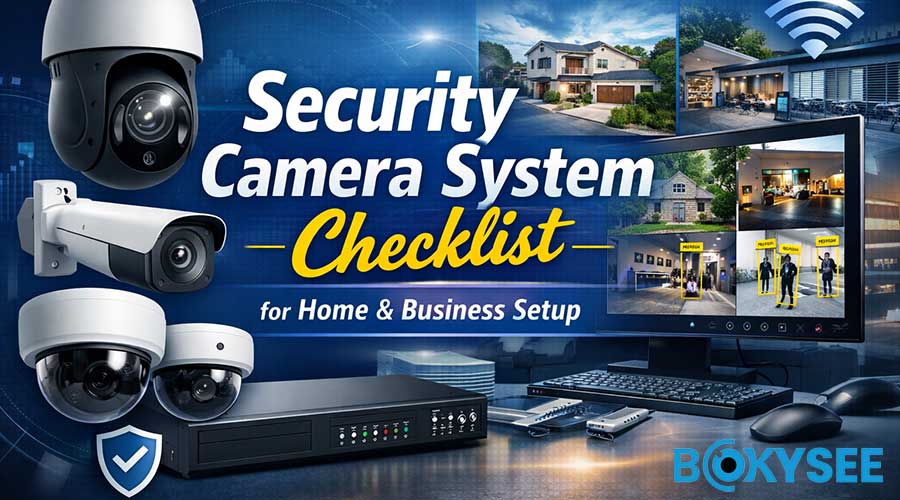
What Do You Need for a Security Camera System? (Quick Answer)
A complete Sistema de cámaras de seguridad requires the following core components:
-
Cámaras de seguridad IP (Bullet, Dome, or PTZ)
-
Network Video Recorder (NVR) or DVR
-
Surveillance Hard Drives for video storage
-
Network Equipment (Router and PoE Switch)
-
Fuente de alimentación (PoE or DC12V)
-
Monitoring Device (PC, TV, or Mobile App)
For most modern installations, a Sistema de cámara de seguridad PoE is recommended because it uses a single Ethernet cable to transmit both power and data, making installation cleaner, more stable, and easier to maintain.
Commercial projects may also require:
-
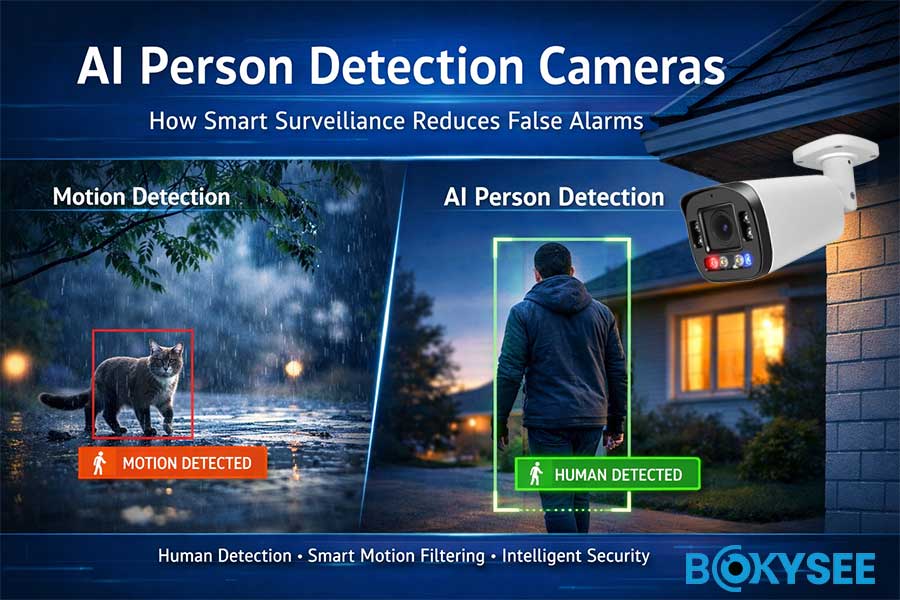
AI detection features (human & vehicle detection)
-
Backup power (UPS)
-
Remote access configuration
-
Compliance certifications (NDAA / CE / RoHS)
Security Camera System at a Glance
|
Component |
Purpose |
|---|---|
|
Cámara IP |
Captures video footage |
|
NVR/DVR |
Records and stores video |
|
Hard Drive |
Saves footage for playback |
|
Router / PoE Switch |
Transmits network data |
|
Fuente de alimentación |
Provides stable electricity |
|
Monitoring Device |
Allows live view & playback |
How a Security Camera System Works (Simple Explanation)
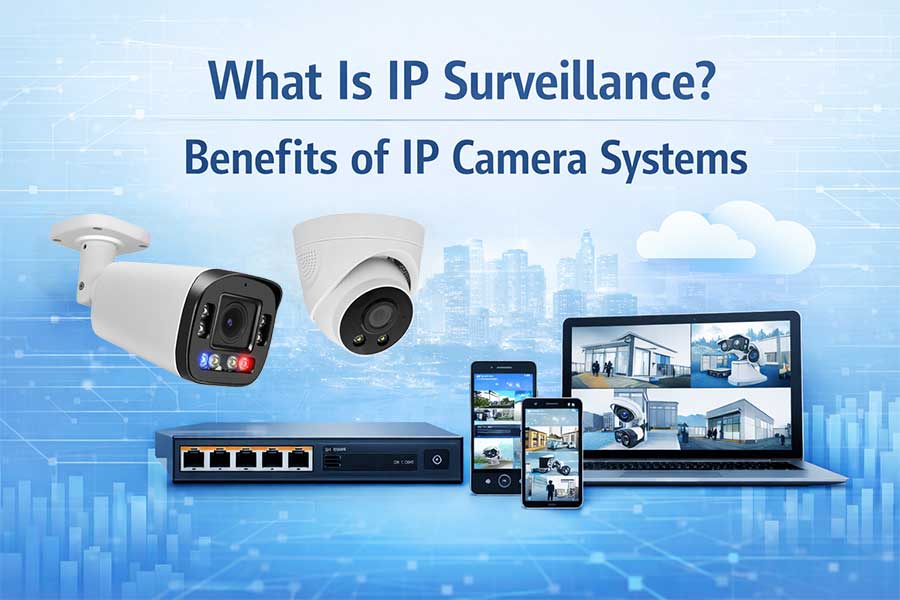
A Sistema de cámaras de seguridad captures video through IP cameras, sends the footage through a network (PoE or WiFi), stores it in an NVR with hard drives, and allows users to monitor live or recorded video locally or remotely via mobile app or web browser.
Modern systems use IP technology instead of traditional analog CCTV, offering:
-
Higher resolution (4MP, 5MP, 8MP, 4K)
-
Detección inteligente con IA
-
Acceso remoto
-
Cloud integration options
What Is a Security Camera System and How Does It Work?
A Sistema de cámaras de seguridad captures video, transmits data, stores recordings, and allows remote monitoring. Modern systems typically use IP technology rather than traditional analog CCTV.
Basic Components of a Security Camera System
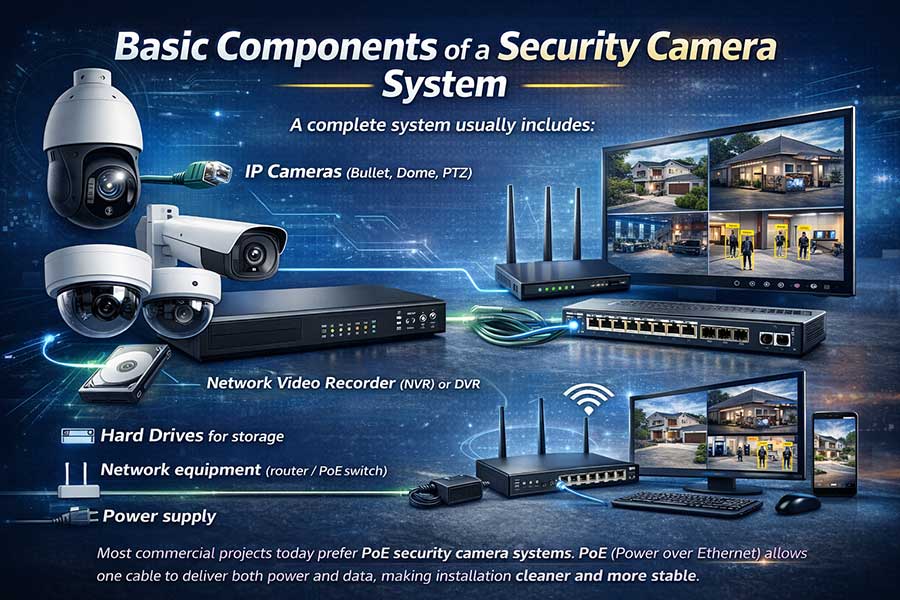
A complete system usually includes:
-
Cámaras IP (Bullet, Dome, PTZ)
-
Network Video Recorder (NVR) or DVR
-
Hard Drives for storage
-
Network equipment (router / PoE switch)
-
Fuente de alimentación
-
Monitoring device (PC, TV, mobile app)
Most commercial projects today prefer Sistemas de cámaras de seguridad PoE. PoE (Power over Ethernet) allows one cable to deliver both power and data, making installation cleaner and more stable.
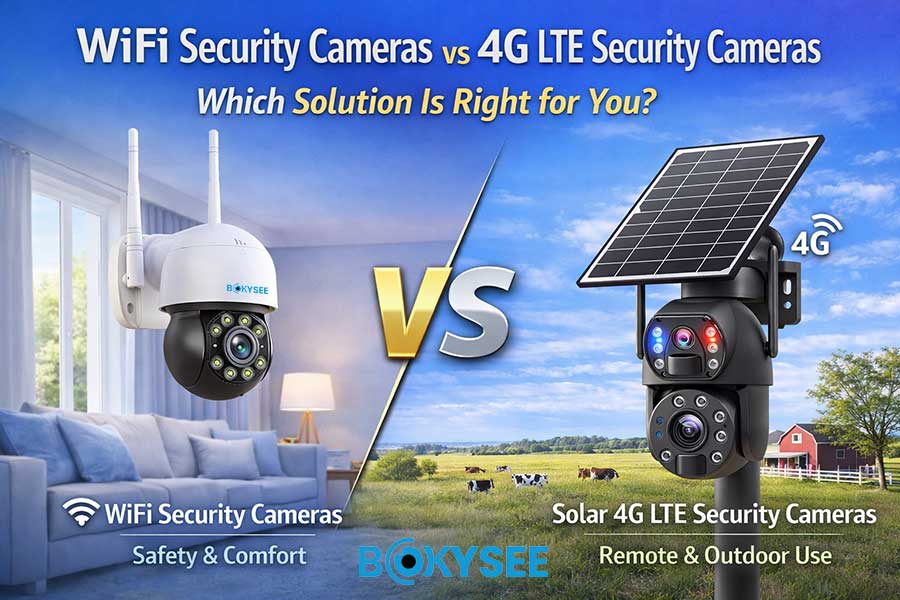
For remote or temporary sites, 4G LTE security camera systems are also popular — especially construction sites and farms.
Security Camera System Checklist – Essential Equipment You Need
Here is your practical checklist before purchasing or installing.
1. Security Cameras (Indoor / Outdoor / PTZ / AI)
Choosing the right cameras is the foundation of your system.
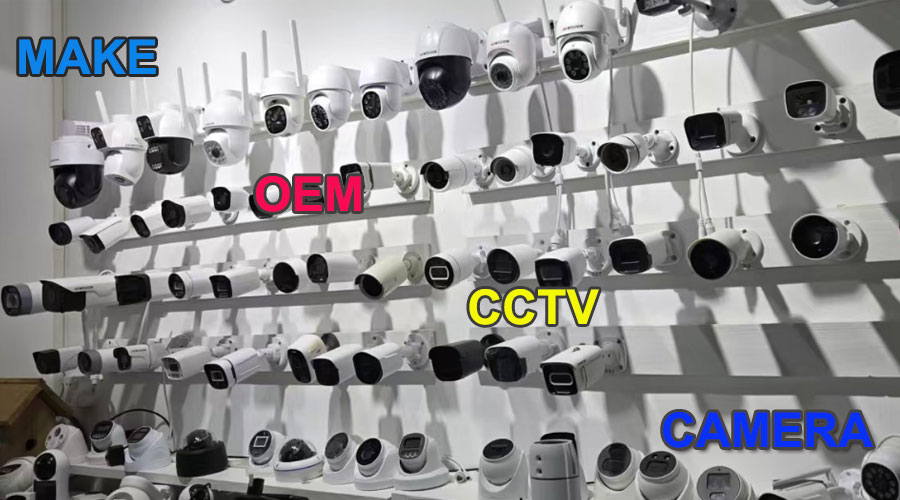
Common types include:
-
Fixed Bullet Cameras (for perimeter security)
-
Dome Cameras (indoor & vandal-resistant)
-
PTZ Security Cameras (pan-tilt-zoom for large areas)
-
Full Color Night Vision Cameras
-
AI Security Cameras with smart detection
-
Solar Powered Security Cameras (for off-grid areas)
When selecting resolution, common options are:
-
4MP (cost-effective for homes)
-
5MP (balanced clarity)
-
8MP / 4K (commercial & industrial use)
For projects in warehouses, factories, or logistics centers, AI cameras with:
-
Detección humana
-
Vehicle detection
-
Line crossing alerts
-
Detección de intrusiones
are becoming standard in 2025.
2. Video Recorder – NVR vs DVR
Modern IP systems use NVR (Grabadora de vídeo en red).
Key considerations:
-
Channel capacity (4ch / 8ch / 16ch / 32ch)
-
Compatibilidad con ONVIF
-
Remote viewing support
-
RAID backup (for large projects)
If you are integrating with platforms like Milestone Systems o Genetec, ensure your NVR and cameras support ONVIF Profile S/T.
For most installers, ONVIF compatibility ensures flexibility across brands.
3. Storage – How Much Hard Drive Do You Need?
Storage depends on:
-
Number of cameras
-
Resolution (4MP vs 8MP)
-
Recording mode (24/7 or motion detection)
-
Retention time (7 days / 30 days / 90 days)
Ejemplo:
8 cameras at 5MP, recording 24/7, usually require 4TB–8TB for 30 days.
Using AI motion detection can reduce storage consumption by 40–60%.
For enterprise systems, consider:
-
Surveillance-grade HDD
-
Dual HDD support
-
RAID configuration
4. Network & Connectivity Requirements
A stable network is critical.
You will need:
-
A router with enough bandwidth
-
PoE switch (if not using PoE NVR)
-
CAT5e or CAT6 cables
-
Static IP (optional for large projects)
Internet speed requirement:
-
2–4 Mbps upload per 4MP camera for remote viewing
-
Higher bandwidth for 4K systems
For multi-building systems, VPN or centralized management software is recommended.
5. Power Supply & Backup
Power planning is often underestimated.
Options include:
-
PoE power from NVR or switch
-
DC12V adapters
-
UPS backup (recommended for business projects)
-
Solar panel + battery system (remote sites)
Without backup power, your security system stops during outages — which is when protection is needed most.
Installation Requirements for a Security Camera System
Correct installation improves performance and longevity.
Estrategia de colocación de la cámara
-
Install at 2.5–3 meters height
-
Avoid direct sunlight into lens
-
Cover entry points, not just wide areas
-
Eliminate blind spots
For warehouses, combine fixed cameras with PTZ units.
Cable & Wiring Planning
-
Use CAT6 for long-distance PoE runs
-
Maximum PoE distance: 100 meters
-
Use waterproof connectors for outdoor installations
-
Protect cables with conduit in industrial areas
Proper wiring ensures stable video transmission and reduces maintenance.
Application-Based Planning
Different environments require different setups.
Home Security Camera System
-
4–8 cameras
-
4MP resolution
-
WiFi or PoE
-
App-based remote access
Warehouse Surveillance System
-
8–32 cameras
-
5MP or 8MP
-
AI intrusion detection
-
Centralized NVR
Construction Site Security Camera System
-
Cámaras solares 4G
-
Anti-theft design
-
Motion alerts
Smart & AI Features in Modern Security Camera Systems (2025 Trends)
AI is transforming surveillance.
AI Detection & Smart Analytics
Modern AI cameras support:
-
Human & vehicle detection
-
Line crossing
-
Area intrusion
-
Reconocimiento facial
-
License plate recognition (LPR)
-
Flame detection cameras
Edge AI processing allows cameras to analyze data locally, reducing bandwidth usage and improving privacy.
Edge AI vs Cloud AI Surveillance
Edge AI
-
Faster response
-
Lower cloud cost
-
Better data security
Cloud AI
-
Centralized analytics
-
Scalable
-
Suitable for multi-site projects
Compliance is also important:
-
NDAA compliance (USA projects)
-
GDPR (Europe)
-
PSTI Act (UK market)
Installers and distributors should always confirm certification before procurement.
Common Mistakes When Setting Up a Security Camera System
Avoid these issues:
-
Underestimating storage needs
-
Poor network planning
-
Choosing resolution too low
-
Ignoring IP66/IP67 weatherproof rating
-
Not planning for system expansion
Future-proofing your system saves cost long term.
Why Work with a Professional Security Camera Manufacturer?
Choosing the right supplier is as important as choosing the right equipment.
For distributors and installers, working directly with a factory provides:
-
Stable pricing
-
OEM branding support
-
Faster technical communication
-
Flexible customization
Bokysee OEM & ODM Security Camera Manufacturing Advantages
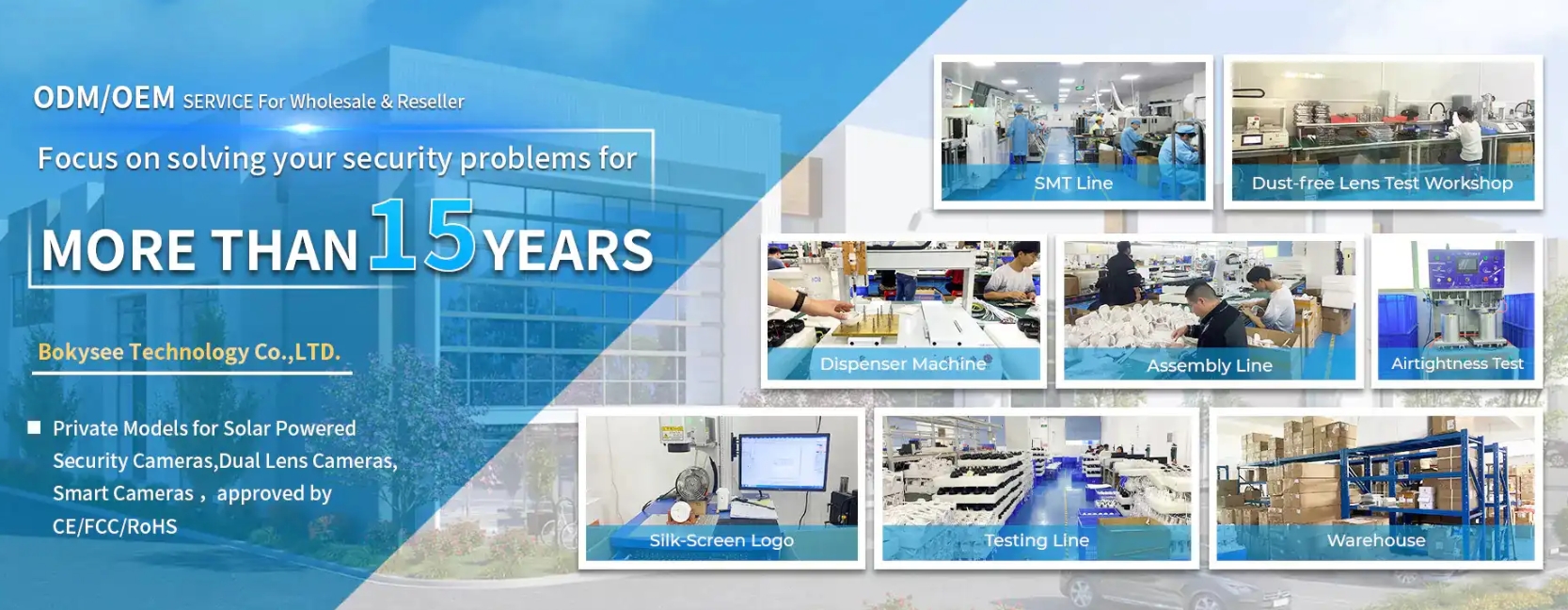
Como profesional Security Camera System manufacturer, Bokysee supports global distributors, installers, and project contractors with complete OEM & ODM services.
1. Full OEM Branding Support
-
Logo printing on cameras & NVR
-
Custom packaging design
-
User manual & carton customization
-
NVR GUI logo customization
Low MOQ makes it easier for new distributors to build their own brand.
2. Advanced R&D & AI Integration
-
AI human & vehicle detection
-
Dual light full-color night vision
-
4G solar PTZ camera systems
-
Flame detection IP cameras
-
Red & blue active deterrence cameras
Customized firmware and feature development available for project requirements.
3. Compliance for Global Markets
-
CE & RoHS for Europe
-
Compatibilidad con ONVIF
Supporting installers across Europe, Middle East, Africa, and South America.
4. Stable Supply Chain & Quality Control
-
Strict QC testing before shipment
-
Long-term chipset partnerships
-
Consistent firmware updates
-
Technical support for integration projects
For wholesalers and project contractors, supply stability is critical — especially in large tenders.
Final Security Camera System Checklist Before Installation
Before powering on your system, confirm:
✔ Cameras selected according to site requirements
✔ NVR channel capacity matched
✔ Storage capacity calculated
✔ Network bandwidth tested
✔ PoE switch configured
✔ Cable distances verified
✔ Backup power installed
✔ Remote viewing configured
✔ AI detection settings optimized
Preguntas frecuentes
-
How many cameras do I need for my house?
Most homes require 4–8 cameras covering entry points, driveway, and backyard. -
Do security cameras work without internet?
Yes. Local recording works without internet. Internet is only needed for remote viewing. -
How much internet speed do security cameras use?
Typically 2–4 Mbps upload per 4MP camera for remote access. -
Is PoE better than WiFi security cameras?
PoE is more stable and recommended for professional installations.
Conclusión
A complete Sistema de cámaras de seguridad is more than just cameras. It requires proper planning of storage, network, power, installation, and future expansion.
Whether you are a homeowner, installer, or distributor, following this checklist ensures a reliable and scalable solution.
If you are sourcing for wholesale or project supply, partnering with a professional OEM manufacturer ensures quality, compliance, and long-term growth.
Ver también
Step-by-Step Guide to Setting Up Your IP Camera
Choosing the Perfect IP Camera System for Your Requirements
Comprehensive Guide to Managing Your Security Camera Setup





 Spanish
  English
  Russian