
Surveillance cameras are now a core part of modern security systems. From private homes and retail stores to factories, offices, and public infrastructure, video surveillance plays a key role in crime prevention, safety management, and operational monitoring.
But what exactly is a surveillance camera? How does it work behind the scenes? And what technologies make today’s cameras smarter and more reliable than ever?
This guide explains the fundamentals in a clear, practical way—covering how surveillance cameras work, their main types, key features, installation basics, and real-world applications.
Understanding CCTV and Surveillance Camera Basics
What Is a Surveillance Camera?
A surveillance camera is a video imaging device designed to monitor, record, and transmit visual information for security and management purposes. It captures live footage of a specific area and delivers that video to a recording device, monitor, mobile app, or cloud platform.
Unlike consumer cameras used for photography, surveillance cameras are built for непрерывная работа, stable performance, и long-term monitoring—often working 24/7 in indoor or outdoor environments.
Определение и цель
The primary purpose of a surveillance camera is to:
- Deter theft, vandalism, and unauthorized access
- Record evidence for investigation and compliance
- Enable real-time monitoring of people, vehicles, and assets
- Improve safety and operational visibility
Modern surveillance cameras are widely used in:
- Residential security systems
- Commercial and retail environments
- Industrial facilities and warehouses
- Schools, hospitals, and office buildings
- Transportation hubs and public areas
Key Components of CCTV Cameras and Surveillance Camera Systems
Lenses, Image Sensors, and Recorders
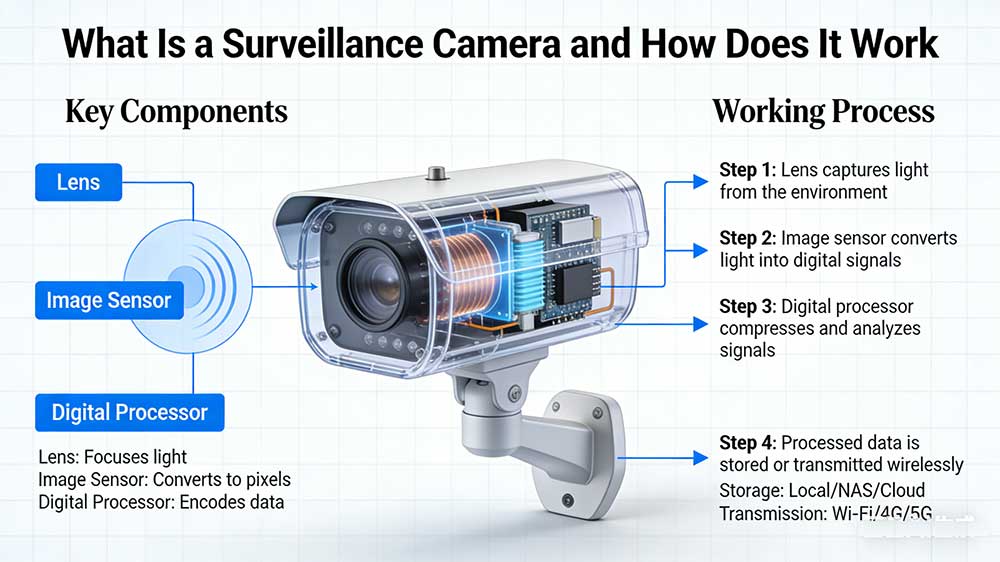
A CCTV camera uses a lens to focus light. The image sensor turns the light into an electronic signal. A recorder saves the video for later. The recorder can be a VCR, DVR, or network video recorder.
Housing, Mounting, and Connectivity Options
Camera housing keeps the device safe from dust and rain. It also protects from tampering. Different mounts let you put cameras on walls, ceilings, or poles. Cameras connect with coaxial cables, Ethernet cables, or wireless.
Power Sources and Network Integration
CCTV cameras need power to work. Some use electrical wiring. Others use Power over Ethernet, which sends power and data together. Network integration lets cameras connect to monitoring stations nearby or far away.
CCTV Tech Terms and Key CCTV Tech Explained
Common Video and Security Terminology
- Разрешение: The number of pixels in a picture. More pixels make the video clearer.
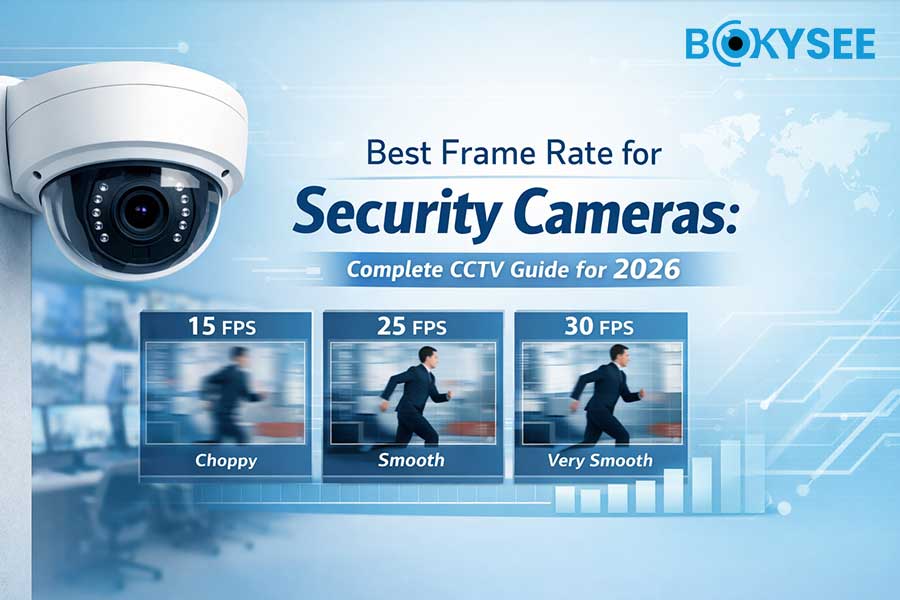
- Frame Rate: How many video frames are taken each second.
- Infrared (IR): This lets cameras see in the dark.
- Поле зрения: The area a camera can see.
- Обнаружение движения: This senses movement in the camera’s view.
CCTV Work Principles and Monitoring CCTV Networks
A CCTV system records video with cameras. The cameras send signals to monitors or recorders. People can watch live video or look at old footage. Monitoring can happen at the place or from far away. CCTV networks help people watch what happens in homes, stores, and public places.
How Does a Surveillance Camera Work?
At its core, a surveillance camera works by capturing light, converting it into digital data, and transmitting that data for viewing or storage.
Basic Components (Lens, Sensor, Processor)
Most surveillance cameras include the following key components:
- Линза – Focuses light from the scene onto the image sensor
- Image Sensor (CMOS) – Converts light into electrical signals
- Processor (ISP) – Processes and compresses the video data
- IR LEDs or White Light LEDs – Enable night vision or full-color imaging
- Network Module – Transmits data via Ethernet, Wi-Fi, or 4G
- Power System – PoE, DC power, battery, or solar
Each component plays a role in delivering clear, stable video under different lighting and environmental conditions.
Automated Surveillance Systems: A Comprehensive Review found better monitoring with new camera parts.
From Image Capture to Video Recording
The working process follows several steps:
- Image Capture
Light enters through the lens and reaches the CMOS sensor. - Signal Processing
The image signal processor enhances clarity, color balance, noise reduction, and dynamic range. - Сжатие видео
The video is compressed using formats like H.264 or H.265 to reduce bandwidth and storage usage. - Transmission
The compressed video is sent via cable or wireless network. - Recording & Viewing
Footage is stored on an NVR, SD card, or cloud server and can be viewed live or played back later.
Automated surveillance systems watch places and record what happens. Many systems set off alarms when they see something strange.
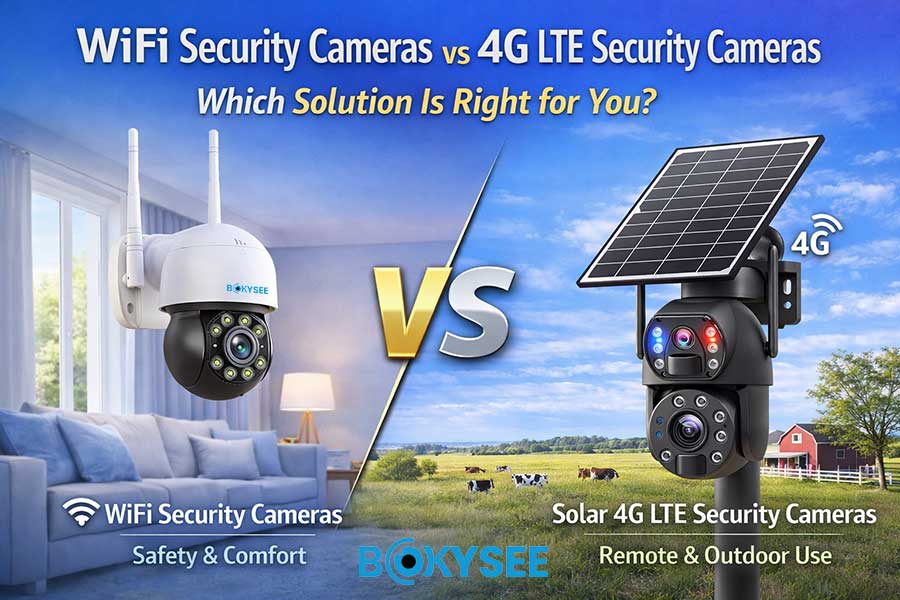
Wired vs. Wireless Data Transmission
Surveillance cameras transmit video in different ways:
- Wired (Ethernet / PoE)
- Stable connection
- High image quality
- Ideal for commercial and project installations
- Wireless (Wi-Fi)
- Easier installation
- Flexible for homes and small offices
- Dependent on network stability
- 4G / Cellular
- No local internet required
- Ideal for remote sites, farms, construction areas
- Often combined with battery or solar power
Automated surveillance systems help stop mistakes by using good ways to send data.
Surveillance cameras use special tools to watch areas, record actions, and warn people about odd things.
Types of CCTV Cameras and Surveillance Camera Systems
Types of Surveillance Cameras
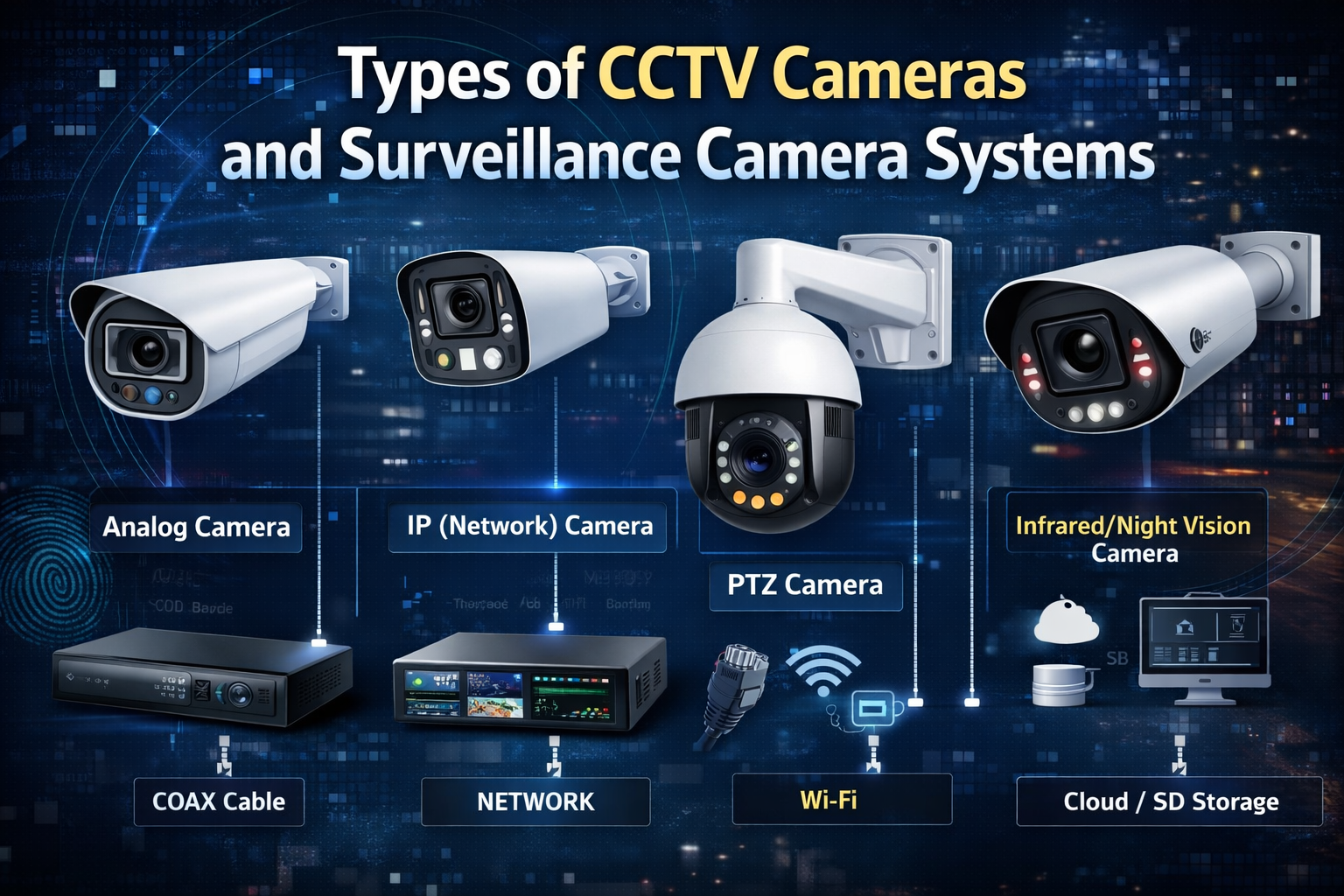
Different environments require different camera types. Below are the most common categories.
Аналоговые камеры
Analog cameras transmit video to a DVR using coaxial cables.
They are simple and cost-effective but limited in resolution and smart features.
Best for:
- Legacy system upgrades
- Budget-focused projects
IP (Network) Cameras
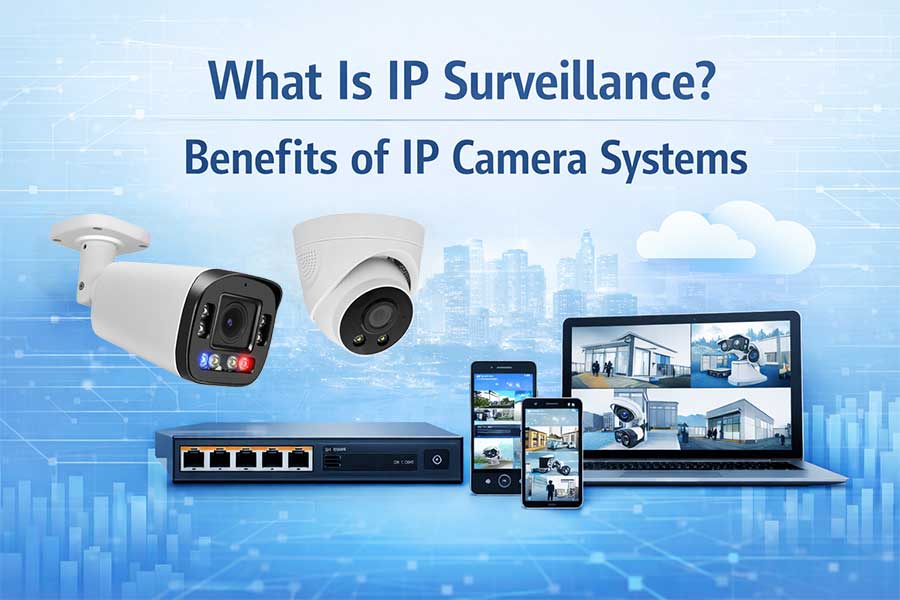
IP cameras transmit digital video over a network. They support higher resolution, remote access, and advanced features.
Advantages:
- 2MP to 12MP+ resolution
- Smart AI detection
- Scalable system design
This is the most popular choice for modern surveillance systems.
PTZ-камеры (Pan-Tilt-Zoom)
PTZ cameras can rotate horizontally and vertically and zoom in optically.
Key benefits:
- Wide area coverage
- Preset patrol and auto-tracking
- Ideal for large spaces
Commonly used in:
- Parking lots
- Warehouses
- Public areas
Day/Night and Infrared Cameras
These cameras use IR LEDs or dual-light technology to work in low-light conditions.
Options include:
- IR black-and-white night vision
- Smart dual-light (IR + white light)
- Полноцветное ночное видение
They ensure visibility even in complete darkness.
Types of CCTV Cameras by Form, Environment, and Connectivity
CCTV Cameras by Form: Dome, Bullet, PTZ Cameras
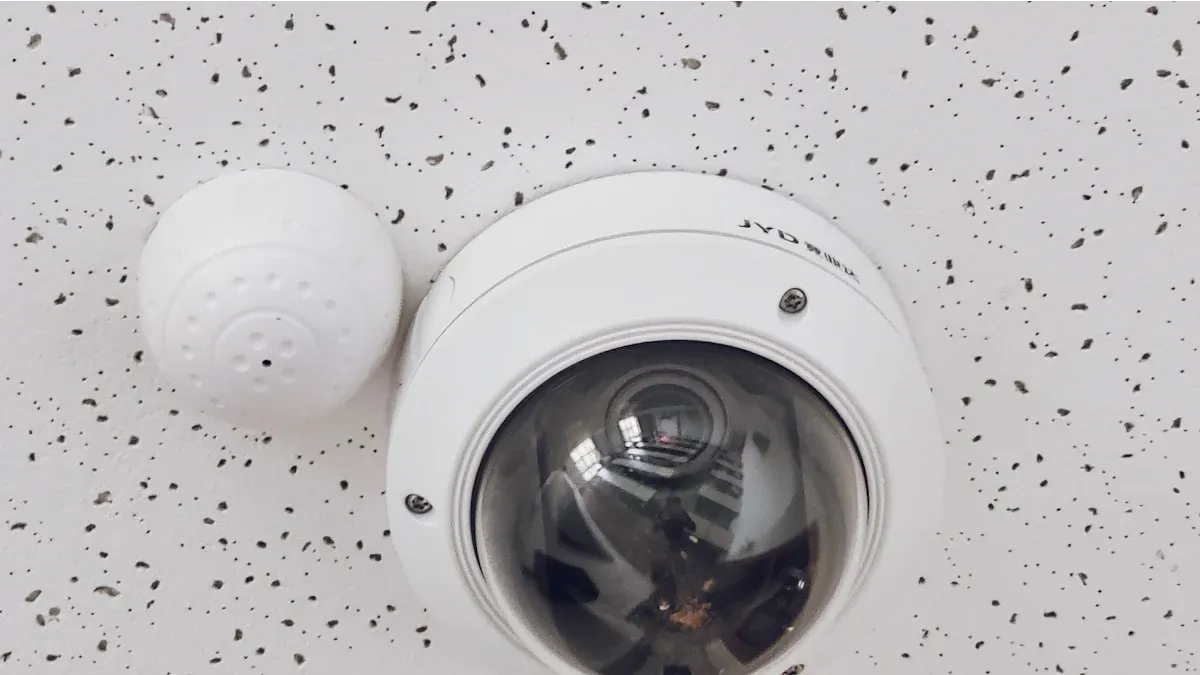
- Dome cameras are round and fit into ceilings. Dome cameras work well inside when you want to watch quietly.
- Bullet cameras are long and shaped like a tube. Bullet cameras are easy to see and scare off bad people. Bullet cameras watch big outdoor areas like parking lots and doors. Many bullet cameras can see at night in the dark. It is fast and simple to put up bullet cameras.
- PTZ surveillance cameras can move left, right, up, and down. PTZ cameras let you follow things as they happen. Security teams use PTZ cameras to watch live events. You can change the camera’s view from a control room or your phone.
CCTV Cameras by Environment: Indoor CCTV Cameras vs. Outdoor CCTV Cameras
Indoor cameras are best for inside buildings. An indoor camera watches halls, offices, and doors. Indoor cameras are small and easy to put anywhere.
Outdoor cameras can handle rain, wind, and sun. An outdoor camera keeps homes, stores, and public places safe. Outdoor cameras have strong covers and tough mounts. Many outdoor cameras can see in the dark with infrared or night vision.
CCTV Cameras by Connectivity: Wired CCTV Cameras vs. Wireless CCTV Cameras
Wired cameras use cables for power and video. A wired camera gives a strong connection and clear video. Wired systems are good for big buildings and places that need cameras all the time.
Wireless cameras use Wi-Fi or radio waves to send data. A wireless camera is easy to move and set up. Wireless systems are great for small offices and homes. You can check wireless cameras from far away.
Types of CCTV Systems and CCTV Cameras and Systems Overview
Standalone vs. Integrated CCTV Systems
A standalone CCTV system works by itself. A standalone system has cameras and a recorder for one place. Small businesses and homes use standalone systems for simple safety.
An integrated CCTV system connects many cameras and devices. An integrated system works with alarms, door locks, and control centers. Big companies use integrated systems for hard security jobs.
Specialized Surveillance Camera Applications
Special cameras are made for special places. Factories use tough cameras for rough spots. Traffic cameras help watch roads and busy streets. Important places use advanced cameras for safety and rules.
“PTZ surveillance cameras offer remote management and real-time tracking for dynamic security needs.”
You can pick from many CCTV cameras and systems. Each kind works for different places, prices, and safety needs.
Key Features and Technology in Modern Surveillance Cameras
Modern surveillance cameras integrate advanced technologies to improve accuracy and usability.
Разрешение и качество изображения
Resolution directly affects image clarity.
Common resolutions:
- 2MP (1080p) – Basic monitoring
- 4MP / 5MP – Clear detail for faces and vehicles
- 8MP (4K) – High-precision surveillance
Higher resolution is especially important for identification and evidence.
Motion Detection and AI Analytics
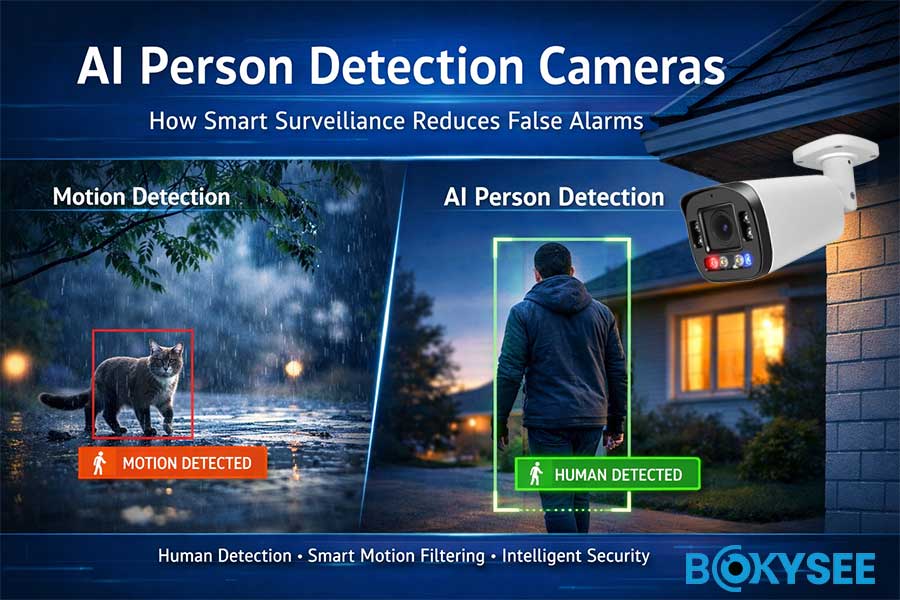
AI-powered surveillance cameras can:
- Detect humans and vehicles
- Reduce false alarms from rain, insects, or shadows
- Trigger alerts and recordings intelligently
Advanced analytics include:
- Line crossing
- Area intrusion
- Object detection
- Распознавание номерных знаков
Ночное видение и работа в условиях низкой освещенности
Low-light performance depends on:
- Sensor sensitivity
- Lens aperture
- LED configuration
Modern cameras offer:
- Starlight imaging
- Smart IR adjustment
- Полноцветное ночное видение
This ensures usable footage at night, not just silhouettes.
Remote Access and Mobile Monitoring
With mobile apps and web platforms, users can:
- View live video anytime
- Receive instant alerts
- Play back recorded footage
- Manage multiple sites remotely
This is now a standard requirement for both residential and commercial users.
“Smart video tools and encrypted storage make surveillance safer today.
CCTV Applications, Monitoring, and Real-World Use Cases
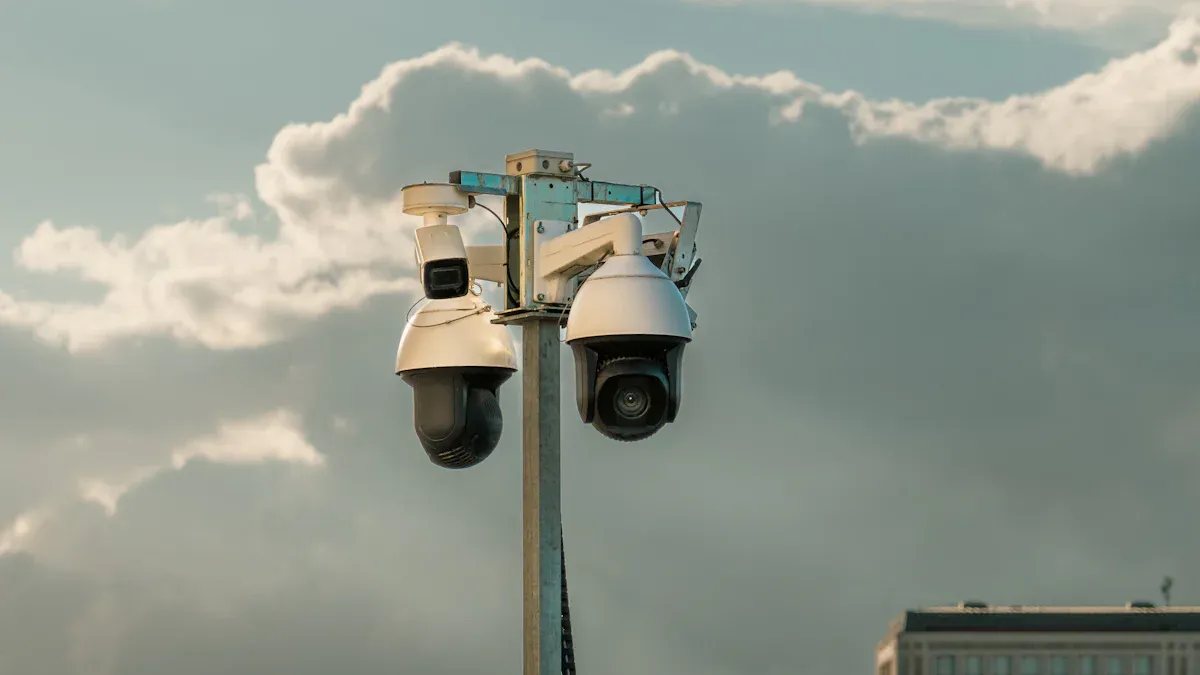
Residential and Commercial CCTV Applications
Home Security, Deterrence, and Customer Monitoring
People use камеры наблюдения to keep homes safe. Cameras watch doors, driveways, and yards. Bright lights and cameras scare away trespassers. Neighbors feel safer when cameras watch shared areas. Police use camera footage to solve break-ins and vandalism.
Business owners use cameras to watch customers and stop theft. Cameras show who comes in and out of stores. Workers follow rules when cameras are on. Visible cameras lower shoplifting by 25% in stores, says the Journal of Electronic Security and Digital Forensics. Managers use videos to settle arguments and check customer service.
Retail, Office, and Warehouse Security
Stores put cameras at doors, exits, and aisles. Cameras watch cash registers and expensive items. Loss prevention teams watch live video for bad actions. Camera footage helps with insurance and legal cases.
Offices use cameras to control who enters and visits. Security teams watch video for people who should not be there. Cameras help keep workers safe and stop damage.
Warehouses put cameras in storage and loading areas. Managers watch inventory and deliveries. Cameras stop theft and help find stolen things.
Public, Community, and Traffic Surveillance
Monitoring Public Spaces and Community Areas
Cities put cameras in parks, plazas, and stations. Cameras help police act fast in emergencies. Leaders use video to fix vandalism and problems. Chicago Transit Authority had 32% fewer robberies after adding cameras. People feel safer when cameras watch playgrounds and sidewalks.
Neighborhood watch groups use cameras to protect streets and alleys. Volunteers share videos with police during cases. Cameras help community safety and lower fear of crime.
Traffic and City Surveillance Camera Networks
Traffic teams put cameras at intersections and highways. Cameras record crashes and traffic rule breaks. Engineers use video to make roads safer and fix traffic jams. Police use cameras to find stolen cars and bad drivers.
City planners use camera data to build better crosswalks and bike lanes. Videos help solve fights after crashes or hit-and-runs. Cameras help during disasters or big events.
Specialized CCTV Cameras and Systems
Industrial, Institutional, and Critical Infrastructure Use
Factories use tough cameras to watch machines and dangerous spots. Supervisors check equipment and worker safety. Cameras record accidents for training and review.
Hospitals and schools put cameras at doors, halls, and parking lots. Security stops people who should not enter and keeps students and patients safe. Leaders watch videos to improve emergency plans.
Power plants, water plants, and data centers use advanced cameras. Security teams watch for break-ins and technical problems. Camera footage gives proof for rules and reports.
Security camera footage can give important proof if a crime or argument happens. This proof helps in court, shows who did it, and proves what happened.
CCTV is used in homes, businesses, public places, and important services. Cameras help stop crime, keep people safe, and collect proof in many places.
Choosing the Right Surveillance Camera and CCTV Cameras: Buyer’s Guide
Factors to Consider for Customer Needs
Environment, Placement, and Management
Pick a camera that fits where you need it. Indoor cameras are best for inside homes or stores. Outdoor cameras need covers to block rain and sun. Put cameras near doors, driveways, or halls for good views. Mount cameras up high so people cannot reach them. Pick cameras with easy tools for setup and watching.
Budget, Image Quality, and Total Cost of Ownership
Decide how much money you can spend first. Look at prices for simple and fancy cameras. High-definition cameras with 1080p video show clear pictures. Night vision and motion recording are helpful extras. Two-way audio and person detection add more safety. Remember to count storage costs in your budget. Cloud storage may charge every month. Local storage uses cards or hard drives with no extra fees.
Recommended Products and Brands
Bokysee Surveillance Camera and CCTV Cameras Overview
Бокизее makes new security cameras for homes and stores. Bokysee cameras use HD video for sharp pictures. Wireless cameras are easy to move around. Weatherproof cameras work outside in bad weather. Night vision lets you see in the dark. Motion recording saves space on storage. Two-way audio lets you talk and listen through the camera. You can watch from your phone or computer anywhere.
Comparison with Other Leading Brands (e.g., CCTVSecurityPros.com)
CCTVSecurityPros.com sells many kinds of surveillance cameras. Some cameras use wires and some use Wi-Fi. Some models work with Alexa or Google Assistant. Person detection and smart alerts help find intruders fast. Both Bokysee and CCTVSecurityPros.com have cloud and local storage. Bokysee is easy to set up and has simple apps. CCTVSecurityPros.com is strong for big places.
Installation, Maintenance, and Monitoring Tips
DIY vs. Professional Installation
DIY setup is good for small homes or offices. Most wireless cameras have easy steps to follow. You do not need special tools for most installs. Professional setup is better for big or tricky systems. Experts put cameras in the right spots and make sure they work. Get help from pros for alarms or door controls.
Regular Maintenance and System Management
Wipe camera lenses often to keep video clear. Check mounts and covers for any damage. Update camera software to fix problems and stay safe. Test storage to make sure you do not lose video. Watch old videos to look for anything odd. Use tools to change settings or add new features.
“Look for at least 1080p HD video, infrared night vision, two-way audio, and cloud or local storage for the best results.”
Picking the right camera, taking care of it, and putting it in a smart spot will help keep your place safe.
Почему Бокизее Is the Right Surveillance Camera Partner for Your Business
Choosing the right surveillance camera supplier is just as important as choosing the right technology. For installers, system integrators, wholesalers, and brand owners, product stability, customization capability, and long-term support directly affect project success and market competitiveness.
Бокизее is designed to meet these real-world demands.
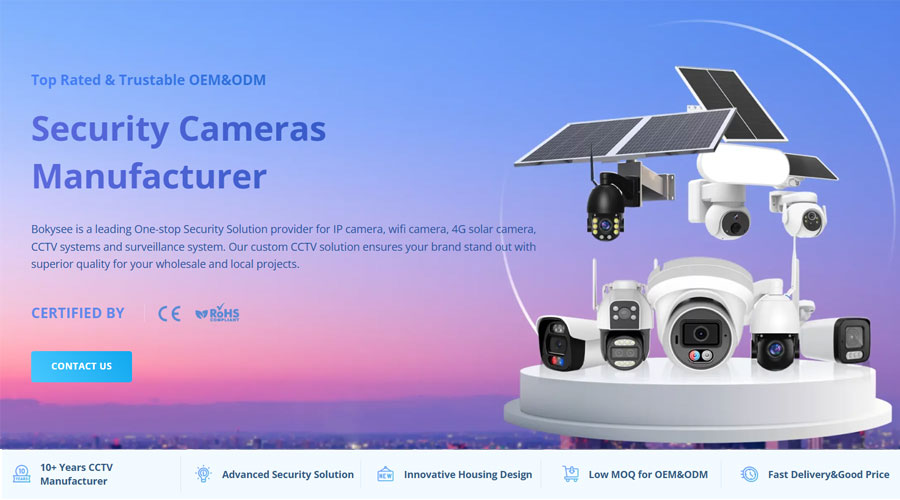
Factory-Direct Manufacturing with OEM & ODM Flexibility
Bokysee is a professional surveillance camera manufacturer with in-house production and strict quality control. Unlike trading companies, we offer true factory-level OEM & ODM services, включая:
- Custom logo (camera housing, firmware, packaging)
- Branded mobile apps and UI interfaces
- Customized specifications for different markets
- Flexible MOQ for trial orders and scaling
This allows our partners to build their own competitive product lines without heavy upfront investment.
Complete Product Range for Different Applications
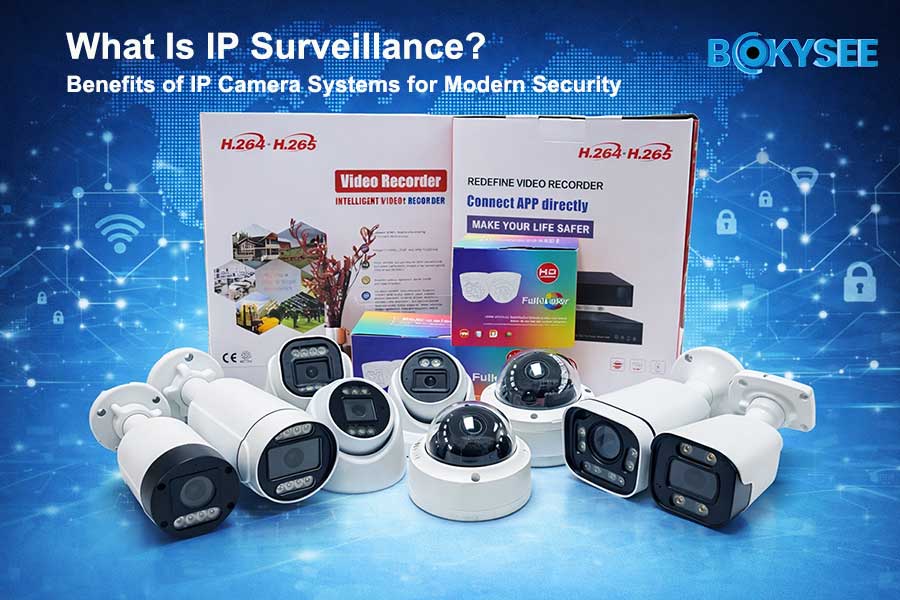
Bokysee provides a full portfolio of surveillance camera solutions, covering:
- IP cameras and PoE camera systems
- Smart dual-light and full-color night vision cameras
- PTZ cameras with optical zoom
- Wireless and 4G solar-powered cameras
- NVRs, camera kits, and storage solutions
Whether for безопасность дома, commercial projects, или удаленный мониторинг, customers can source a complete system from one reliable supplier.
Stable Quality and Project-Oriented Design
Every Bokysee product is developed with installer and project requirements in mind, focusing on:
- Long-term stability for 24/7 operation
- Compatibility with mainstream NVRs and VMS platforms
- Reliable performance in outdoor and low-light environments
- Reduced after-sales issues and maintenance costs
This makes Bokysee cameras suitable for retail chains, warehouses, residential compounds, offices, and public projects.
Global Market Experience and Compliance Support
Bokysee works with partners across Europe, the UK, Middle East, Africa, and the Americas. We understand different market requirements and support:
- CE, RoHS, and other regional compliance needs
- Multi-language manuals and system interfaces
- Market-specific product positioning and packaging
Our experience helps customers enter new markets faster and with lower risk.
Built for Long-Term Partnership, Not One-Time Sales
Bokysee is not just a camera supplier—we aim to be a long-term technology and manufacturing partner. From product selection and branding to mass production and ongoing upgrades, we support our customers at every stage.
For businesses looking to build or expand their surveillance camera offering, Bokysee provides the balance of quality, flexibility, and scalability needed to grow sustainably.
Смотрите также
What Lies Ahead for Surveillance Camera Technology?
Why High-Resolution Cameras Are Crucial for Security
Понимание функциональности камер видеонаблюдения на солнечных батареях





 Russian
  English
  Spanish