
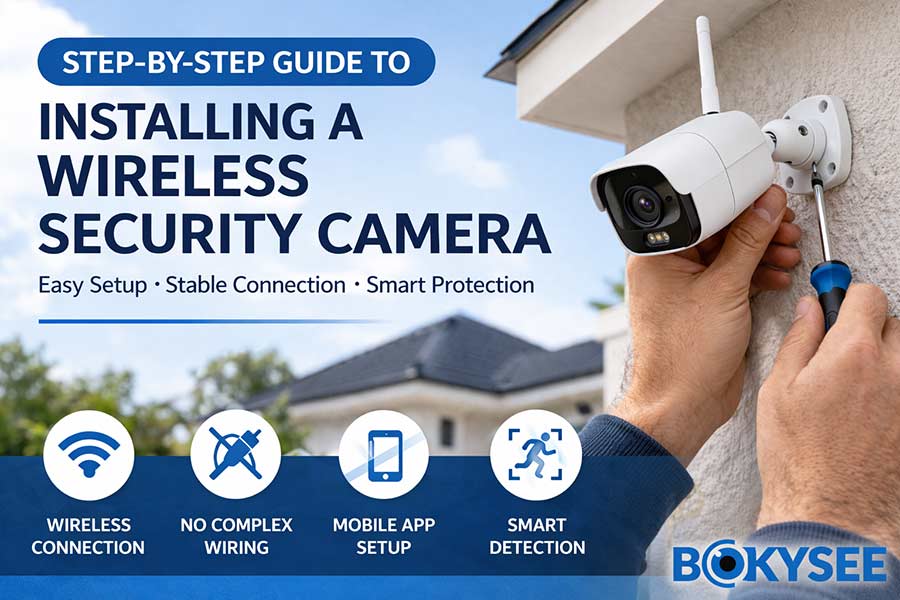
|
Key Question |
Answer |
|---|---|
|
What is a Wireless Security Camera? |
A camera that transmits video via WiFi or 4G without complex cabling |
|
Installation difficulty |
Easy – most systems install in 15–30 minutes |
|
Best use cases |
Homes, shops, warehouses, remote sites |
|
Power options |
Plug-in, battery, or solar powered |
|
Conectividad |
WiFi (2.4GHz) or 4G SIM card |
|
Key features |
Motion detection, AI human detection, night vision |
|
Recommended solution |
Bokysee Wireless Security Cameras (OEM/ODM supported) |
What Is a Wireless Security Camera and Why It’s So Popular in 2026
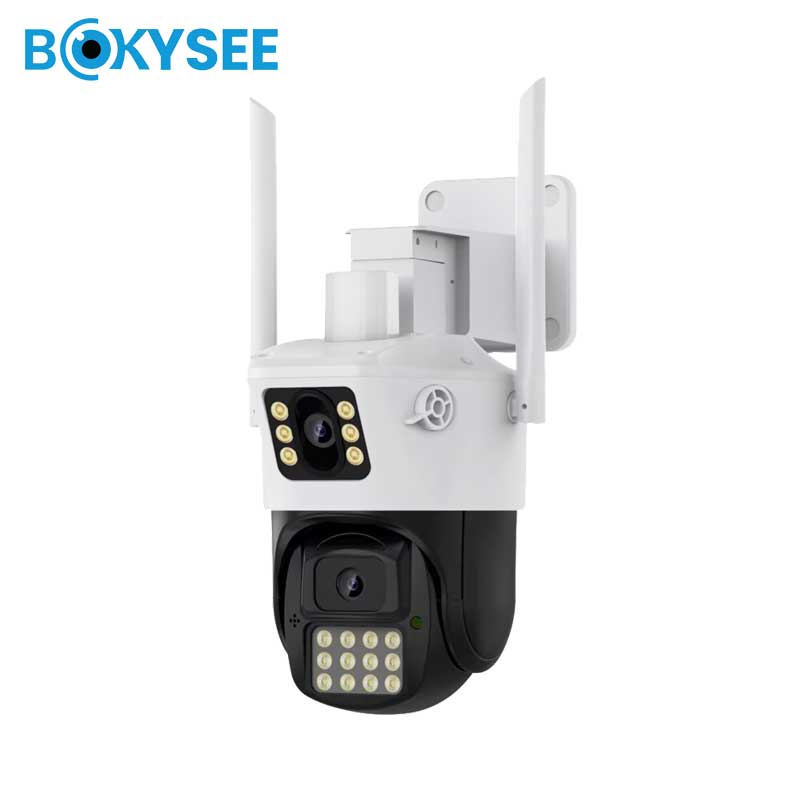
A Cámara de seguridad inalámbrica is a surveillance device that transmits video and data through WiFi or 4G networks, eliminating the need for traditional video cables (such as coaxial or Ethernet for data transmission). Unlike wired CCTV systems, wireless cameras focus on ease of installation, flexible deployment, and smart connectivity.
It’s important to clarify a common misunderstanding:
“Wireless” does not always mean completely cable-free.
-
Cámaras WiFi still require power (unless battery-powered)
-
Battery or solar cameras are truly wire-free
-
4G cameras eliminate both network and wiring limitations
👉 This flexibility is exactly why wireless security cameras have become one of the fastest-growing segments in the global CCTV market.
Key Components of a Cámara de seguridad inalámbrica Sistema
To better understand how it works, a typical system includes:
-
Camera (WiFi / 4G module built-in)
-
Mobile app or VMS software
-
Cloud or local storage (SD card / NVR)
-
Power source (adapter, battery, or solar panel)
In modern systems, everything is designed to be conectar y usar, reducing technical barriers for both end users and installers.
Why Wireless Security Cameras Are So Popular in 2026
The rapid growth of wireless security cameras is not accidental — it is driven by real market demand and industry changes.
1. Easy Installation (DIY-Friendly & Installer Efficient)
Traditional CCTV systems require:
-
Cable routing
-
Drilling through walls
-
Professional technicians
Wireless systems eliminate most of these steps.
👉 In real-world projects, installation time can be reduced by 50–70%, making them ideal for:
-
Home users (DIY installation)
-
Installers handling multiple projects daily
2. Lower Total Cost (Especially for Labor)
In many markets (Europe, US, Middle East), labor cost is rising significantly.
Wireless systems help reduce:
-
Installation time
-
Labor cost
-
Maintenance complexity
👉 This makes them highly attractive for:
-
Distribuidores
-
System integrators
-
Project contractors
3. Flexible Deployment in Any Scenario
Wireless cameras can be installed in locations where wired systems are difficult or impossible:
-
Farms and rural areas
-
Construction sites
-
Temporary projects
-
Rental properties
Especially with 4G + solar security cameras, users can achieve:
✔ No wiring
✔ No internet dependency
✔ 24/7 remote monitoring
4. Smart Features Driven by AI Technology
Modern wireless cameras are no longer just recording devices. They are becoming intelligent security systems.
Las características principales incluyen:
-
Human detection (reduces false alarms)
-
Vehicle detection
-
Real-time push notifications
-
Comunicación de audio bidireccional
-
Visión nocturna a todo color
5. Integration with Mobile and Cloud Ecosystems
Another major reason for popularity is seamless integration with mobile apps.
Users can:
-
View live video anytime
-
Receive instant alerts
-
Playback recordings remotely
For B2B clients, this also enables:
-
Value-added services (cloud subscription)
-
Remote technical support
-
Scalable system management
6. Strong Market Growth and Future Potential
The demand for wireless security cameras continues to grow globally, especially in:
-
South America
-
Middle East
-
Africa
-
Sudeste Asiático
Growth drivers include:
-
Increasing security awareness
-
Smart home adoption
-
Expansion of small business surveillance
👉 In our experience working with global partners, wireless cameras are becoming the entry point product for many new CCTV brands and distributors.
Wireless vs Wired: Why the Shift Is Happening
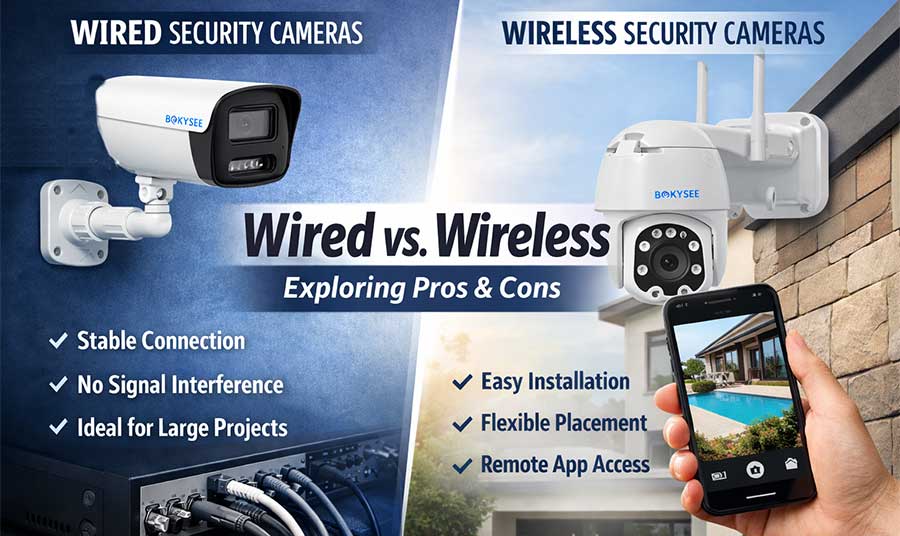
While wired systems (especially Cámaras IP PoE) are still dominant in large-scale projects, wireless systems are rapidly taking over:
|
Aspect |
Cámara inalámbrica |
Wired Camera |
|---|---|---|
|
Instalación |
Easy |
Complex |
|
Costo |
Lower (especially labor) |
Higher |
|
Flexibilidad |
Alto |
Limitado |
|
Stability |
Depends on network |
Very stable |
|
Mejor para |
Small/medium projects |
Large projects |
👉 The future is not “wireless replacing wired” — but coexistence, with wireless dominating flexible and fast-deployment scenarios.
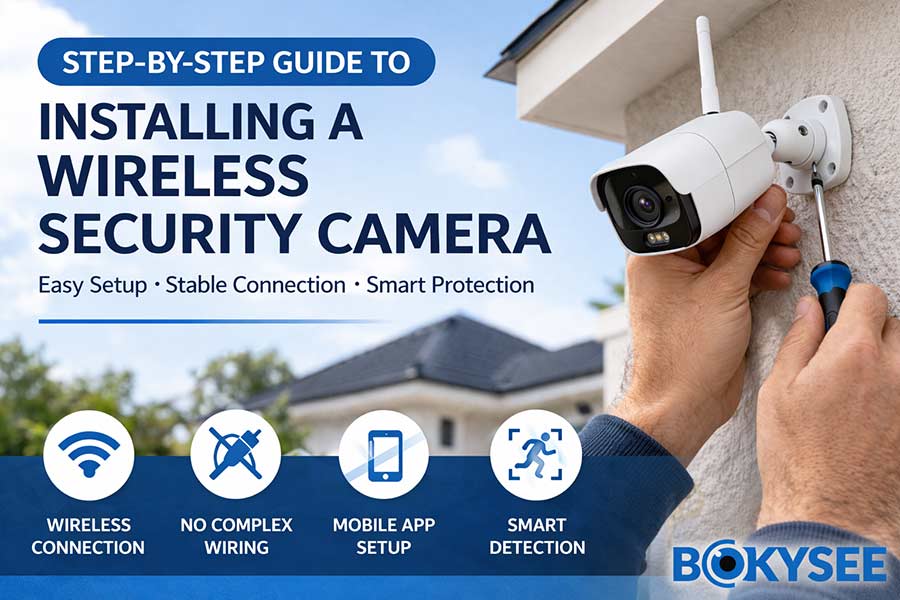
Step-by-Step Guide to Installing a Wireless Security Camera (Professional & Beginner Friendly)
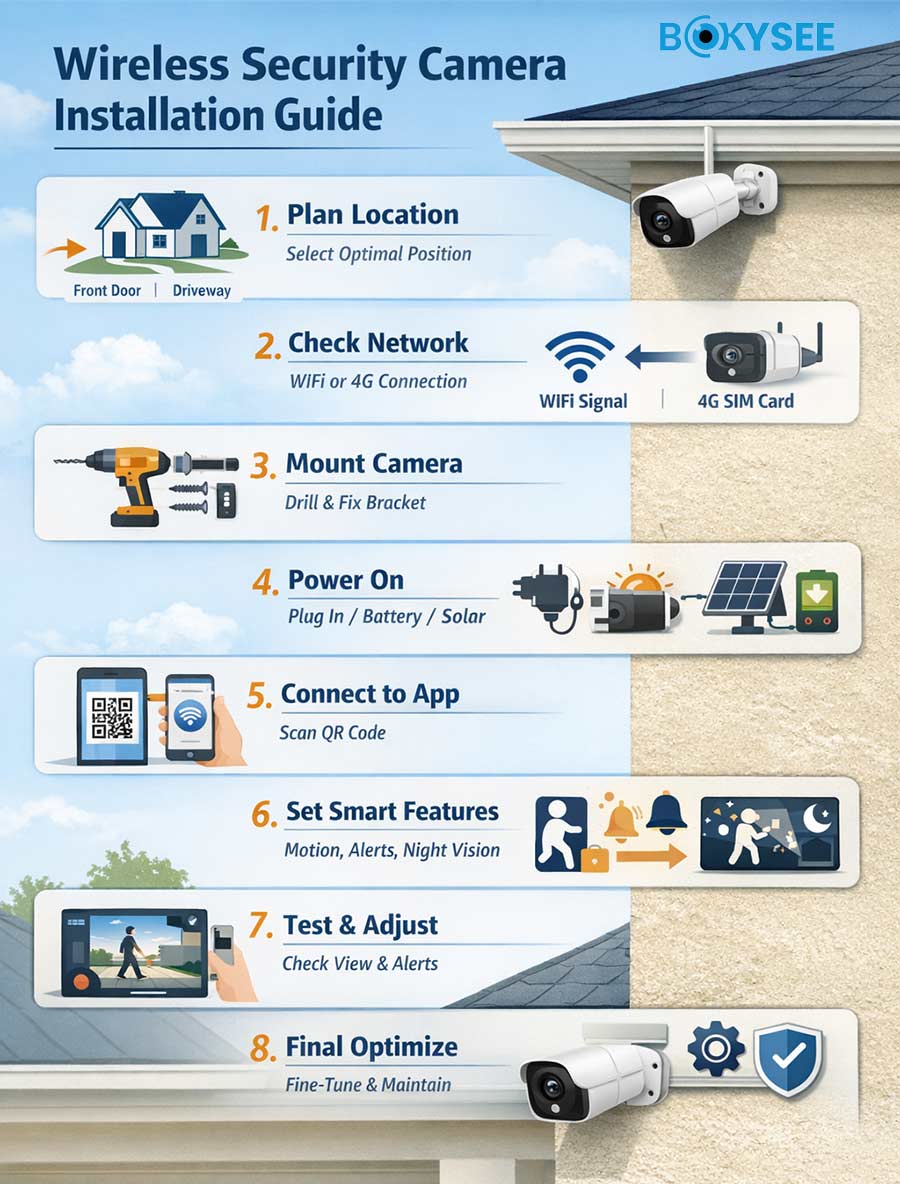
Installing a Cámara de seguridad inalámbrica is much easier today than traditional CCTV systems. However, a professional installation still requires planning, correct setup, and optimization to ensure long-term performance.
Whether you are a home user, installer, or distributor, this step-by-step guide will help you achieve a stable and efficient security system.
Step 1: Define Your Security Goals Before Installation
Before installing the camera, ask yourself:
-
What area do you want to monitor?
-
Do you need identification (face/license plate) or just overview?
-
Is it for home security, business, or remote monitoring?
Different goals require different setups:
|
Scenario |
Recomendación |
|---|---|
|
Home entrance |
Fixed lens WiFi camera |
|
Shop / office |
Multi-camera coverage |
|
Depósito |
Wide-angle or PTZ camera |
|
Farm / remote site |
4G + solar camera |
👉 In our experience, many installation issues come from wrong product selection, not installation itself.
Step 2: Evaluate WiFi or 4G Signal Strength (Critical Step)
A Wireless Security Camera depends heavily on network stability.
For WiFi Cameras:
-
Ensure strong 2.4GHz signal
-
Avoid thick walls or metal interference
-
Recommended distance: within 10–20 meters from router
For 4G Cameras:
-
Check local SIM card coverage
-
Avoid weak signal areas
👉 Poor network = delayed video, disconnection, bad user experience
This is one of the most common complaints globally
Step 3: Choose the Optimal Installation Position
Positioning is more important than the camera itself.
Recommended installation height:
-
2.5m – 3.5m
Ideal angles:
-
Slight downward tilt (10–15°)
-
Avoid direct sunlight or strong backlight
Key coverage principles:
-
Cover entry points (not just open space)
-
Minimize blind spots
-
Avoid obstacles (trees, walls, poles)
For professional installers:
-
Combine fixed + PTZ cameras
-
Usar cámaras de doble lente for wider coverage
👉 A well-positioned 5MP camera performs better than a poorly placed 8MP camera.
Step 4: Install the Mounting System Securely
Proper mounting ensures long-term reliability.
Installation process:
-
Mark drilling holes
-
Drill with proper depth
-
Insert wall anchors
-
Fix bracket firmly
-
Attach and lock camera
Professional tips:
-
Use waterproof sealing for outdoor installations
-
Avoid loose mounting (causes vibration blur)
-
Ensure cable protection (if any)
👉 Poor mounting often leads to:
-
Image shaking
-
Water damage
-
Customer complaints
Step 5: Power Supply Setup (Choose the Right Option)
Different power solutions suit different scenarios:
Plug-in Power
-
Stable and continuous
-
Best for indoor or fixed installations
Battery Powered
-
Flexible installation
-
Requires periodic charging
Solar Powered (High Demand)
-
No requiere cableado
-
Ideal for outdoor & remote areas
👉 “solar wireless security camera installation” is a fast-growing keyword because it solves power + wiring issues simultaneously
Step 6: Connect the Camera to the Mobile App
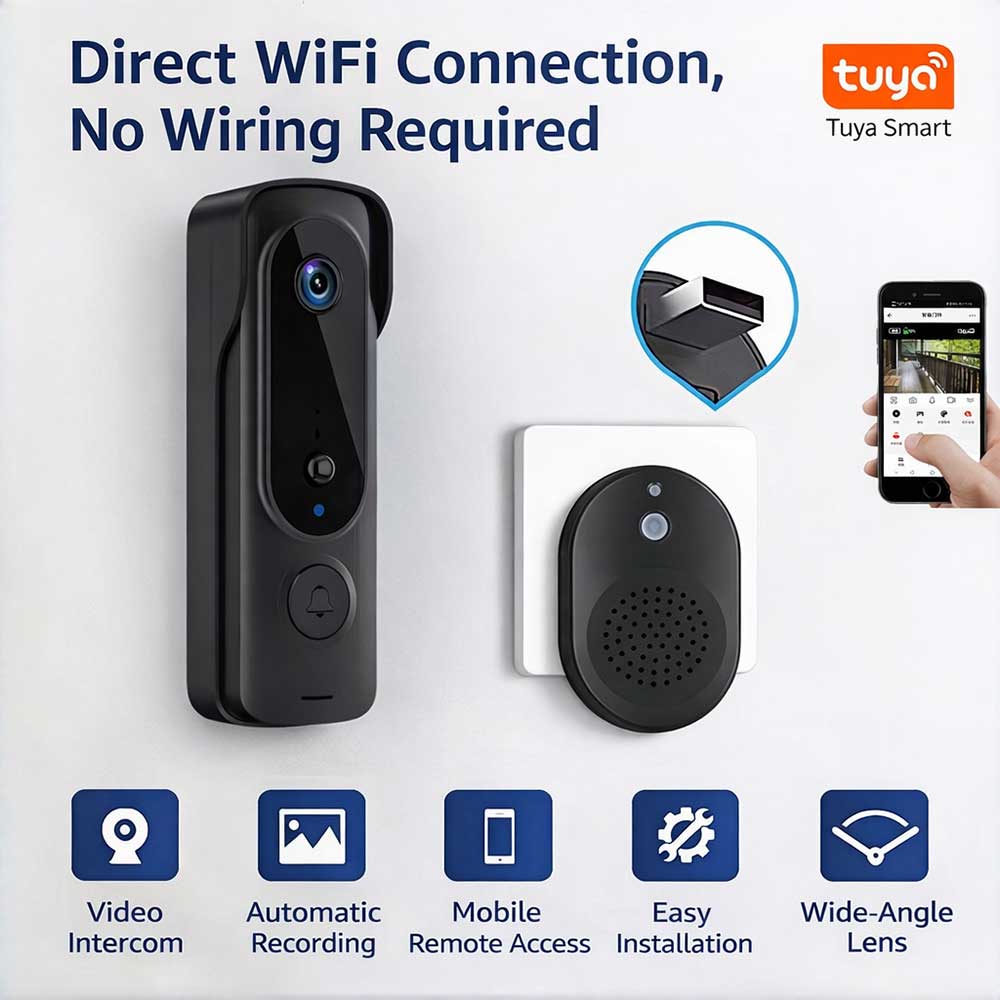
This is where most users either succeed or struggle.
Standard setup process:
-
Download the app (Tuya / LinkEasy)
-
Register account
-
Scan QR code
-
Connect to WiFi or 4G
-
Complete pairing
Common problems & solutions:
|
Problem |
Solución |
|---|---|
|
Camera not connecting |
Use 2.4GHz WiFi |
|
Weak signal |
Move router closer |
|
QR scan fails |
Adjust screen brightness |
|
Device offline |
Restart camera |
👉 A smooth setup process directly impacts:
-
Product reviews
-
Customer satisfaction
-
Return rate
Step 7: Configure Smart Features for Better Performance
Modern Wireless Security Cameras include AI functions that require proper setup.
Recommended configuration:
-
Enable human detection (reduce false alarms)
-
Adjust motion sensitivity
-
Set detection zones (important for busy areas)
-
Enable push notifications
Storage setup:
-
SD card (local storage)
-
Cloud storage (remote access)
-
NVR integration (for projects)
👉 Smart configuration = better security + better user experience
Step 8: Test the System in Real Conditions
Before completing installation, always test:
-
Live video quality
-
Night vision performance
-
Motion detection accuracy
-
App notification speed
For installers:
Simulate real scenarios:
-
Walking detection
-
Movimiento de vehículos
-
Night conditions
👉 Many professional installers follow this rule:
“Install → Test → Adjust → Deliver”
Step 9: Optimize and Maintain the System
Installation is not the end — optimization matters.
Maintenance tips:
-
Clean lens regularly
-
Check firmware updates
-
Ensure stable power supply
-
Monitor network performance
👉 Proper maintenance can extend camera lifespan significantly.
Advanced Installation Tips (For Installers & B2B Buyers)
To stand out in the market, professional installers should:
1. Offer Complete Solutions
Not just cameras, but:
-
Camera + App setup
-
User training
-
After-sales support
2. Recommend the Right Product Mix
-
WiFi for indoor
-
4G for remote
-
Solar for outdoor
3. Focus on User Experience
-
Easy app operation
-
Stable connection
-
Clear night image
👉 This directly impacts repeat orders and referrals
Why Installation Simplicity Is a Key Selling Point
For distributors and brand owners:
-
Easier installation = easier sales
-
Lower technical barrier = larger customer base
-
Faster deployment = higher turnover
👉 This is why Wireless Security Cameras are becoming the mainstream product in many markets
Common Mistakes When Installing Wireless Security Cameras
Avoid these mistakes to reduce complaints and returns:
❌ Installing too far from WiFi
❌ Ignoring lighting conditions
❌ Wrong angle (too high or too low)
❌ Not testing before final installation
👉 These issues directly impact:
-
Detection accuracy
-
Image quality
-
Customer satisfaction
Wireless Security Camera Applications
Seguridad residencial
-
Easy DIY installation
-
Mobile monitoring
Small Business Surveillance
-
Shops, offices, warehouses
-
Cost-effective security solution
Remote & Off-Grid Locations
-
Granjas, obras de construcción
-
Solar + 4G cameras are ideal
B2B Installers & Projects
-
Faster installation
-
Scalable systems
Por qué Bokysee Wireless Security Cameras Are a Smart Choice for Your Business
Elegir lo correcto Wireless Security Camera supplier is not just about price — it directly impacts your product stability, customer satisfaction, and long-term business growth.
En Bokysee, we don’t just supply cameras. We help our partners build competitive security solutions and scalable businesses.
Built for Installers, Distributors, and Brand Owners
Unlike many generic suppliers, Bokysee products are designed specifically for real-world installation scenarios and B2B needs:
-
Easy installation (plug-and-play setup)
-
Stable wireless connection performance
-
User-friendly mobile app experience
-
Reduced after-sales issues
👉 This means fewer complaints, faster deployments, and better customer retention.
Stable Supply Chain in an Unstable Market
In 2026, one of the biggest challenges in the CCTV industry is chipset shortage and price fluctuation.
Many suppliers face:
-
Unstable delivery times
-
Sudden price increases
-
Inconsistent product quality
At Bokysee, we maintain:
-
Long-term chipset partnerships
-
Stable production capacity
-
Consistent quality control (multi-stage QC process)
👉 This helps you secure your supply and avoid project delays
AI Features That Match Market Demand
Today’s market is no longer looking for “basic cameras”.
Customers are actively searching for:
-
AI human detection cameras
-
smart wireless CCTV systems
-
full color night vision cameras
Bokysee wireless cameras include:
-
Human & vehicle detection
-
Smart alerts (reduce false alarms)
-
Full color night vision (dual light technology)
-
Audio bidireccional
👉 These features are not just technical upgrades — they are key selling points that increase conversion
OEM & ODM Support to Build Your Own Brand
If you are planning to build your own brand, Bokysee provides flexible support:
-
Logo printing (low MOQ available)
-
Customized packaging
-
App branding (based on project level)
-
Product selection guidance
👉 This allows you to:
-
Enter the market faster
-
Differentiate from competitors
-
Build long-term brand value
Designed for High-Growth Markets
Wireless Security Cameras are growing rapidly in:
-
South America
-
Middle East
-
Africa
-
Sudeste Asiático
Bokysee products are already widely used in these markets for:
-
Home security
-
Small business projects
-
Remote monitoring solutions
👉 Especially 4G + solar camera solutions, which are highly demanded in areas with limited infrastructure.
Start Your Wireless Security Camera Business with Bokysee
If you are:
-
A distributor looking for competitive products
-
An installer wanting easier deployment solutions
-
A brand owner planning OEM/ODM cooperation
👉 Bokysee can support you with the right products and solutions.
👉 What You Can Do Next:
-
Request product catalog
-
Get recommended models for your market
-
Apply for sample testing
-
Get project-based quotation
Contact us today:
🌐 www.bokysee.com
📩 [email protected]
FAQ About Wireless Security Camera Installation
1. Can I install a wireless security camera myself?
Yes. Most systems are designed for DIY installation.
2. How long does installation take?
Usually 15–30 minutes per camera.
3. Do wireless cameras need WiFi?
Yes, unless you use a 4G SIM camera.
4. What is the best installation height?
Around 2.5–3 meters.
5. Are wireless cameras reliable for business use?
Yes, especially with stable network or 4G connection.





 Spanish
  English
  Russian