Ir al contenido

A WiFi security camera can work perfectly during setup and still lose connection once it is placed farther from the router. Walls, building materials, distance, and nearby networks can all weaken the signal.
The range printed on the box is measured under controlled conditions, while real installations involve drywall, brick, concrete, appliances, and other wireless networks. The actual usable range can be much shorter.
When the signal starts to struggle, a better router position may be enough. In other cases, an extender, mesh system, wired connection, or cellular camera may be the more practical solution.
How Far Can a WiFi Security Camera Reach?
The range printed on the box is measured in open air; your installation happens in walls.
In open air with little interference, a 2.4 GHz camera may reach well beyond typical indoor distances. Indoors, wall materials matter significantly: drywall generally has less impact than concrete, brick, metal, or foil-backed insulation, which can reduce signal penetration more sharply.
Band choice changes the math too. The 2.4 GHz band that most outdoor cameras use travels farther and penetrates walls better; the 5 GHz band is faster but gives up quickly at distance. Since a camera uploads a modest, steady stream rather than huge files, distance usually beats speed, and 2.4 GHz is the right default for anything mounted outside.
A practical planning number: assume roughly 40 to 50 feet and two interior walls as the comfortable limit for a typical WiFi security camera on a decent home router. Beyond that, plan for a relay, an access point, or a different kind of link from day one instead of fighting it after installation.
What WiFi Signal Strength Does a Security Camera Need?
A camera does not browse; it streams. Signal that feels fine on a phone can still drop a camera offline.
Signal strength is measured as RSSI — received signal strength indication — in negative decibels, where numbers closer to zero are stronger. Most camera apps show it somewhere in the device status page, and it is the single most useful number for diagnosing connection problems.
Here is the part that surprises people: a phone happily browses at signal levels where a camera falls over. A phone loads a page, waits, loads another. A camera pushes a continuous video stream and has to hold that stream through the evening, when every network in the neighborhood is busy. Cameras need headroom, not just a connection.
| Signal Reading (RSSI) | What the Camera Experiences |
|---|---|
| -30 to -50 dBm | full stream, smooth day and night |
| -50 to -60 dBm | solid connection, occasional bitrate dips |
| -60 to -70 dBm | workable but fragile — drops during busy evening hours |
| -70 to -80 dBm | frequent reconnects, frozen live view, missing clips |
| below -80 dBm | effectively offline, even when the app shows it connected |
Note: RSSI ranges are practical reference points rather than fixed performance standards. Actual camera performance can vary with the device, WiFi band, bitrate, interference, and installation environment.
Check the signal where the camera will actually be mounted, not just where you stand. A small change in position can produce a noticeable difference in RSSI because of walls, metal structures, and other obstacles. Readings weaker than about -65 dBm can leave less headroom for stable video, so try adjusting the camera or router position before adding new equipment.
How Can You Improve WiFi Range Without Buying New Equipment?
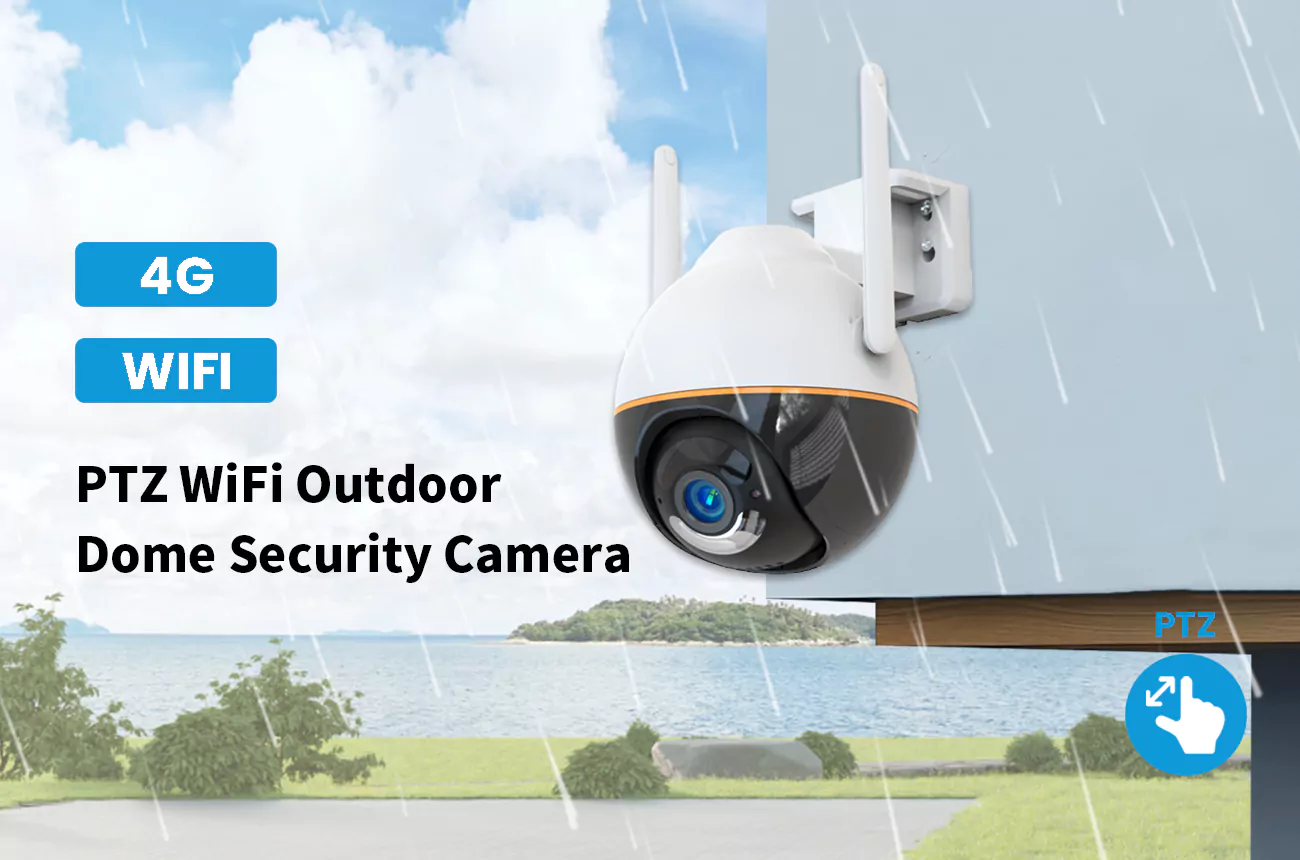
Several useful weak-WiFi fixes cost nothing: reposition the router, reduce interference, and lower the camera’s bitrate when necessary.
Move the router first. It is the cheapest change with the biggest return. A router on the floor behind a TV, at one end of the house, wastes half its coverage into a wall and the yard next door. Get it higher, out in the open, and closer to the area the cameras need to cover. A better router position can noticeably improve the signal at a distant camera, particularly when the original location is blocked by walls or large objects.
Clear the 2.4 GHz channel. In dense neighborhoods, routers stack onto overlapping channels and fight each other. Set the router to channel 1, 6, or 11 — the only non-overlapping slots on 2.4 GHz, per guidance from the Wi-Fi Alliance — or let the router’s auto-channel pick and then verify the camera’s RSSI actually improved.
Remove the interference you control. Microwave ovens, older cordless phones, baby monitors, and even some LED drivers blast noise into the same band. A camera that drops every evening at dinner time is telling you exactly where the problem lives.
Nudge the camera’s position. Half a meter along an eave, away from a metal rain gutter or a foil-faced insulation board, regularly turns a marginal link into a stable one. Wireless propagation is full of dead spots and reflections; small moves matter.Where to place the camera in the first place, from entrances to eaves, is covered in our guide to the best places to install outdoor security cameras.
Reduce what the camera sends. Switch the remote view to the substream, lower the bitrate, or trim the resolution one step. A stream that fits comfortably inside a weak link arrives intact; a stream that barely fits a strong one will stutter on a mediocre one. If a trimmed stream then looks soft, our guide to fixing blurry security camera footage separates compression artifacts from a real lens problem.
Do WiFi Extenders and Mesh Systems Work for Security Cameras?
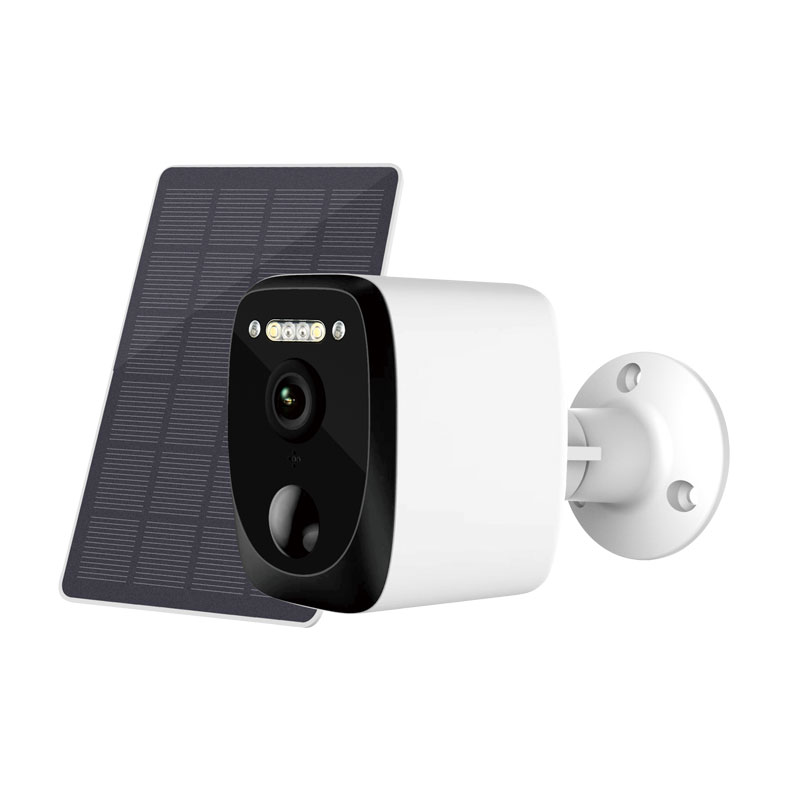
An extender rebroadcasts the router’s wireless connection, while a mesh system uses multiple access points to extend coverage and manage the connection between nodes.
Yes, both work — but they solve different problems. A plug-in extender grabs the router’s signal and rebroadcasts it, and it pays a tax for that: on a single band, it halves the throughput, because every packet is transmitted twice. For a camera uploading one or two megabits per second, that tax is affordable. What extenders do poorly is placement — people plug them where the signal is already weak, which faithfully extends a bad signal. Put the extender halfway, where the router’s signal is still strong.
A mesh system uses multiple access points to extend coverage across a larger area. Many systems manage node selection and handoffs automatically, while some models use a dedicated wireless or wired backhaul to connect nodes to the main router. Cameras do not need the roaming feature — they are bolted in place — but they benefit directly from the stronger, cleaner backhaul.
For outdoor cameras, use a node or extender designed for outdoor conditions, or place the unit just inside the nearest window or exterior wall. Avoid installing standard consumer extenders in damp or exposed areas, as moisture and temperature can affect their performance and lead to connection problems.

When WiFi will not reach, the right answer is often a different link rather than a stronger one. Bokysee manufactures WiFi, 4G, and dual-mode cameras with factory-tuned antennas and connection firmware — with OEM and ODM support so the hardware fits your market’s connectivity conditions.
Explore OEM/ODM Solutions →What Can You Do When a Security Camera Is Too Far From the Router?
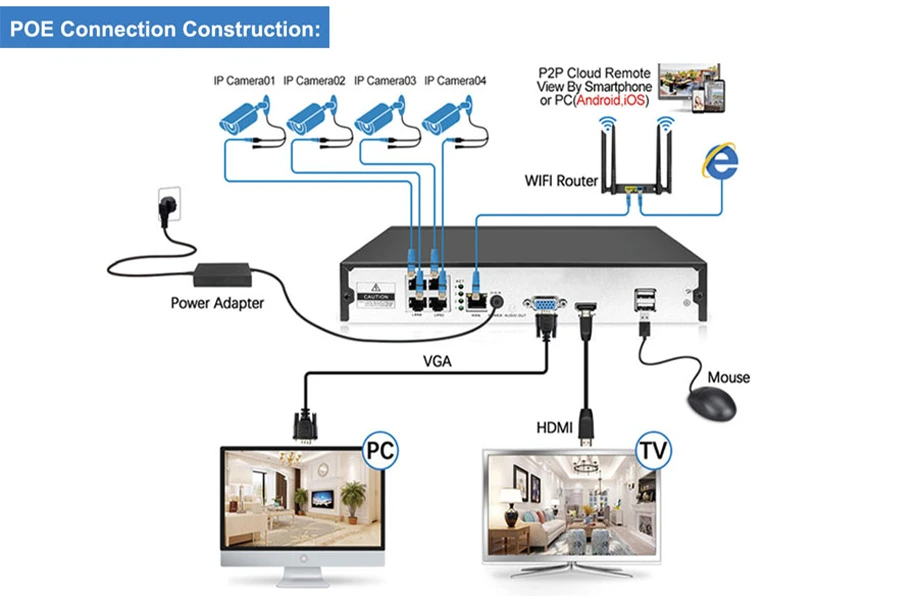
When distance is the problem, adding more WiFi power is a band-aid; moving data on copper is the cure.
For a detached garage, a far gate, or a back building, stop extending WiFi and start relocating the network edge. If the structure has power, an access point out there — connected by Ethernet over the existing conduit or a new cable run — outperforms any repeater chain, because each camera then talks to a strong, local signal instead of shouting across the whole property.
Where pulling Ethernet cable is unrealistic, powerline networking can provide another way to bring a network connection closer to the camera. Performance varies with the building’s electrical wiring and circuit layout, so test the connection before relying on it for a permanent camera installation.
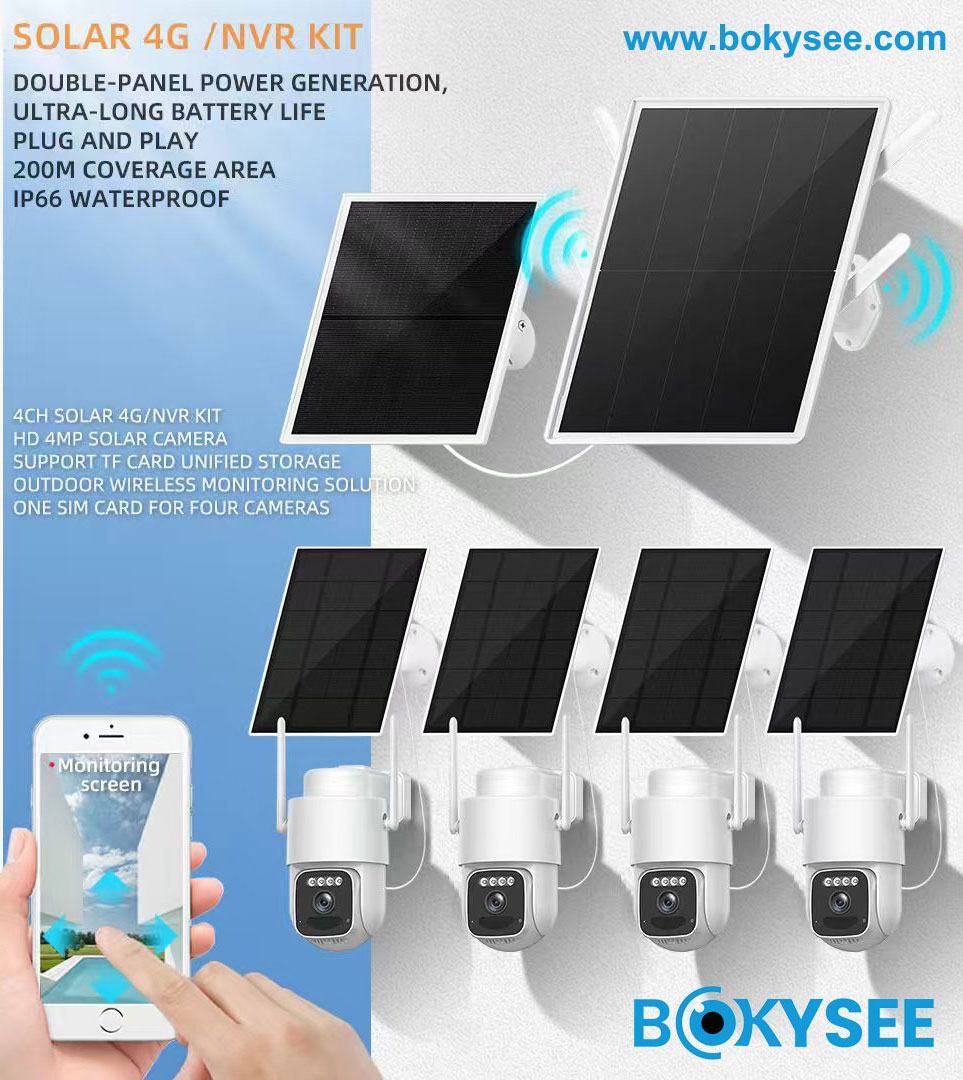
The comparison of PoE, WiFi, and 4G solar options for projects covers the trade-offs in more depth, but the short version is simple: wired where you can, wireless where you must, cellular where nothing else reaches.
When Should You Use a Wireless Bridge or Cellular Connection?
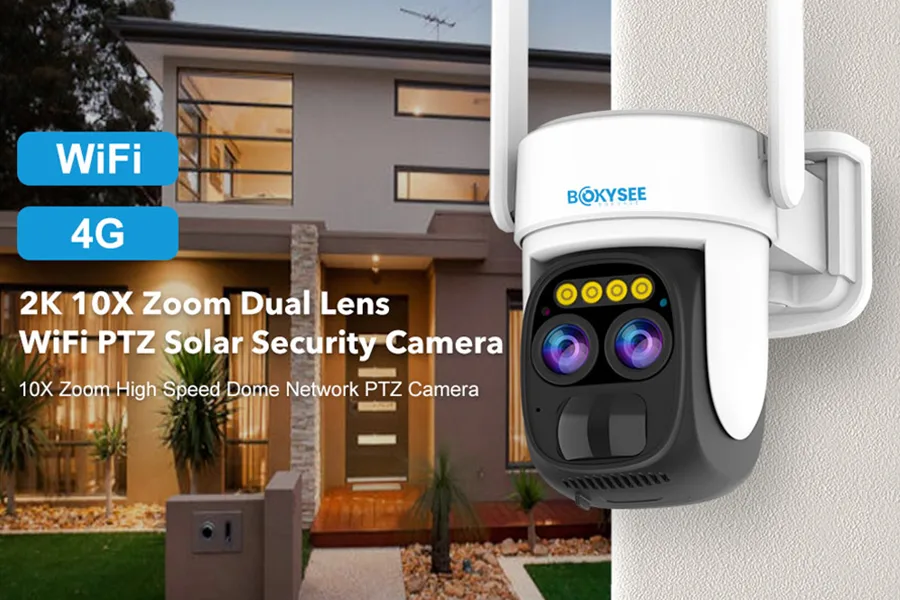
At some distance, the honest answer stops being better WiFi and becomes a different network entirely.
A point-to-point wireless bridge is the professional’s answer to distance: two directional antennas, one on each building, forming a private high-capacity link across a yard, a parking lot, or a farm. With clear line of sight, bridges carry multiple cameras over half a mile or more, and they do it with latency and stability that consumer WiFi never touches at that range. The requirements are line of sight and proper mounting — trees grow, and a link installed in winter can fade in June.
Cellular is the answer when there is no network to extend at all: remote equipment yards, construction sites, mountain properties. A 4G camera with its own SIM skips the WiFi question entirely — the trade moves from signal strength to data plans, which is a much more predictable problem. For more on SIM requirements and mobile data usage, see our guide to whether 4G cameras need a SIM card.
| Situation | Best Link |
|---|---|
| Within 40 ft of the router, wood-frame walls | native 2.4 GHz WiFi |
| One wall or one floor too many | extender or mesh node placed halfway |
| Detached building with power | wired access point or powerline kit |
| Clear line of sight across a yard or site | point-to-point wireless bridge |
| No usable WiFi anywhere near | cellular 4G camera with a data SIM |
Frequently Asked Questions About WiFi Security Cameras
Why does my security camera keep disconnecting from WiFi?
Work through the causes in order: weak signal at the mounting point (check RSSI), a crowded 2.4 GHz channel, interference from a microwave or cordless phone, and outdated firmware on the camera or router. The pattern is a clue — drops at dinner time point to interference, drops at night point to channel congestion.
Do concrete walls affect security camera WiFi?
Severely. Concrete and brick can significantly weaken a WiFi signal, while rebar, metal structures, or foil-backed insulation can reduce penetration even further. 2.4 GHz penetrates better than 5 GHz, but after two concrete walls, plan on a relay or an access point rather than hoping the router reaches.
Is 2.4 GHz better than 5 GHz for outdoor cameras?
Usually yes. The 2.4 GHz band travels farther and passes through walls better, and a camera’s upload is modest enough that the slower speed is not a bottleneck. Keep 5 GHz for high-bandwidth devices that sit close to the router, and leave the far outdoor work to 2.4 GHz.
Can too many security cameras slow down a WiFi network?
They can, especially on the upload side. Each camera pushes one to five megabits per second continuously, and eight cameras on a connection with ten megabits of upload will saturate it. Use substreams for remote viewing, split cameras across bands, or move the busiest ones to wired links.
Does camera resolution affect WiFi bandwidth?
Directly. A 4K main stream can require substantially more bandwidth than a lower-resolution substream. Cameras that support dual-stream encoding can record a higher-quality main stream while using a lower-bitrate stream for remote viewing.
Can a security camera work with a mobile hotspot?
Technically yes, and it is a fine short-term fix. Just budget the data: a camera uploading continuously can consume tens of gigabytes a day. For permanent installs without WiFi, a 4G camera on a data-oriented SIM plan costs far less than a phone hotspot running around the clock.
Reflexiones finales
A stable WiFi camera connection comes down to signal strength, placement, interference, and network load. Check the RSSI at the actual mounting point, try the simple fixes first, and move to an access point, wireless bridge, or 4G connection when WiFi is not practical. For CCTV wholesale and OEM/ODM projects, Bokysee can provide WiFi and 4G camera solutions for different connectivity needs.





 Spanish
  English
  Russian