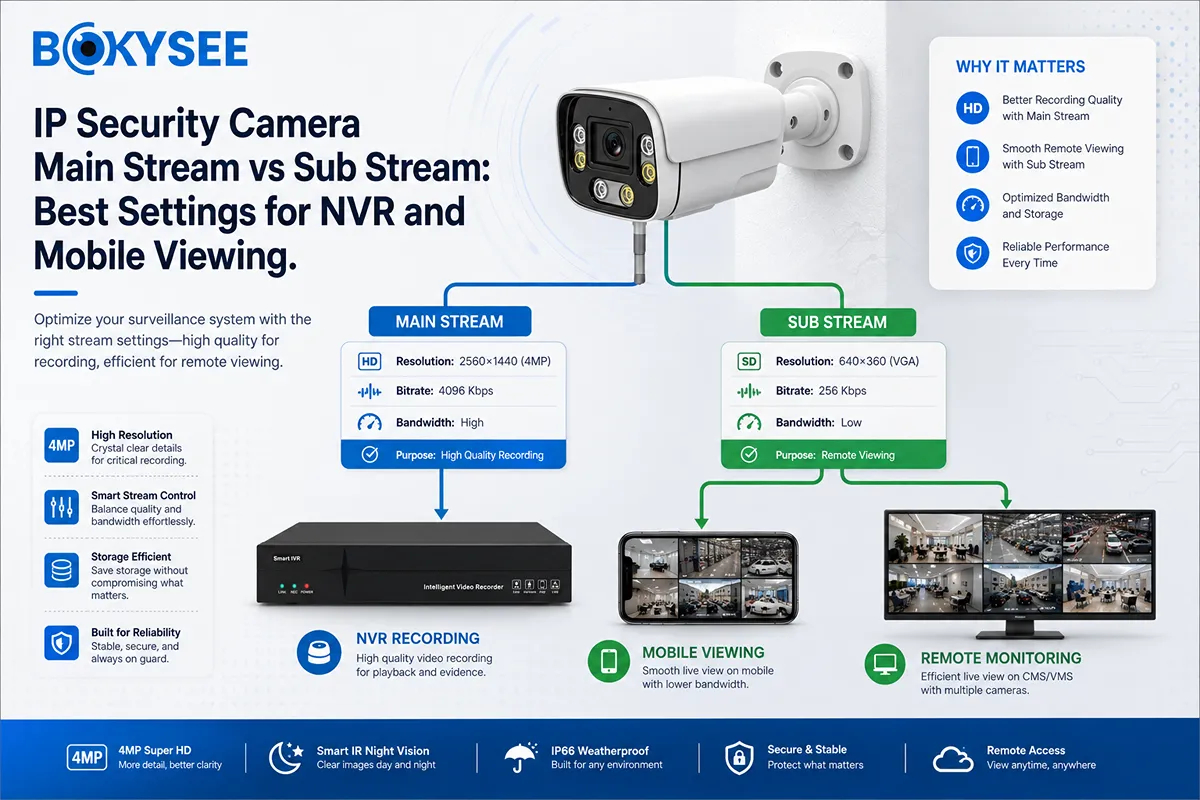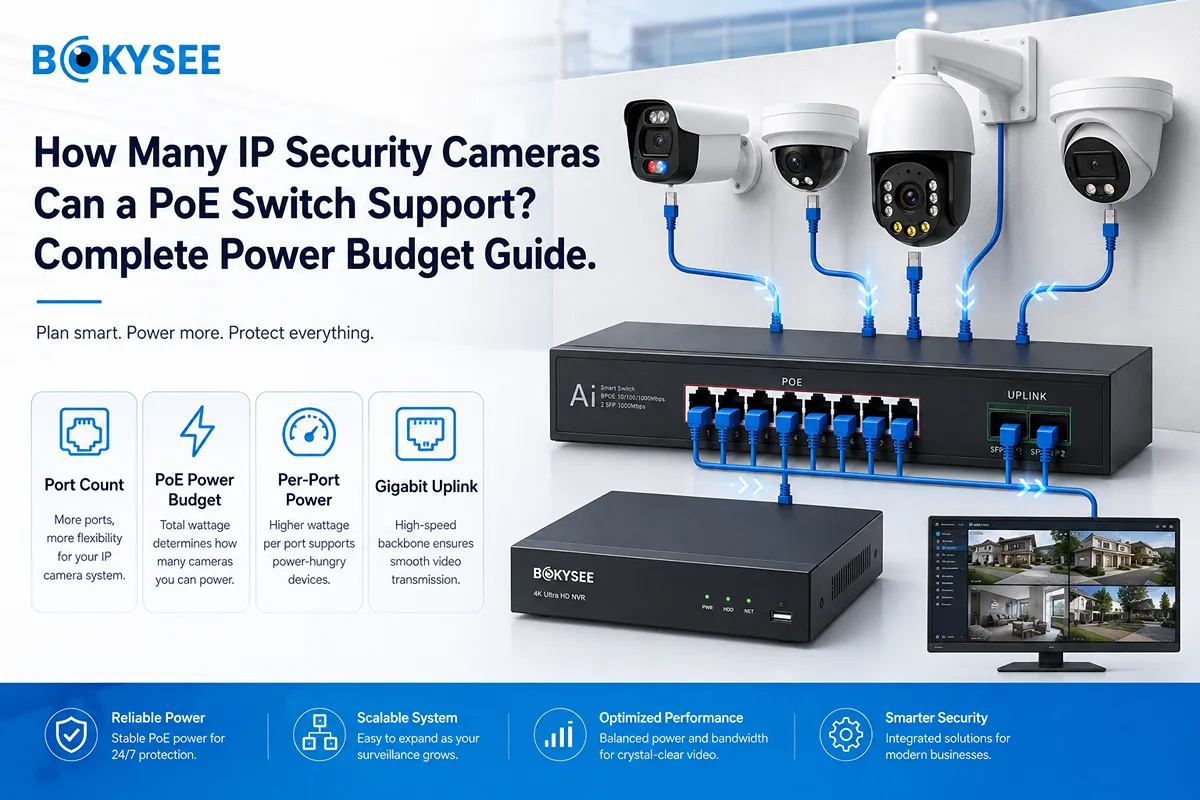
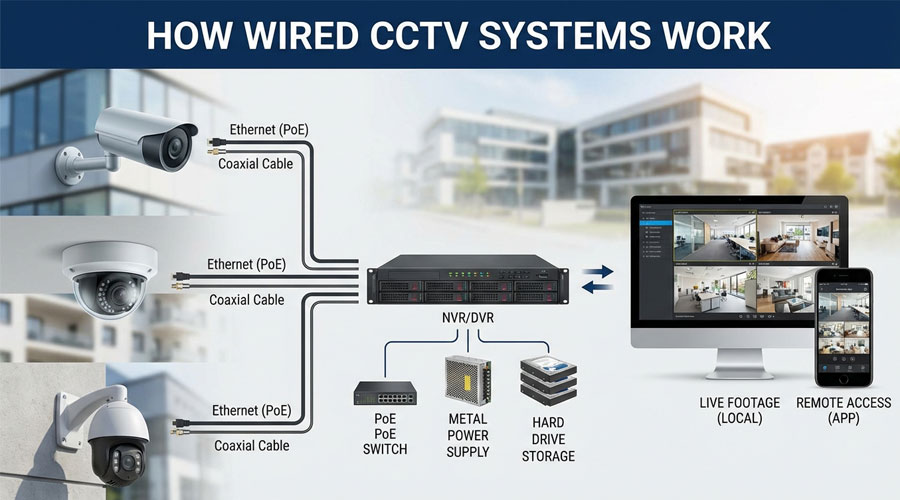
Cámaras de seguridad con cable are one of the most reliable and proven ways to protect homes, businesses, and large properties. With stable security camera system wiring, wired cameras stay connected all the time and deliver clear, consistent footage—day after day, year after year.
That reliability is the reason professional installers and security distributors still prefer wired systems for serious projects. Clear video matters when you need to identify faces, verify events, or provide evidence. In fact, multiple industry studies and security reports often cite that properties with visible security cameras are far less likely to be targeted, and stronger image consistency can improve incident identification and resolution. Many installers also report that wired systems reduce long-term maintenance because they avoid common issues like weak Wi-Fi signals, battery recharging, and wireless interference.
If your target customers are installers, system integrators, wholesalers, and project-based buyers, this is exactly why “wired” remains a top search intent—and a high-converting content topic.
In this guide, we’ll explain how wired security cameras work, the fundamentals of wiring and system design, the difference between analog and IP systems, coax vs Ethernet (PoE), installation best practices, and the smart features that modern wired systems can deliver. We’ll also share how Bokysee supports partners globally with OEM & ODM wired CCTV solutions designed for distribution and professional installation.
Quick takeaway: Wired security camera systems offer uninterrupted connection, stable power, strong security, and high-quality video—especially for large properties and professional projects.
Wired Security Cameras: What They Are and How They Work
Cámaras de seguridad con cable are surveillance cameras that connect to a recorder (DVR/NVR) through physical cables, rather than relying primarily on Wi-Fi. These cables transmit video (and often audio/control data), and in many setups they also deliver power.
How Wired Security Cameras Work (Simple Flow)
Most wired systems follow this straightforward process:
-
Capture: The camera lens focuses light onto a sensor to produce video.
-
Proceso: Video is encoded (compressed) to keep quality while saving storage.
-
Transmit: The camera sends the data through coaxial o Ethernet cable.
-
Record: A DVR or NVR saves footage to a hard drive.
-
View: Users view live streams or recordings via monitor, PC, or mobile app.
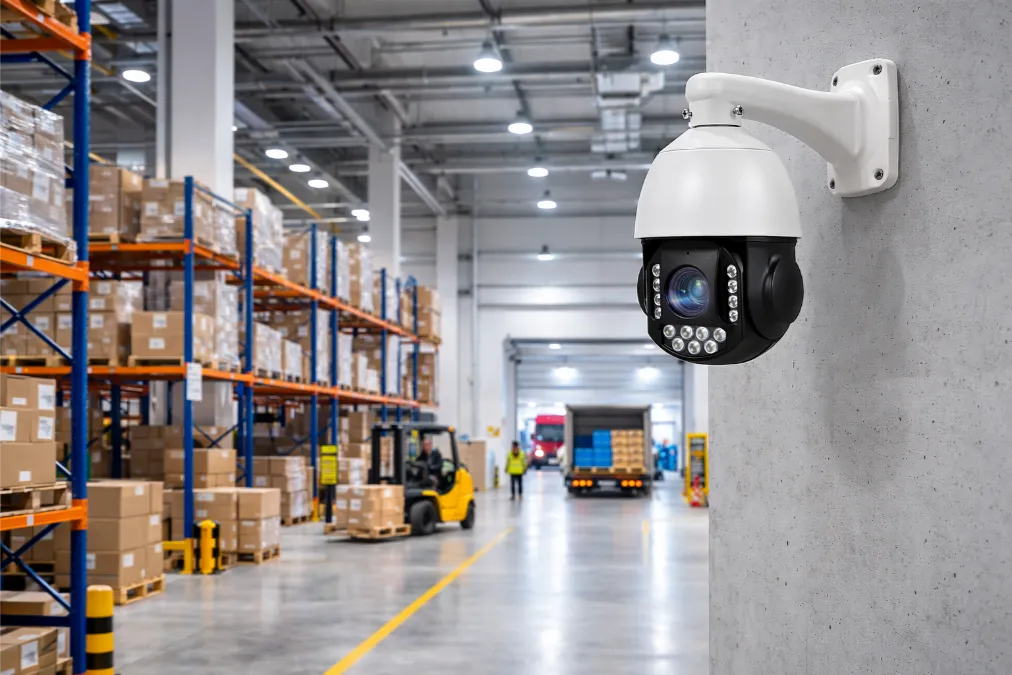
The biggest difference versus wireless systems is consistency: wired connections are stable and less vulnerable to signal dropouts, network congestion, or interference. This is why wired setups are widely used in factories, warehouses, retail chains, schools, offices, and high-traffic residential buildings.
👉 Explore professional camera options here:
Cámaras IP | Cámaras IP PoE
Core Components of a Wired Security Camera System
A professional wired camera system isn’t only “cameras + recorder.” It’s an ecosystem of parts that must match correctly for smooth performance and easy installation.
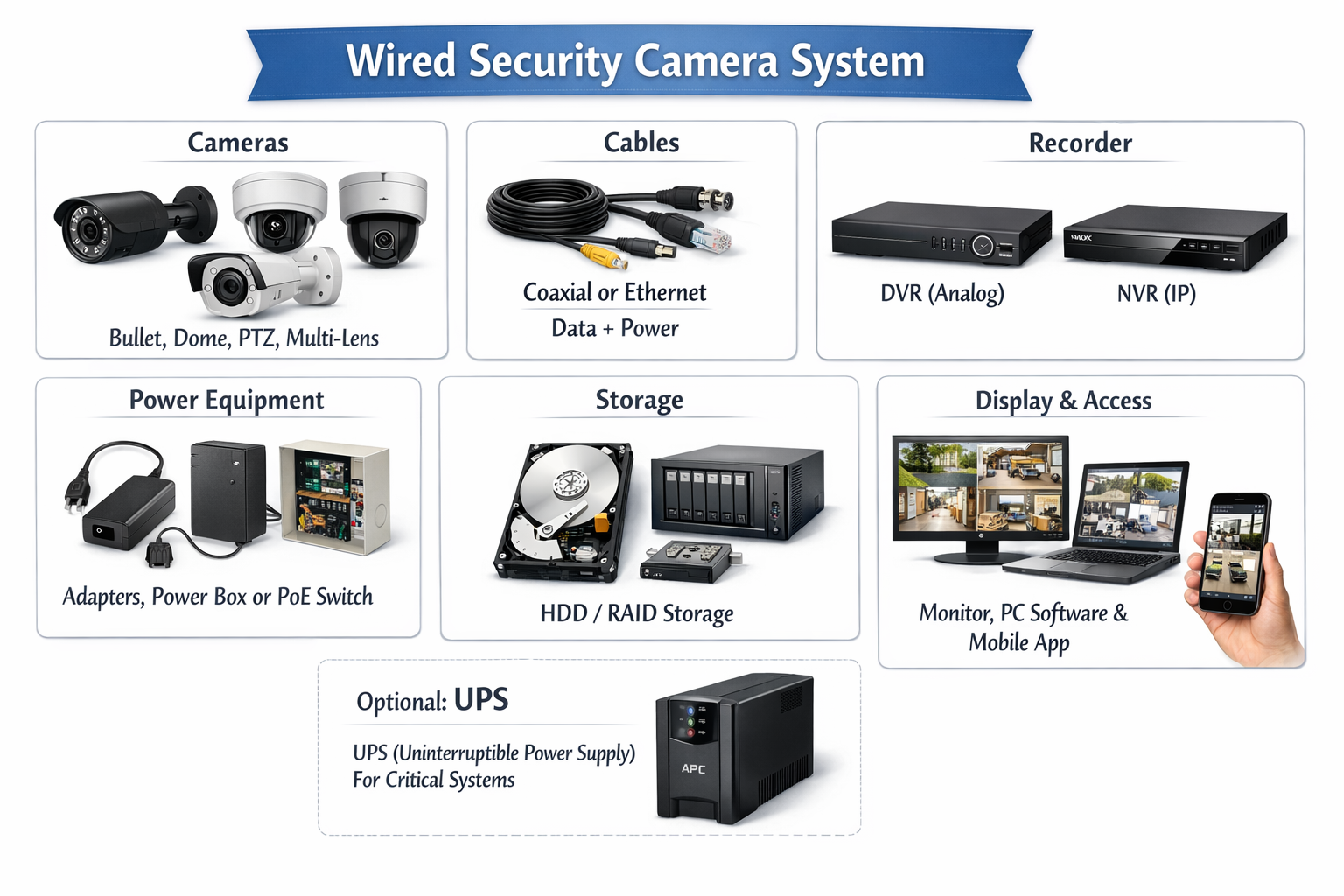
A typical wired security camera system includes:
-
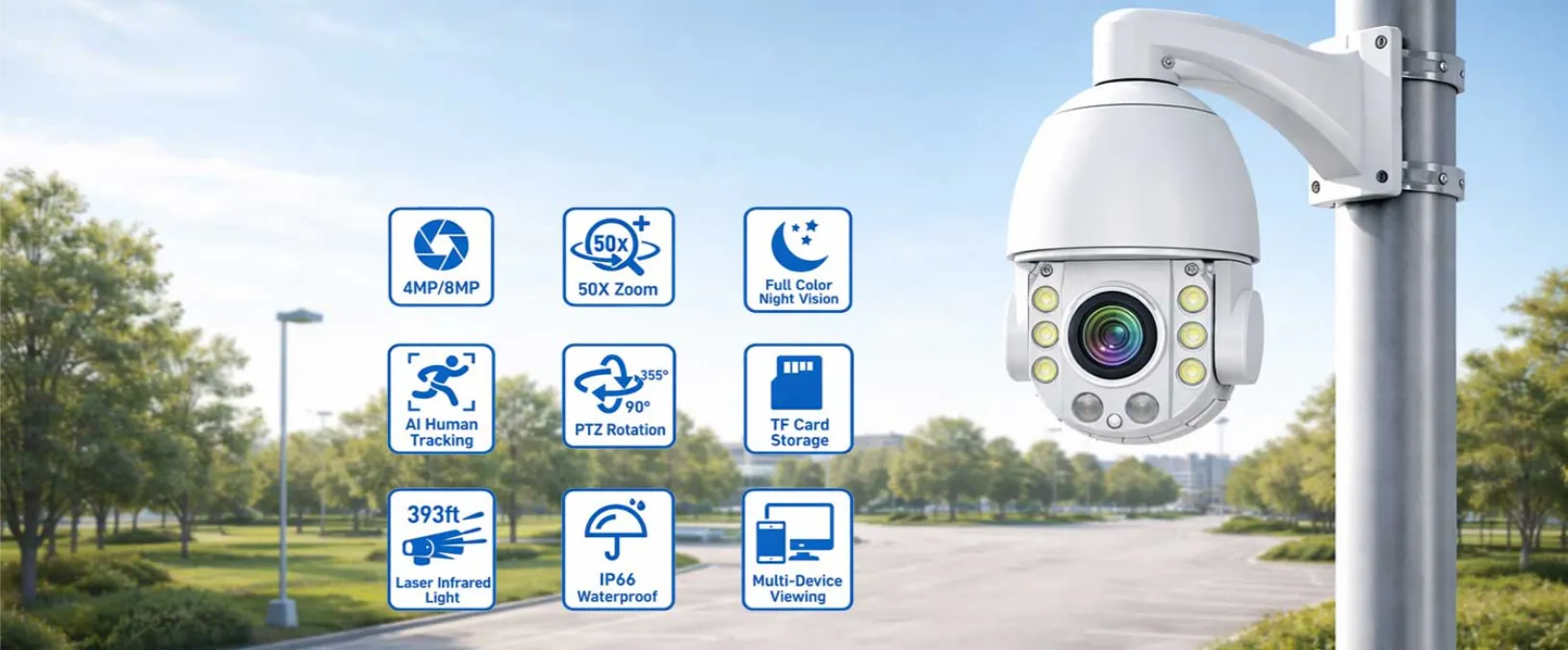
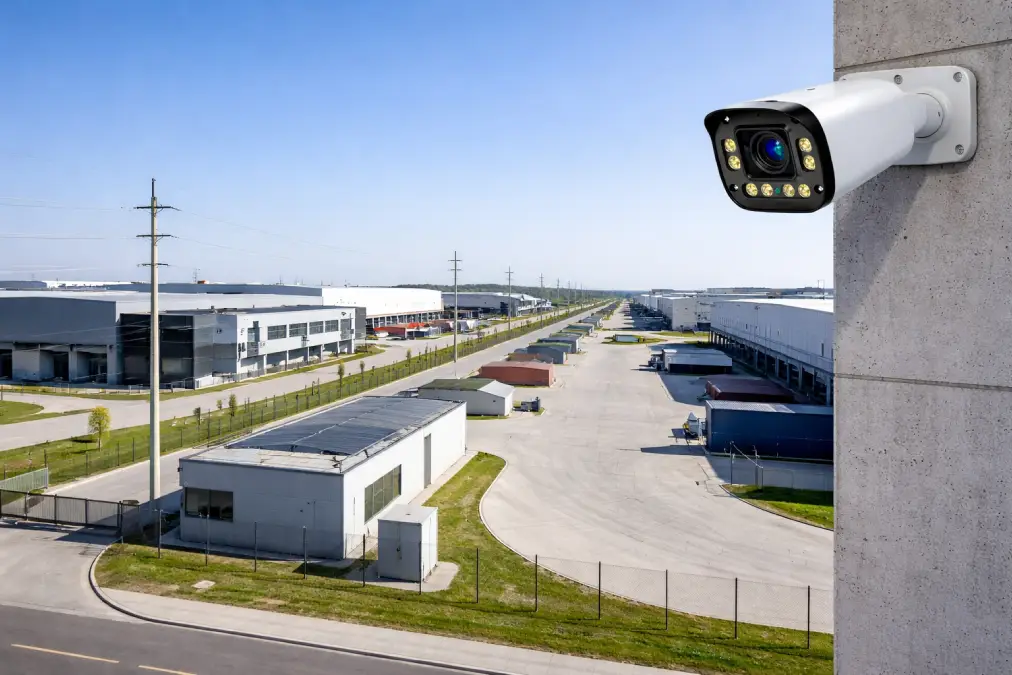
Cámaras (bullet, dome, PTZ, multi-lens, etc.)
-
Cables (coaxial or Ethernet) for data + power
-
Recorder: DVR (analog) or NVR (IP)
-
Power equipment: adapters, power box, or PoE switch/injector
-
Almacenamiento: HDD (and sometimes RAID for larger projects)
-
Display & access: monitor, PC software, mobile app
-
Optional: UPS (uninterruptible power supply) for critical systems
DVR vs NVR (What Installers Should Know)
|
Característica |
Coaxial Cable |
Ethernet (PoE) |
|---|---|---|
|
Calidad de vídeo |
Estándar |
HD / 4K |
|
Power Delivery |
Separate cable |
Power + Data |
|
Max Distance |
Shorter |
Longer |
|
Funciones inteligentes |
Limitado |
Avanzado |
|
Instalación |
More cables |
Cleaner |
-
DVR (Digital Video Recorder):
-
Common in analog CCTV systems
-
Video is processed mainly at the recorder
-
Often cost-effective for basic needs or upgrades
-
-
Grabadora de vídeo en red (NVR) (Network Video Recorder):
-
Used in IP camera systems
-
Video is processed at the cámara, then sent digitally
-
Better for high resolution, smart features, flexible expansion
-
👉 Related pages:
NVR & DVR | CCTV Camera Kits
How Wired Security Cameras Transmit Video and Power
Understanding signal + power transmission is the key to understanding why wired systems are so stable.
Video and Audio Signal Transmission
Wired cameras transmit data in two common ways:
-
Coaxial cable (Analog systems)
-
Video signal travels through coax
-
Power usually requires a separate cable
-
Works well for smaller/basic systems
-
-
Ethernet cable (Digital IP systems)
-
Digital video travels through network cable
-
Supports high resolution and advanced features
-
Often combined with PoE to simplify wiring
-
Because transmission happens through a cable, the system is far less affected by outside interference, radio noise, or crowded Wi-Fi environments. This is especially useful in busy commercial areas, industrial zones, and large residential compounds.
Power Options: Adapter, Power Box, or PoE
Wired systems avoid the most common pain point of battery cameras: charging.
Common power methods include:
-
Individual power adapters: Simple, but more outlets needed
-
Central power box: Cleaner for multi-camera deployments
-
PoE (Power over Ethernet): One cable carries both power + data
PoE is the modern installer’s favorite because it reduces cable clutter, makes troubleshooting easier, and allows centralized power management through PoE switches.
👉 PoE solutions: Cámaras IP PoE
Security Camera System Wiring Basics (Coax vs Ethernet)
Good wiring is what makes a wired system truly “professional.” Poor wiring leads to noise, unstable connections, and difficult maintenance.
Coaxial Wiring (Analog CCTV)
-
Common cables: RG59 / RG6
-
Stable for short runs
-
Usually needs separate power wires
-
Limited “smart” capabilities compared to IP systems
Best for: small shops, basic security, replacing older analog systems.
Ethernet Wiring (IP Cameras + PoE)
-
Common cables: Cat5e / Cat6
-
Supports long runs without quality loss (within standard limits)
-
Enables smart features (alerts, analytics, remote access)
-
PoE allows one cable to handle everything
Best for: new projects, large properties, HD/4K demands, scalable systems.
Installer Tips for Wiring
-
Plan cable routes before drilling
-
Keep data cables away from strong power lines
-
Use cable clips, trunking, or conduit for protection
-
Label both ends of every cable
-
Test each line before final sealing/finishing
A well-planned wiring layout reduces failure rates, speeds up troubleshooting, and improves customer satisfaction—especially for multi-camera commercial projects.
Wired Security Cameras vs Wireless Security Cameras: What Professionals Prefer
Many end-users ask, “Should I choose wired or wireless?” For installers and distributors, the answer often depends on project scale and reliability requirements.
Why Wired Security Cameras Win in Professional Projects
-
Reliable connection (no Wi-Fi dropouts)
-
Continuous power (no battery maintenance)
-
Better video quality (stable bandwidth)
-
Lower interference (cables protect data path)
-
Stronger security posture (harder to intercept/hack than Wi-Fi devices)
-
Better scalability (supports multi-camera installations)
Wireless systems can be useful in small spaces or temporary setups, but for long-term security, wired systems remain the backbone of professional surveillance.
Types of Wired Security Camera Systems and Where They Fit Best
1) Analog CCTV Systems (DVR)
Ventajas
-
Rentable
-
Simple system structure
-
Works well for basic monitoring
Contras
-
Lower resolution ceiling compared to IP
-
Limited advanced analytics
-
Cable distance limitations
Best for: small shops, simple home setups, tight budgets.
2) Digital IP Camera Systems (NVR + PoE)
Ventajas
-
HD/4K resolution
-
AI features: human/vehicle detection, intrusion zones
-
Remote viewing and smarter alerts
-
Cleaner installation using PoE
Contras
-
Higher upfront cost than basic analog
-
Requires correct network planning (switches, cable standards)
Best for: warehouses, offices, schools, retail chains, villas, modern security projects.
👉 If you want “installer-friendly” packages, consider:
CCTV Camera Kits
Technical Principles: Video Processing, Storage, and Security
Video & Audio Processing
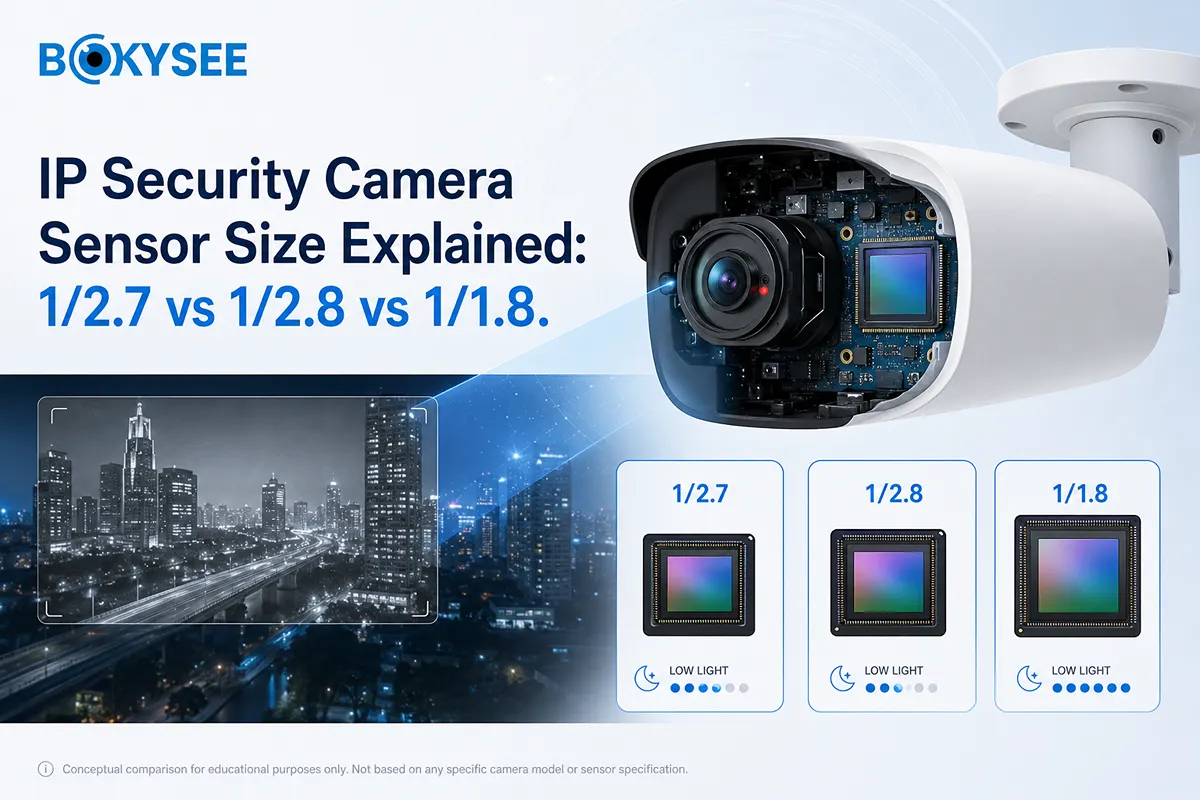
Wired cameras capture light through the lens and sensor, then compress video into efficient formats for storage. This compression is important because higher resolution footage consumes more storage.
High-quality wired cameras maintain detail so installers can deliver better results:
-
clearer faces
-
sharper license plates
-
less motion blur (with proper settings)
DVR/NVR Storage and Local Security
Wired camera systems commonly store video locally on HDDs inside the recorder. Local storage offers key benefits:
-
No monthly cloud fees
-
Full control of data access
-
Less reliance on internet stability
-
Reduced risk from cloud account compromise
For many commercial buyers and privacy-conscious customers, this is a major reason they choose wired systems.
Installation Best Practices: From Planning to Testing
Professional results come from professional process. Here’s a reliable workflow.
1) Site Assessment (Indoor + Outdoor)
-
Map entrances, exits, blind spots
-
Measure cable distances to the recorder
-
Identify weather exposure for outdoor cameras
-
Plan mounting height and angles
2) Camera Placement
-
Front door, driveway, garage
-
Back door, side gate
-
Hallways and key interior zones
-
Avoid pointing into strong sunlight
-
Mount high to reduce tampering
3) Running Cables Safely
-
Use conduit outdoors when possible
-
Keep cables neat using trunking or covers
-
Avoid parallel runs next to high-voltage lines
-
Label every cable for easier service later
4) System Testing
-
Check live view for each camera
-
Test night vision performance
-
Verify motion detection and alerts
-
Confirm recording and playback
-
Secure the recorder location and set strong passwords
OEM & ODM Wired Security Cameras: Why Bokysee Is Built for Distributors
For distributors, wholesalers, and installers, choosing a supplier isn’t only about price—it’s about long-term reliability, customization, and support.
Bokysee supports global partners with:
-
OEM branding (logo, packaging, manuals, labels)
-
ODM customization (feature configuration, firmware/UI options)
-
Stable mass production supply for long-term distribution
-
Quality control based on full-system manufacturing experience
-
Product range coverage: PoE IP cameras, AI models, PTZ, kits, recorders
👉 Learn more about our factory capabilities:
OEM & ODM CCTV Solutions
👉 Explore core wired categories:
Cámaras IP | Cámaras IP PoE | NVR & DVR
Conclusion: Wired Security Cameras Remain the Professional Standard
Wired security cameras continue to dominate professional surveillance because they offer what large projects require: stable connectivity, reliable power, consistent video quality, and strong long-term performance. With proper wiring and well-matched system components, wired CCTV delivers dependable protection for homes and businesses alike.
If you’re a distributor, installer, or system integrator looking for an OEM/ODM partner, Bokysee can help you build a competitive product line with the right features, strong quality control, and flexible customization.
👉 Visit www.bokysee.com to explore partnership options and wired CCTV solutions.
FAQ: Wired Security Cameras
1) Do wired security cameras need internet?
Not necessarily. Wired cameras can record locally to a DVR/NVR without internet. Internet is only required for remote viewing, mobile alerts, or cloud features (if used).
2) Are wired security cameras more secure than wireless cameras?
In most professional installations, yes. Wired systems are harder to interfere with and do not depend on Wi-Fi, which reduces common risks like wireless interception, network congestion, or weak signal dropouts.
3) What’s the difference between DVR and NVR?
A DVR works with analog cameras and processes video at the recorder. An Grabadora de vídeo en red (NVR) works with IP cameras and receives already-processed digital video from the camera, enabling higher resolution and smart features.
4) What cable do I need for wired security cameras?
-
Coaxial (RG59/RG6) is typically used for analog CCTV.
-
Ethernet (Cat5e/Cat6) is used for IP cameras, especially PoE systems.
5) What is PoE and why do installers prefer it?
PoE (Power over Ethernet) delivers power and data through one Ethernet cable. It simplifies installation, reduces wiring clutter, and makes multi-camera projects easier to manage.
6) Can wired security cameras work during power outages?
They require power. Many professional projects use a UPS (backup battery) for the recorder and PoE switch so cameras keep running during short outages.
7) How far can wired security camera cables run?
Cable distance depends on the system type and cable quality. Ethernet (PoE) and coax each have practical distance limits. For long runs, installers may use extenders, better cable standards, or network design adjustments.
8) Do wired security cameras record 24/7?
Yes—wired systems are commonly configured for 24/7 recording, motion-based recording, or schedule-based recording, depending on storage and user needs.
9) Are wired CCTV systems expensive to maintain?
Generally, wired systems are low-maintenance. Because they don’t rely on batteries or Wi-Fi stability, they often require fewer service visits when installed correctly with good wiring practice.
10) Can Bokysee provide OEM/ODM wired security cameras for my brand?
Yes. Bokysee supports OEM branding (logo, packaging, manuals) and ODM customization (features, firmware/UI options) for distributors and project partners.
👉 See: OEM & ODM CCTV Solutions
Ver también
Understanding The Functionality Of Solar Security Cameras
Comparación de cámaras PoE e inalámbricas para uso industrial
Improving Home Security Using A PoE Camera System