Skip to content
Deploying a solar powered security camera no wifi system with miscalculated power budgets or consumer-grade storage leads to inevitable failure. This operational oversight guarantees footage loss during critical events, turning a security asset into a sunk cost after the first extended period of poor weather or a hardware fault.
This analysis benchmarks the core system components required for off-grid reliability. We detail the power calculations for cellular backhaul, bitrate optimization rules for managing data costs, and the technical specifications for industrial-grade microSD arrays that survive extreme temperatures and unexpected power loss.
Off-Grid Local Network Limits
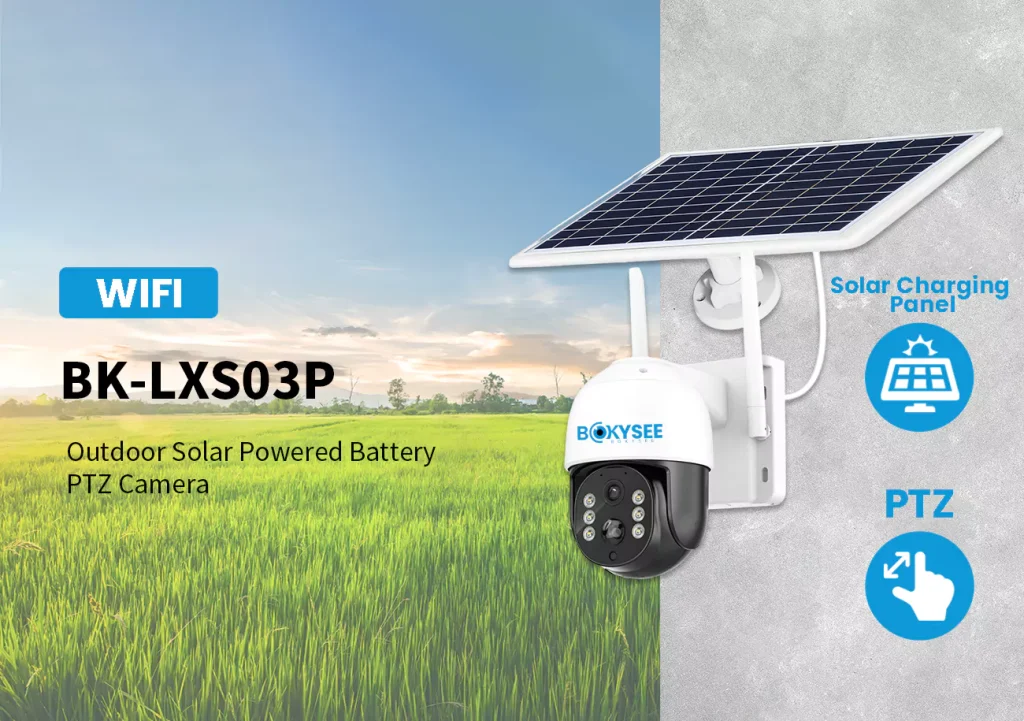
Local access to off-grid cameras is strictly limited by short wireless ranges and power-saving modes that frequently disable the network to conserve the battery.
Physical Range and Signal Strength
When you’re dealing with a standalone solar camera, the local network is a short leash. You’re not getting the kind of coverage you’d see from a dedicated router.
- A camera’s direct Wi-Fi hotspot mode might give you 10 to 50 meters of range in an open area. But any walls, trees, or metal siding will cut that down fast.
- Bluetooth is only good for about 5 to 10 meters. It works for initial setup when you’re standing right next to the camera, but it’s not reliable for accessing video.
- Most standalone solar cameras don’t support mesh networking. They can’t relay signals to each other to extend coverage across a larger property without you adding separate network hardware.
Power Budget and Network Availability
Power is everything in an off-grid setup, and it directly impacts whether your local network is even available.
- The camera’s wireless radio competes for power with the sensor and processor from the same small battery. Keeping that radio active drains the battery significantly.
- To save energy, cameras often go into a deep sleep and shut off their local network. This causes noticeable delays when you try to connect for a live view.
Edge Storage via High-End MicroSD Arrays
In off-grid solar setups, microSD arrays are the primary recording method. They demand specific, redundant configurations and industrial-grade cards to ensure footage survives without a network or stable power.
Array Configurations in Solar-Powered Systems
When you don’t have a network connection, the camera’s local storage becomes the single point of failure. Deploying microSD cards isn’t just about plugging one in; it’s about choosing a configuration that matches the operational risk. These are the common setups.
- Single high-capacity slot: The simplest approach. A single camera has one slot, typically supporting cards from 256 GB up to 1 TB. This provides extended local retention for systems where physical access for data retrieval is infrequent.
- Dual microSD slots: A single device houses two card slots. This allows the firmware to either double the total storage capacity or run the cards in a mirrored mode for redundancy. If one card fails, the footage is safe on the other.
- Distributed arrays: Instead of centralizing storage, each camera in a multi-camera deployment records to its own card. This creates a decentralized storage network where the failure of one camera doesn’t impact the recordings of the others.
Technical Requirements for High-Endurance Cards
Standard consumer microSD cards fail quickly under the constant rewriting of a security camera, especially in an outdoor solar deployment. Industrial-grade, high-endurance cards are the baseline for any serious setup because they are built for this specific workload.
- Industrial-grade build: The card must be designed for continuous 24/7 video write cycles and have a high Terabytes Written (TBW) rating. Consumer cards are built for read-heavy tasks like storing photos, not constant video recording.
- Sustained write speeds: For recording 2K or 4K video, the card needs a speed class of U3/V30 or higher. Anything less risks dropping frames during motion-heavy events, making the footage useless as evidence.
- Resilient firmware features: Onboard firmware should manage loop recording to automatically overwrite old footage. It also needs health monitoring to detect a failing card and graceful power-loss handling to prevent file corruption when the battery dies unexpectedly.
Grow Your Brand with OEM Security Solutions
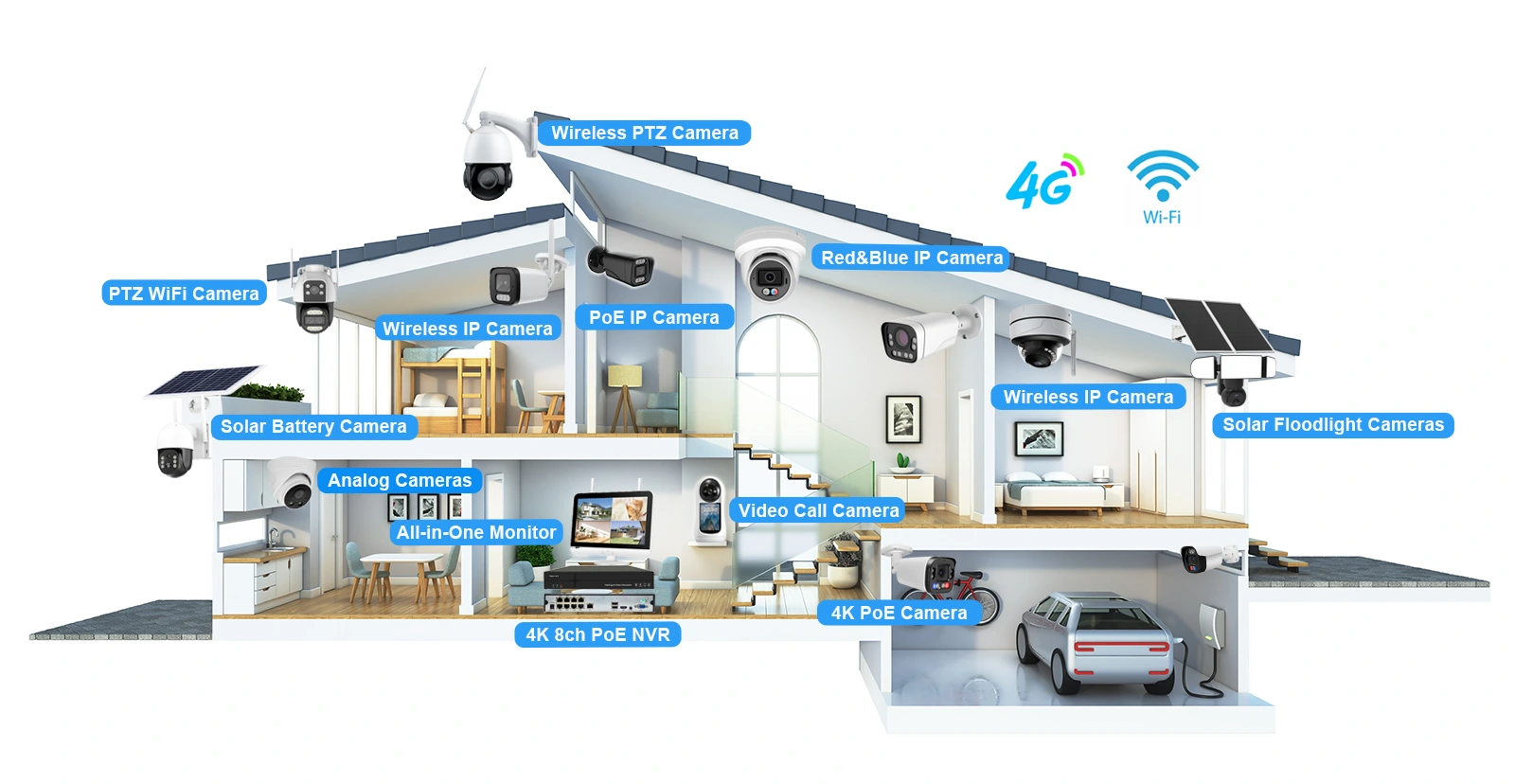
4G Cellular Backhaul Transmission Setup
4G backhaul enables remote access for solar cameras but demands larger power systems and strict data management to control costs and ensure reliability in the field.
Core Architecture and Network Options
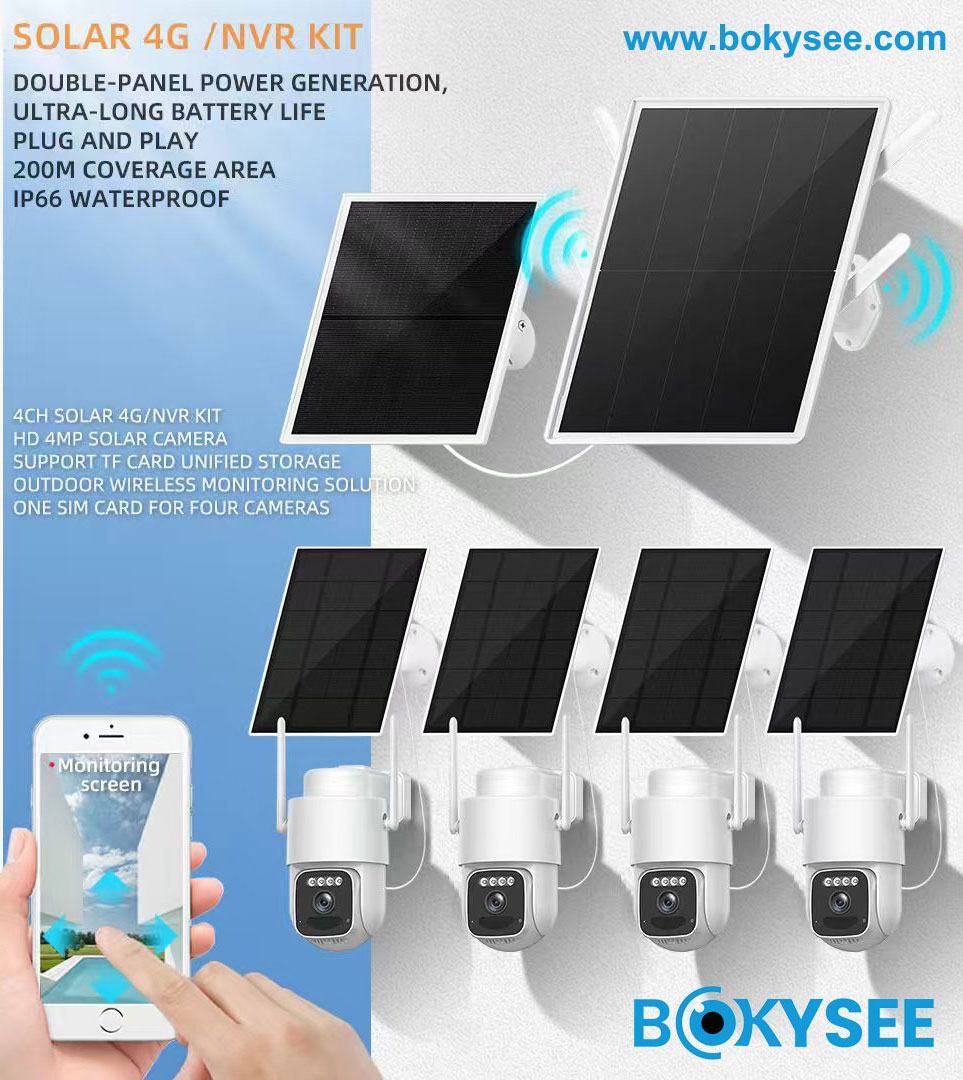
The core system is simple: an edge device, like a solar camera with an embedded LTE modem, paired with a dedicated solar power setup (panel and battery). There’s no need for local Wi-Fi or wired internet. Video data travels directly from the camera over the cellular network to a vendor’s cloud platform or a Video Management System (VMS). From there, you can access live feeds, alerts, and recordings through a user app on your phone or computer.
Your network setup depends on your security needs. The easiest option is a public internet APN, where the camera connects out to the cloud just like a smartphone. This is plug-and-play. For more integrated corporate or industrial setups, a private APN or a direct VPN tunnel from the camera is the way to go. This routes all traffic directly into an enterprise network, bypassing the public internet for greater security and control.
Power-Aware Design and Data Management
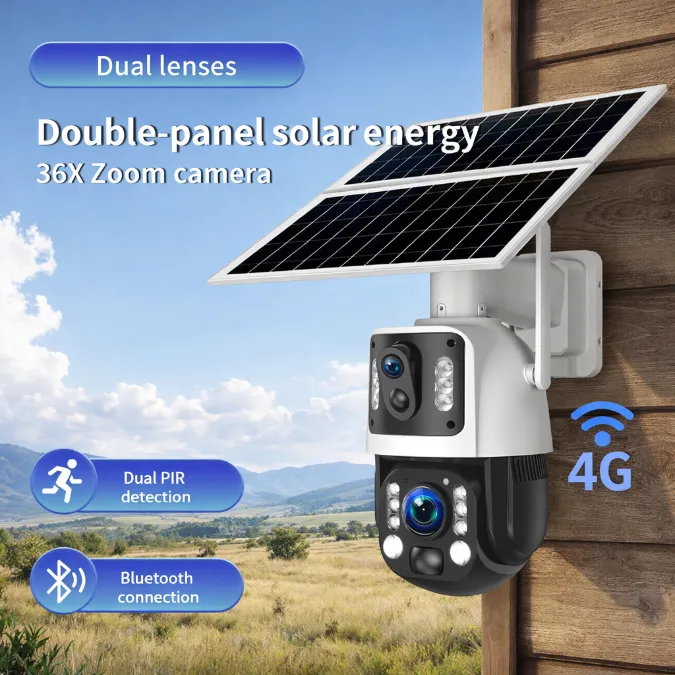
Don’t make the mistake of using a Wi-Fi solar kit for a 4G camera. Cellular radios use significantly more power, especially when establishing a connection or in weak signal areas. A reliable 4G camera setup needs a larger solar panel, typically in the 8–30W range, and a more substantial battery pack, around 30–60Wh, to get through cloudy days and overnight operation.
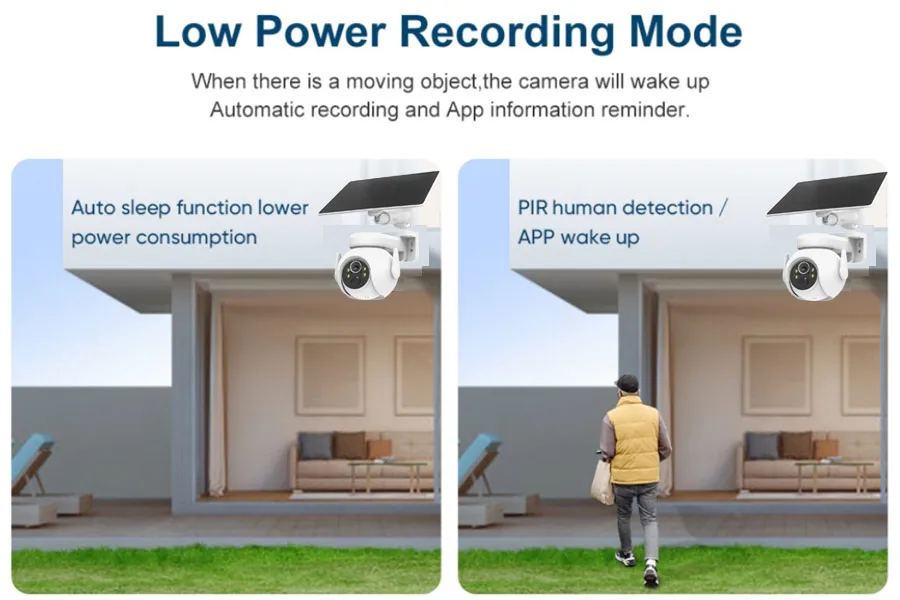
To manage this higher power draw, the entire system is designed around efficiency. Cameras don’t stream 24/7. Instead, they operate on a duty cycle, keeping the LTE radio in a low-power state until an event happens. Onboard AI can distinguish between a person and a tree branch, ensuring the camera only wakes up and transmits relevant clips. This event-driven approach is the key to making the power budget work.
Data management goes hand-in-hand with power management. Constant streaming would quickly exhaust data plans and drain the battery. The standard practice is to use efficient H.265 encoding, which can cut data usage nearly in half compared to H.264. The system prioritizes sending short, motion-triggered clips for alerts while storing higher-resolution footage locally on an SD card for later retrieval if needed.
Video Compression Bitrate Optimization Rules
Optimizing bitrate means using the lowest setting that still captures usable evidence. This directly impacts battery life, cellular data costs, and local storage retention.
Core Rules for Adjusting Bitrate
For off-grid solar cameras, every bit matters. Your goal isn’t cinematic quality; it’s usable evidence within a tight power and data budget. Stick to these practical rules to find the right balance.
- Match the bitrate to the camera’s actual job. Identifying faces or license plates needs more data than just detecting motion in a field.
- Use efficient codecs like H.265 when the camera supports it. It significantly cuts data size and power consumption compared to older standards.
- Drop the frame rate during low-risk periods. You don’t need 30fps at 3 AM in an empty lot; this directly conserves battery life.
- Avoid unnecessarily high resolution. Set it just high enough to capture clear details for the specific scene, not the maximum the camera offers.
Managing Trade-Offs in Resource-Limited Systems
Setting the bitrate is a balancing act. Pushing one variable too far will compromise another. Understanding these trade-offs is critical for any solar or cellular deployment.
- A bitrate set too high drains the battery faster, cutting into the camera’s operational time, especially overnight or on cloudy days.
- Local storage like SD cards fills up much faster with high-bitrate footage. This shortens your video retention window before old footage gets overwritten.
- A bitrate set too low makes the footage useless. You’ll get blocky motion and blurred details, defeating the purpose of having a camera in the first place.
Standalone Power Budget Calculations
Sizing an off-grid system is a load-driven process. The camera’s daily energy use dictates battery size, and local sunlight levels determine the solar panel needed for reliable operation.
For any solar-powered camera, getting the power budget right is non-negotiable. An undersized system fails overnight or during bad weather, making it useless. The process isn’t complex, but it demands accurate inputs about the equipment’s power draw and the site’s environmental conditions. It starts with the load and works backward to the solar panel.
| Calculating Daily Energy Load and Required Battery Storage | Sizing the Solar Array and Supporting Components |
|---|---|
| First, calculate the Total Daily Energy Load in Watt-hours (Wh). Add up the average power consumption (in Watts) for every single component—camera, 4G modem, NVR, IR illuminators—and multiply each by its daily operating hours. A camera running 24/7 at 5W uses 120 Wh/day. | Identify the local Peak Sun Hours (PSH) for your specific deployment location. Always use the worst-month value, typically from winter, to ensure the system works year-round, not just in the summer. A value of 3 PSH in December is a much safer bet than a 6 PSH annual average. |
| Next, establish the system’s autonomy. This is the number of consecutive days the system must run without any solar input. For security applications, a 2-3 day autonomy is standard to get through storms or persistent cloud cover. | To find the necessary solar panel wattage, divide the total daily energy load (Wh) by the worst-month PSH. Then, add a margin of at least 30% to this number. This buffer accounts for real-world inefficiencies like panel soiling, high temperatures, and wiring loss. |
| Factor in the battery’s Depth of Discharge (DoD) to preserve its lifespan. Running a lead-acid battery down to zero repeatedly will destroy it. A common practice is to size for a 50% DoD, which means you need to install double the calculated energy storage capacity. | Select a charge controller that can handle the solar array’s output. Its current rating (in Amps) should be at least 1.25 times the solar panel’s short-circuit current (Isc). This 25% safety factor prevents the controller from being overworked. |
| Finally, convert the total required energy storage (Wh) into a practical battery capacity rating in Amp-hours (Ah). Simply divide the final Wh figure by the system’s operating voltage, which is typically 12V or 24V for these kinds of setups. | Don’t overlook the wiring. Use an appropriate cable gauge for the distances between the panel, controller, and battery. The goal is to keep the voltage drop below 3% to avoid wasting precious power before it even gets to the battery. |
Direct P2P Application Connection Steps
Connecting a no-WiFi solar camera to its app uses two main paths: cellular (4G/5G) for remote access or a direct local link like Bluetooth for initial setup.
Connecting via Cellular (4G/5G) for Remote Access
This is the standard method for getting live video feeds when you’re off-site. The camera uses a mobile network instead of a Wi-Fi router to communicate with your phone.
- Insert an activated SIM card with a valid data plan into the camera.
- Power on the camera and install the manufacturer’s mobile application.
- Use the app to scan the camera’s QR code, which binds the device to your account.
- Confirm the device appears as “online” in the app once it registers on the cellular network.
- Test the live view and playback functions to verify the remote connection is stable.
Anti-Tamper Security for Offline Assets
For offline solar cameras, physical hardening and evidence survivability replace network security. Your main goal is making the device itself a tough target that protects its own data.
Physical Hardening and Strategic Placement
When a camera operates without WiFi, it becomes a critical offline asset. If it gets stolen or disabled, your security coverage vanishes. The first line of defense is making the hardware itself difficult to access or damage. Mounting height is a key factor. A common recommendation is placing cameras 8 to 12 feet (or 3-4 meters) high. This height makes them hard to reach without tools but keeps them low enough to capture useful detail.
Beyond height, the mounting itself needs to be robust. Standard screws won’t cut it in high-risk areas. You need to think like someone who wants to take the camera down.
- Use anti-tamper hardware. Security Torx or one-way screws for brackets and panel frames are a good start.
- Bolt through solid structures. Use metal brackets and through-bolting with backing plates, especially on wooden structures. For poles, use U-bolts with locking nuts.
- Protect the power source. Route the cable from the solar panel inside conduit or within the mounting pole to prevent cutting. Use lockable clamps to secure the panel itself.
Tamper Detection and Evidence Survivability
Since you can’t rely on a constant network connection for alerts, the camera needs on-board intelligence to detect tampering. Modern solar cameras often have AI-powered motion detection that can be configured to spot tampering attempts. You can set up detection zones around the camera’s mount or use sensitivity settings to trigger an immediate recording if the field of view changes suddenly, like if it’s covered or forcibly moved.
If the camera has 4G/LTE capability, it can send out “last-gasp” alerts. These can be triggered by a sudden loss of solar power (panel disconnected) or a sharp drop in battery, giving you a chance to react even if the device is about to go offline permanently. For truly offline systems without any cellular link, the focus shifts entirely to making sure the evidence survives. If the camera is stolen, the footage can’t go with it.
Ultimately, securing an offline asset requires a planned approach. You have to mix visible deterrents with covert measures and build a system resilient enough to protect its own data when no one is watching the network.
Frequently Asked Questions
Can a solar camera record video with absolutely no Wi-Fi?
Yes, a solar-powered camera can record without any Wi-Fi connection if it has its own power source (solar panel and battery) and a non-Wi-Fi method for storing or sending video. The two common options are local storage, like a microSD card, or a cellular connection using a 4G/5G SIM card.
How do solar cameras save video footage offline?
Offline solar cameras save video directly to local storage hardware. The most common method is a microSD card inserted into the camera. Some models use built-in internal memory or connect to a nearby Network Video Recorder (NVR). The camera’s internal software manages recording, and when the storage is full, it usually overwrites the oldest footage automatically.
What happens to the remote feed if the cellular network goes down?
If the cellular network drops, the remote monitoring feed will stop working. You won’t be able to get live video or motion alerts through the app. Most cellular cameras are designed to keep recording to their local microSD card during the outage. When the network comes back online, the camera typically reconnects automatically.
How much 4K video can a 128GB microSD card hold?
A 128GB microSD card can typically store around 4 to 6 hours of continuous 4K video from a security camera. This amount can change based on the video compression, frame rate, and complexity of the scene. If the camera is set to record only when it detects motion, the same card can hold many days or weeks of footage.
Is a physical connection required to get footage from an offline camera?
It depends on the type of camera. If the camera is truly offline and only saves to a local SD card, you will need physical access to retrieve the footage, either by removing the card or connecting a cable to the device. If the ‘no-Wi-Fi’ camera uses a 4G/5G cellular connection, you can access and download footage remotely over the mobile network.
How can I lower cellular data costs for a remote camera?
To reduce data costs, set the camera to record most footage to a local microSD card and only use the cellular network to send important motion alert clips. Using a lower resolution for live viewing, enabling efficient H.265 video compression, and creating precise motion detection zones to limit false alerts also saves a significant amount of data.
Final Thoughts
Consumer-grade solar cameras promise simplicity but deliver failure in the field. A professional off-grid deployment isn’t about a single camera; it’s about the system’s integrity. The technical discipline outlined here—from power budgets to storage redundancy—is the only real defense against asset loss and compromised evidence.
Stop guessing with off-the-shelf kits and start engineering for reliability. We recommend a system design review to align our industrial-grade hardware with your project’s power and data requirements. Contact our solutions team to spec your next deployment or discuss wholesale opportunities.







 English
  Spanish
  Russian